AI lesson videos
Narrated lesson videos, without recording a thing.
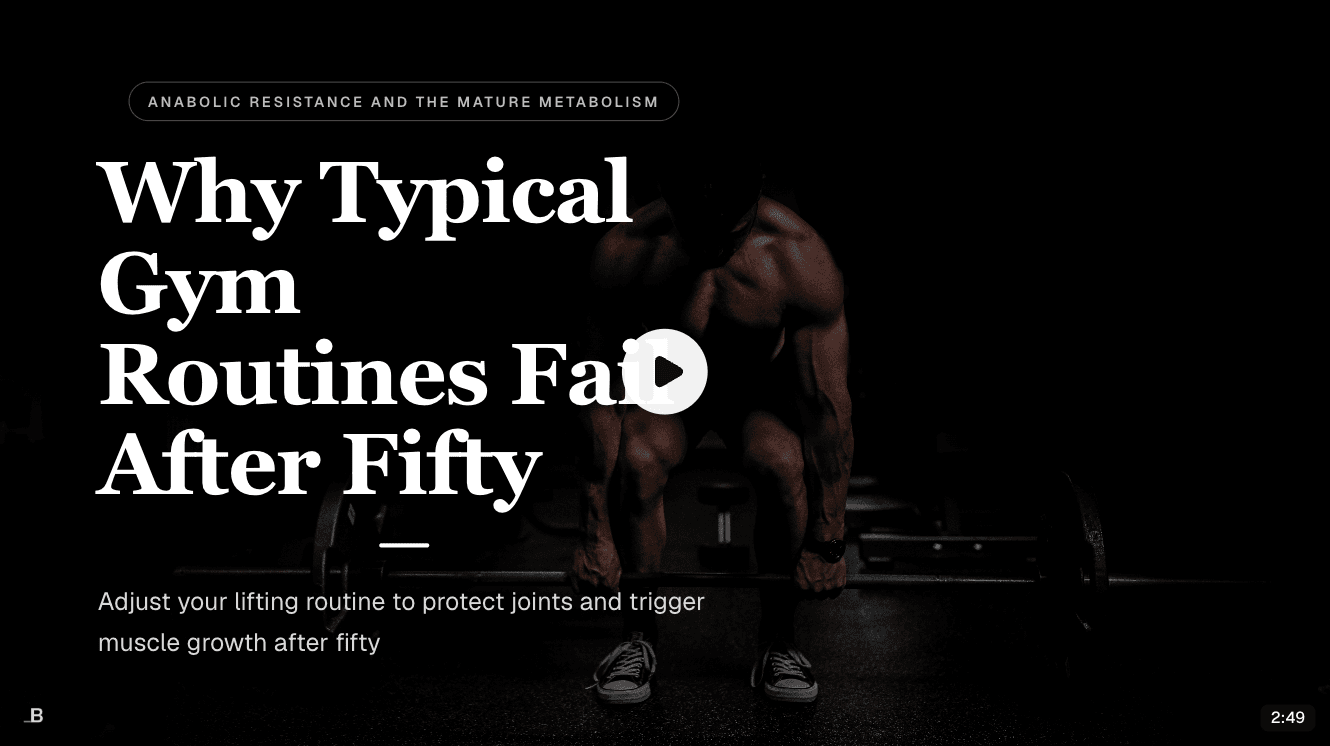
Knola turns your lesson slides into a narrated video. Check the script slide by slide, choose the voice, and publish it to the lesson. No camera, no microphone.
Live from Knola · updated daily
- slides made
- 5,600+
- courses built
- 1,200+
“Knola fits that need: it turns notes, recordings, or rough ideas into structured, editable courses with modules, lessons, slides, and narrated video.”
 Doc PalmereSpace Voyage
How it works
From slides to video in four steps.
- 01
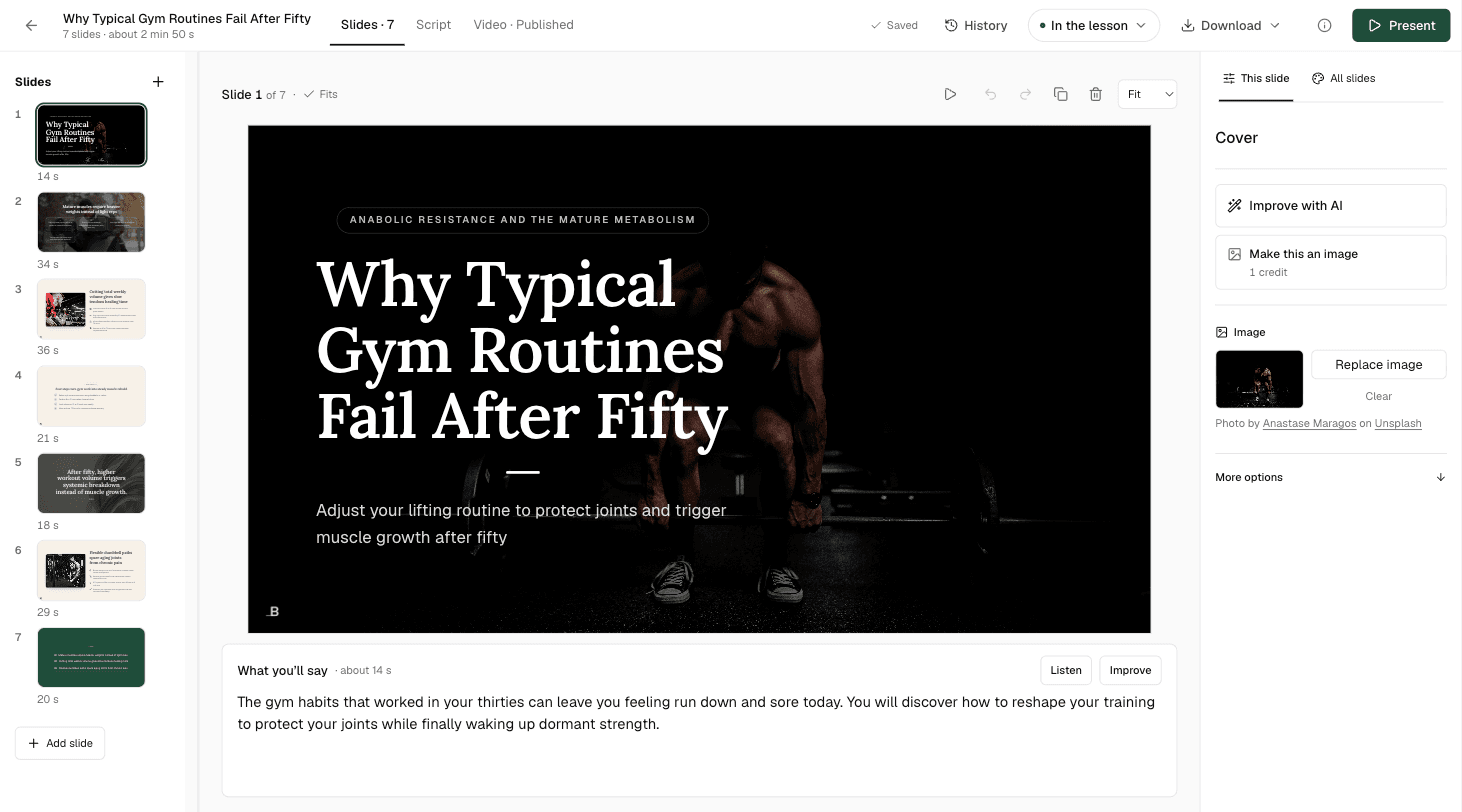
Start with the slides
Use the presentation Knola built for the lesson, or one you made. Change the theme, the colours or any slide first.
- 02
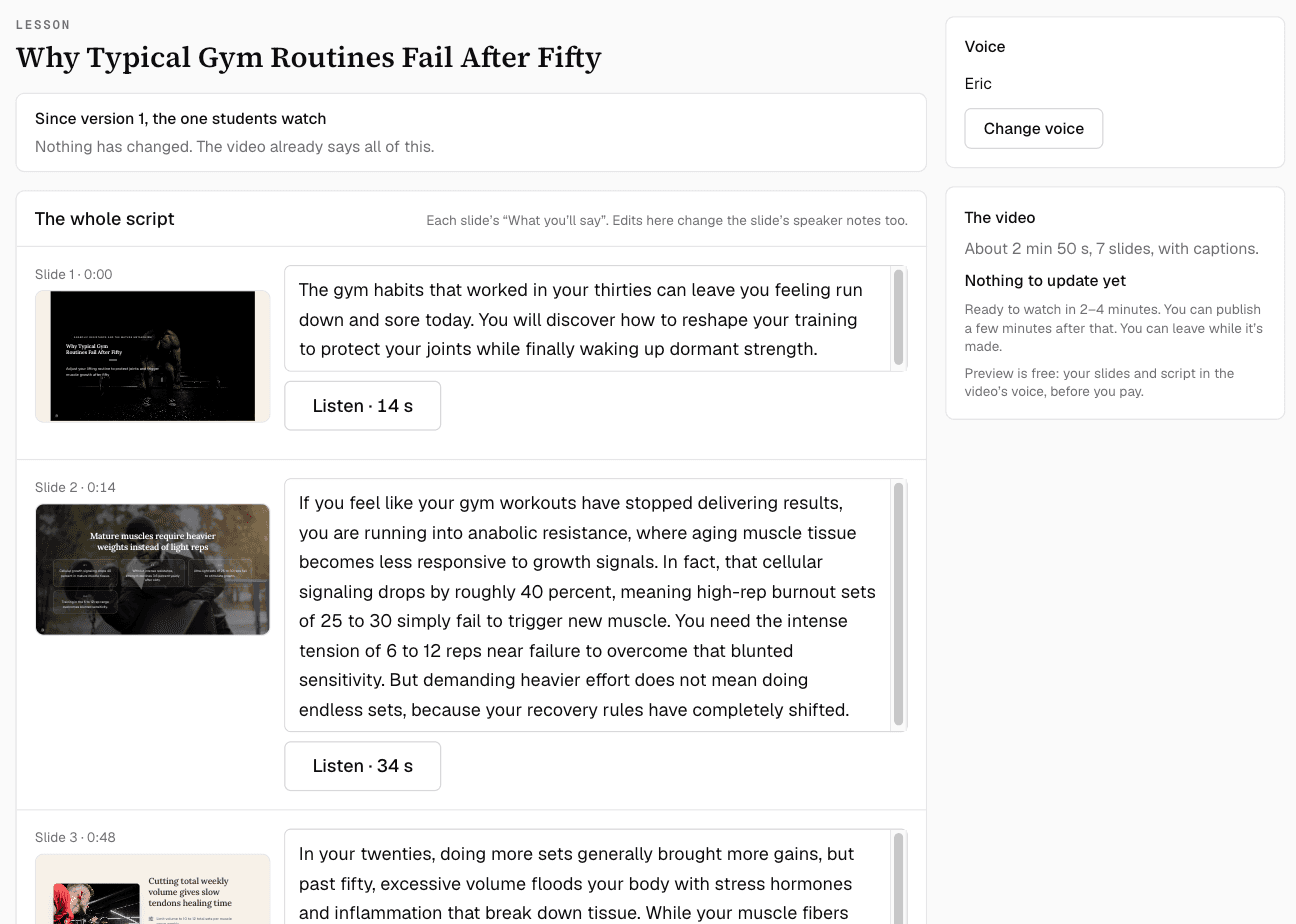
Check what the narrator says
Every slide has its own script. Change any line. Your edits also update the slide’s speaker notes.
- 03
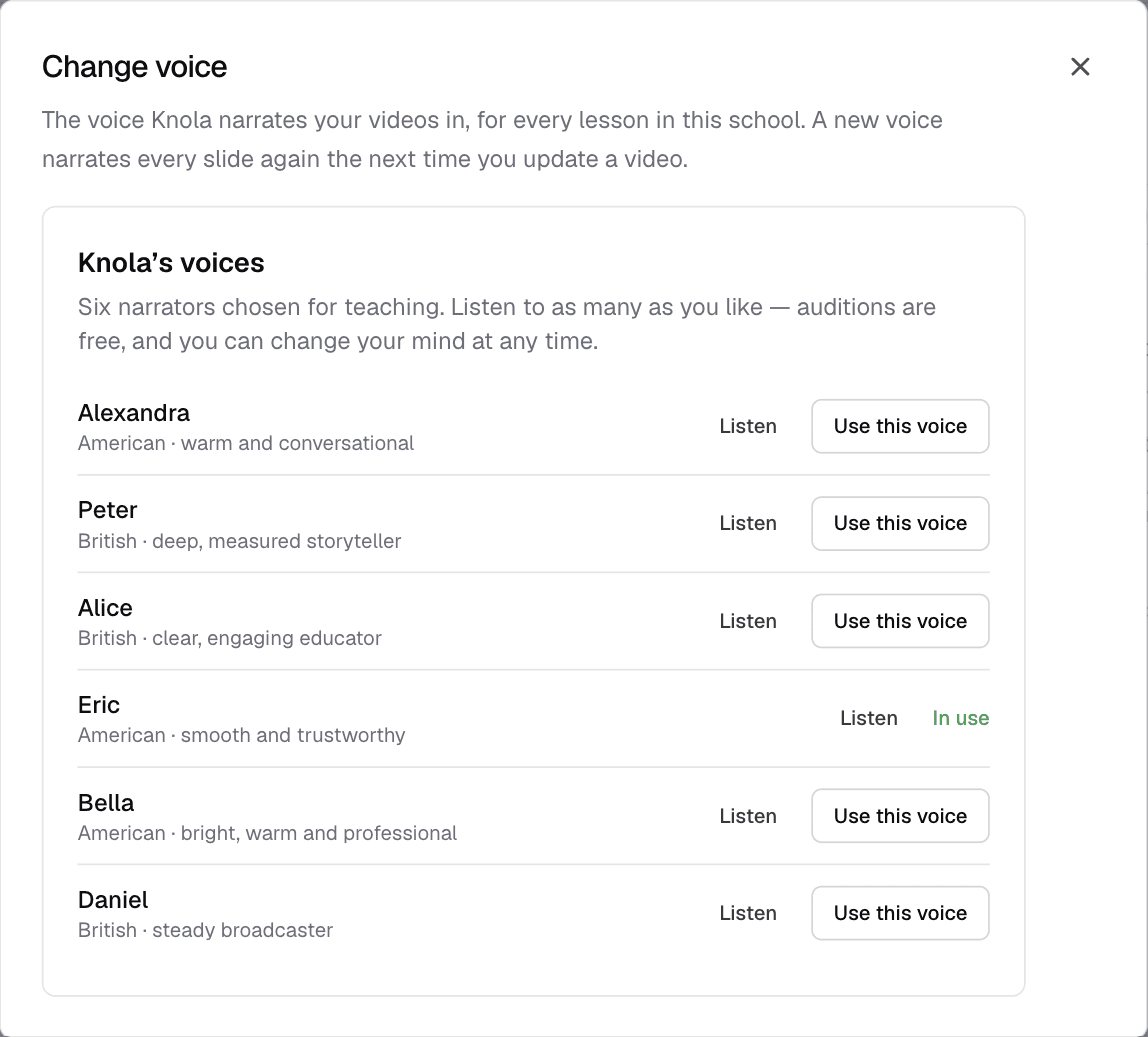
Choose the voice
Pick a voice and listen to a free preview, with your slides, before you make the video.
- 04
Make it and publish
Knola makes the video, with captions, in minutes. Leave the page and we email you. Then publish it to the lesson.
The voice
A voice you choose. Or your own.
Choose from Knola’s voices and hear a free preview first. If you have an ElevenLabs account, add your own API key and use your cloned voice, so every lesson sounds like you.
- The free preview plays your slides and script in that voice
- Your own ElevenLabs voice uses no Knola credits
- Captions come with every video
In the lesson
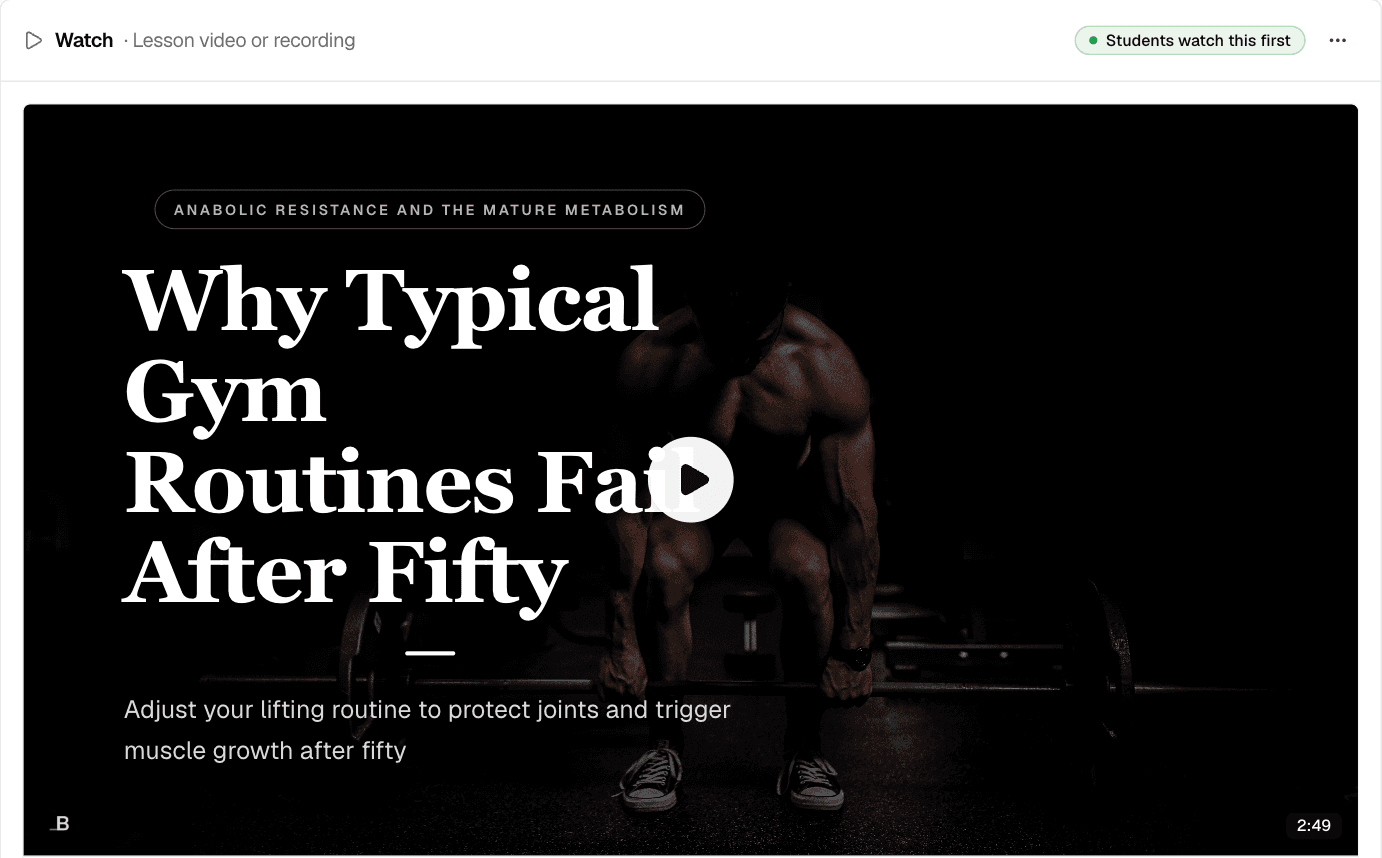
One click, and students are watching.
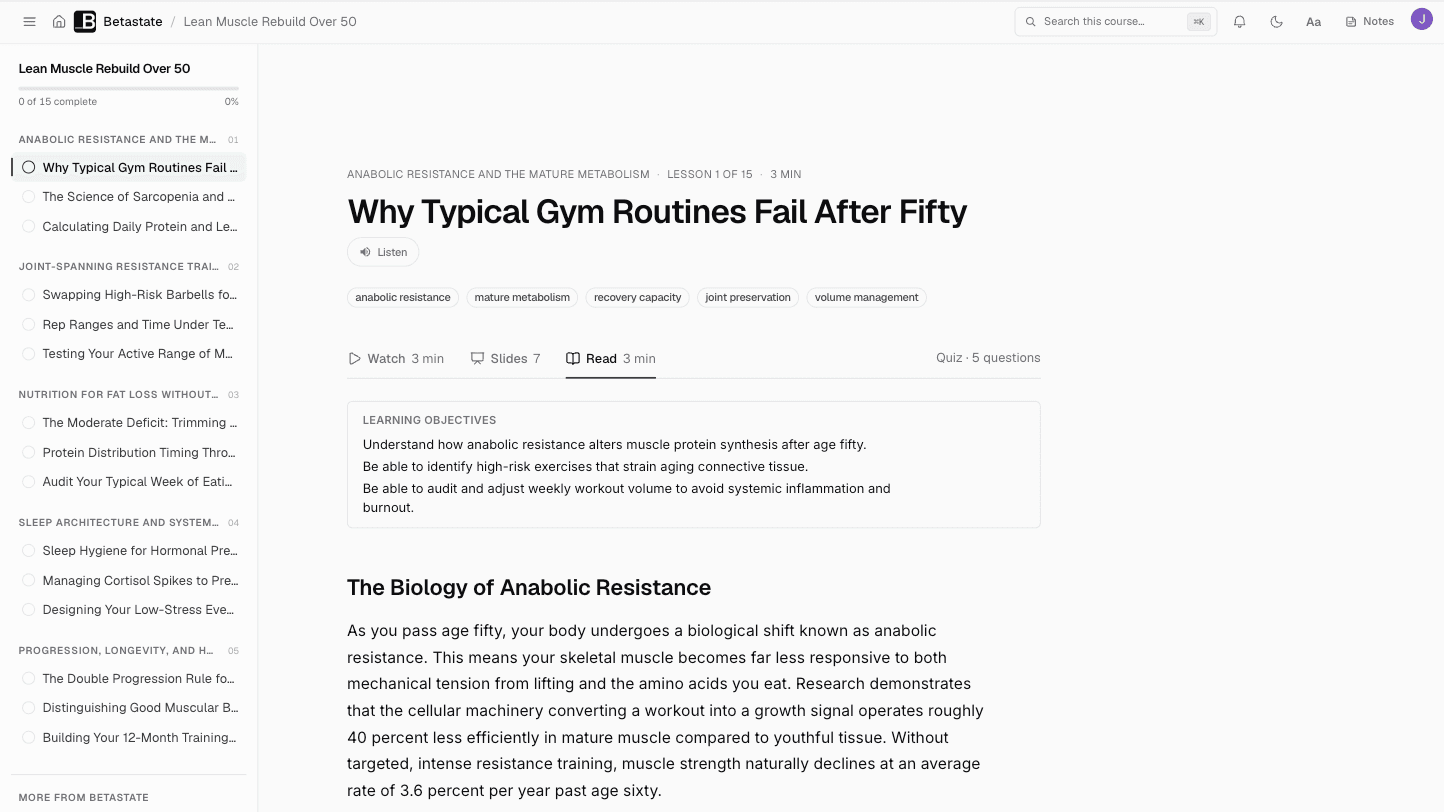
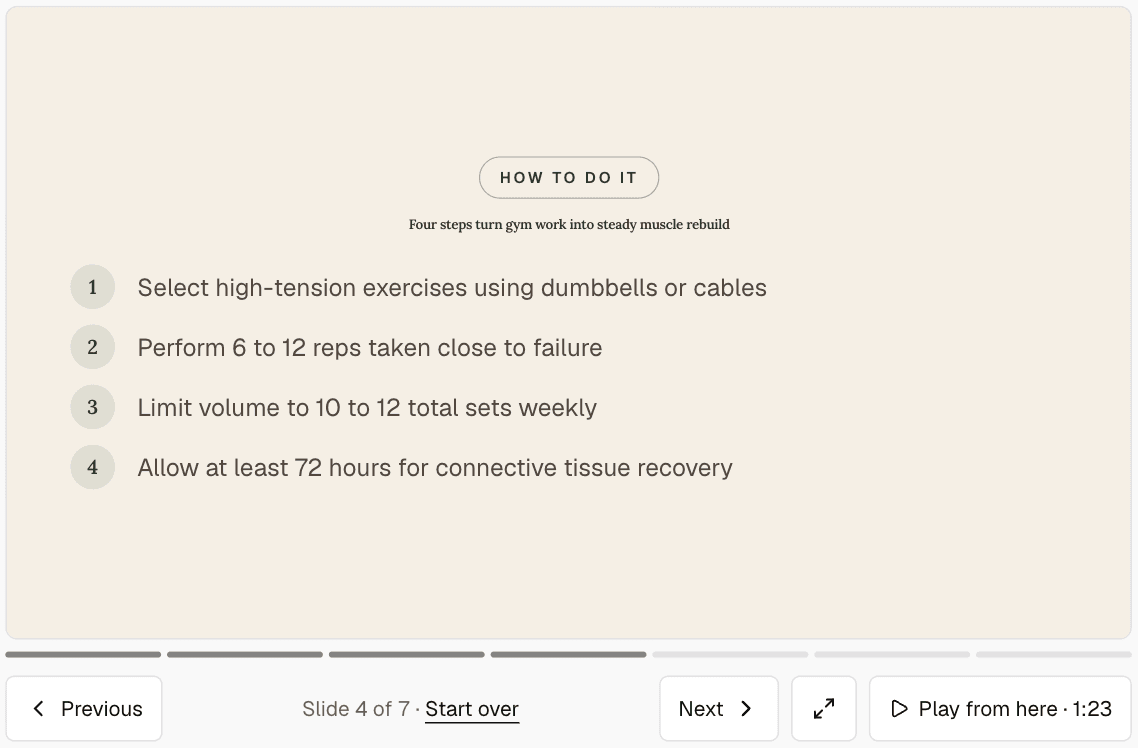
Publish the video to its lesson. Students watch it first, then can flick through the slides or read the written lesson, at their own pace.
“I believe Knola is the future platform of online education: powerful, intelligent, accessible, and created with both the teacher and the learner in mind.”

Joy Hauʻoli Sutherland
Co-Founder of LVH Brands
“I’ve tested many course platforms over the past few years and never found one that I liked. The ability to create different types of course materials with AI is what initially caught my attention with Knola. Since signing up, the whole platform has felt so good to use and I now have 3 courses fully online. Amazing.”

Chris Walker
Creative Worlds
“What I love most about Knola is how easy it makes the course-creation process, but even more importantly, the support. When I have a question or need help figuring something out, I feel like there are real people who want to help, not just a support ticket system.”

Lori Kantor
Universal Educational Services“Investing in Knola has been the best decision ever for my creative learning business. I produce lots of content for my students and I needed a way to make it easy for them to access. Knola makes it easy to get my content online, and I love the AI written tools that let me turn my recordings into written lessons too.”
Carol Rodriguez
Creative design lecturer
“What sold me wasn’t just the platform, it was the people. I asked a question expecting to wait days and got a real, helpful answer within the hour. You can tell Knola is built by people who actually want you to succeed, not just take your money.”
Sophie Richards
PeaceLoveSerenity
“Knola has been perfect for me as a beginner. It’s helped me create my first course, and without the worry of having to pay every single month whilst I build out my marketing.”
Moira Sulimani
Course creator
“I’d been sitting on my course idea for nearly two years, convinced I’d get around to it one day. I’d written a couple of books before but never sold an online course. I came across the Knola offer and my experience so far has been great. I wish I had found it sooner.”
Richard A
Business Owner
“I love how Knola combines the ability for me to upload my own course material, whilst also giving me the option to produce more from it with the AI tools. It’s a solid platform with great support.”
James T.
Course creator
“I would recommend Knola to anyone wanting to host a course online. My students have even commented on how easy it is to use and it has saved me a lot of money.”
Kristian B.
Course creator
Free · about 10 seconds
See the course Knola would build for you.
Type what you do or know. Knola shows you a course you could sell, with its full outline. No card, no account.
Ready now? Get Knola Studio →
FAQ
A few things you might be wondering.
Do I need to record anything?
No. Knola narrates your slides with an AI voice, so there is no camera or microphone. If you would rather record yourself, you can present the slides with the speaker notes and upload your own video instead.
How long does a video take to make?
Minutes. You can leave the page while Knola makes it, and you get an email when the video is ready.
Can I use my own voice?
Yes, through your own ElevenLabs account. Add your ElevenLabs API key and choose your cloned voice. Knola does not clone voices itself.
Can I change the video later?
Yes. Change the script or a slide, then update the video. Students keep the version you published until you publish the new one.
Does the video have captions?
Yes. Videos are made with captions, and students can also follow the slides and the written lesson.
Your teaching, on screen.
Build the slides, check the script, choose the voice. Knola makes the video.
Get Knola StudioPay once · No monthly fee · 30-day money-back guarantee
Not sure yet? Try it free →