01
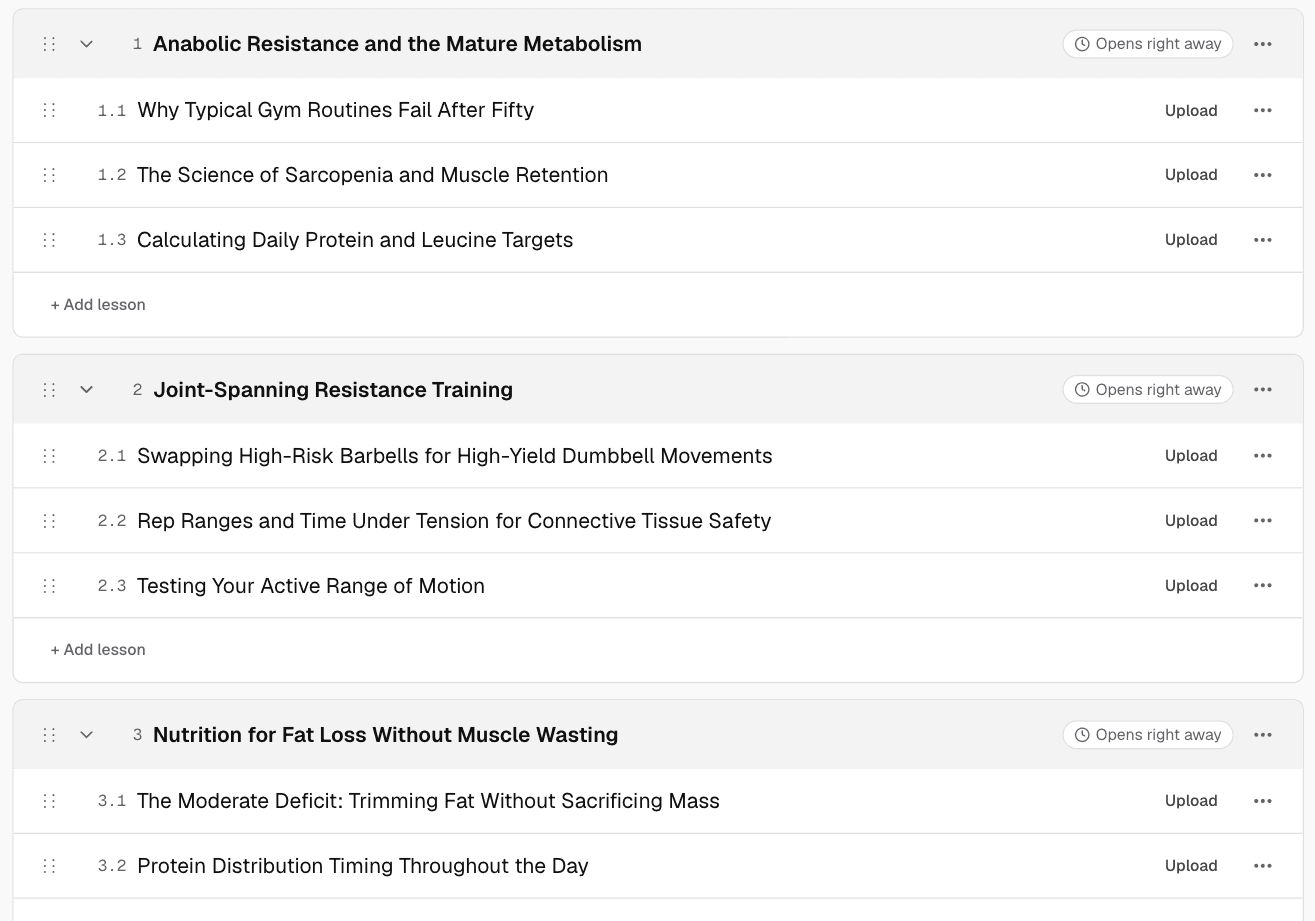
The course plan
Modules and lessons in a sensible order, drafted from what you typed. Rename, move or delete anything.
AI course builder
Start with a few lines, or the videos and notes you already have. Knola plans the modules, writes each lesson, builds the slides with a script and narrates the video. You check it and make it yours.
Live from Knola · updated daily
“Knola fits that need: it turns notes, recordings, or rough ideas into structured, editable courses with modules, lessons, slides, and narrated video.”
 Doc PalmereSpace Voyage
How Knola works
This is how Knola works: type in what you know, and a full course comes out the other side. You never even have to turn on a camera.
From an outline to a full course ↓
Type what you know.
What do you teach?
I teach grassroots football coaches how to help under-10s move from 5v5 to confident 7v7: pitch shape, the retreat line, playing out from the back and matchday coaching.
One paragraph about what you teach.
Knola draws up the course.
Teaching Under-10s Space, Shape & 7v7 Football
Modules, lessons and the order they go in.
Every lesson gets slides.
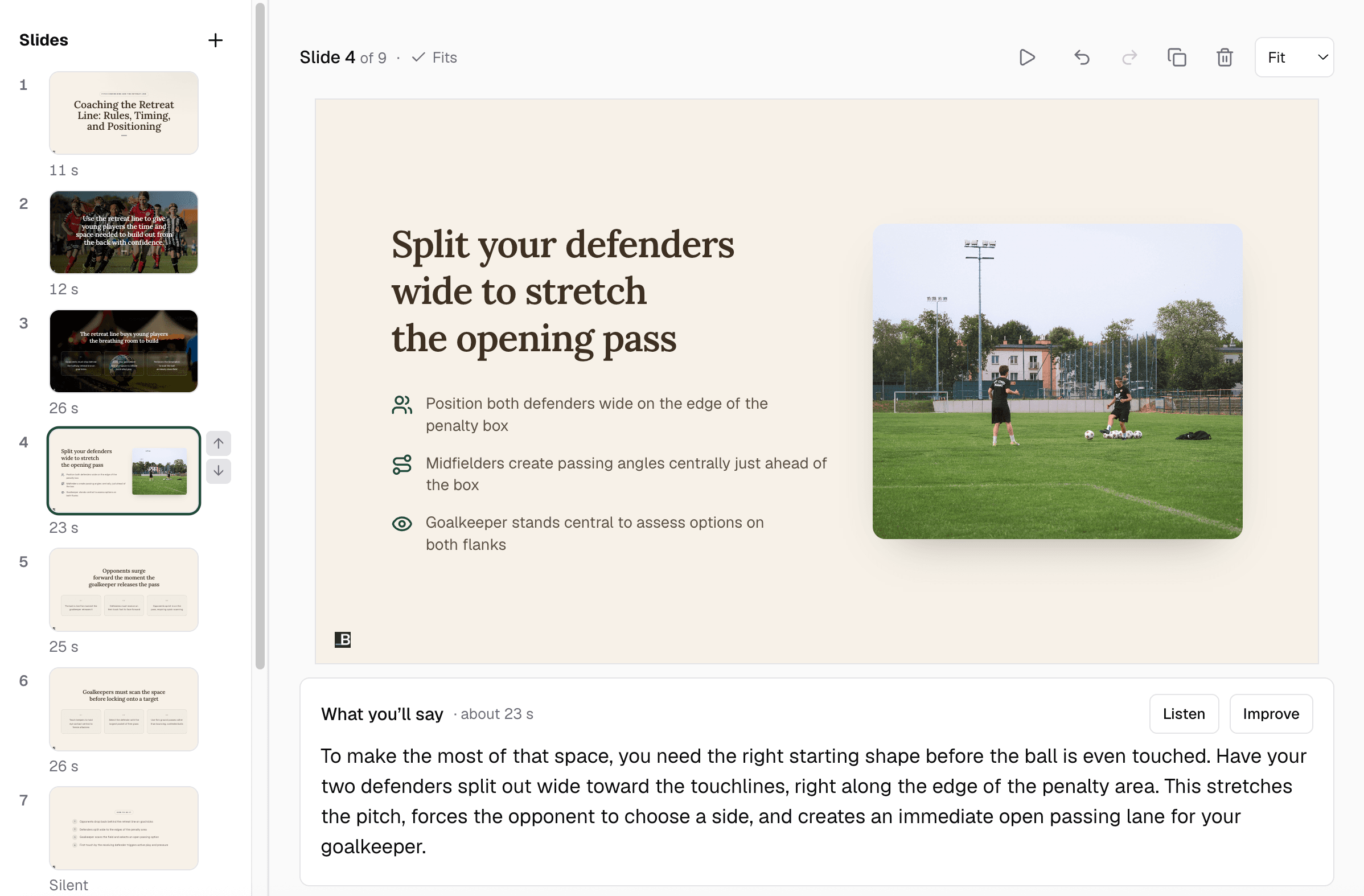
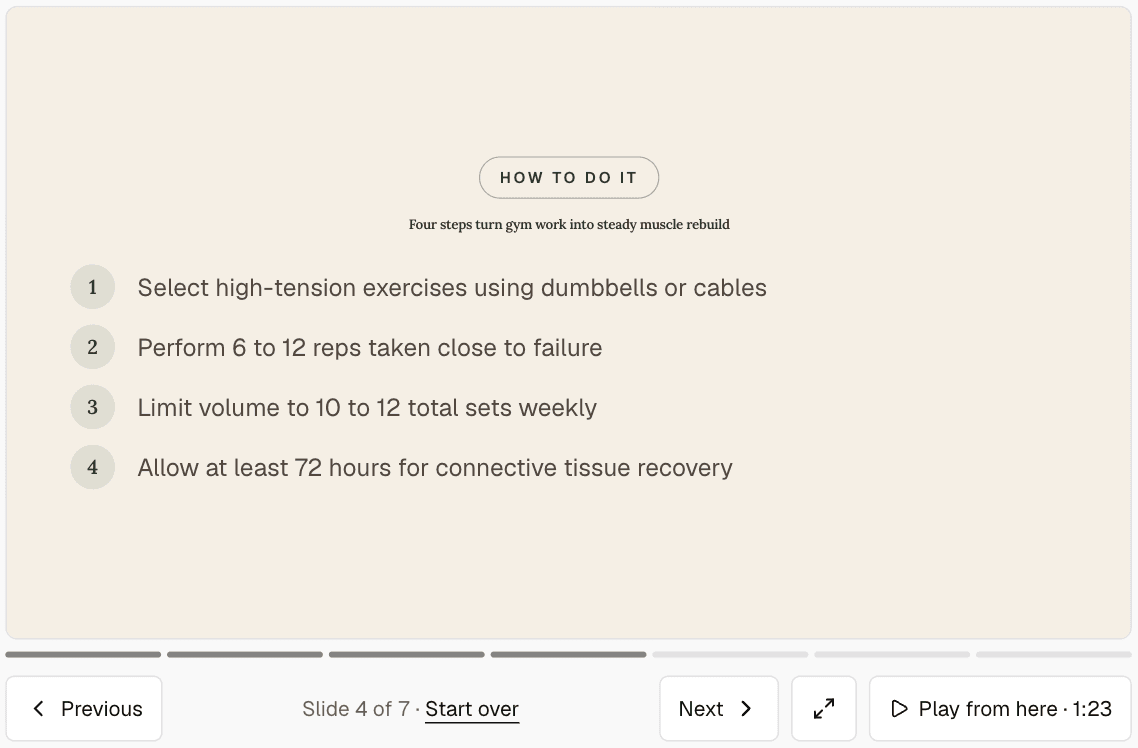
Designed on your brand, with a script under each one.
Knola narrates the video.

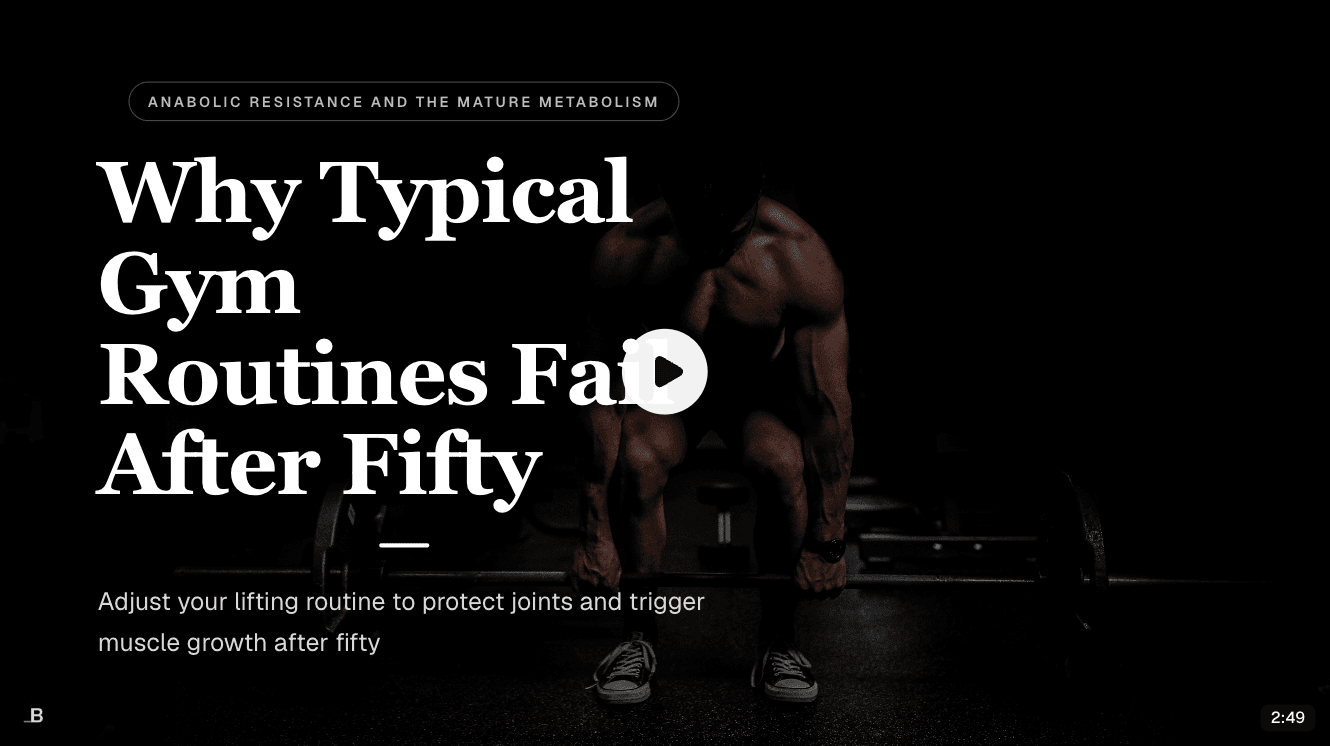
“The retreat line buys your players the time to build.”
An AI voice, or your own. About ten minutes a lesson.
Your sales page is written.
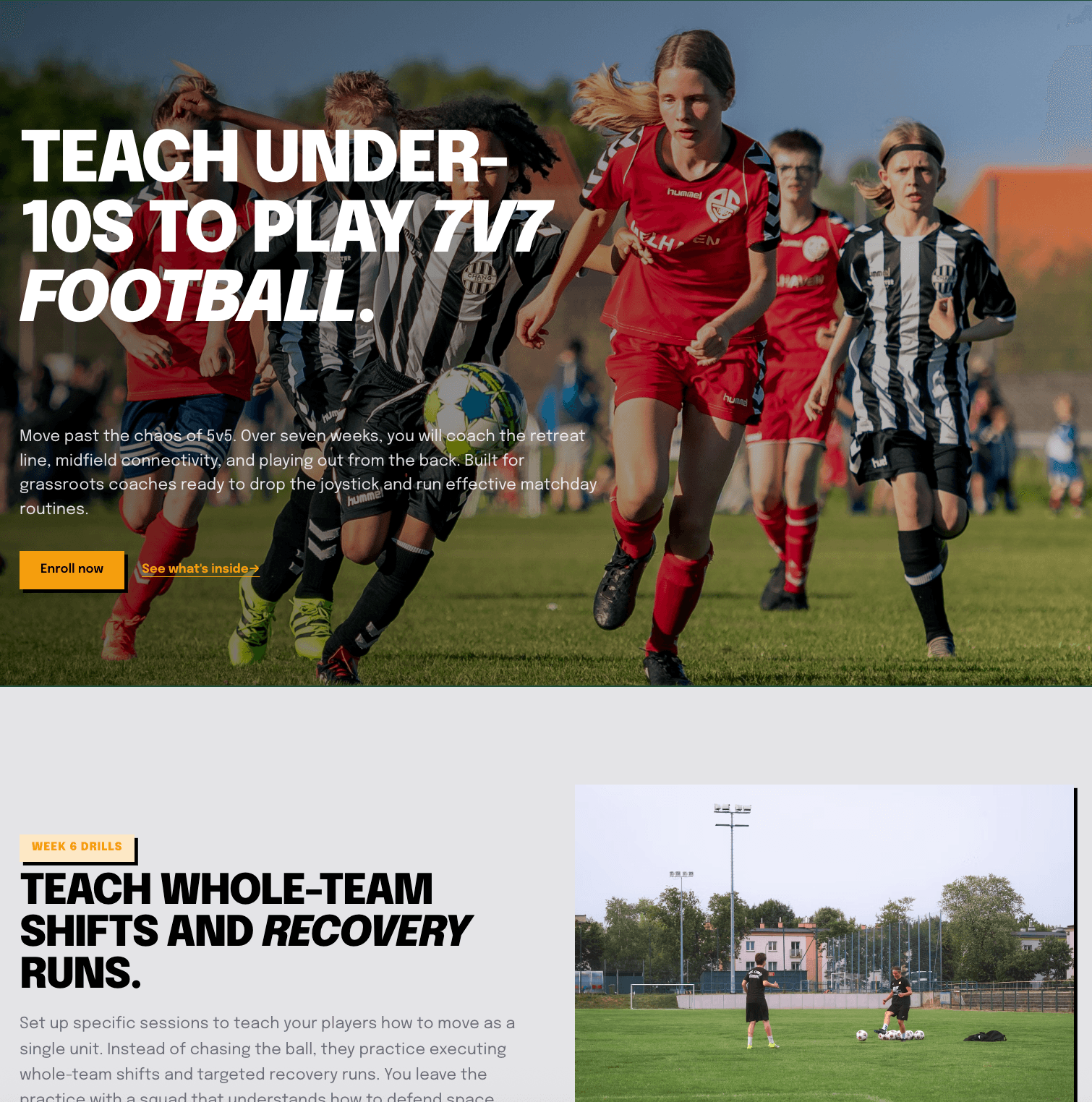
From your own content, with the checkout built in.
And then this happens.
Knolanow
New sale: $147.00
Someone just enrolled in your course.
Knola4m ago
Order bump: $27.00
Added the Matchday Checklist ebook.
Knola38m ago
Upsell: $49.00
Took the Drill Library after checkout.
Knola2h ago
New sale: $147.00
Someone just enrolled in your course.
Today · 4 sales$370.00
Sales, bumps and upsells, from a course you never recorded.
Watch it happen
Jamie types a short idea for a public speaking course. Knola outlines the lessons, builds the presentation and narrates the video. Nobody records anything.
What Knola makes
An outline is only the start. Knola builds what goes in each lesson. These are real screens from the same course.
01
Modules and lessons in a sensible order, drafted from what you typed. Rename, move or delete anything.
02
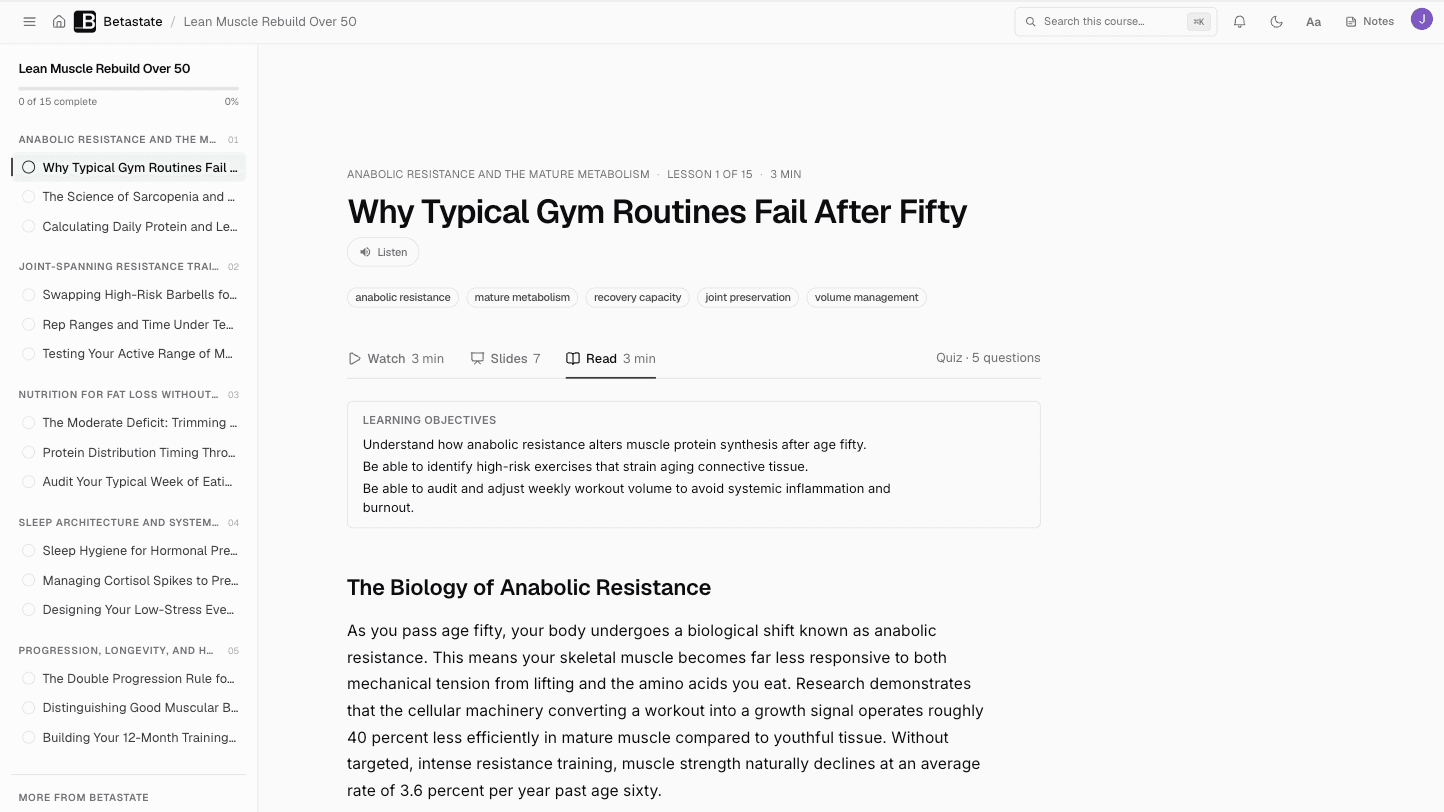
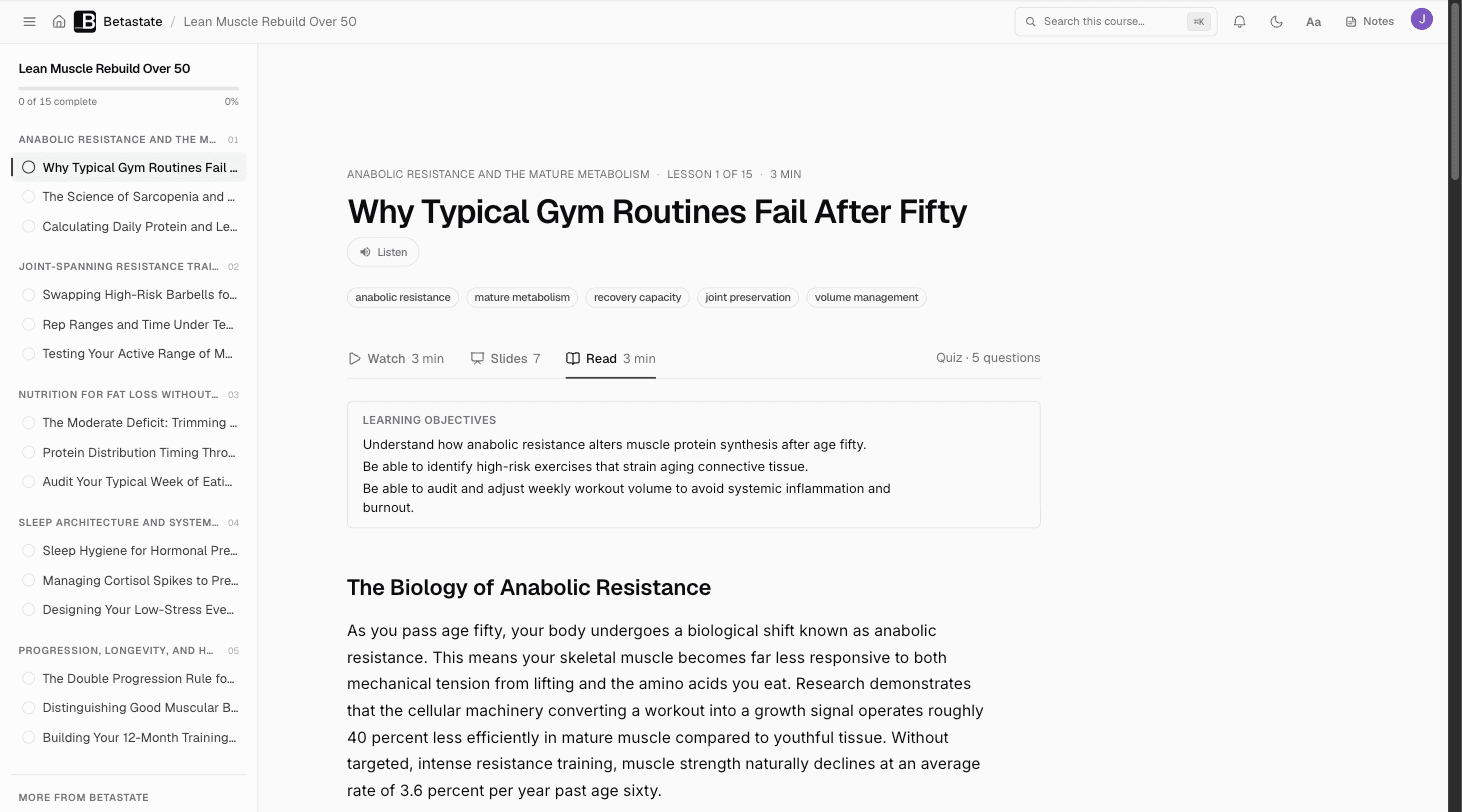
Each lesson gets learning objectives, clear sections and key takeaways, written from your outline and notes.
03
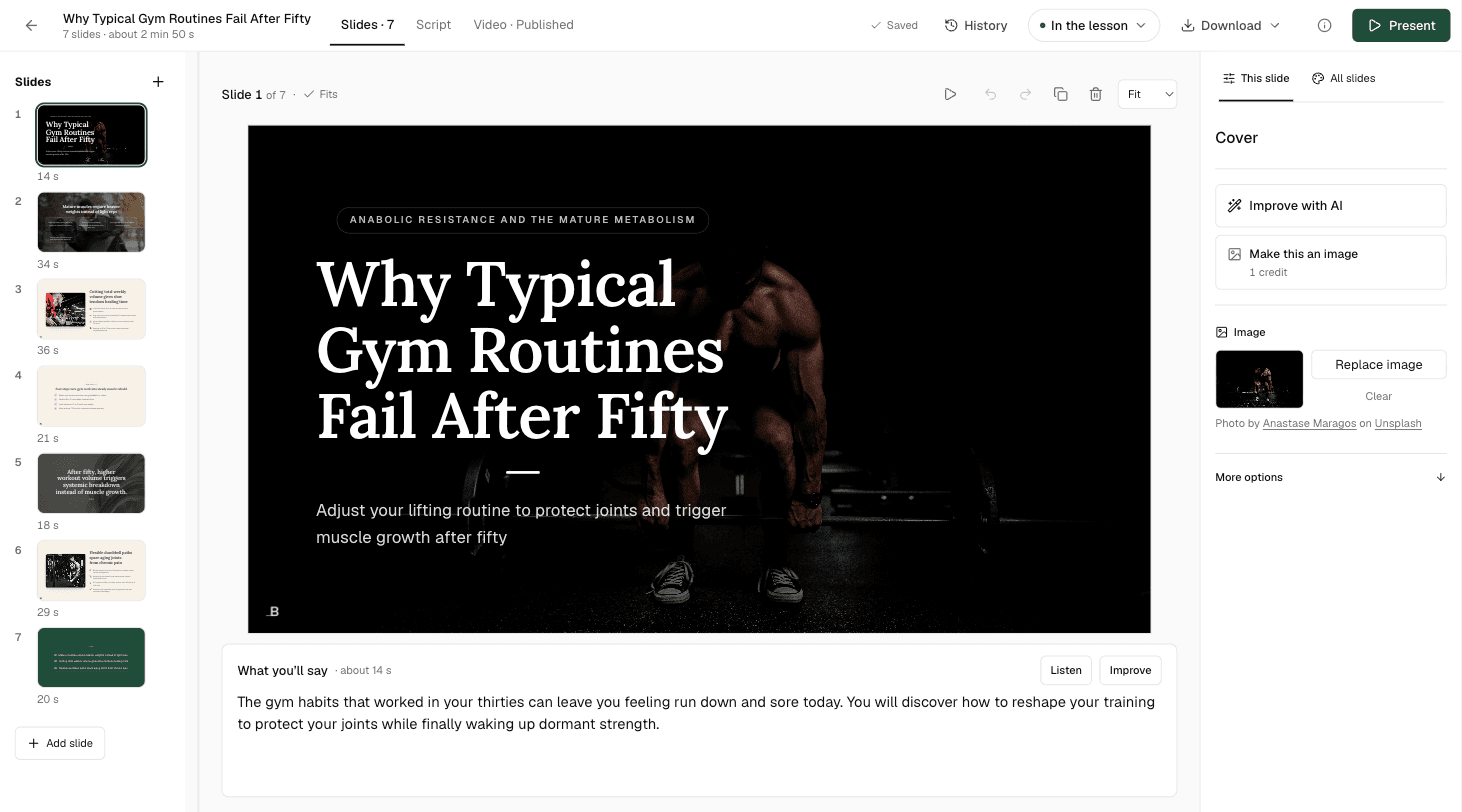
A branded presentation for the lesson, with what to say under every slide. Edit a slide, or ask Knola to improve it.
The AI presentation maker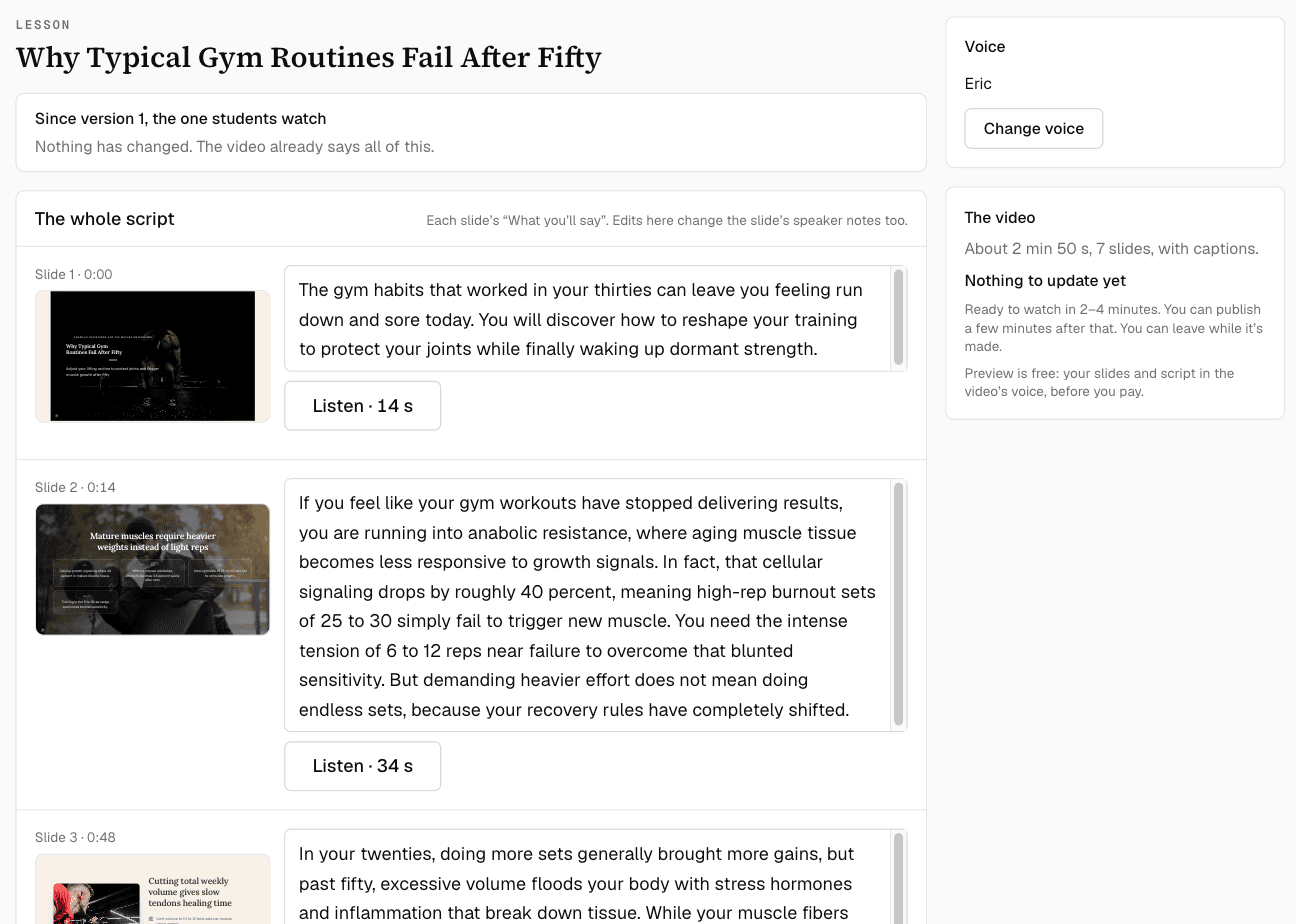
04
Knola narrates your slides in the voice you choose. Read and change the script first, and listen before you make it.
How AI lesson videos work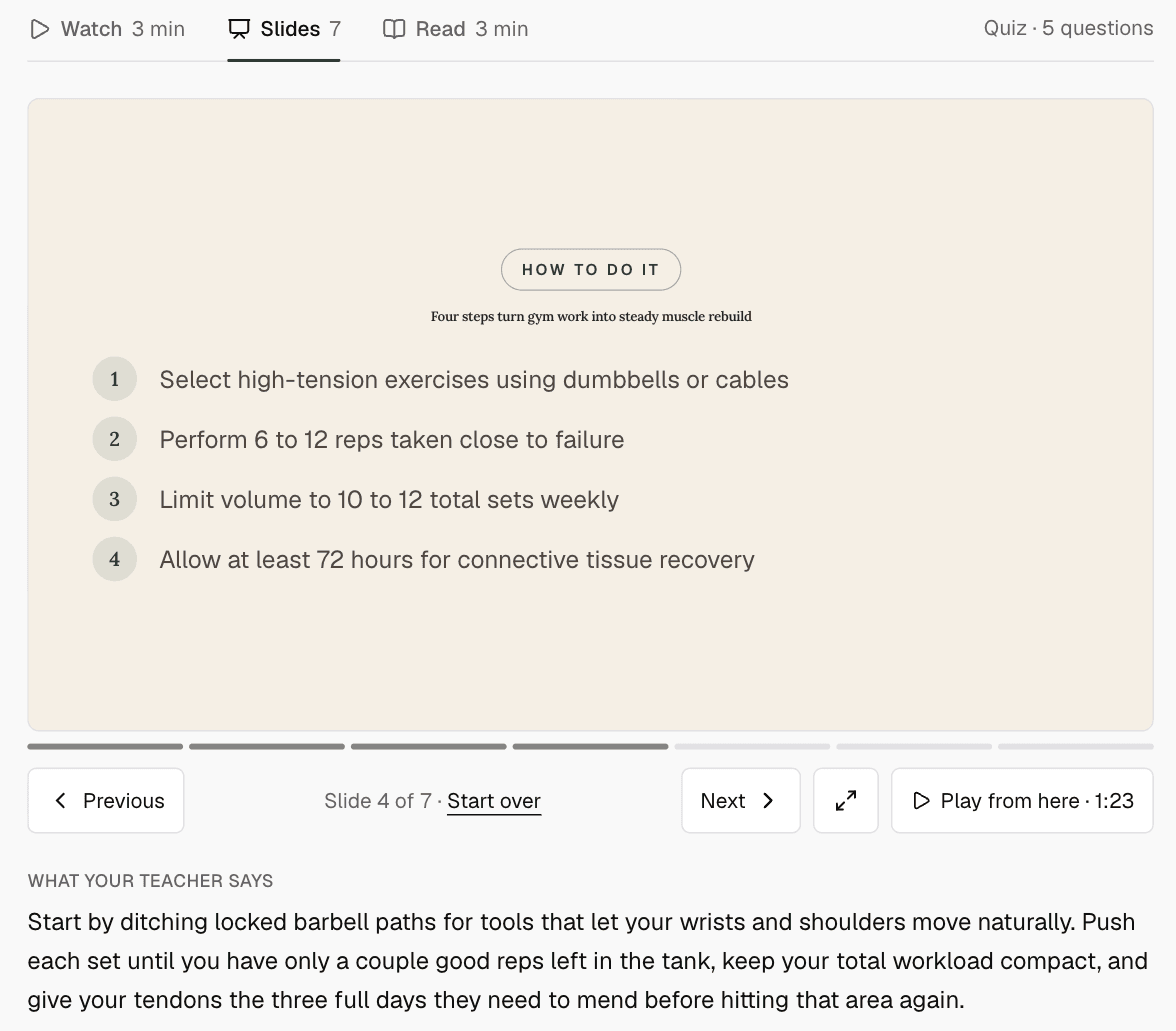
05
Students watch, flick through the slides or read, in the order you choose, with the script under each slide.
The student experience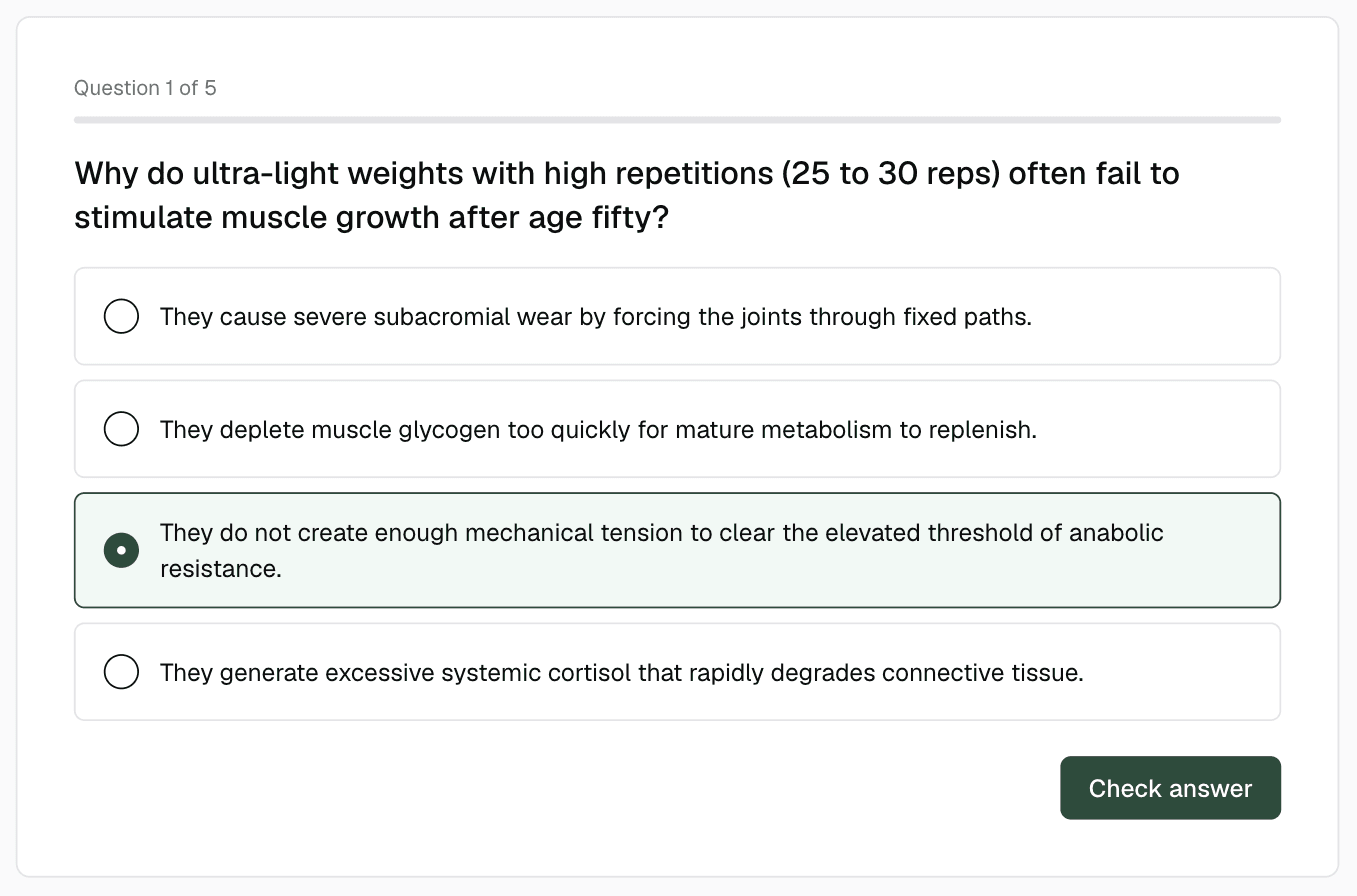
06
Add a quiz, downloadable resources or a written task to any lesson. None of it holds the lesson up.
AI quizzes and certificatesStart from anything
Most people have taught their subject before, in videos, documents or notes. Knola builds from that, so the course sounds like you.
Upload them to lessons, one by one or in bulk. Knola turns a video’s transcript into a written lesson you can edit.
Import a Word document or a PDF, or paste your notes into a lesson. Knola uses them to write the lesson and build its slides.
Type a few lines about what you teach and who it is for. Knola plans the course and drafts every lesson from there.
“I believe Knola is the future platform of online education: powerful, intelligent, accessible, and created with both the teacher and the learner in mind.”

Joy Hauʻoli Sutherland
Co-Founder of LVH Brands
“I’ve tested many course platforms over the past few years and never found one that I liked. The ability to create different types of course materials with AI is what initially caught my attention with Knola. Since signing up, the whole platform has felt so good to use and I now have 3 courses fully online. Amazing.”

Chris Walker
Creative Worlds
“What I love most about Knola is how easy it makes the course-creation process, but even more importantly, the support. When I have a question or need help figuring something out, I feel like there are real people who want to help, not just a support ticket system.”

Lori Kantor
Universal Educational Services“Investing in Knola has been the best decision ever for my creative learning business. I produce lots of content for my students and I needed a way to make it easy for them to access. Knola makes it easy to get my content online, and I love the AI written tools that let me turn my recordings into written lessons too.”
Carol Rodriguez
Creative design lecturer
“What sold me wasn’t just the platform, it was the people. I asked a question expecting to wait days and got a real, helpful answer within the hour. You can tell Knola is built by people who actually want you to succeed, not just take your money.”
Sophie Richards
PeaceLoveSerenity
“Knola has been perfect for me as a beginner. It’s helped me create my first course, and without the worry of having to pay every single month whilst I build out my marketing.”
Moira Sulimani
Course creator
“I’d been sitting on my course idea for nearly two years, convinced I’d get around to it one day. I’d written a couple of books before but never sold an online course. I came across the Knola offer and my experience so far has been great. I wish I had found it sooner.”
Richard A
Business Owner
“I love how Knola combines the ability for me to upload my own course material, whilst also giving me the option to produce more from it with the AI tools. It’s a solid platform with great support.”
James T.
Course creator
“I would recommend Knola to anyone wanting to host a course online. My students have even commented on how easy it is to use and it has saved me a lot of money.”
Kristian B.
Course creator
Free · about 10 seconds
Type what you do or know. Knola shows you a course you could sell, with its full outline. No card, no account.
Ready now? Get Knola Studio →
FAQ
Yes. Use your notes to describe the course and shape the outline, then use Knola to develop lesson outlines into presentations with speaker scripts. You can also draft written lessons from video transcripts or documents, and edit the result.
Yes. Upload video to your lessons individually or use bulk upload. Once a transcript is available, it can support AI lesson drafting and other teaching materials.
No. Start with a blank course and create modules and lessons yourself. AI is there when you want help drafting or refining the content.
Yes. You can create a free course outline and try one eligible lesson presentation for free. Click here to do that
Tell Knola what it is. It builds the course around you, and you make it yours.
Get Knola StudioPay once · No monthly fee · 30-day money-back guarantee
Not sure yet? Try it free →