Your course deserves a clear introduction.
An AI sales page builder that
knows your course.
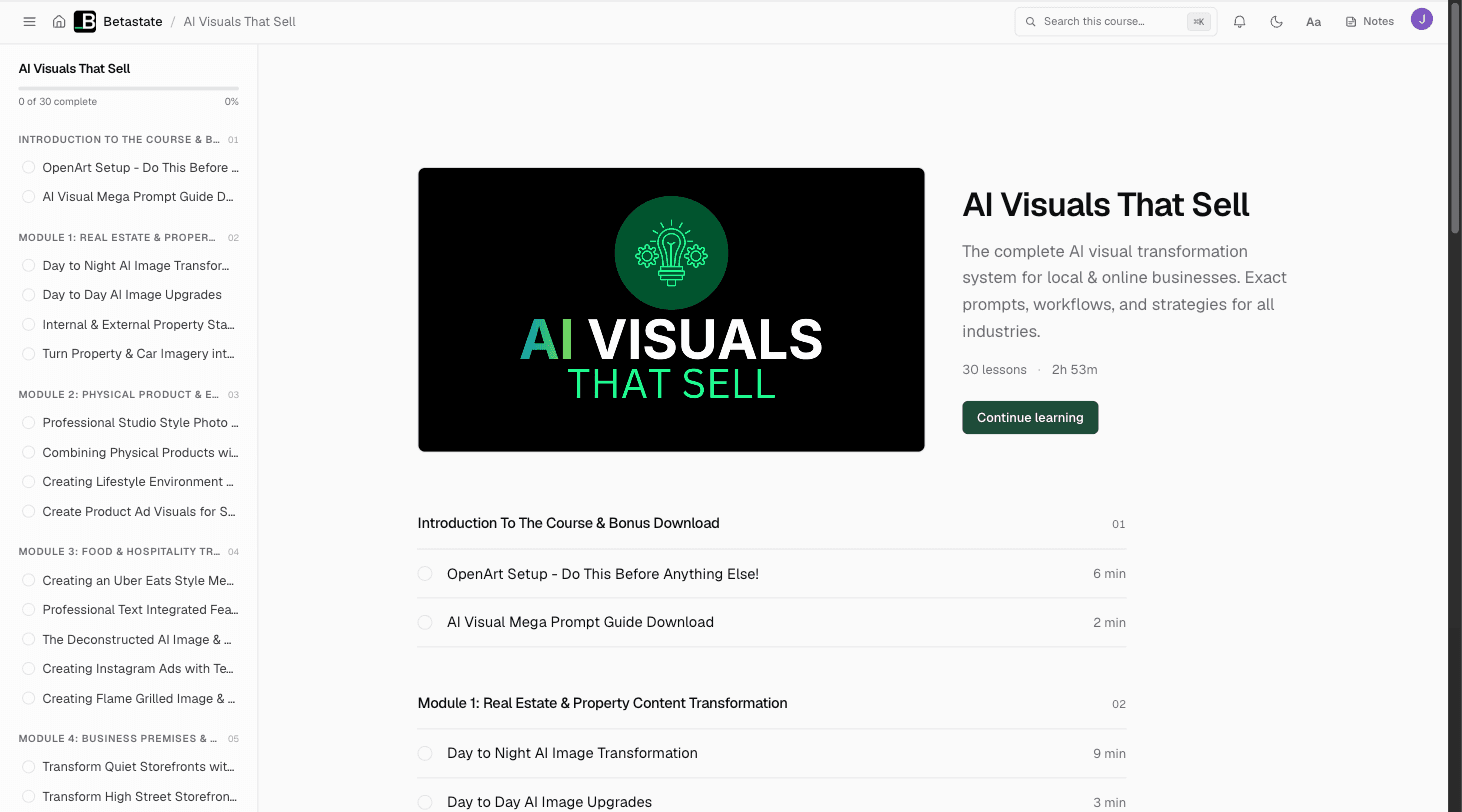
You have done the work of building the course. Use that material to create a page that explains what it teaches, who it is for and why someone would want it.
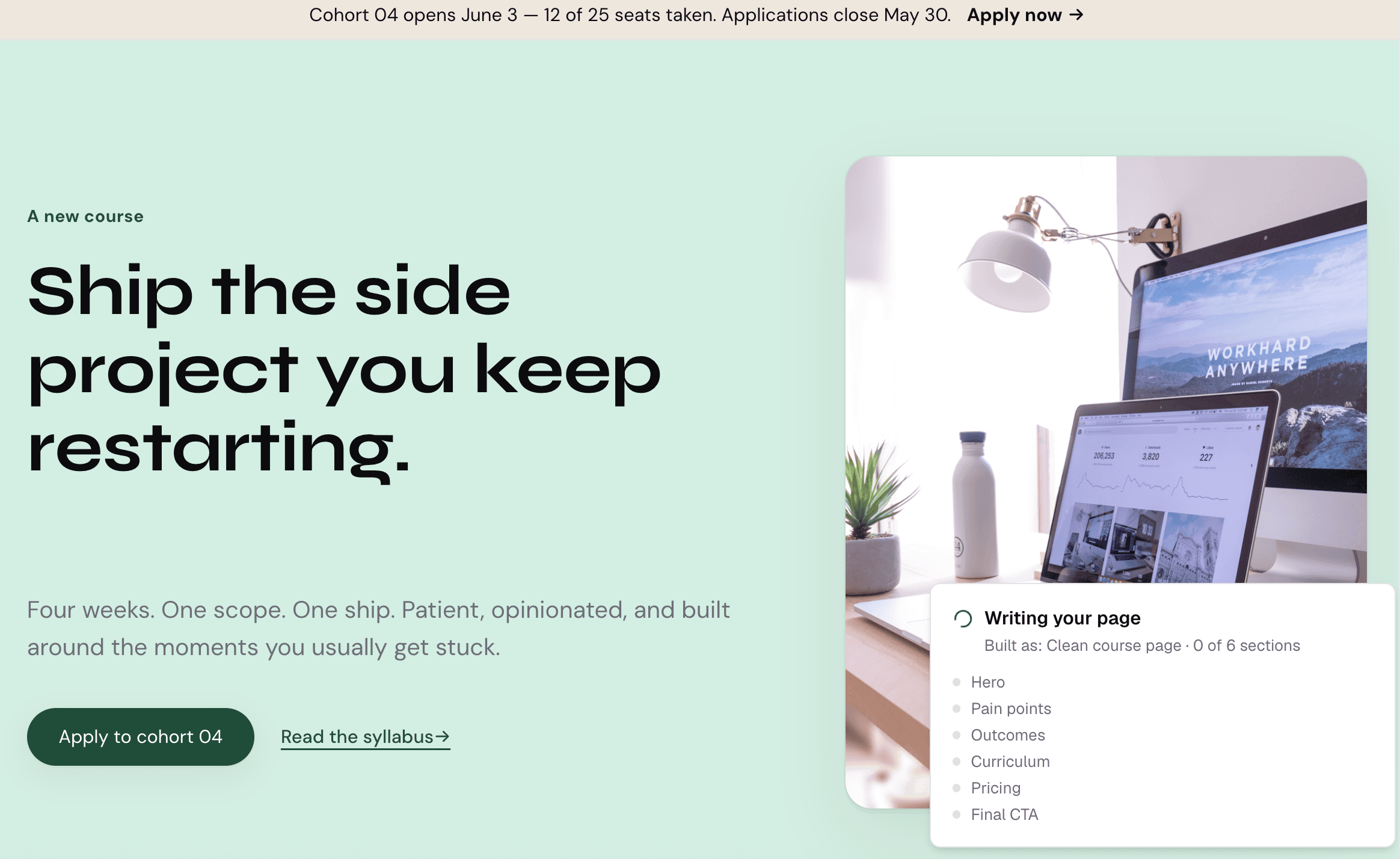
Knola writes your page, section by section. 1 / 5
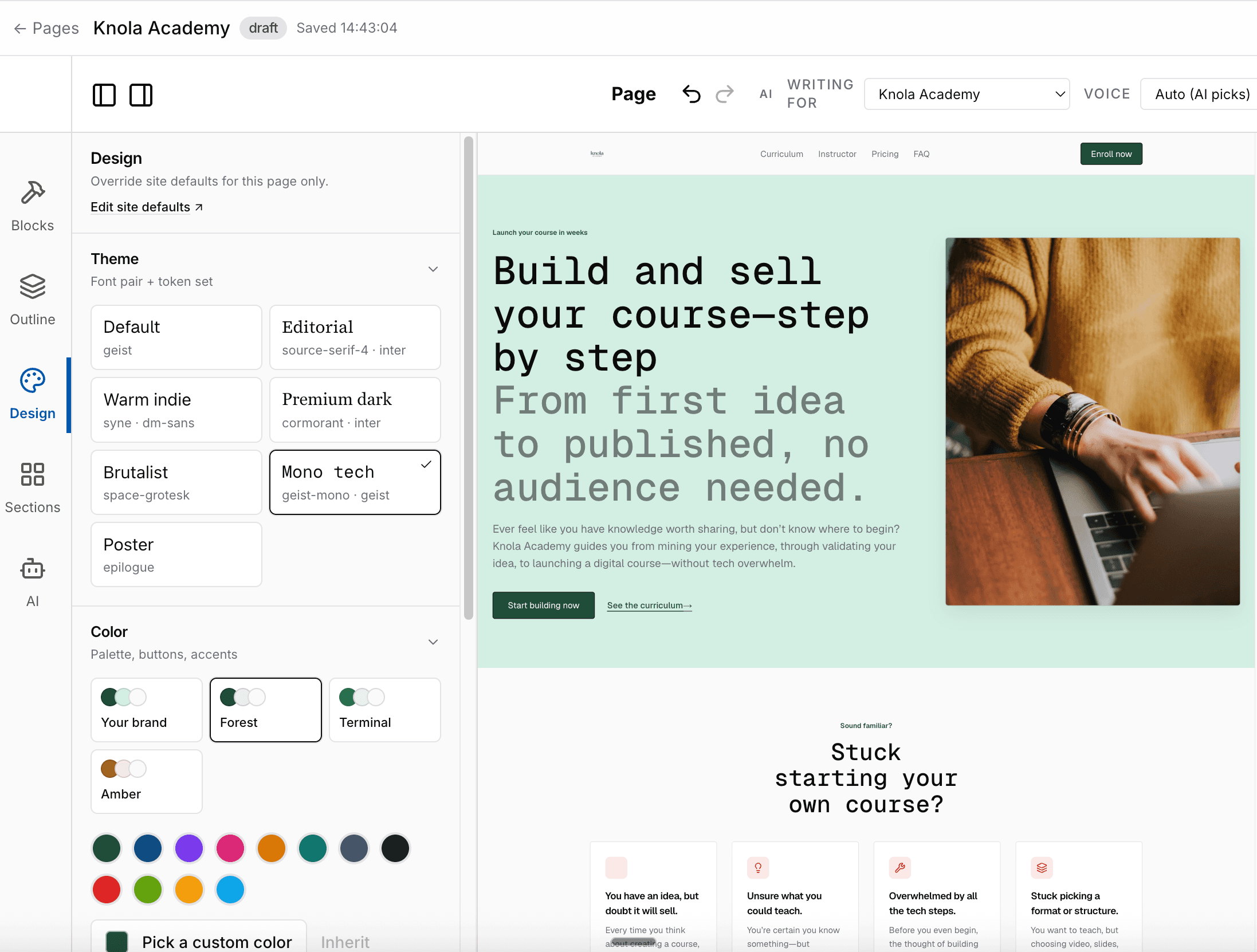
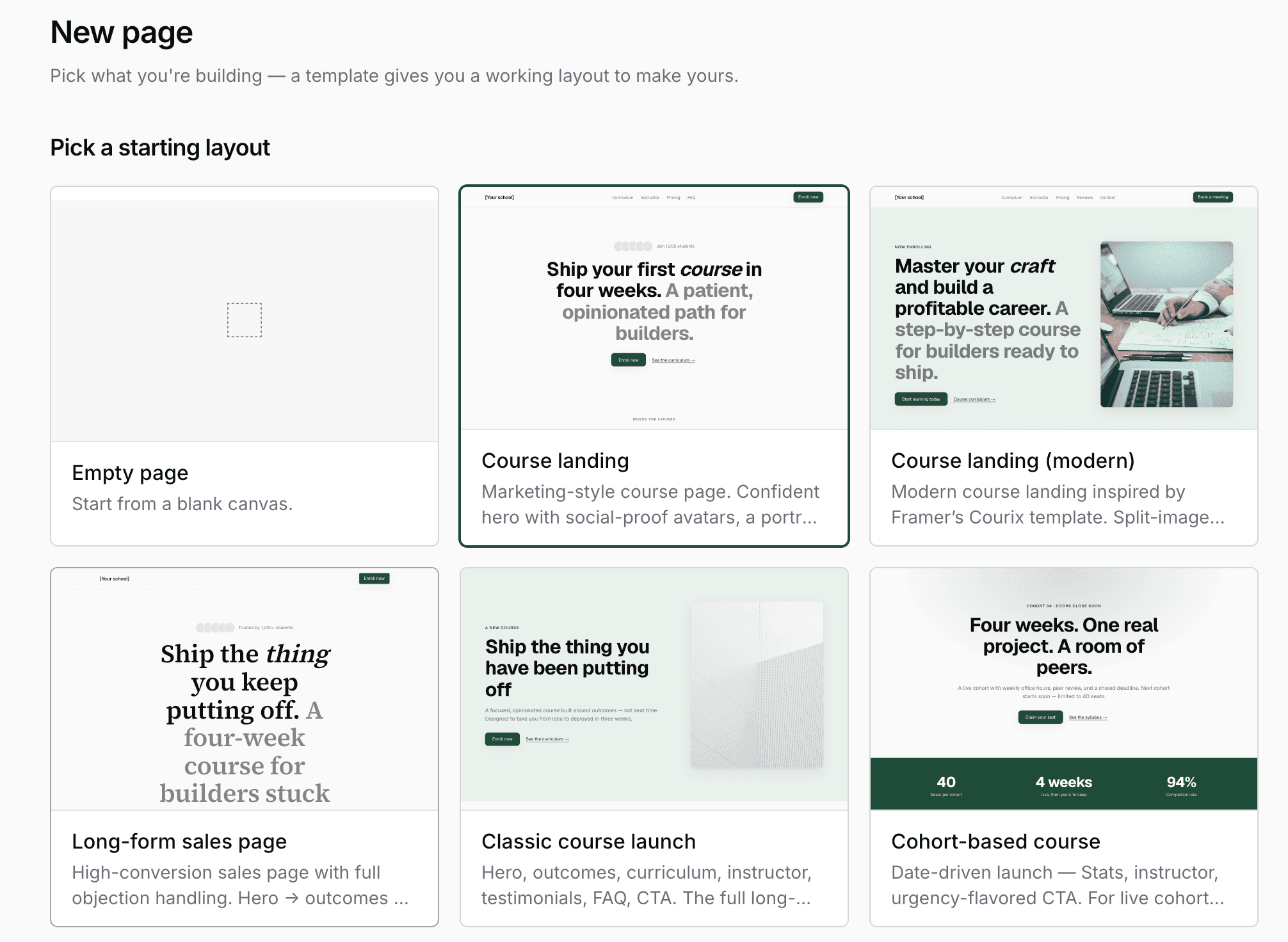
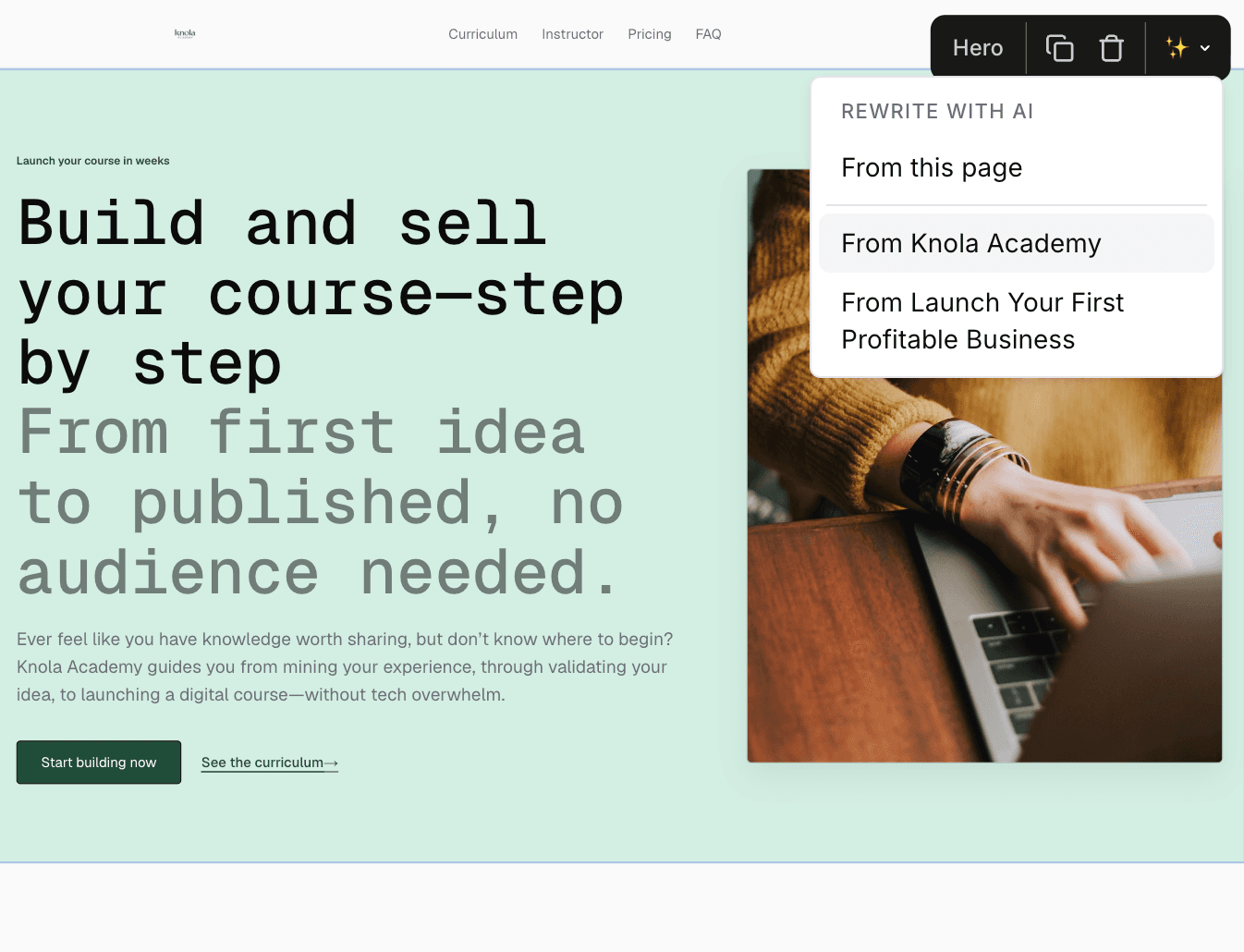
- AI page drafts
- Editable sections
- Your brand & type
- SEO and LLM-friendly
- Templates
- Drag and drop
- Publish and Connect
Live from Knola · updated daily
- courses built on Knola
- 1,200+
“I’ve tested many course platforms over the past few years and never found one that I liked… I now have 3 courses fully online. Amazing.”
 Chris WalkerCreative Worlds
From course content to a published page
Now you've got your course, it's time to sell it.
A useful sales page is specific to the course behind it. Knola gives you a starting point you can review and make your own.
- 01
Choose the page’s job
Choose from sales pages, lead capture pages, or thank-you pages. Choose a template or ask knola to draft a page around your course.
- 02
Customize and edit
Edit sections, revise copy with AI, and choose typography, color, and imagery that suit your offer.
- 03
Publish the next step
Set the page title and search description, check the responsive preview and connect the page to the right offer or funnel step.
Change the section that needs work.
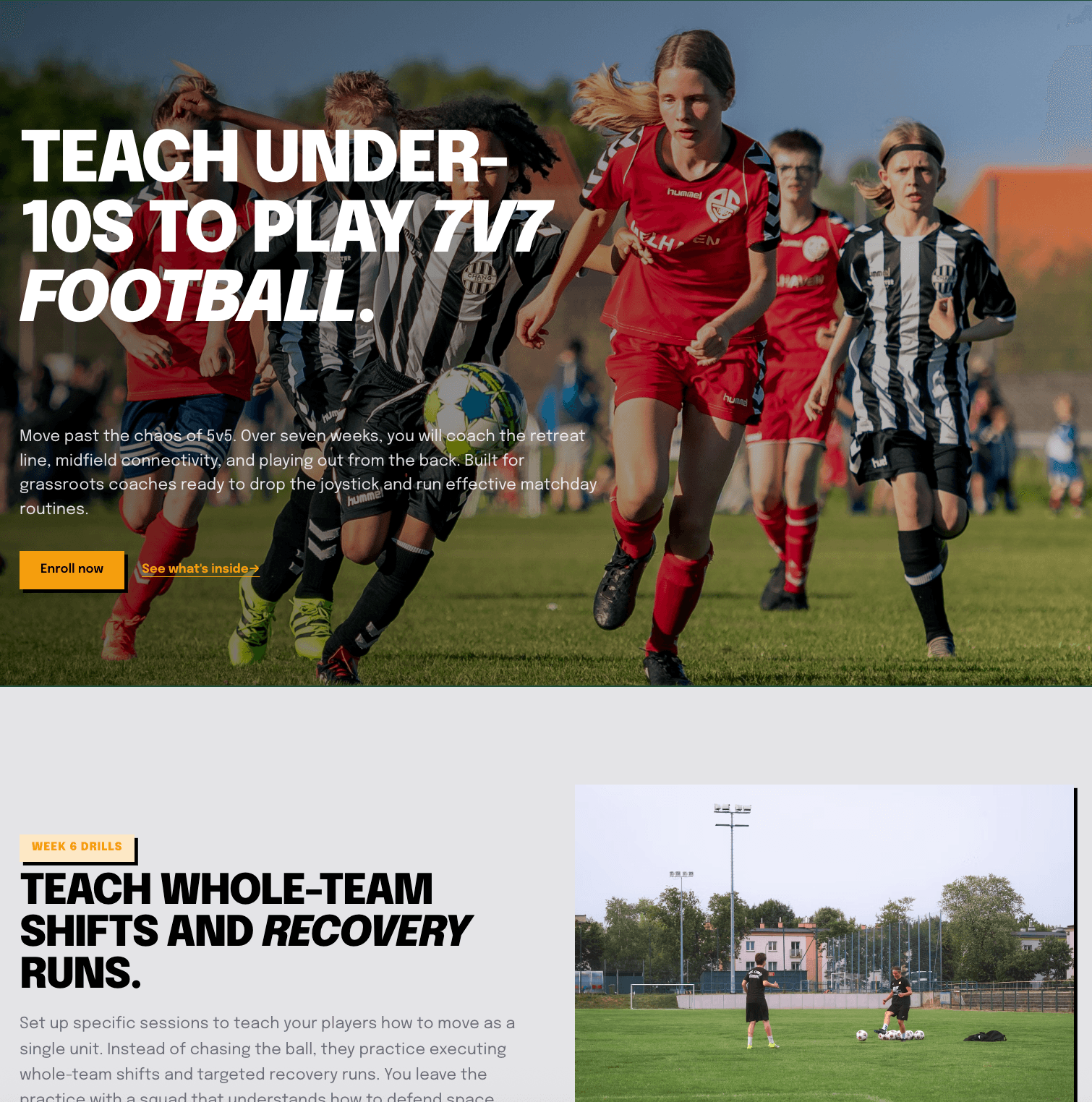
A generated page is a first draft. Keep the parts that explain your course well and edit the ones that need your voice, your evidence or a more useful example.
Work on the page in the editor, from inline wording to section spacing and design. AI revisions help you move a specific part forward without rewriting everything yourself.
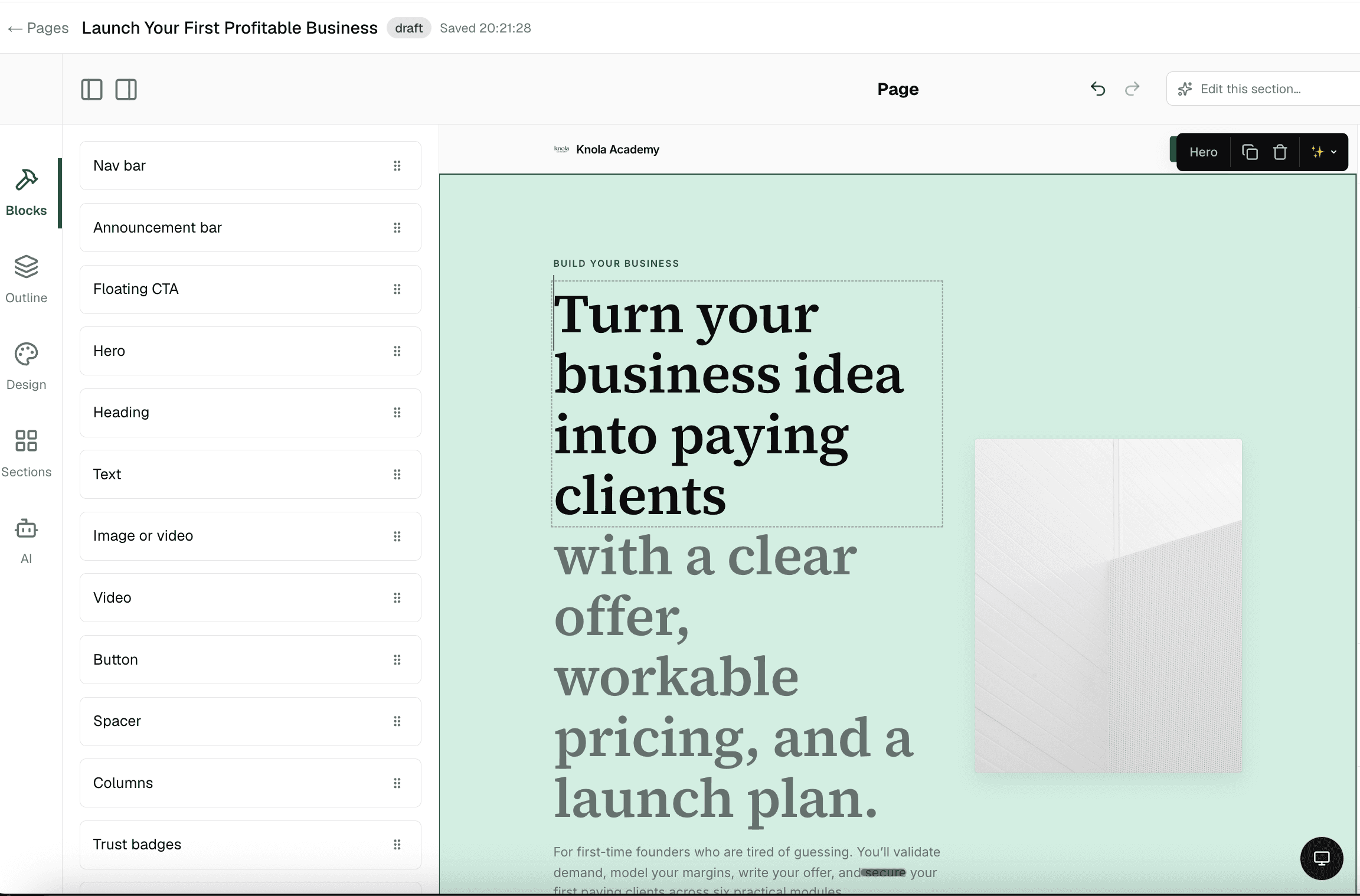
The page has a job. Design around it.
Use the same editing workflow for different moments in the customer journey.
Explain the course
Build a sales page around what students learn and the outcome your teaching supports.
Capture interest
Create a lead-capture page for people who want to hear more before they buy.
Make the next step clear
Use thank-you pages to guide buyers or subscribers after they take action.
Control the design
Adjust themes, palettes, typography and section spacing to fit your school.
Check smaller screens
Use responsive controls and previews to review how the page works on mobile.
Set the search details
Write a page title and description and choose a useful published URL.
“I believe Knola is the future platform of online education: powerful, intelligent, accessible, and created with both the teacher and the learner in mind.”

Joy Hauʻoli Sutherland
Co-Founder of LVH Brands
“What I love most about Knola is how easy it makes the course-creation process, but even more importantly, the support. When I have a question or need help figuring something out, I feel like there are real people who want to help, not just a support ticket system.”

Lori Kantor
Universal Educational Services“Investing in Knola has been the best decision ever for my creative learning business. I produce lots of content for my students and I needed a way to make it easy for them to access. Knola makes it easy to get my content online, and I love the AI written tools that let me turn my recordings into written lessons too.”
Carol Rodriguez
Creative design lecturer
“What sold me wasn’t just the platform, it was the people. I asked a question expecting to wait days and got a real, helpful answer within the hour. You can tell Knola is built by people who actually want you to succeed, not just take your money.”
Sophie Richards
PeaceLoveSerenity
“Knola has been perfect for me as a beginner. It’s helped me create my first course, and without the worry of having to pay every single month whilst I build out my marketing.”
Moira Sulimani
Course creator
“I’d been sitting on my course idea for nearly two years, convinced I’d get around to it one day. I’d written a couple of books before but never sold an online course. I came across the Knola offer and my experience so far has been great. I wish I had found it sooner.”
Richard A
Business Owner
“I love how Knola combines the ability for me to upload my own course material, whilst also giving me the option to produce more from it with the AI tools. It’s a solid platform with great support.”
James T.
Course creator
“I would recommend Knola to anyone wanting to host a course online. My students have even commented on how easy it is to use and it has saved me a lot of money.”
Kristian B.
Course creator
Free · about 10 seconds
See the course Knola would build for you.
Type what you do or know. Knola shows you a course you could sell, with its full outline. No card, no account.
Ready now? Get Knola Studio →
FAQ
A few things you might be wondering.
Can Knola write my course sales page?
It can draft page content using your course material and brief. Knola can also rewrite individual sections of your sales page based entirely on your course content.
Can I edit a page after AI generates it?
Yes. You can edit wording and sections, change the design and use AI to revise parts of the page.
Can I make a landing page without a sales offer?
Yes. Pages can capture leads or thank someone after an action as well as sell a course. Choose the page role that matches your goal.
How is a page different from a funnel?
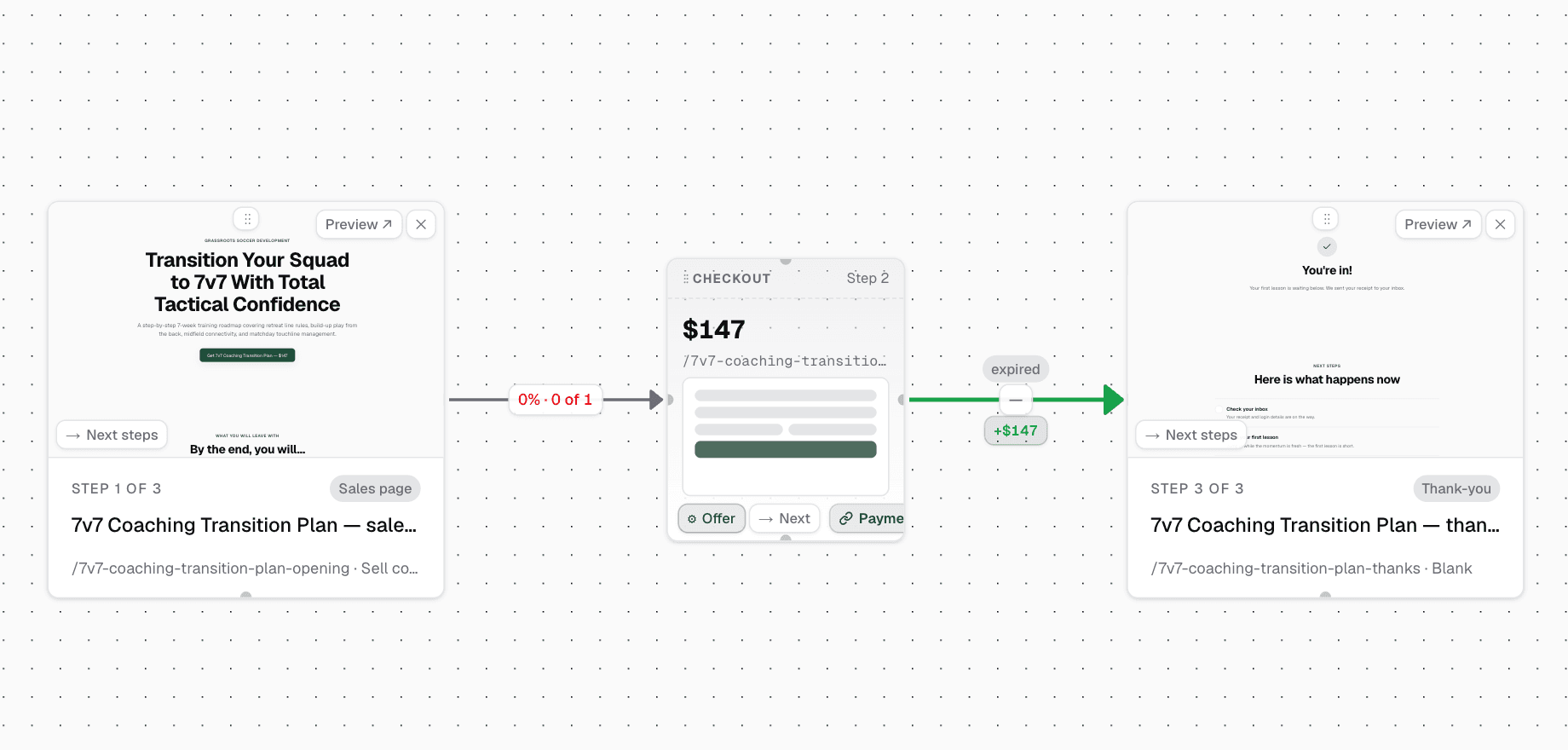
A page is what the visitor sees at one point. A funnel connects those pages and offers into a sequence, such as sales page, checkout and thank-you page.
Ready to build your course and sell it?
Build the first draft from your teaching, then make every section earn its place.
Get Knola StudioPay once · No monthly fee · 30-day money-back guarantee
Not sure yet? Try it free →