Live session
How to turn your book into an online course
We took a real 369-page book and turned it into a course you could sell, live: lessons, a narrated video lesson, quizzes and a sales page. It works the same for an ebook.
- 44 min session
- Recorded live
- 369-page book
- Works for ebooks too
Recorded live
Watch the session
44:04 · 29 chapters · click any chapter or line to jump
Knola fits that need: it turns notes, recordings, or rough ideas into structured, editable courses with modules, lessons, slides, and narrated video.
 Doc PalmereSpace Voyage
- courses built on Knola
- 1,200+
- lessons planned
- 23,800+
Live from Knola · updated daily
You watched it. Now do it with your book.
Upload your book or ebook. Knola builds the lessons, narrates the videos and writes the sales page, the same as in the session.
What we built, live
From one book to a course you could sell
Each moment from the session. Click one to watch that part.
- Step 1
The whole book in, 83 lessons out
We uploaded the PDF as it was. Knola read all 159,330 words and laid them out as 5 modules and 83 lessons, in the author’s own words.
- Step 2
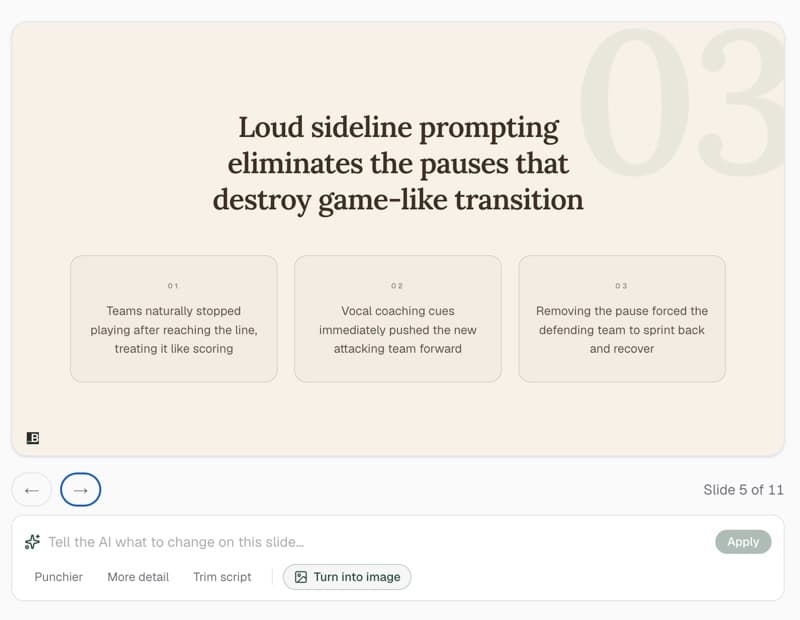
A chapter becomes slides with a script
From the lesson, Knola turns the chapter into a presentation, with what to say under every slide.
- Step 3
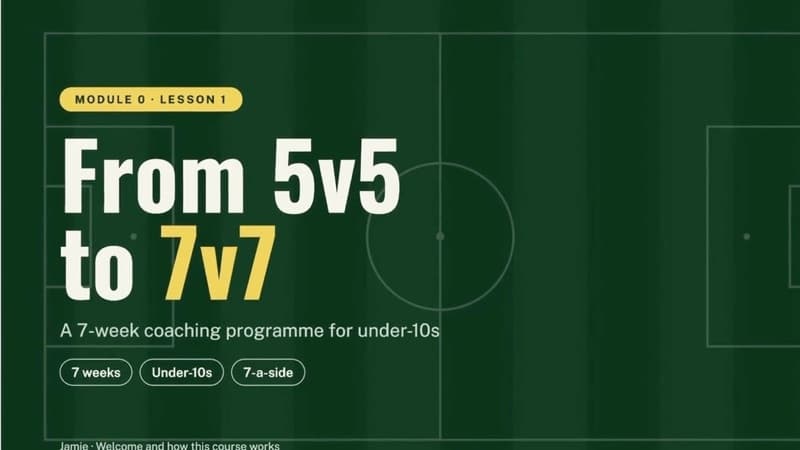
A narrated video lesson, nobody on camera
Pick a voice and Knola makes the video from the slides. Students watch it first in the lesson.
- Step 4
A price and a buy link
Set one price and the course has a checkout and a link to share.
- Step 5
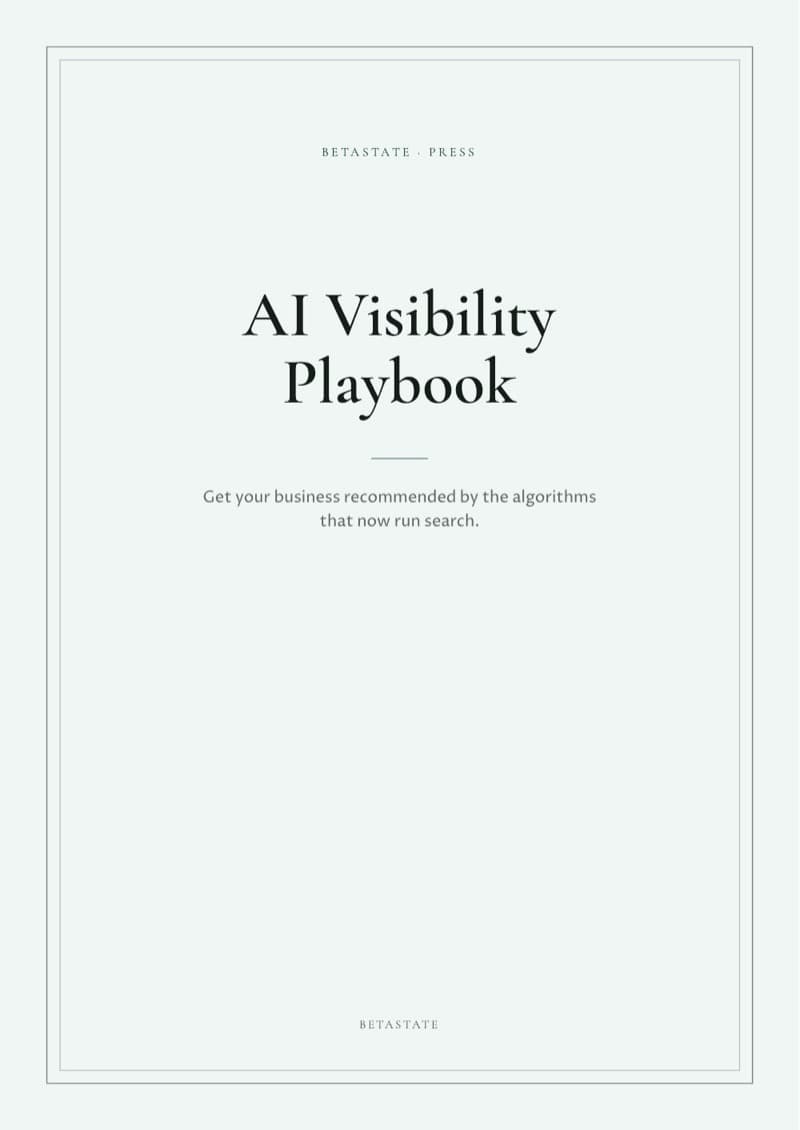
A sales page, written from the book
Knola writes the page from what the course teaches. Change any section, the style or the order.
- Step 6
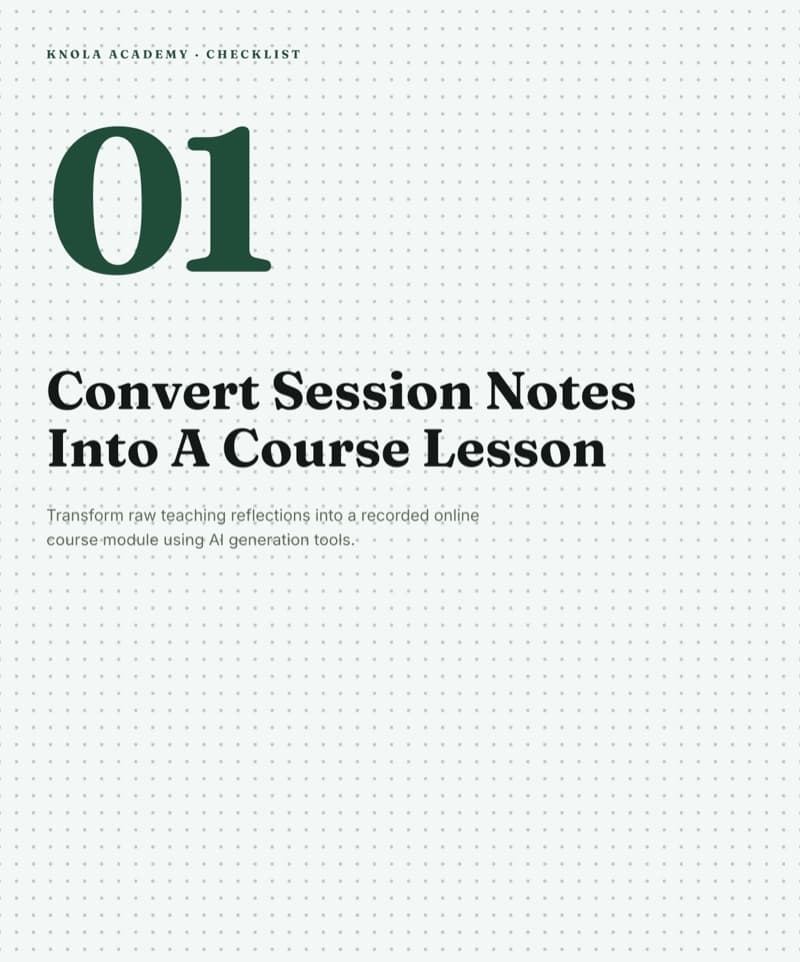
Quizzes from the exercises you already wrote
The book ends each chapter with questions. Knola turns a lesson into a quiz, and a quiz can gate completion: students pass it to finish the lesson.
Have a book, an ebook or a guide? It’s already most of a course.
Worth remembering
What to take from the session
Upload the book as a PDF. Knola lays out the whole course in seconds: modules, lessons and a written lesson for each.
A long chapter gives Knola a lot to build from. Add your own files, text or a research agent when a lesson is thin.
Keep your words exactly, or let Knola cut a chapter into a short lesson of 3 to 5 minutes, which is what people finish.
Narrate with a built-in voice or your own cloned voice. Nobody has to record anything.
Put a price on the course before it is finished and start collecting emails for the launch.
Knola writes the sales page from the course. Change the design, the image and any section.
Turn your book into a course.
Knola is the course platform that builds your lessons from what you already wrote, narrates the videos and sells the course. One payment, no monthly fee.
From the live chat
What people asked
Can I turn somebody else’s book into a course?
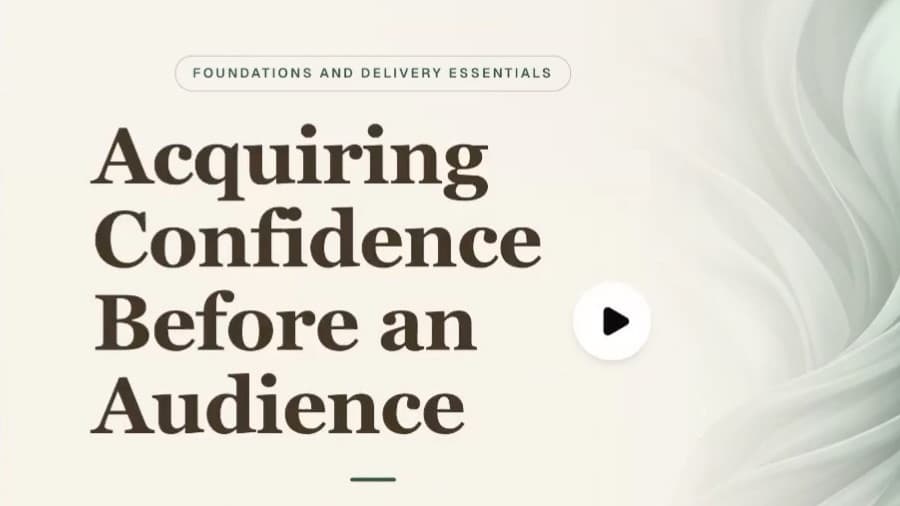
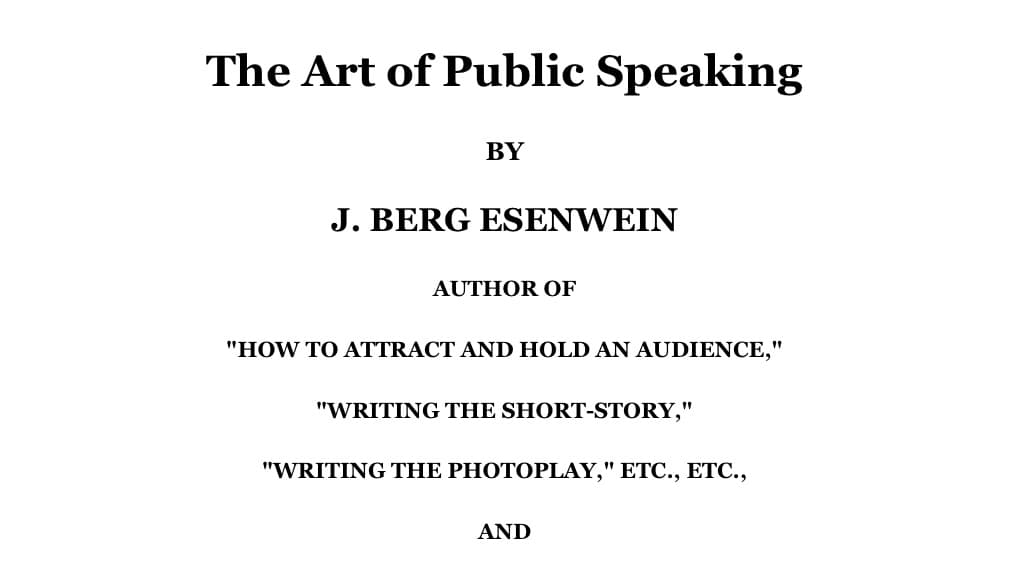
No. Use your own book, ebook or materials. We used The Art of Public Speaking because it is from 1915 and in the public domain.
I don’t have a book. Can I still do this?
Yes. Start a course from your idea and Knola builds a full outline. It also works the other way: Knola can make an ebook from a course. We made a 33-page ebook during this session.
Can I use my own voice for the videos?
Yes. Connect your ElevenLabs account and use a clone of your voice, or pick one of the built-in voices. Nobody has to record anything.
Can I add a buy button to the course?
Yes. Set a price and Knola makes a buy link. Or build a funnel: a sales page, a checkout and a thank-you page, and Knola gives buyers the course.
Can I download the videos and ebooks I make?
Yes. You can download every video and ebook and use it anywhere. Nothing is locked into Knola.
Is there a limit on how many videos or ebooks I can make?
A licence comes with AI credits, generally enough to build a whole course. If you want more, credit packs start at $19, one payment. Knola Pro, which is optional, adds 200 credits a month.
Can students take a test before they get a certificate?
Yes. Add a final exam that Knola writes from your course, or write your own, with a pass mark and a limit on attempts. You can also put a quiz on any lesson that students must pass to finish it.
Are the sales pages and checkouts in other languages?
Yes. Most of the platform is now multilingual, including what you create.
Can I use a checkout like Mollie?
Knola payments run on Stripe Connect. To use another checkout, paste its link into the course details and Knola sends buyers there.
Can I delete or change lessons?
Yes. It is your course. Edit, delete, duplicate or publish any lesson.
Can I make short videos to promote my course?
Any narrated video you create in Knola can be downloaded and used elsewhere.
Do you give support?
Yes. Email [email protected] and the team answers.
Not ready to buy yet?
See your course first. Free.
Type what you do or know. Knola shows you a course you could sell, with its full outline. No card, no account.
Keep going