Platform
Free accounts can now try the AI tools on their credits
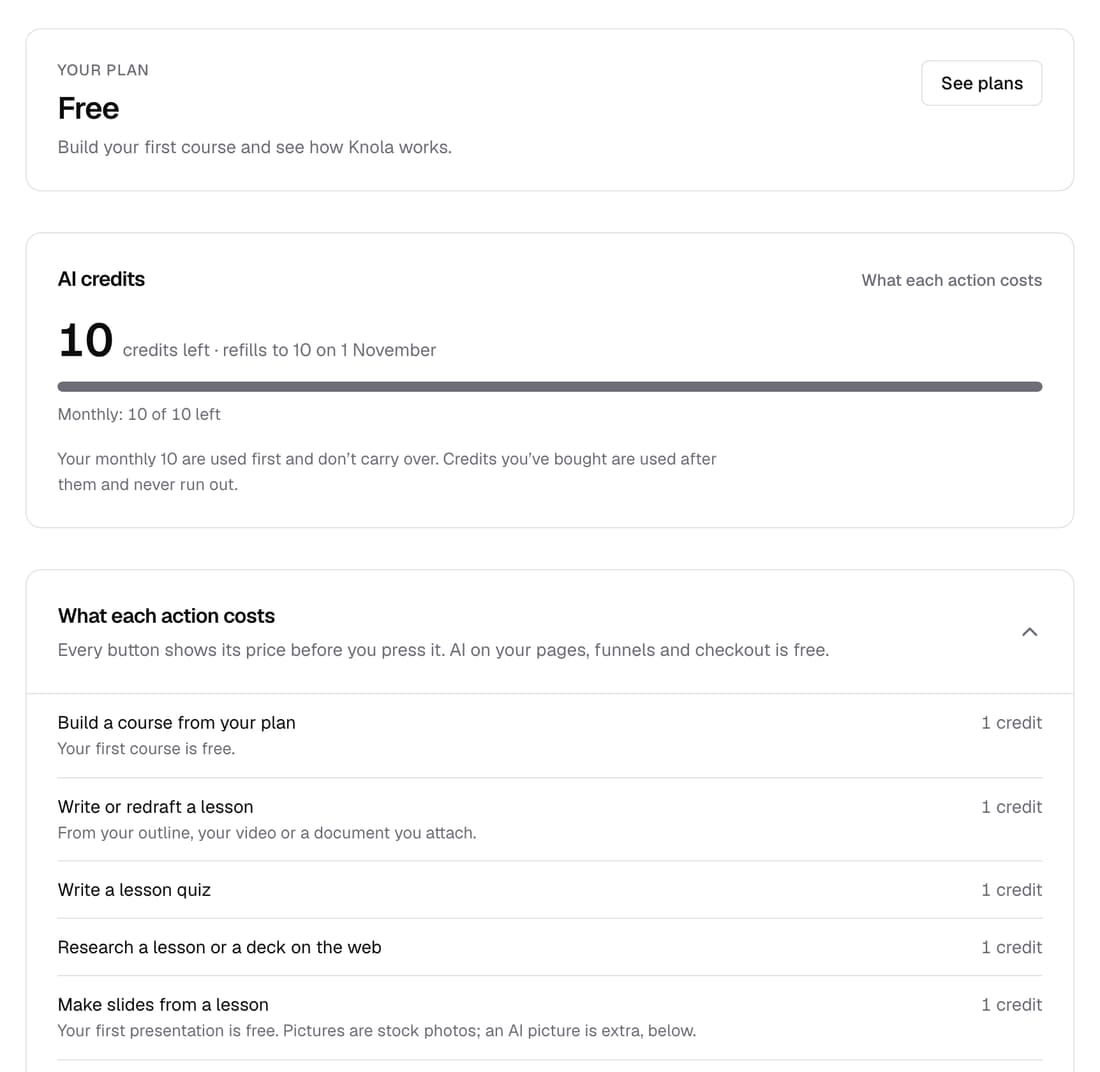
Your free account's 10 credits now work across the AI tools: slides for any lesson, narrated videos, ebooks, quizzes and lesson writing. You need a licence only when you're ready to put your work in front of students, share it or download it.
What’s changed
Before, a free account could make slides only for its one free presentation, and some AI tools asked for a licence first. Now the 10 credits work on any lesson, and the licence comes in only at publishing, sharing and downloading.
Who gets itFree accounts
How it works
- Open any lesson and click Make slides with AI in the Slides section.
- Use Write the quiz, or Make the video once the lesson has slides.
- Each button shows its price and what you'll have left before you click.
- When you publish, share or download, Knola shows the plans that unlock it.
Good to know
- A free account gets 10 credits once. They don't refill.
- Your first presentation and your first course build are still free, on top of the 10.
- A licence is needed to publish a video or course, show slides to students, share a video link, or download slides and videos.
- AI that writes your sales pages isn't included on a free account.