AI
Turn any lesson's slides into a narrated video
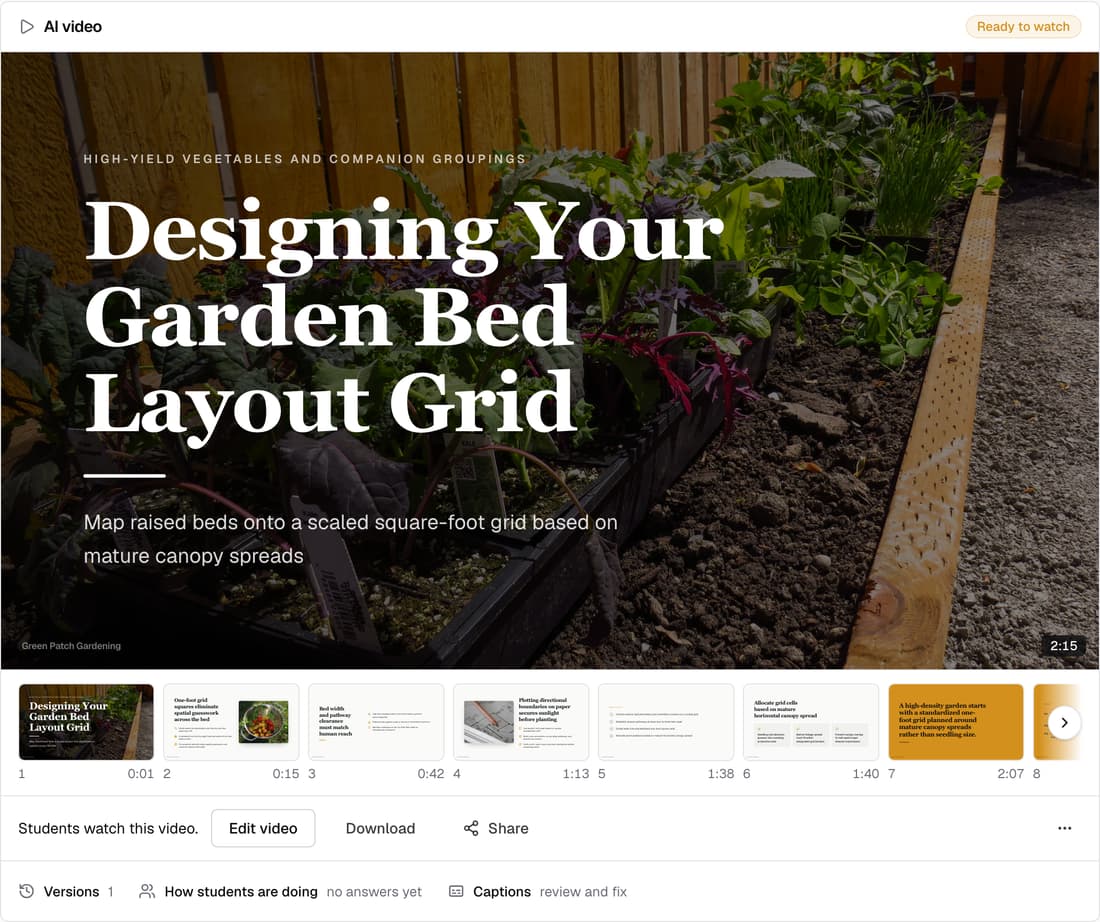
Every school can now make a lesson video from its slides. Knola writes the script, voices it and puts it with your slides. You pay only for new words, 1 credit per 1,000 characters, and making the video itself is free.
What’s changed
Before, only Knola's own team could make a video from a lesson's slides. Now any school owner or instructor can, from the lesson page.
Who gets itEvery school
How it works
- Open a lesson that has slides and click Make the video.
- Read the whole script on the Script tab and change any words.
- Click Listen under a slide to hear it in your narrator voice.
- Click Preview to watch it free, then Make the video when it reads right.
- It arrives as a draft. Click Publish to students when you're happy.
Good to know
- Writing the script, Listen and Preview are free. The button shows the exact price before you click.
- On an update, words your last video already said aren't charged again. A new voice narrates every slide again.
- Narrating with your own ElevenLabs voice uses no credits.
- On a free account you can make a video with your credits. Publishing it to students needs a licence.