
AI
Your lesson video now uses your slides as you made them
When you make a video from your slides, Knola keeps every slide as you designed it and only writes narration where a slide has none. Before, it could swap some slides for stock photos or redrawn diagrams while you were reading the script. Now nothing changes a slide unless you click.
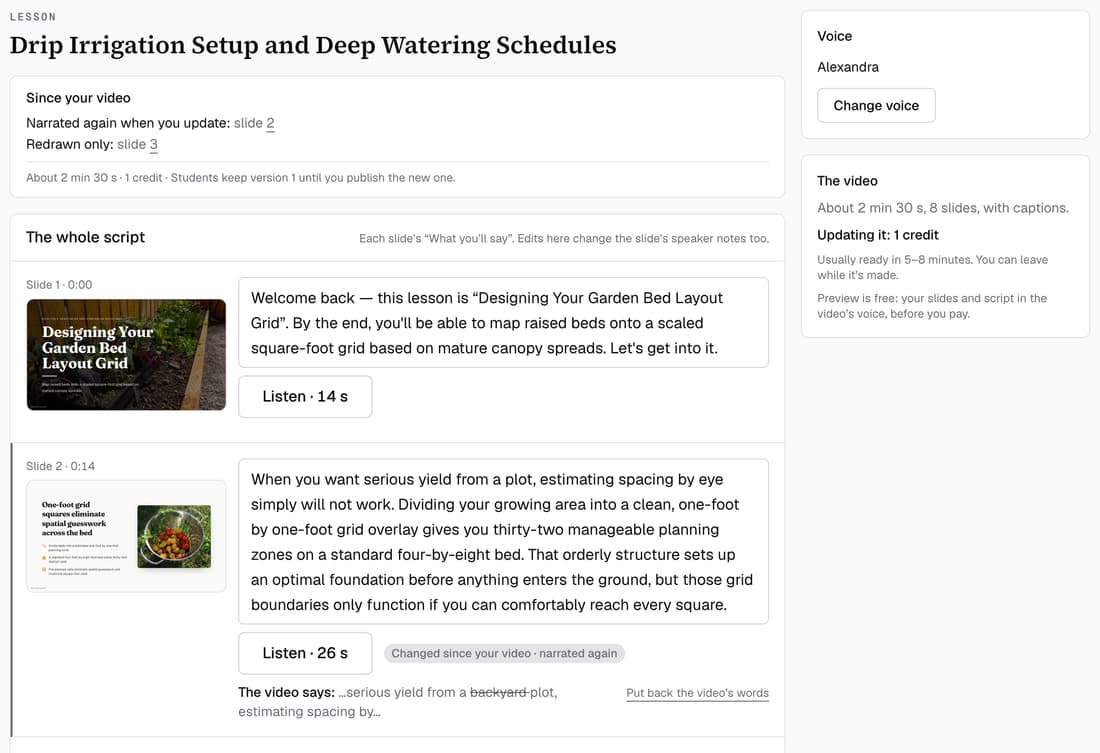
What’s changed
Before, about 20 seconds after the script opened, some slides could be swapped for stock photos or redrawn, and the video used the swaps. Now every slide stays as it is in your deck.
Who gets itEvery school
How it works
- Open a lesson with slides and click Make the video.
- Each slide shows as The slide as it is in your deck.
- Slides that already have speaker notes keep their words. Empty ones get a script.
- Want a picture instead? Pick the slide on the Video tab and change it yourself.
Good to know
- Your slides themselves were never changed. Only what the video showed was.
- A video planned before this change may still show swapped slides. Pick each one, choose Show my slide instead, then Update the video.
- Making a video no longer sends your lesson's words to a stock photo search.