

Make your school look like yours.
Pick a theme and your school page, store, courses, lessons, checkout and emails all change with it. Then tune the fonts and colours until it’s exactly you. No course needed to try it.
Nothing live until you publish
No account yet? Build your course free, then pick a theme for it.
15 themes
One click. A whole new school.
Real pages from a sample school. Pick a theme, then flip between the school page, a course and a lesson to see it everywhere.
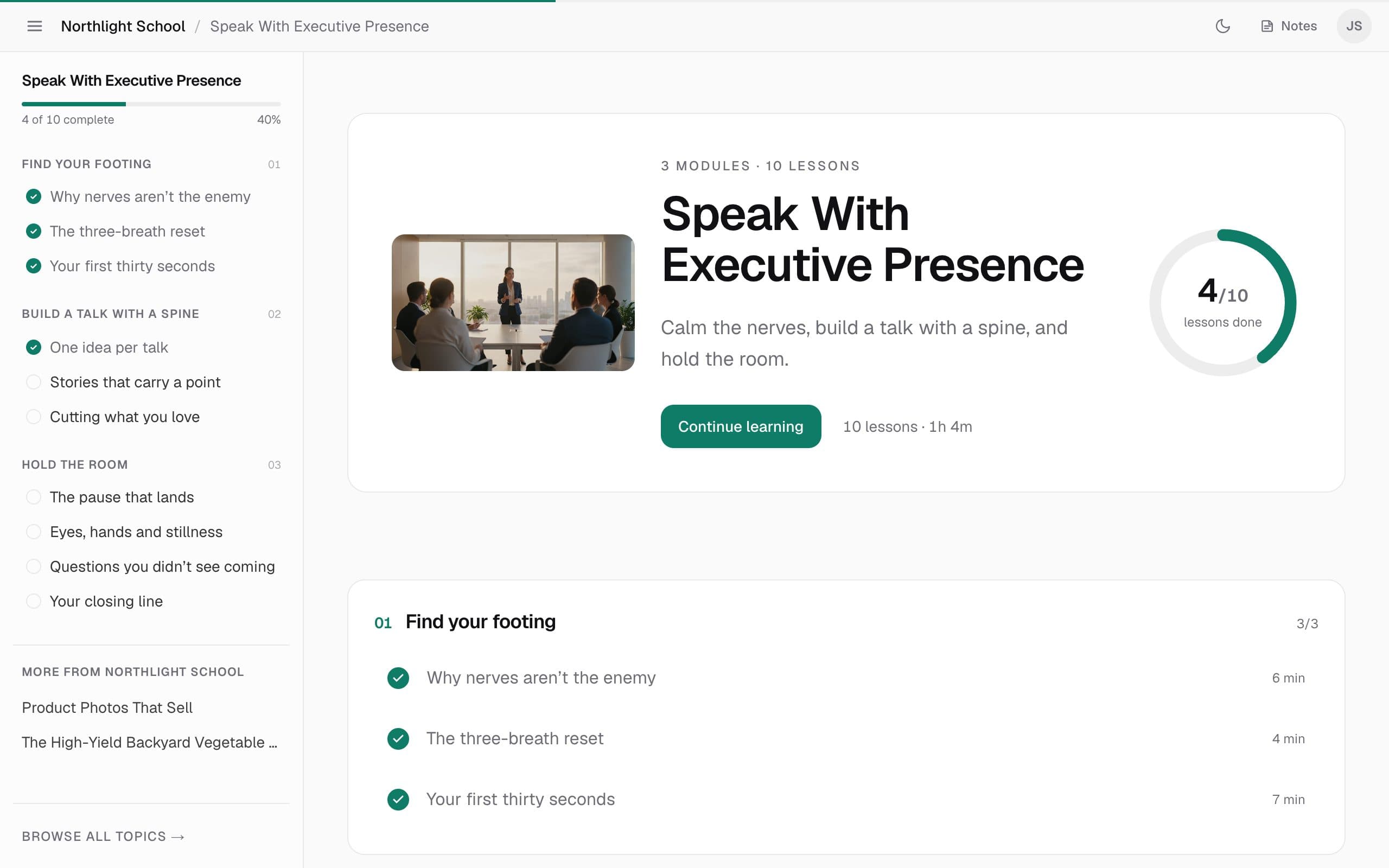
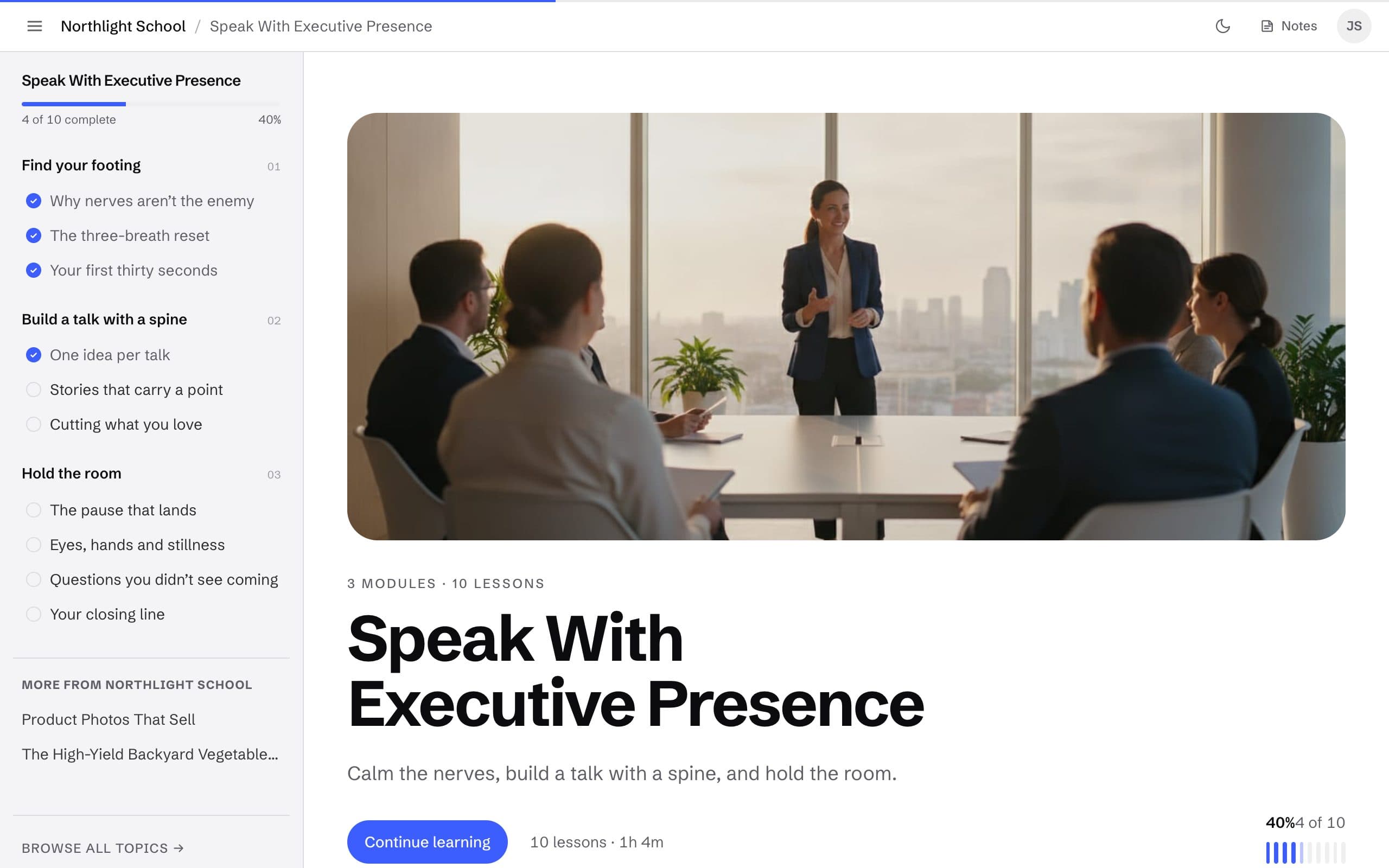
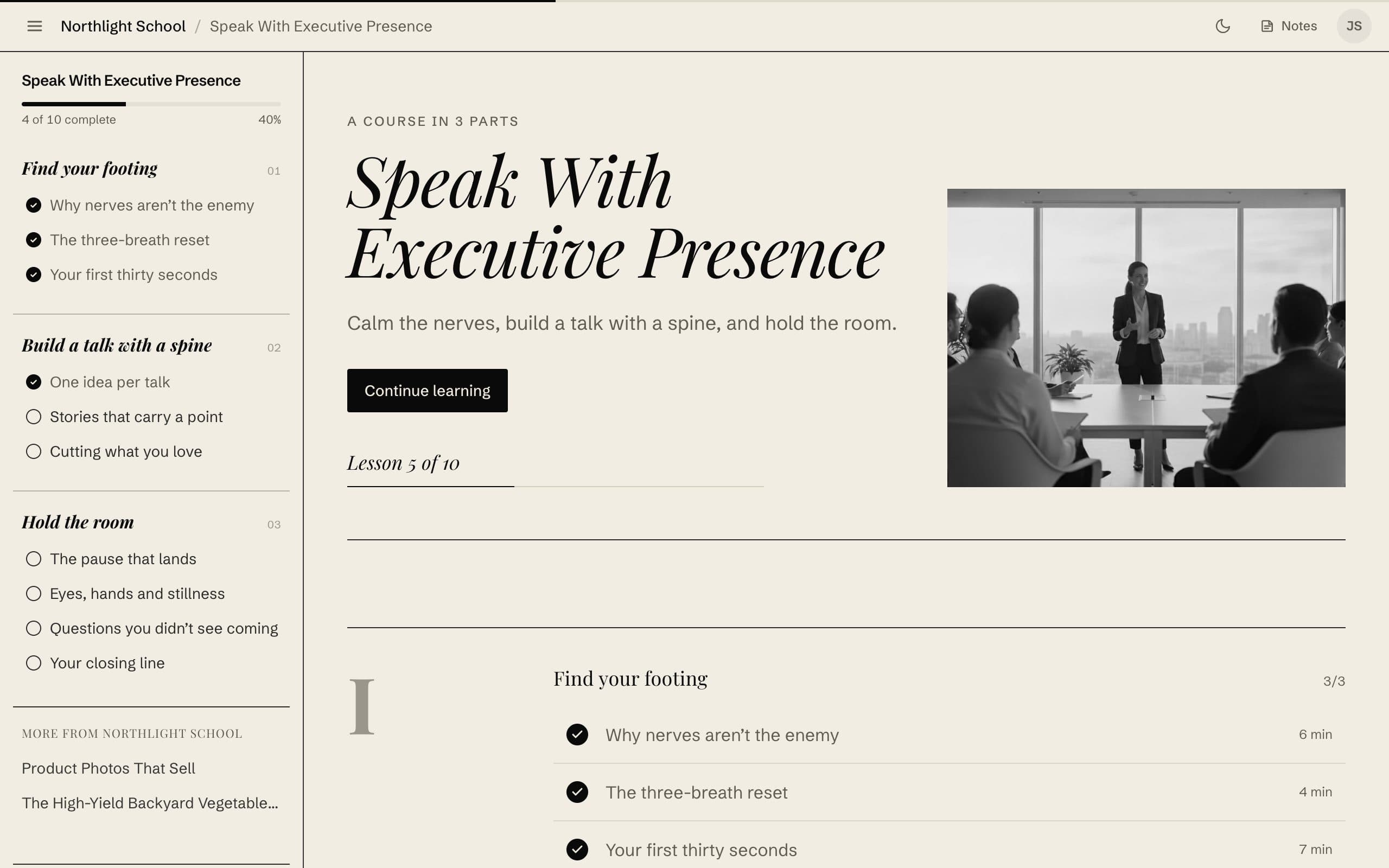
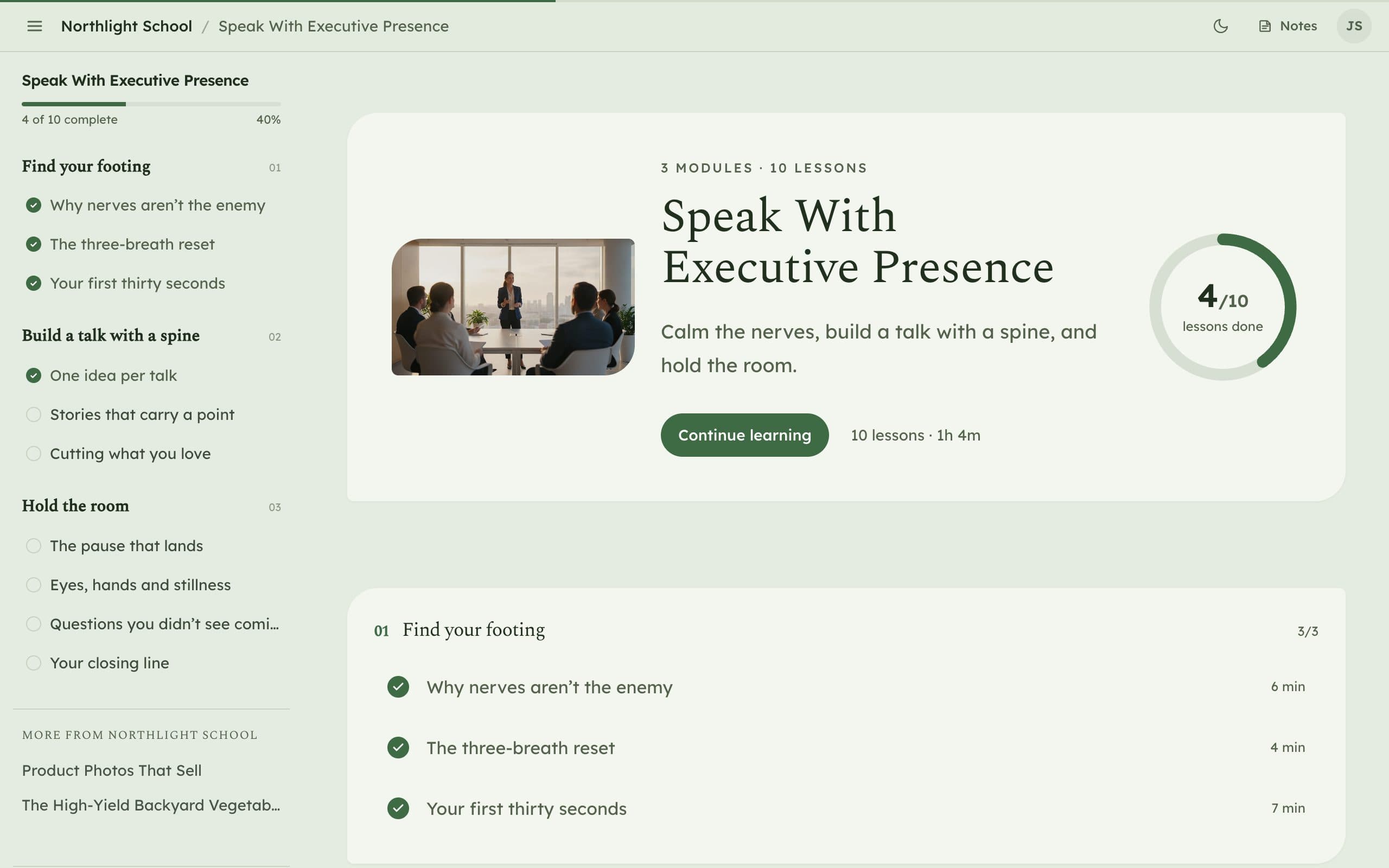
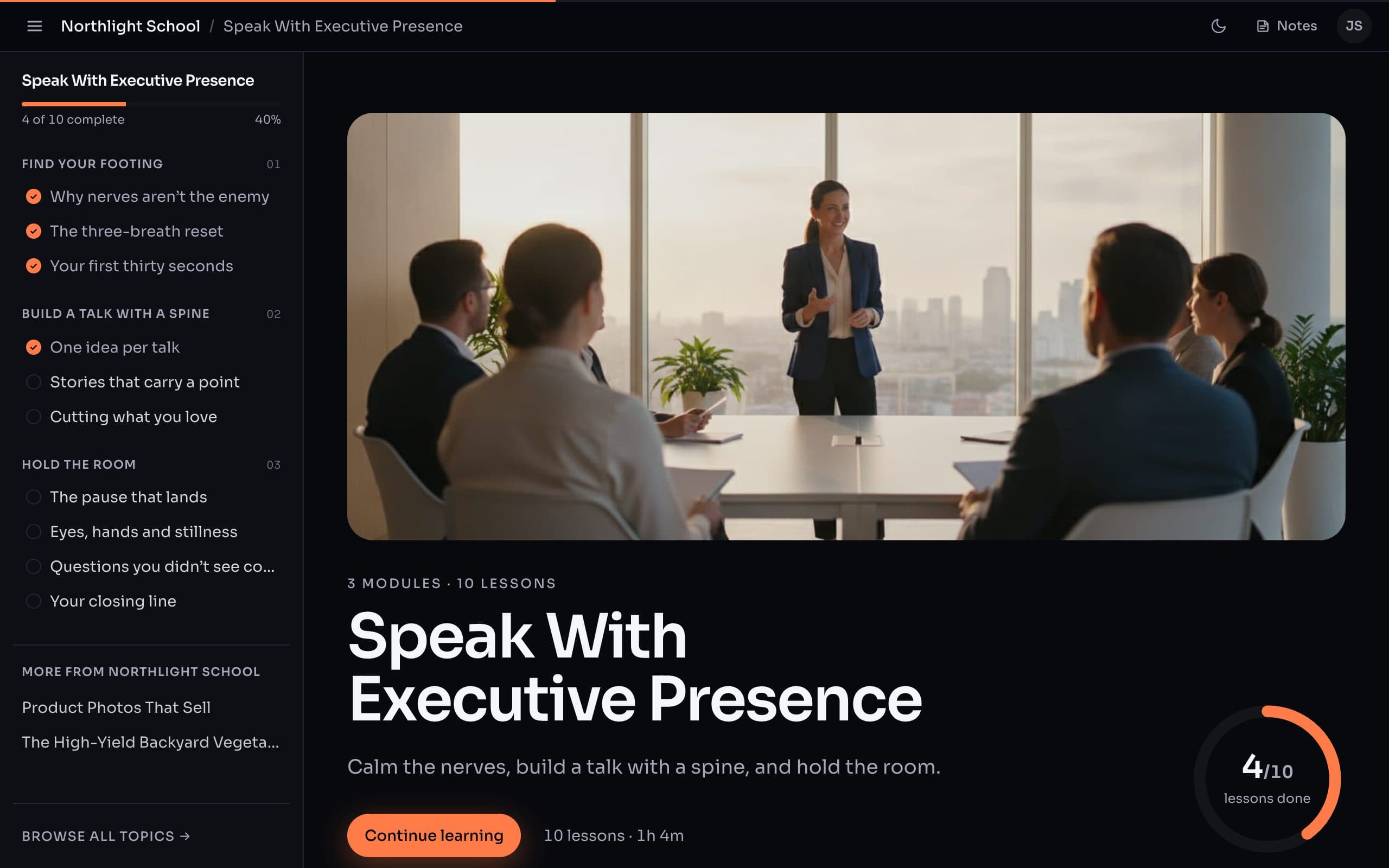
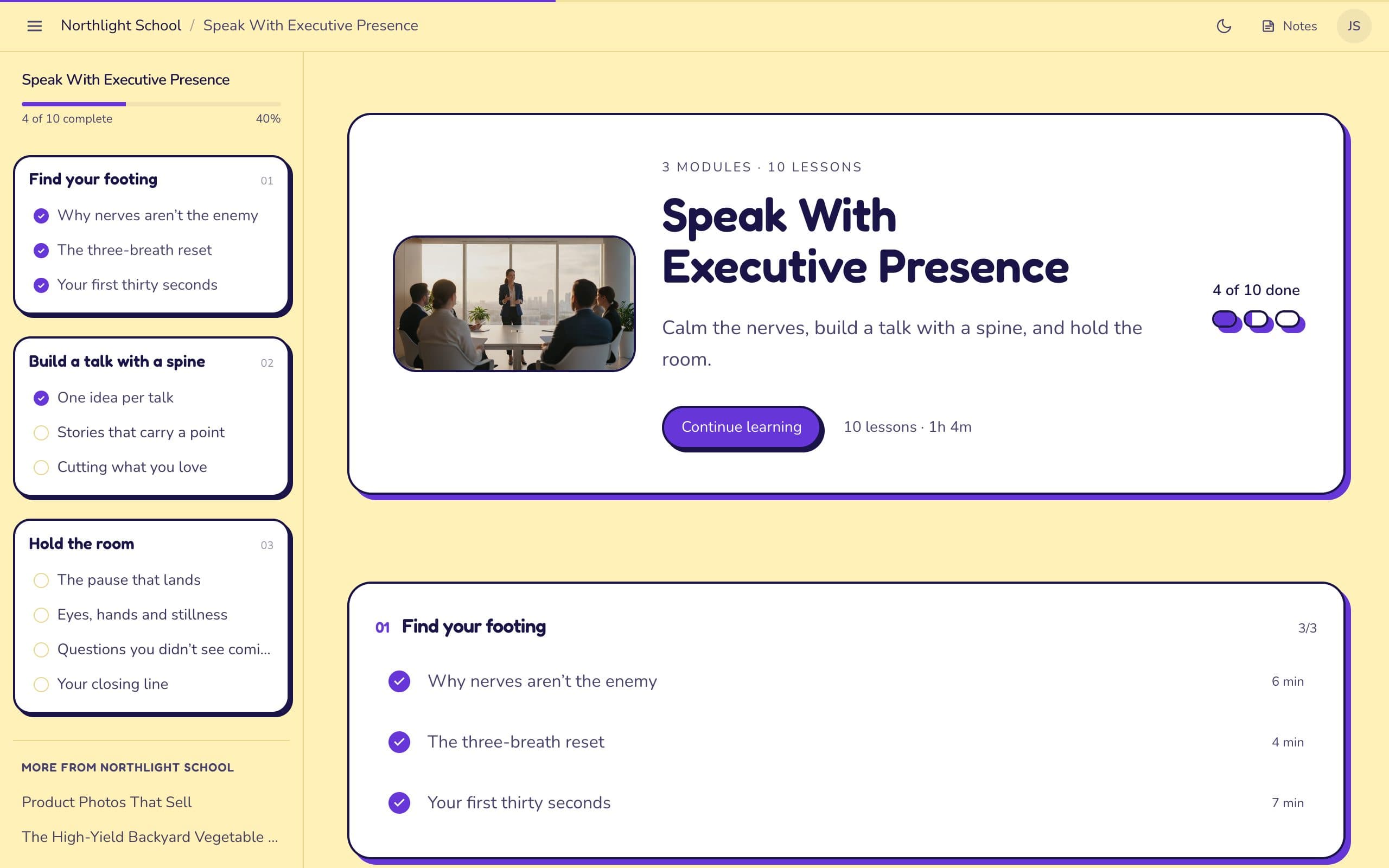
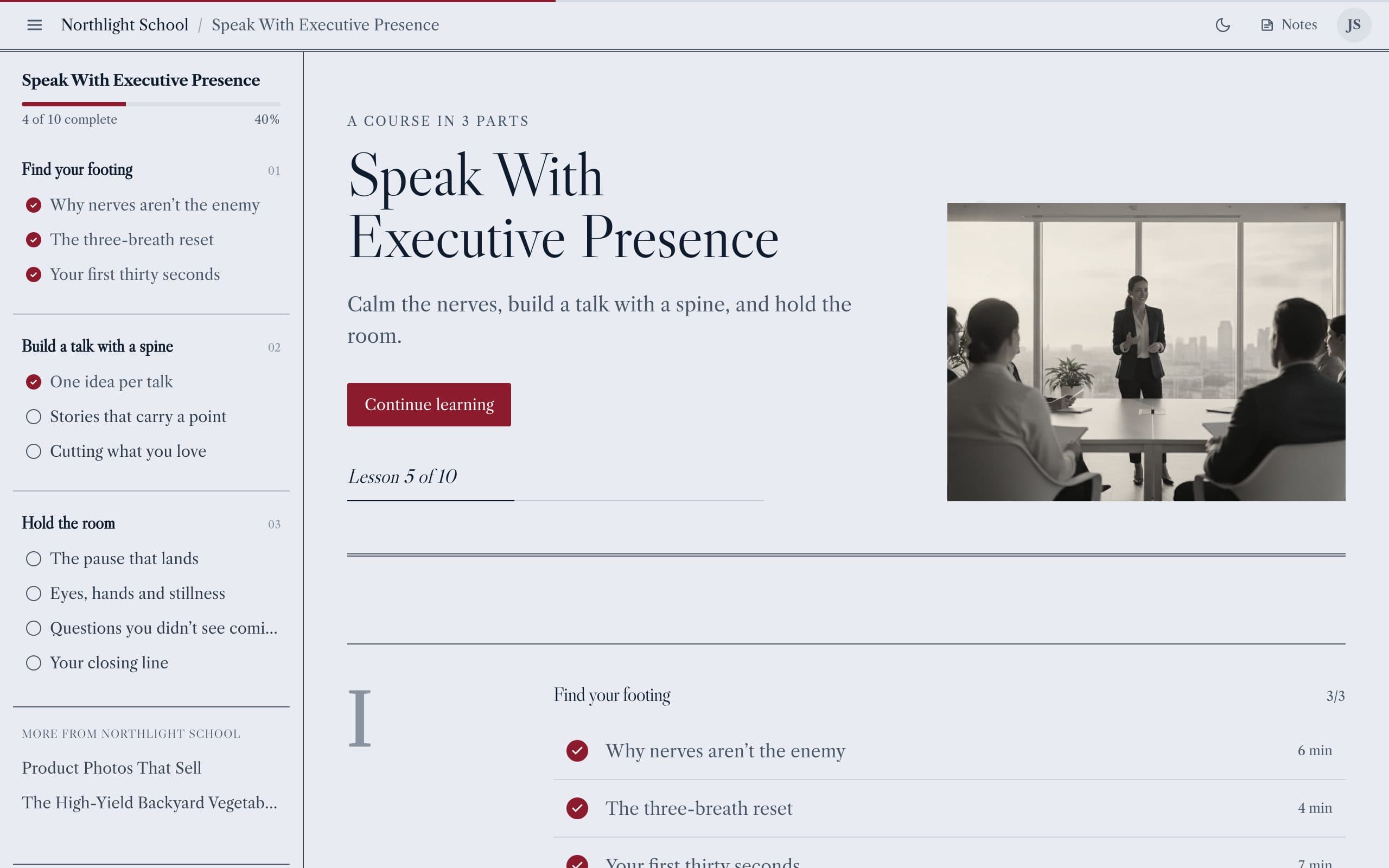
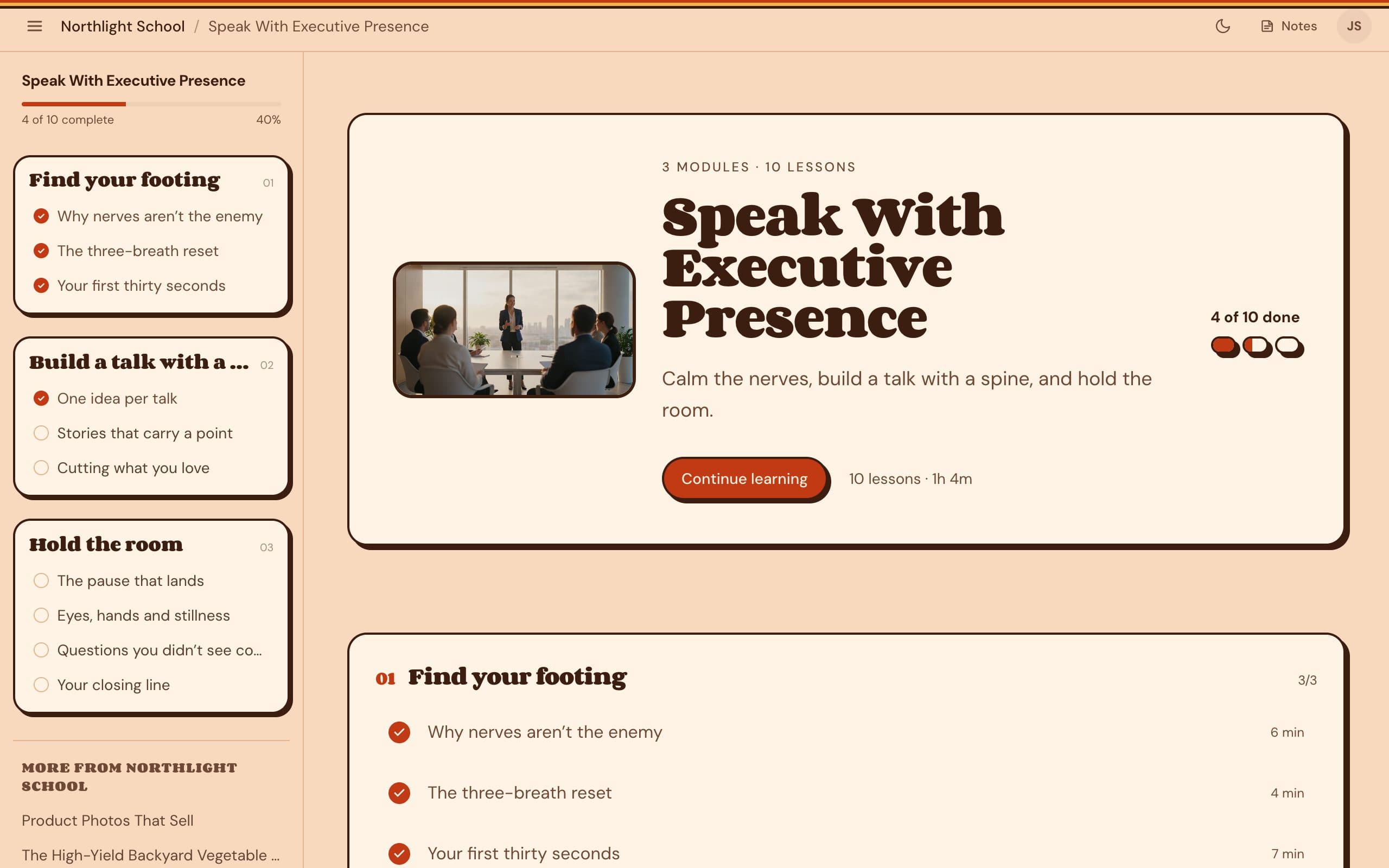
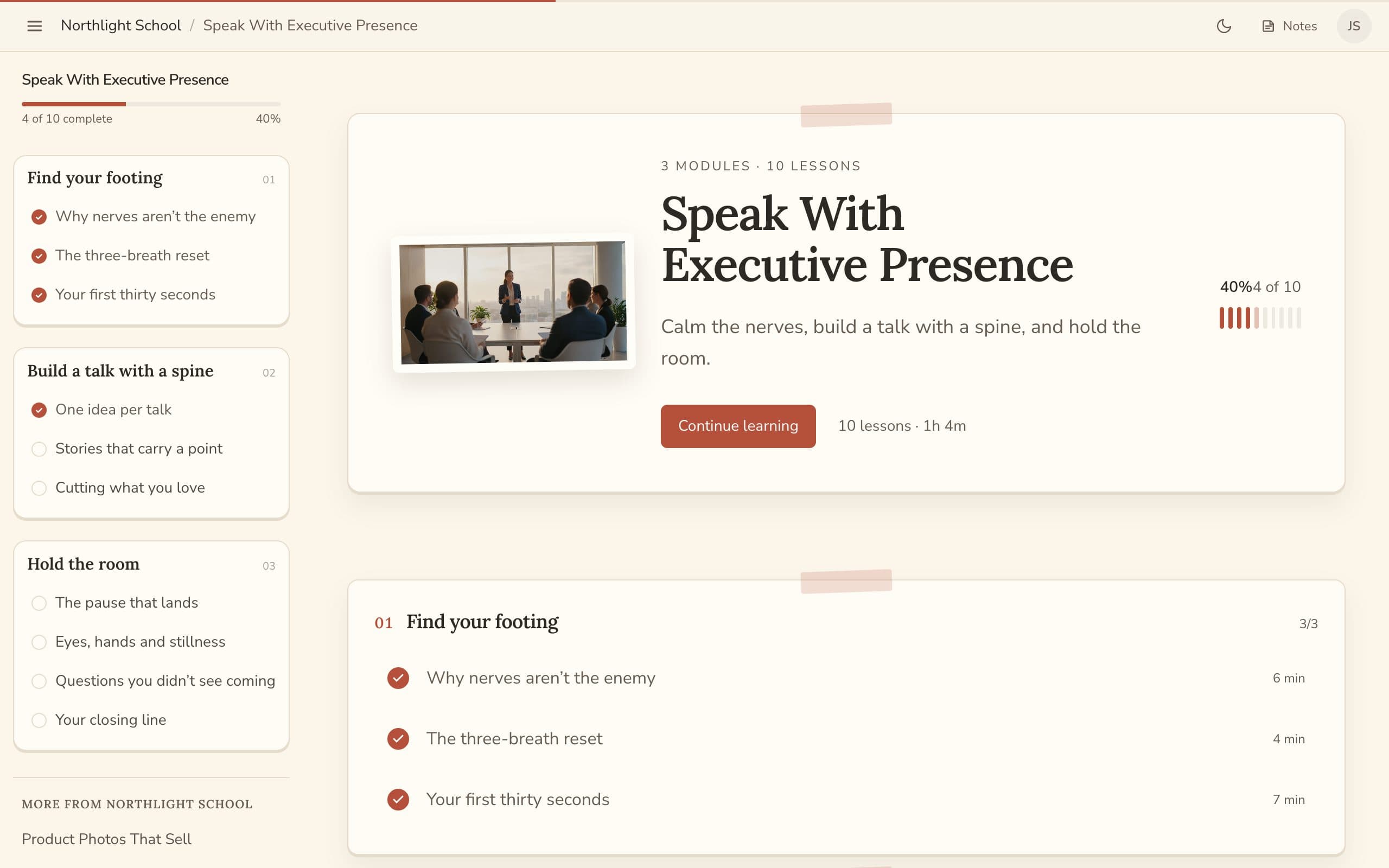
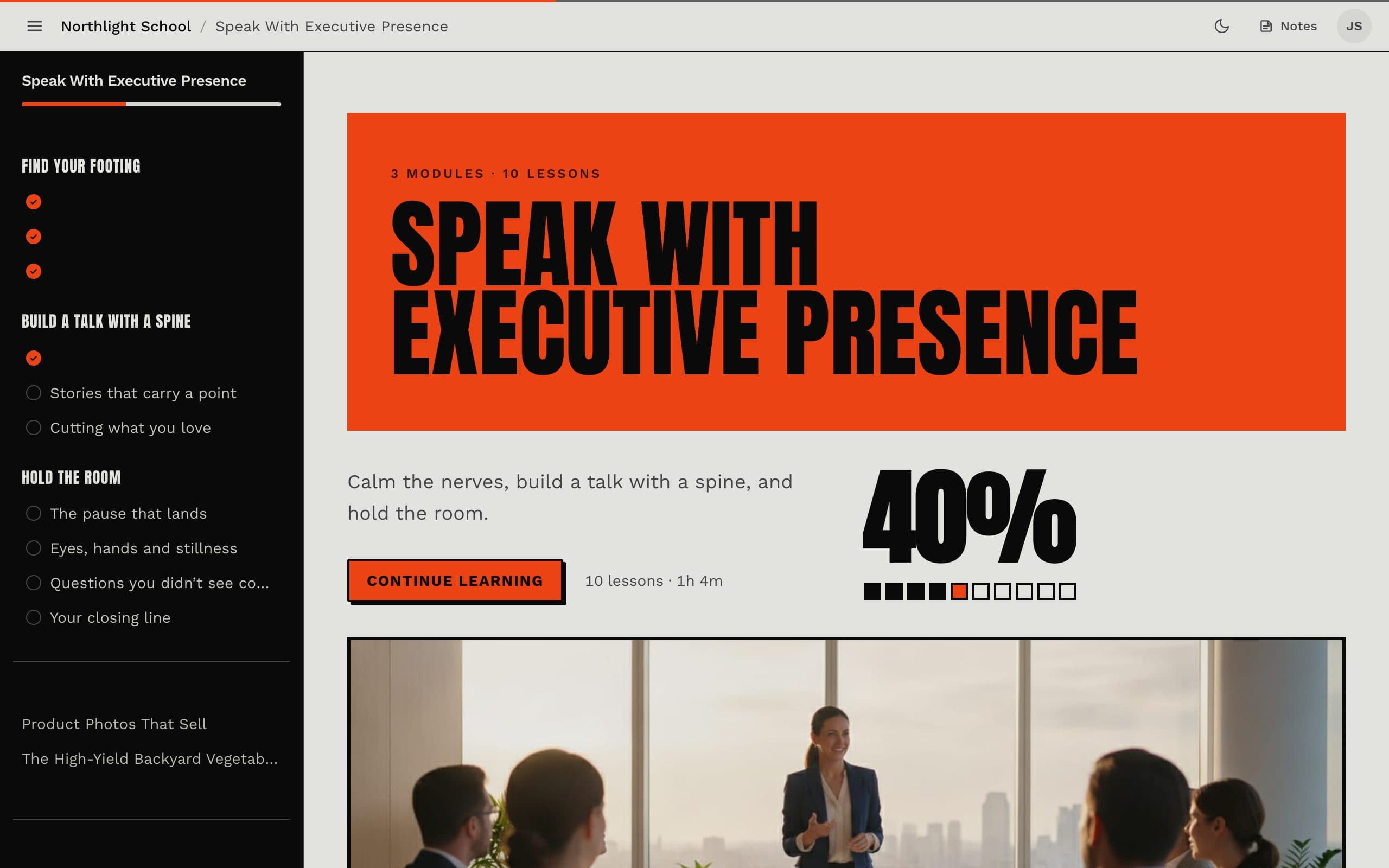
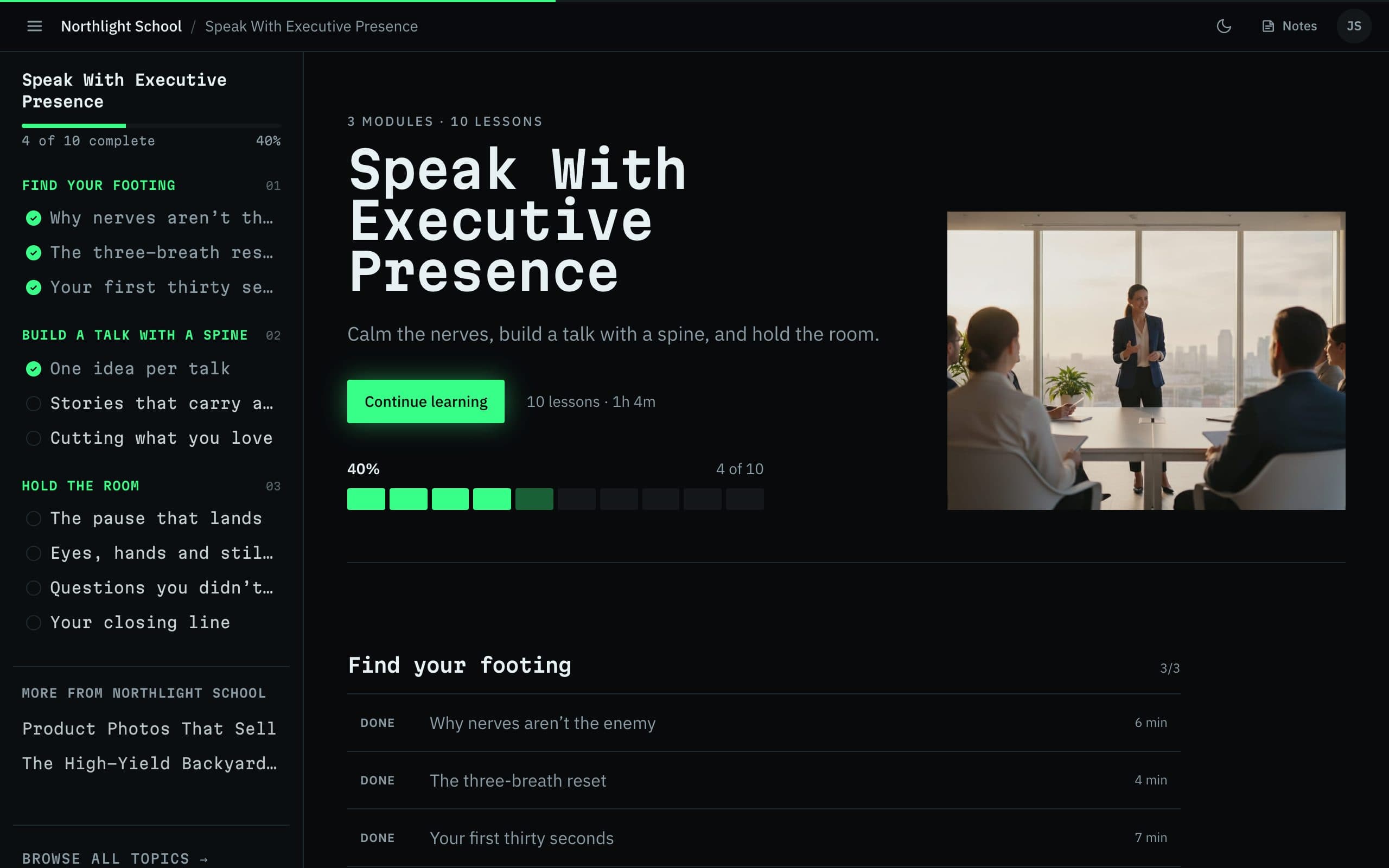
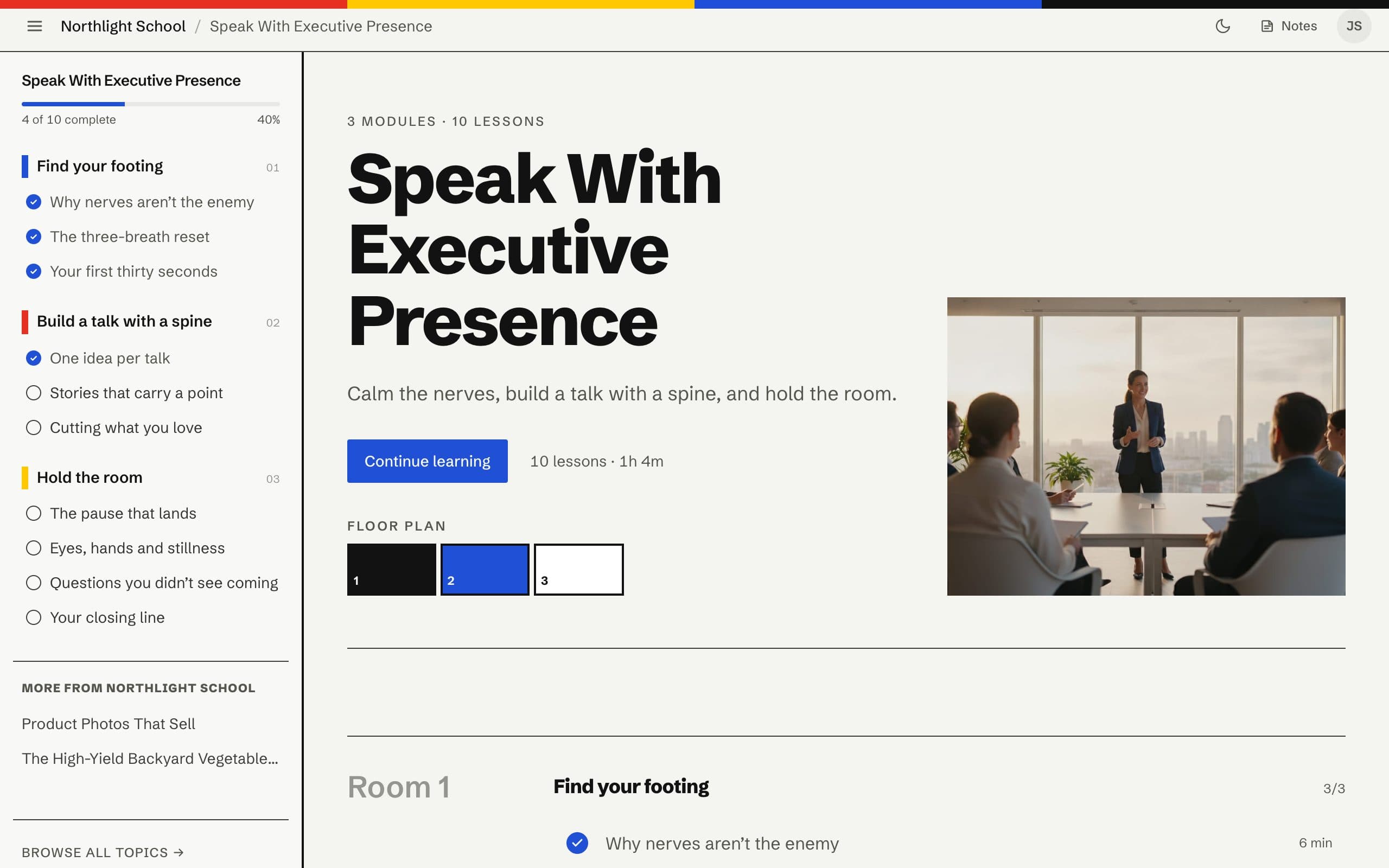
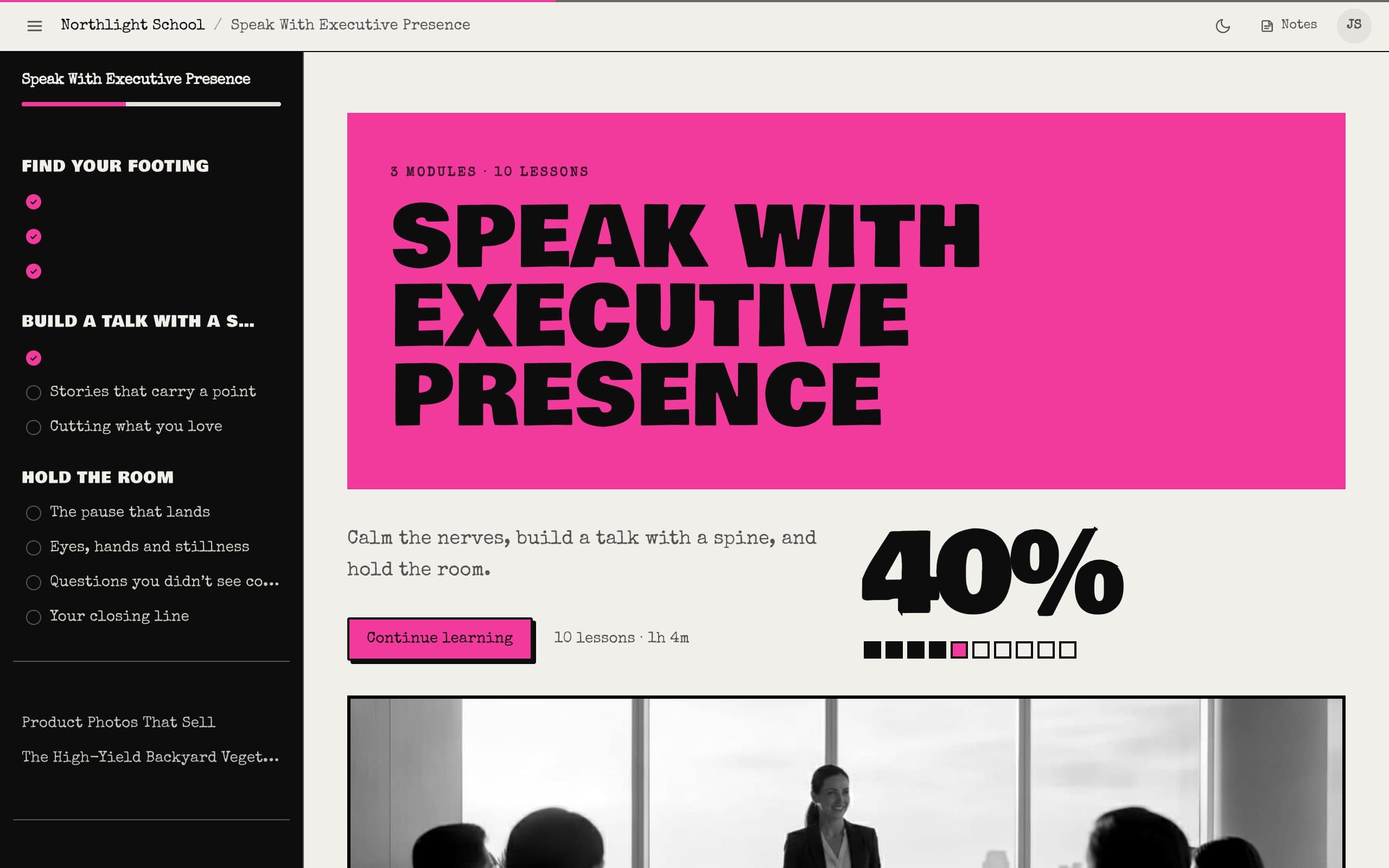
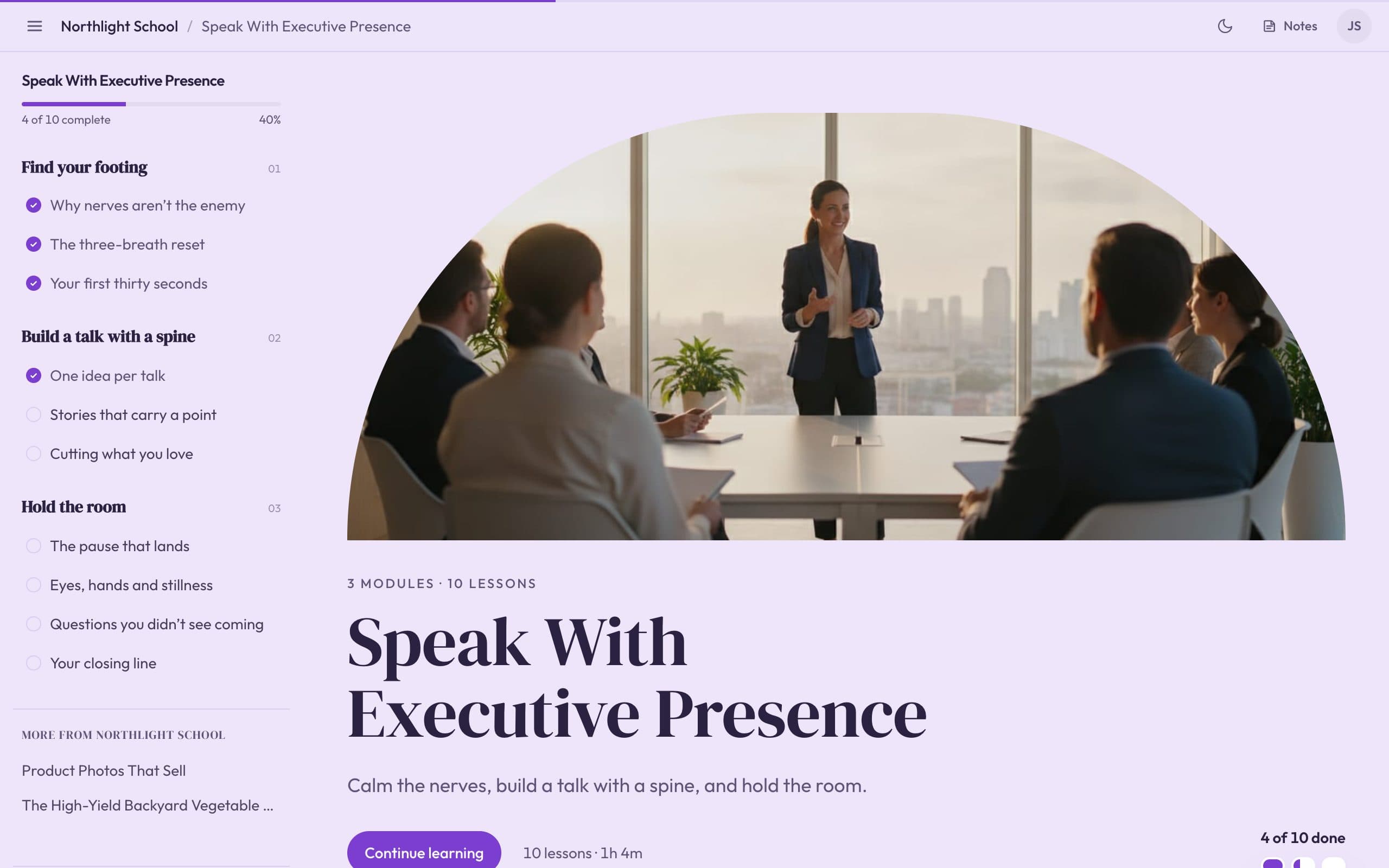
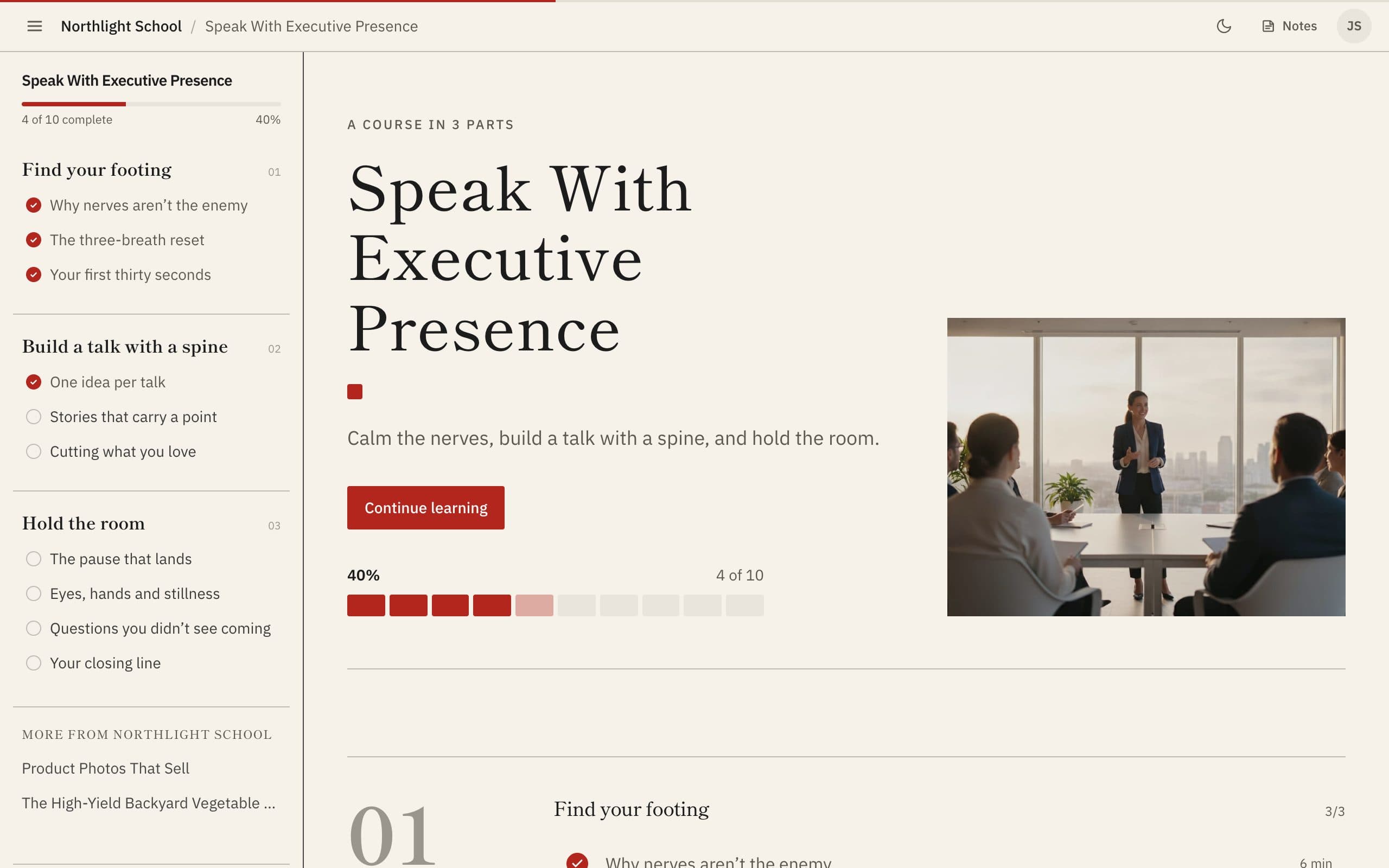
Standard. Today’s Knola look, in your brand colour. Calm, a lesson list with thumbnails.
Customise
Make any theme your own: change colours, fonts and words.
You’re not stuck with a theme as you see it here. Pick the one closest to what you want, press Customise, and change everything on top of it. Every change shows on your real pages as you make it, and nothing goes live until you publish.
Colours
Your brand colour in one click, or pick any main colour. Light or dark, and every other colour too.
Fonts
Choose the heading and body fonts, the heading size and weight, and capitals or not.
Your words
Call a lesson a session, a module a week, or a course a programme. Your school, your language.
Every detail
Corners, buttons and cards, the layout and menus, and what students see, like progress and lesson lengths.
One theme, everywhere
Everything your students see changes with it.
Pick a theme once and every page wears it. You don’t design six things; you design one.
- Your school pageWhere your courses live and where people buy them.
- Your storeCourses, products and links, styled to match.
- Your course pagesThe course home your students come back to.
- Every lessonThe video, the notes and the lesson list.
- Your checkoutThe page where people pay, in the same look.
- Your student emailsPurchase emails and abandoned-checkout reminders.
Three steps
Try it on your school today.
Use our sample school if you haven’t built a course yet, so you can get the design right before you write a word.
01 / 03
Pick a theme
Your site ▸ Theme. Click through the themes and watch your real pages change.
02 / 03
Make it yours
Press Customise to change the fonts and colours, or use your brand colour in one click.
03 / 03
Publish when you’re ready
Nothing changes for your students until you press Publish. You can reset at any time.
Is it really free?
Do I need a course first?
Will people see my changes while I try things?
Can I use my own brand colours and fonts?
Can I change themes later?
Can it go on my own website address?
Your next five minutes
Pick a theme. See your school change.
The button opens Your site ▸ Theme in your account. Click through the themes; nothing goes live until you publish.
Free on every account15 themesNo course needed