

Free · Word and PDFCertificate of completion templates
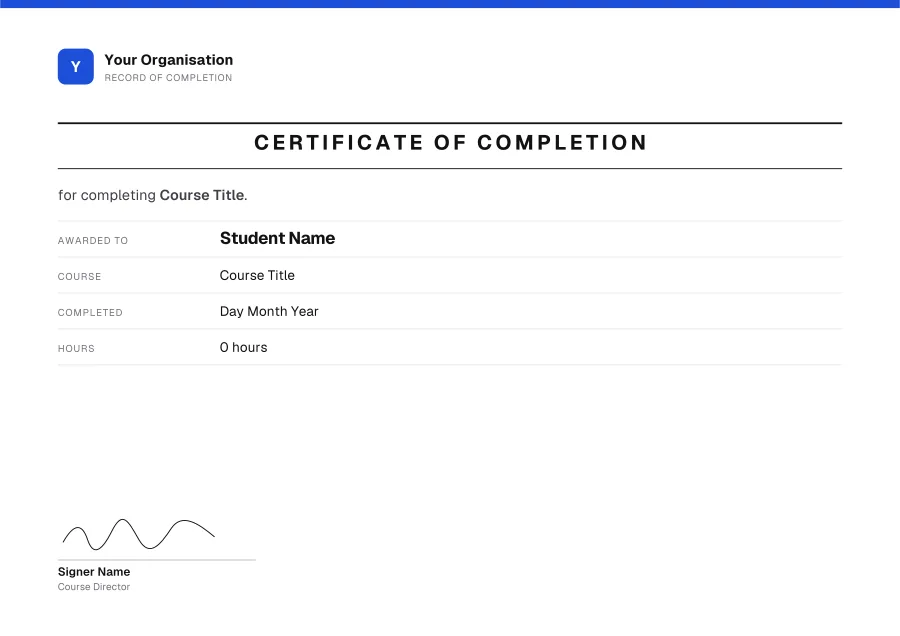
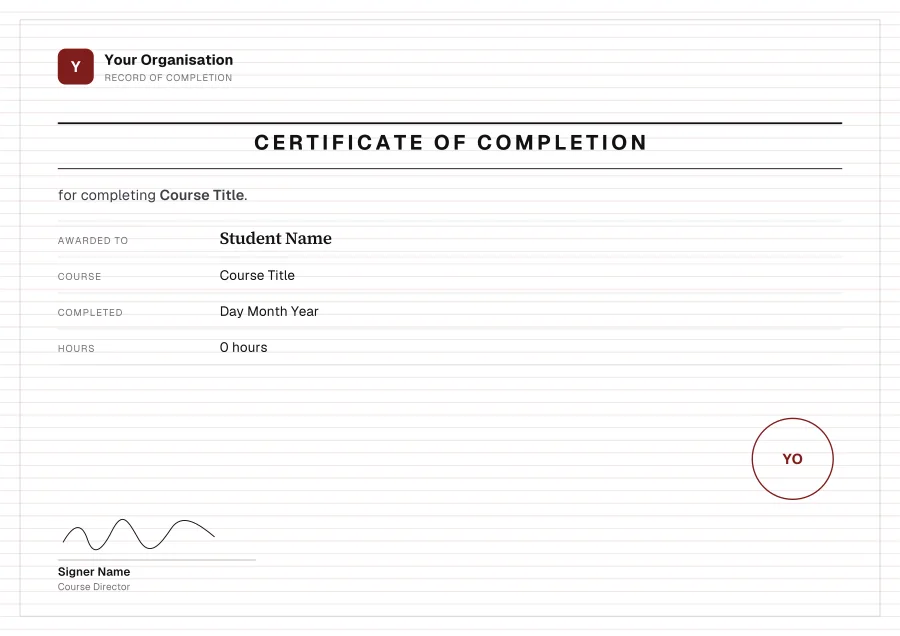
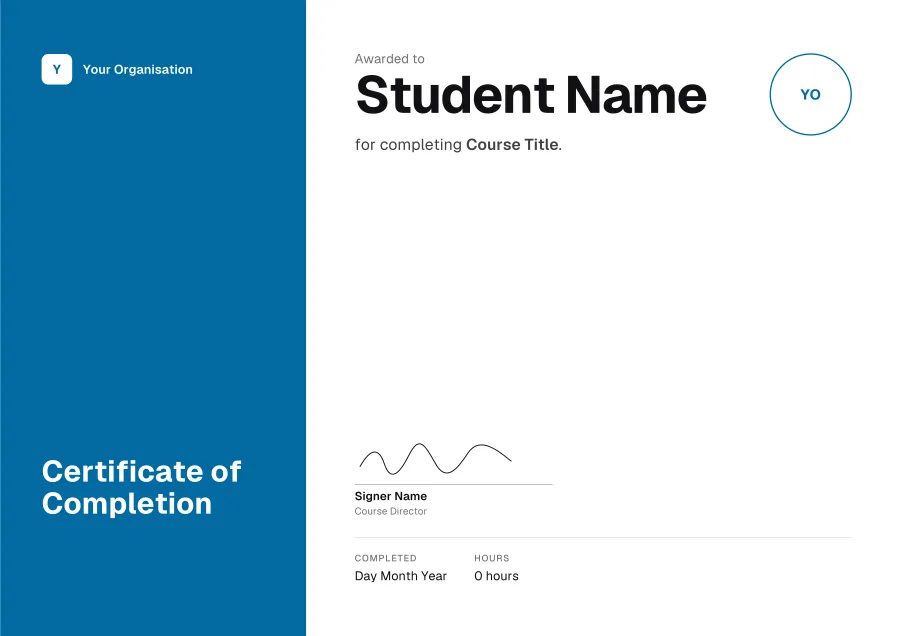
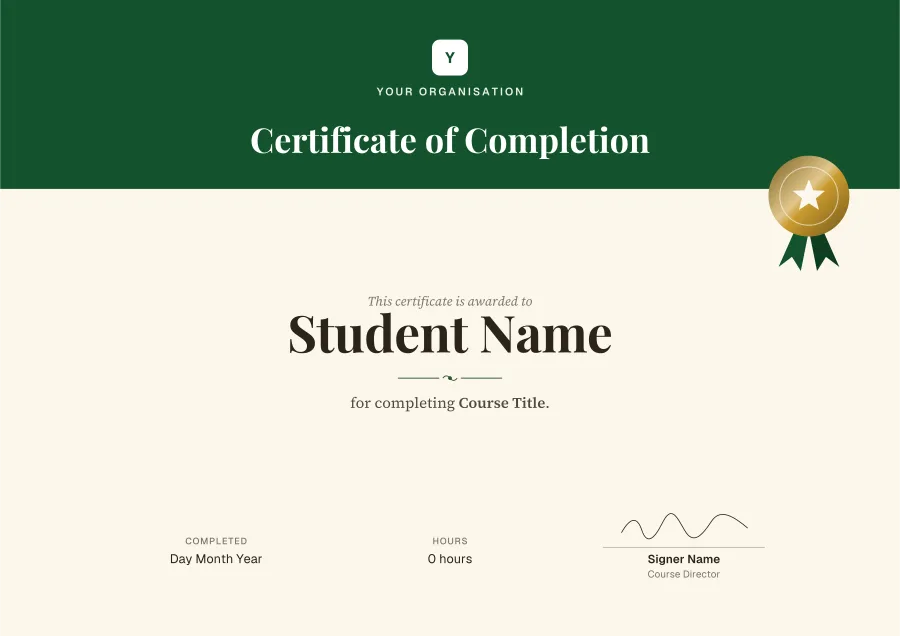
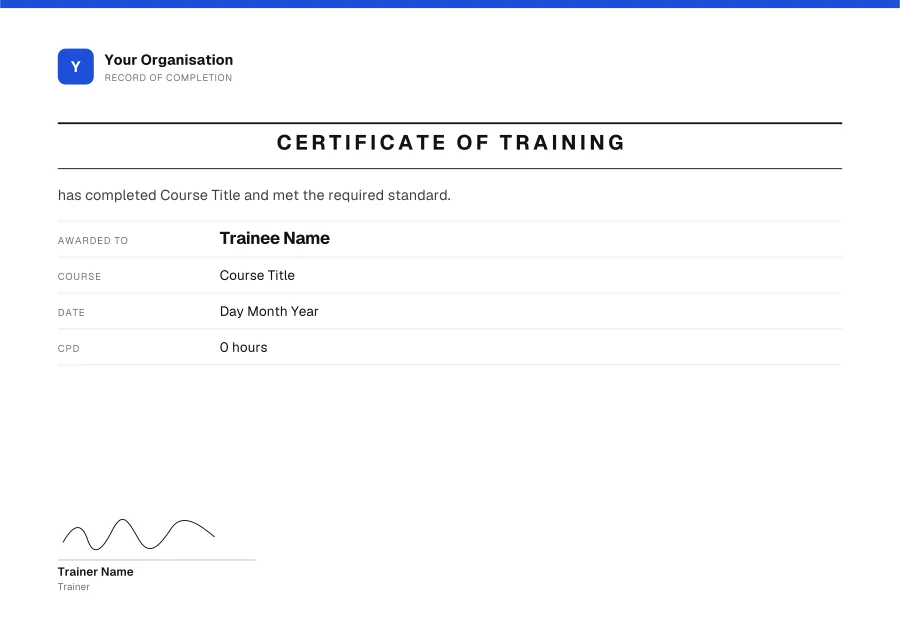
For finishing a course, a programme or a module: the student’s name, the course, the date and what it took. 16 templates, every line editable in Word.
Want your logo, colour or signature on it? Press Customise to open any template in the free certificate maker.
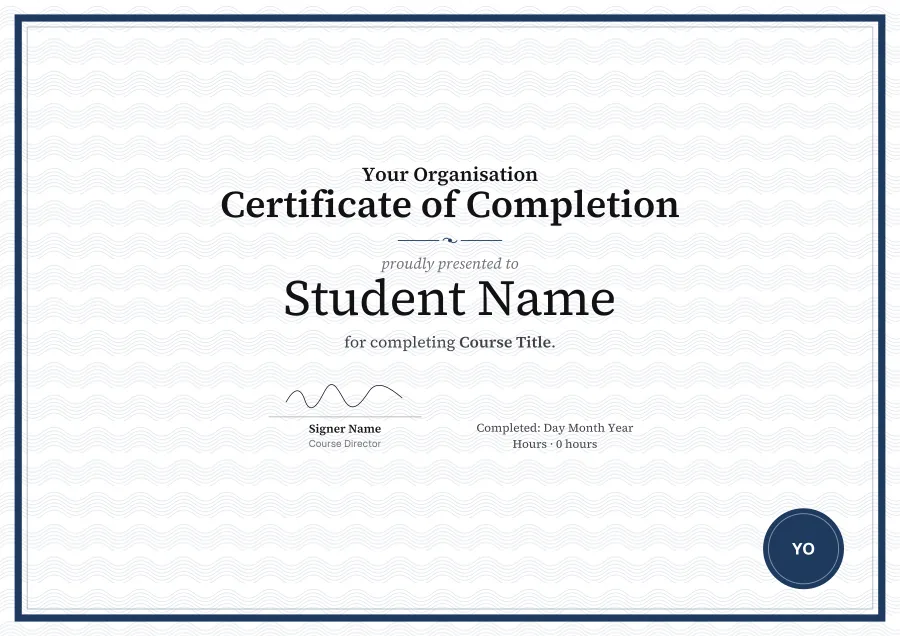
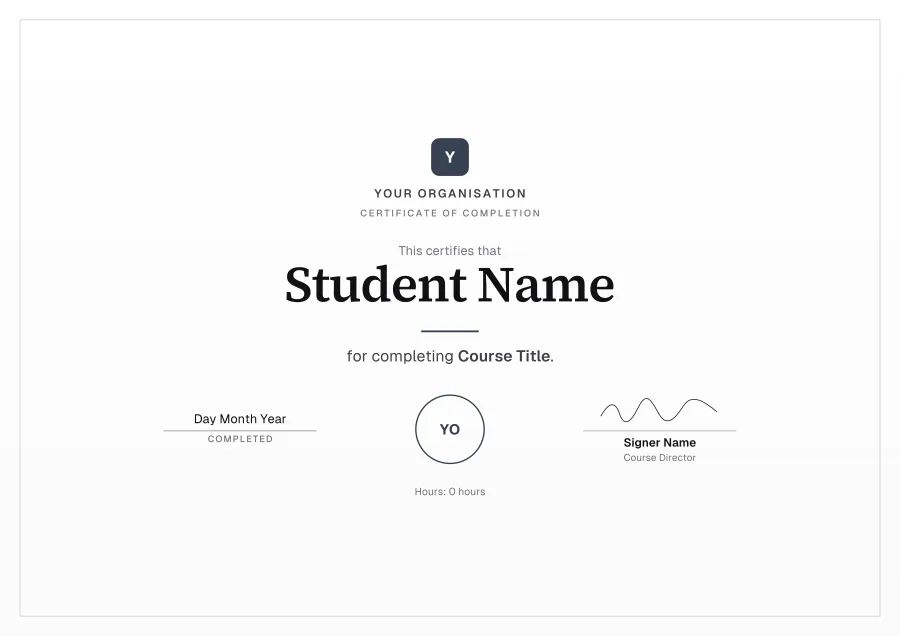
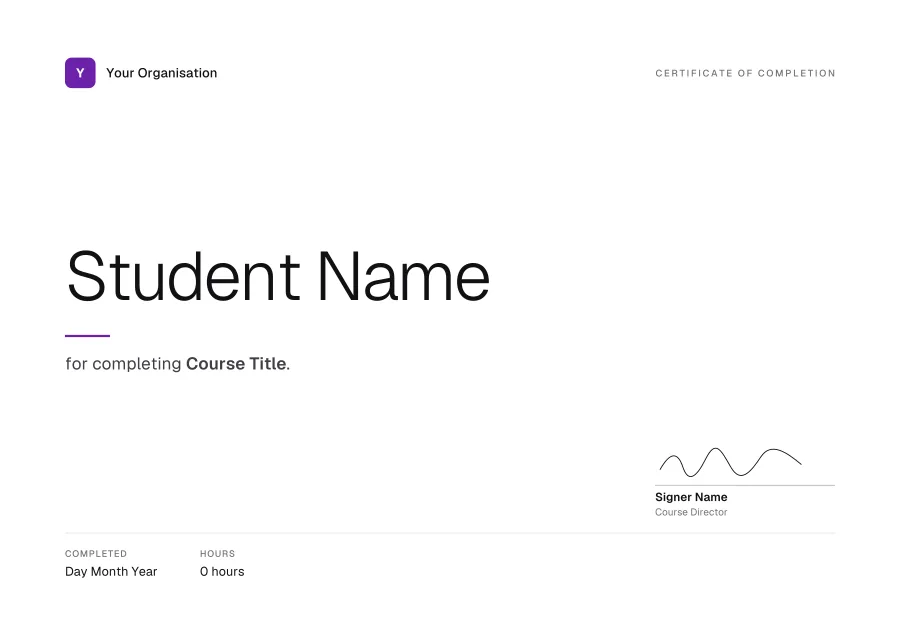
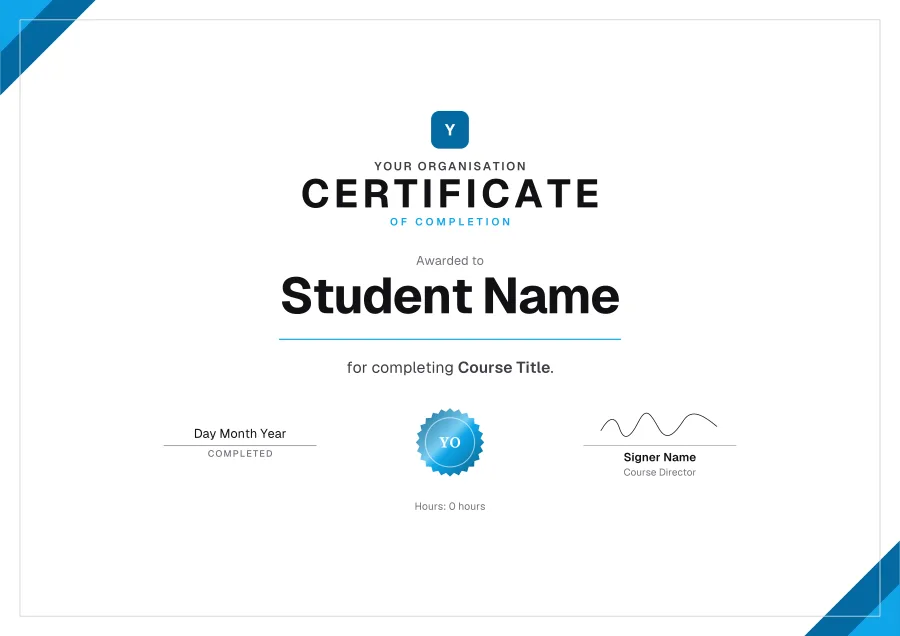
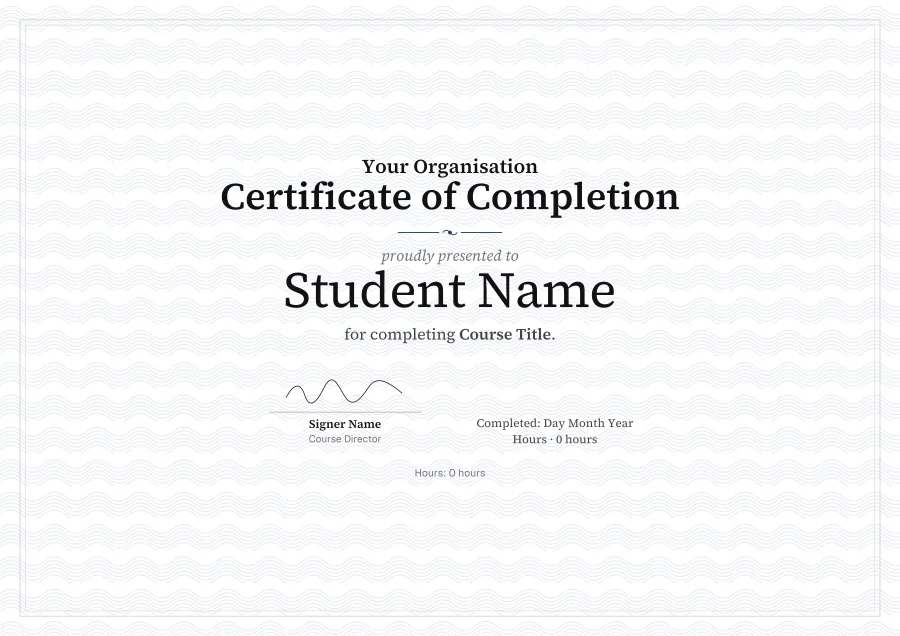
- WavesCustomise
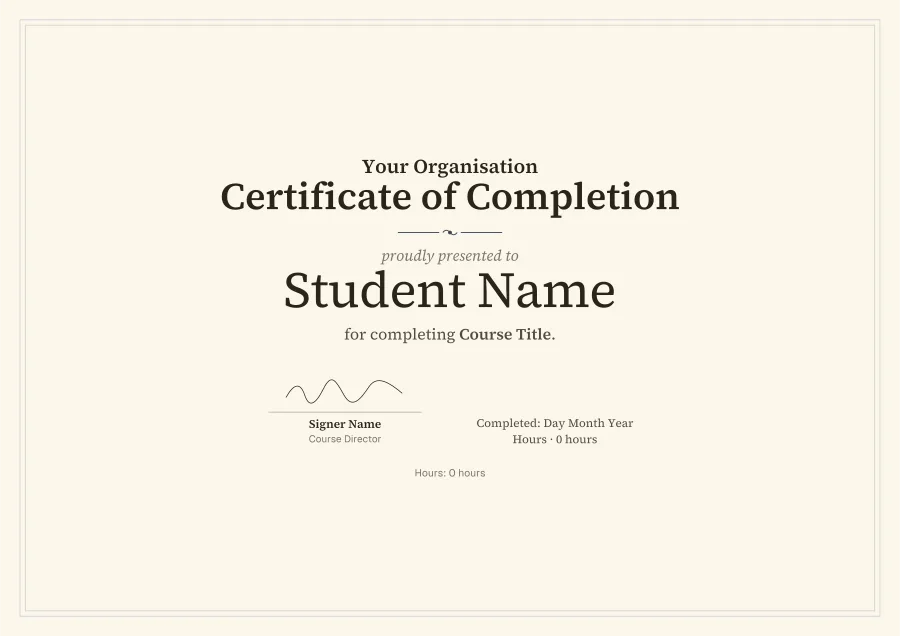
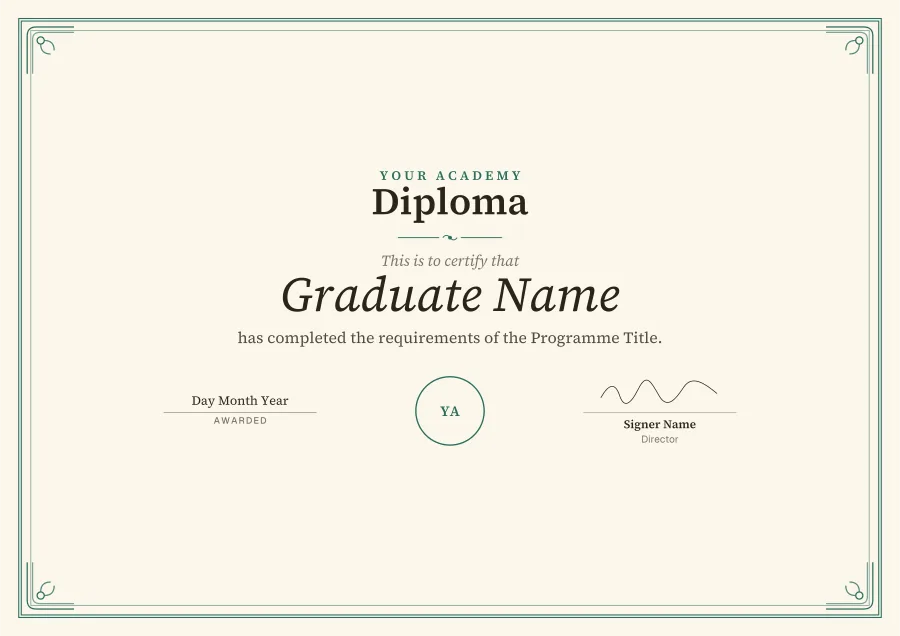
- DiplomaCustomise
- MonolithCustomise
- CalligraphyCustomise
- HeritageCustomise
- Navy classicCustomise
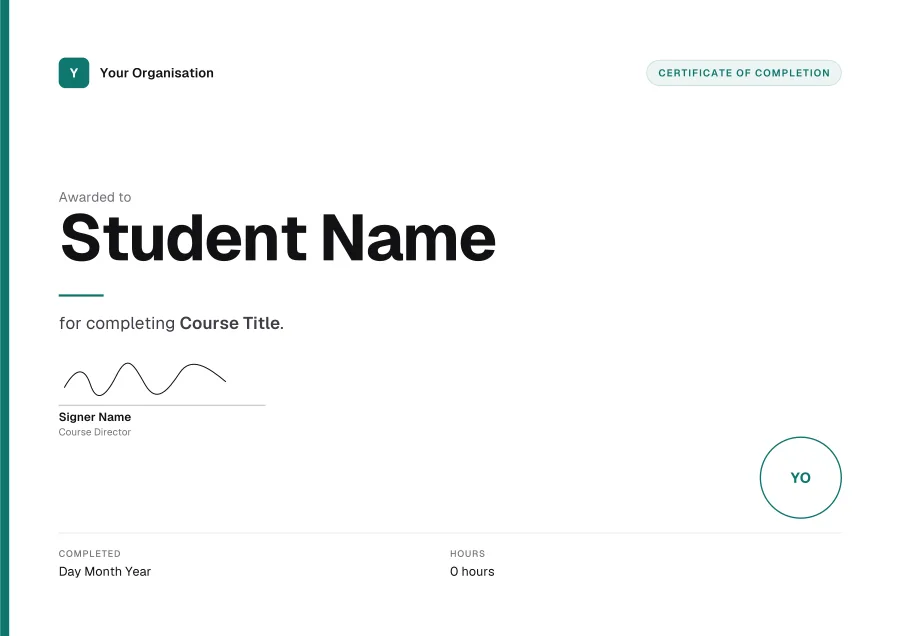
- Teal modernCustomise
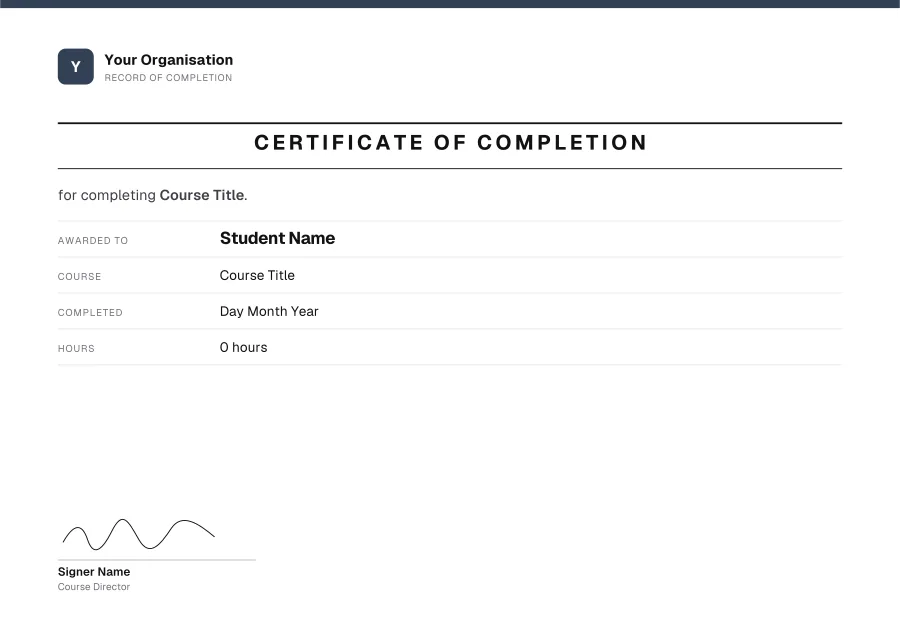
- Slate recordCustomise
- RegistryCustomise
- Ledger linesCustomise
- Ocean panelCustomise
- Forest bannerCustomise
- Silver lineCustomise
- MinimalCustomise
- Sky cornersCustomise
- Ivory guillocheCustomise
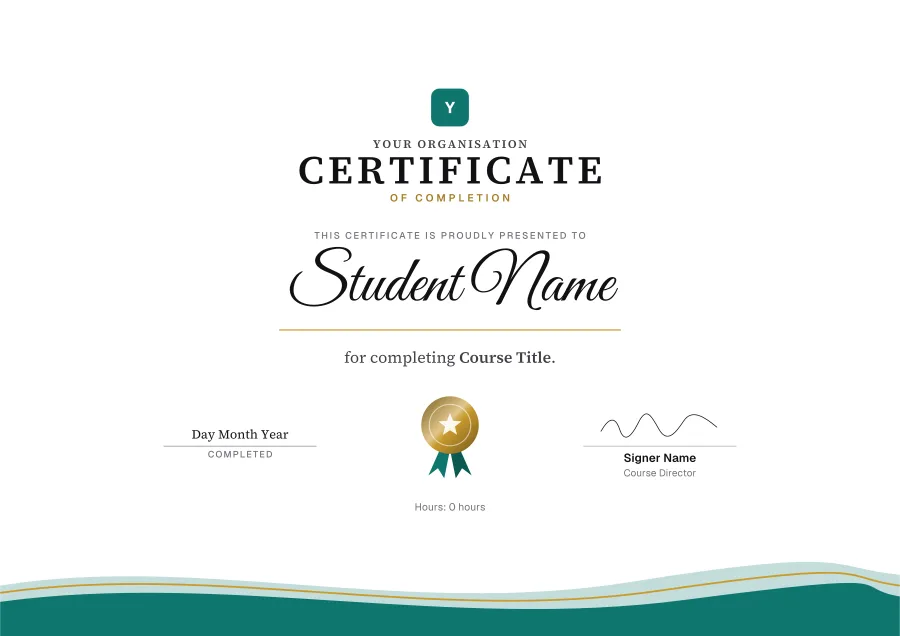
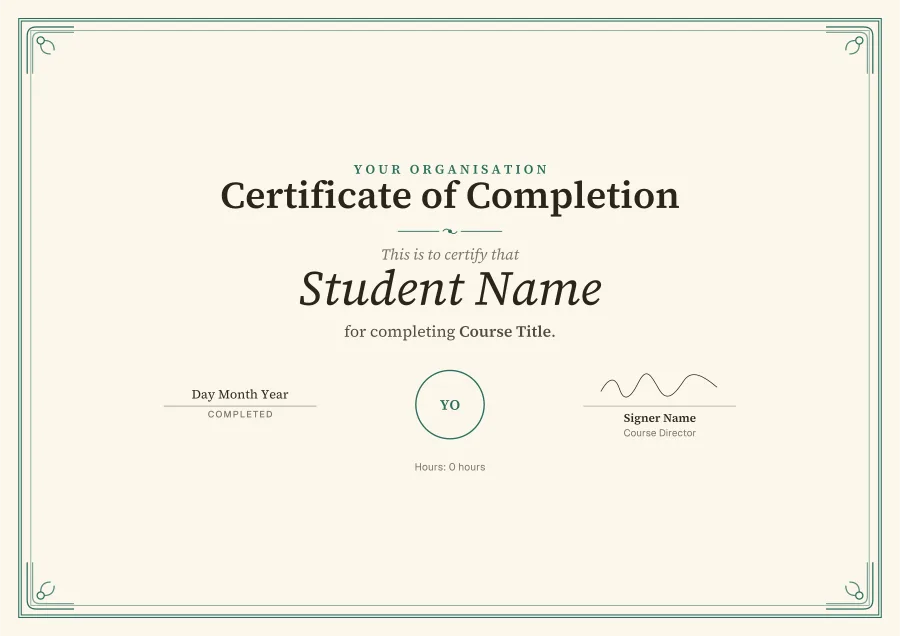
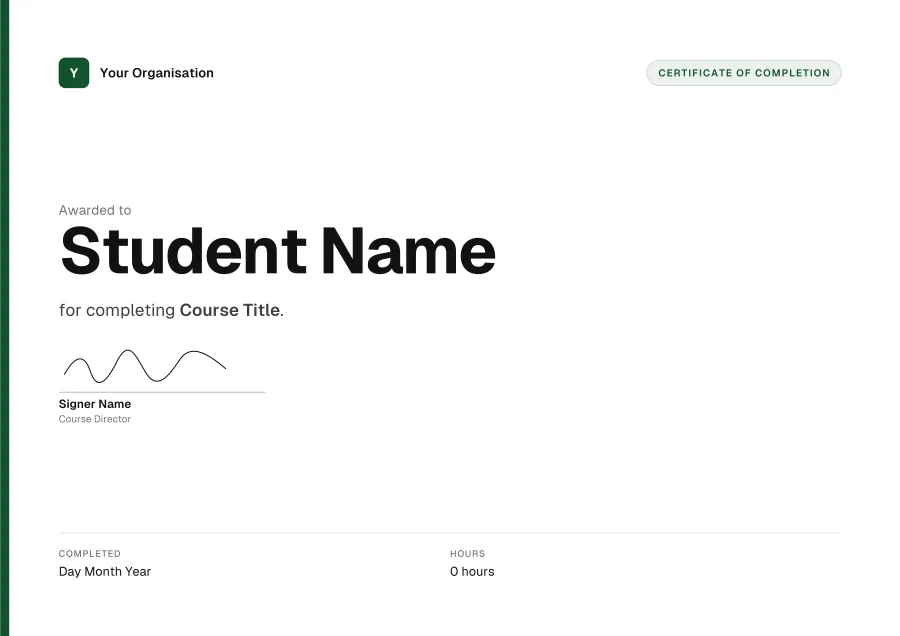
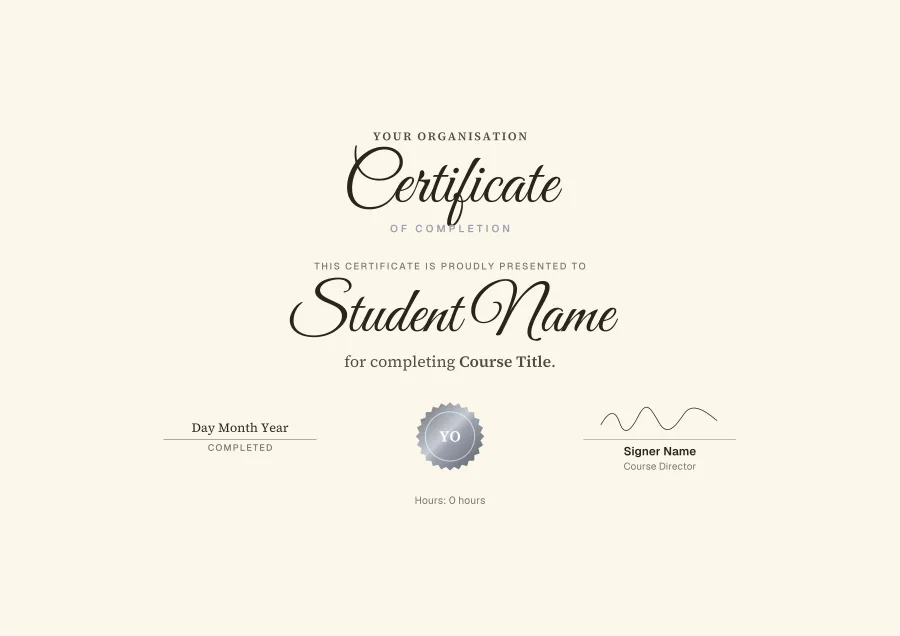
Wording for a completion certificate
Lines for under the name. Copy one, then paste it over the placeholder in Word.
What to put on it
- The student’s full name, as they’ll want it on their CV
- The course title and the date they finished
- What it took: hours, lessons, an exam score or CPD
- Who issued it, with your logo
- A signature, and any accreditation in the small print
How to edit a completion certificate in Word
- 01Download the Word filePress Word on any template. It’s a .docx, A4 landscape, with its fonts inside.
- 02Enable editingWord may open it in Protected View first, as it does any download. Click Enable Editing.
- 03Type over the placeholdersEvery line is its own text box. The logo, seal and signature are pictures: delete them, or right-click ▸ Change Picture.
- 04Print it or save a PDFFile ▸ Print on card, or File ▸ Save As ▸ PDF to email it. Change the name and save again for the next person.
Questions
- What is a certificate of completion?
- A record that someone finished a course or programme: who, what and when, signed by whoever ran it. It isn’t a qualification unless an awarding body says so.
- Can I show CPD hours or a score?
- Yes: these templates have a line for hours beside the date, and the line under the name can carry a score. In the maker you can choose CPD hours, credits or your own label.
- Can certificates be sent automatically when a student finishes?
- Not from Word. In Knola, a course’s certificate fills in each student’s name, the course, the date and their score, and is emailed when they finish, with a number anyone can check.
- Are these certificate templates free?
- Yes. Download as many as you like as Word or PDF: no sign-up, no watermark.
- Can I edit them in Word?
- Yes. The design is the page’s background and every line of text is a text box you can retype, in the template’s own font (the fonts are inside the file). The logo, seal and signature are pictures you can delete or change.
- Will they open in Google Docs?
- They’re made for Microsoft Word. Google Docs can open a .docx but may move the text boxes and swap the fonts, so for Google Drive, customise the template in the maker and download a PDF.
More certificate templates
Give certificates that issue themselves
In Knola, every student who finishes your course gets their certificate: their name, the date and their score filled in, emailed, with a number anyone can check. Free on every plan.