

Free certificate templatesCertificate templates for Word, free to edit
426 templates for 34 occasions. Download a Word file and type over any line, or a PDF to print. Customise any of them with your logo and colour.
Most popular certificate templates
One from each of the occasions people look for most. Every one downloads as an editable Word file or a PDF.
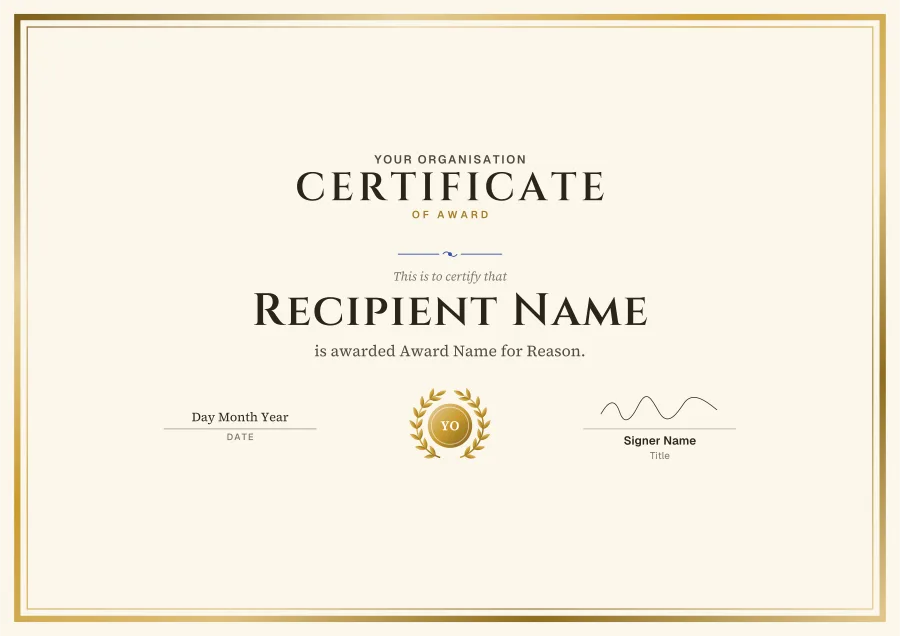
- Award: Gold foilCustomise
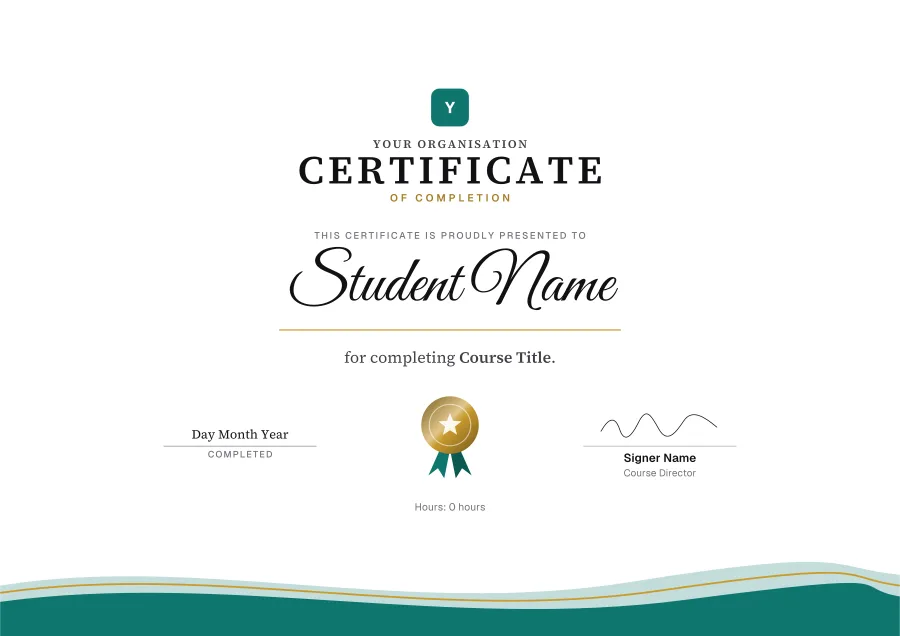
- Completion: WavesCustomise
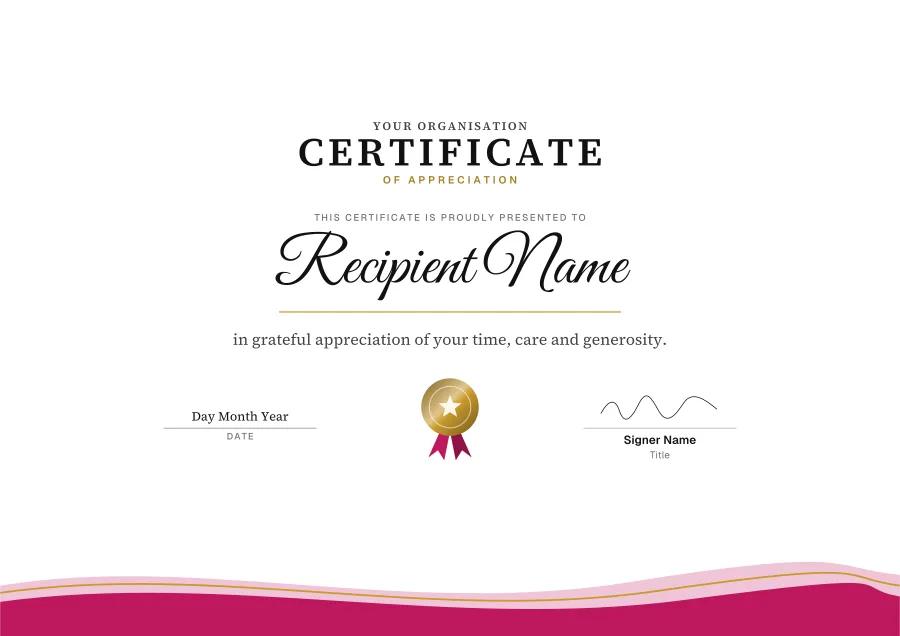
- Appreciation: Rose wavesCustomise
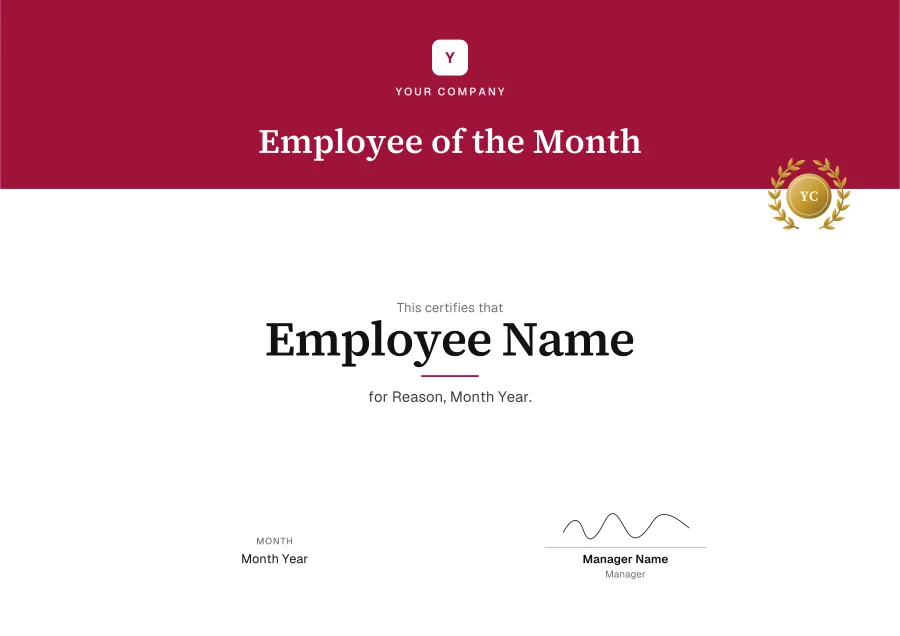
- Employee of the month: Crimson bannerCustomise
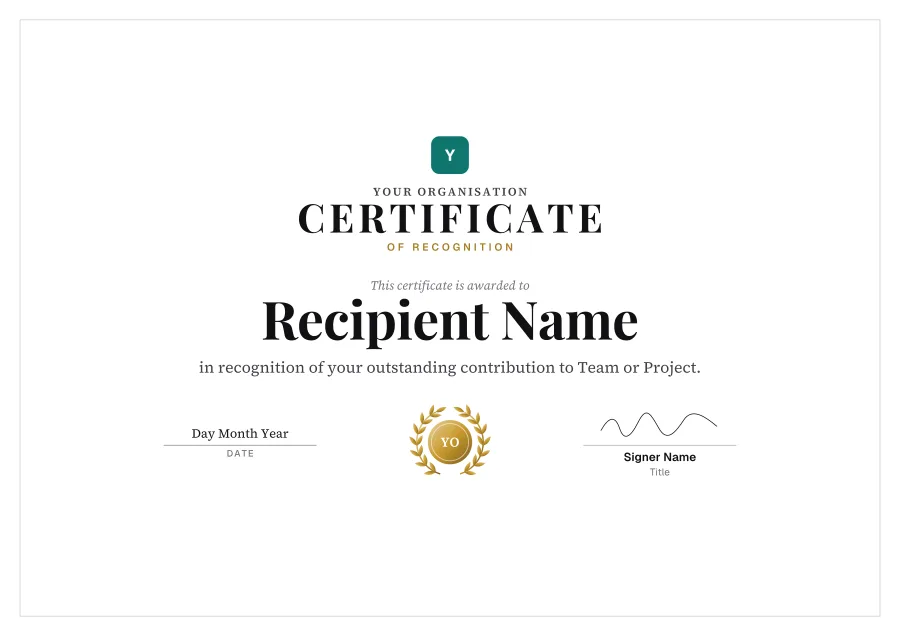
- Recognition: LaurelCustomise
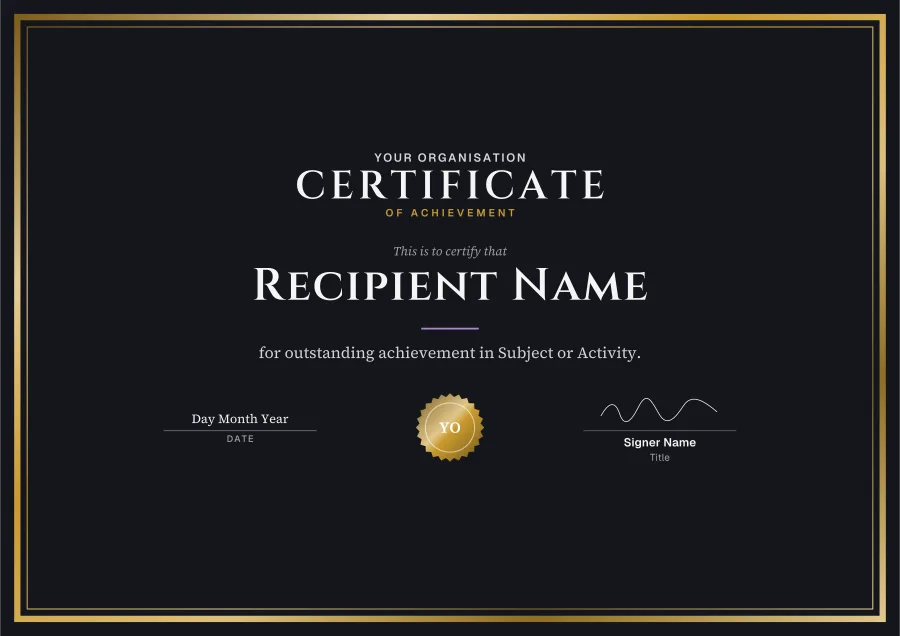
- Achievement: Night and goldCustomise
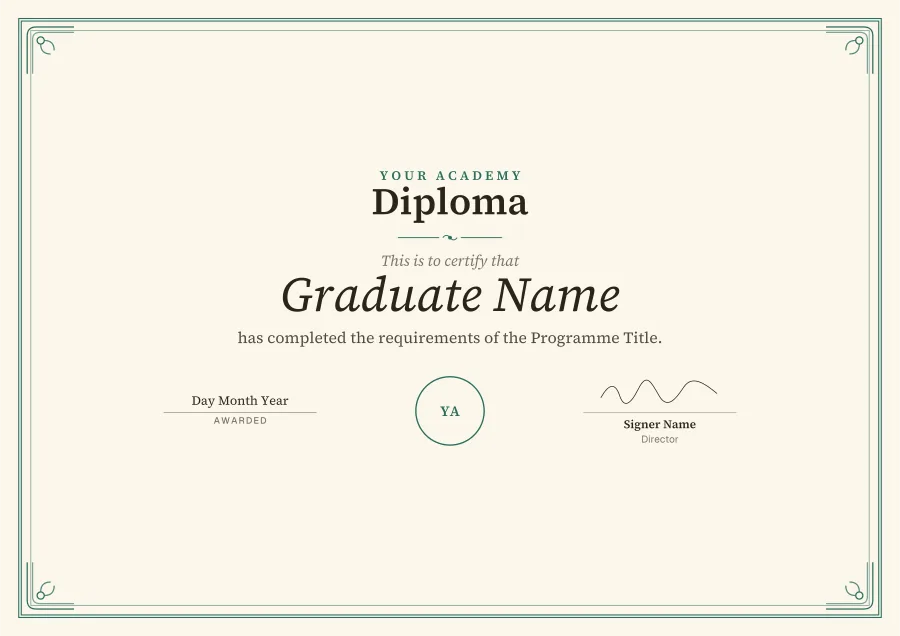
- Diploma: DiplomaCustomise
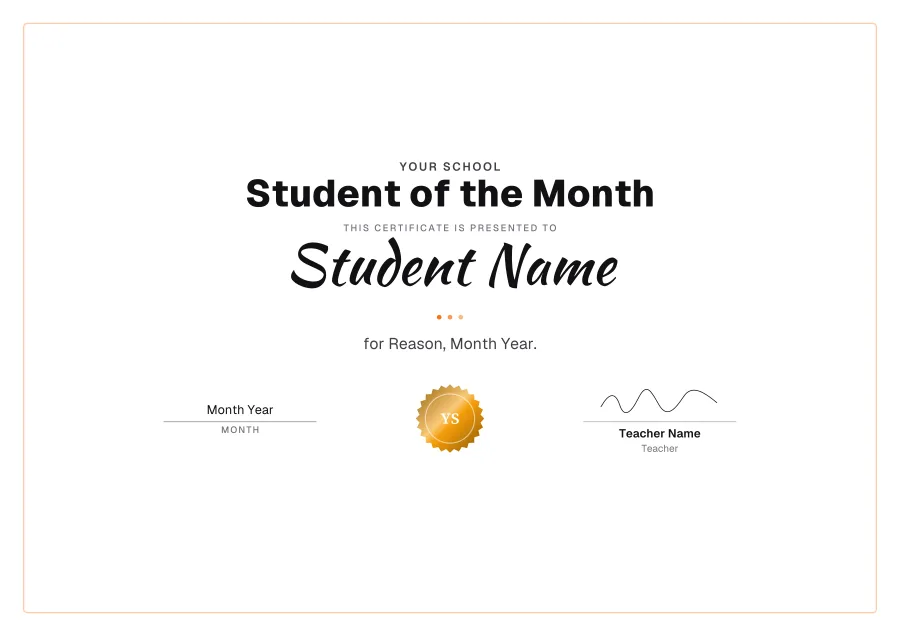
- Student of the month: SunshineCustomise
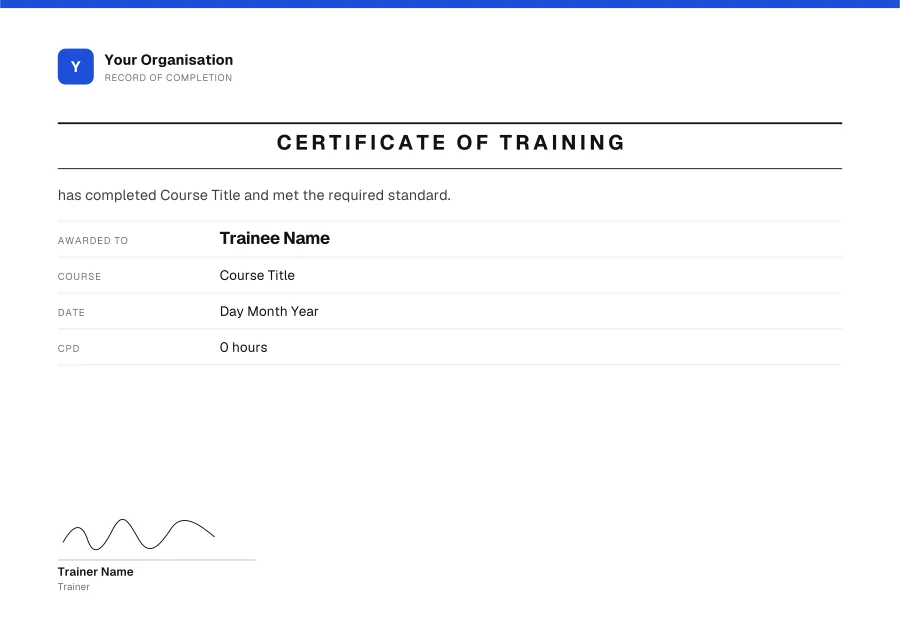
- Training: RegistryCustomise
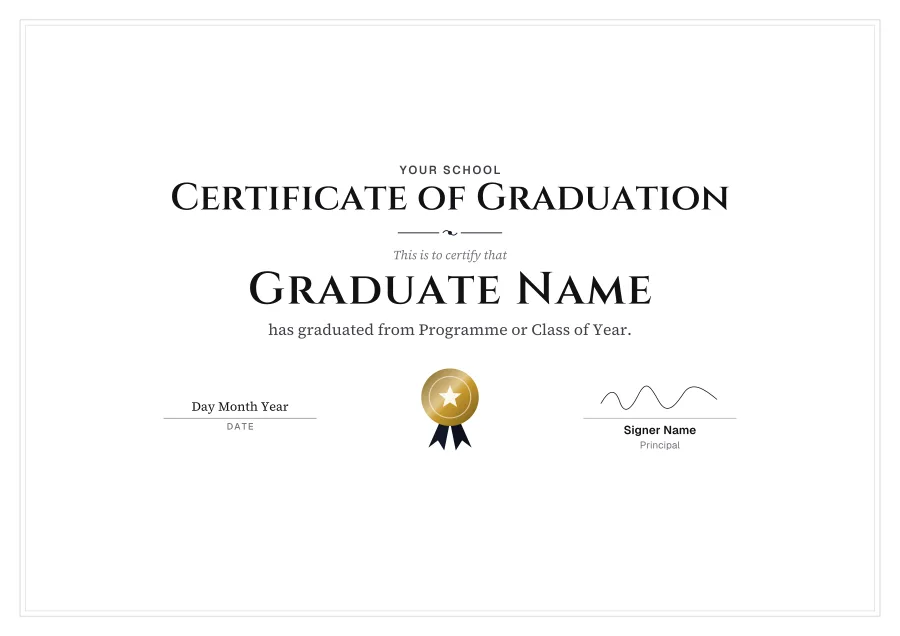
- Graduation: Black tieCustomise
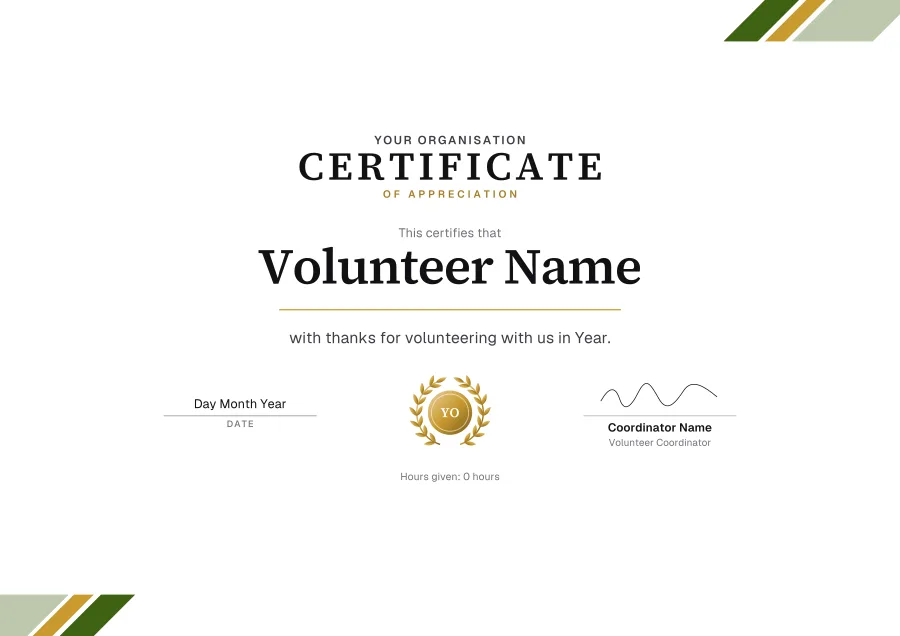
- Volunteer: Olive stripesCustomise
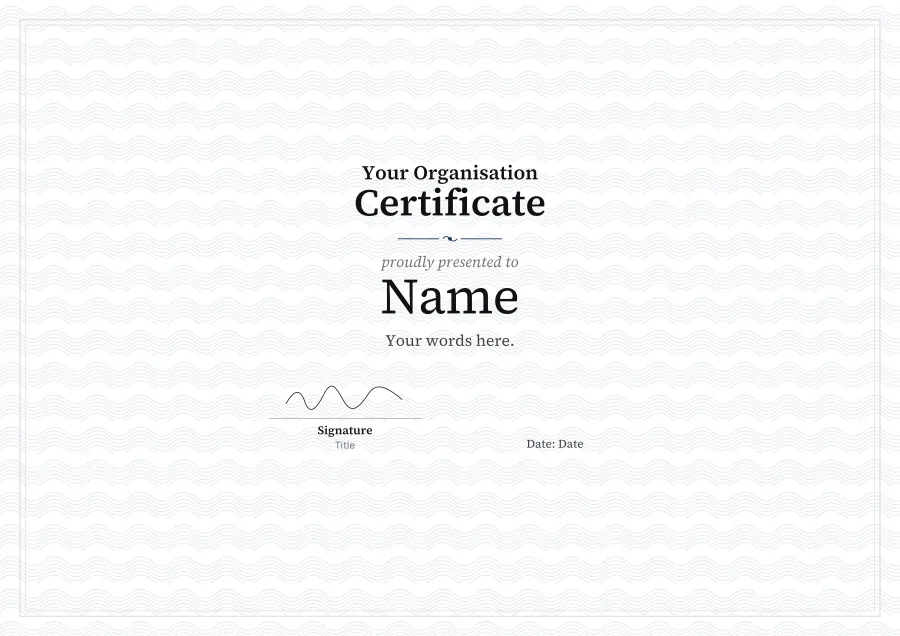
- Blank: Ivory guillocheCustomise
Award certificate templatesCertificate of completion templatesCertificate of appreciation templatesCertificate of recognition templatesCertificate of achievement templatesBlank certificate templatesEmployee of the month certificate templatesTraining certificate templatesCertificate of participation templatesCertificate of attendance templatesCertificate of excellence templatesVolunteer certificate templatesRetirement certificate templatesCertificate of membership templatesDiploma templatesGraduation certificate templatesKindergarten graduation certificate templatesStudent of the month certificate templatesHonor roll certificate templatesPerfect attendance certificate templatesSports certificate templatesPrintable certificate templatesScholarship certificate templatesInternship certificate templatesFunny award certificate templatesSpelling bee certificate templatesEmployee of the year certificate templatesYears of service certificate templatesChristmas certificate templatesMost improved certificate templatesStar student certificate templatesScience fair certificate templatesPet adoption certificate templatesGood behavior certificate templates
How to edit a certificate template in Word
- 01Download the Word filePress Word on any template. It’s a .docx, A4 landscape, with its fonts inside.
- 02Enable editingWord may open it in Protected View first, as it does any download. Click Enable Editing.
- 03Type over the placeholdersEvery line is its own text box. The logo, seal and signature are pictures: delete them, or right-click ▸ Change Picture.
- 04Print it or save a PDFFile ▸ Print on card, or File ▸ Save As ▸ PDF to email it. Change the name and save again for the next person.
Want your logo, colour or a drawn signature on it? Open the free certificate maker, then download it as Word, PDF or PNG.
Questions
- Are these certificate templates free?
- Yes. Download as many as you like as Word or PDF: no sign-up, no watermark.
- Can I edit them in Word?
- Yes. The design is the page’s background and every line of text is a text box you can retype, in the template’s own font (the fonts are inside the file). The logo, seal and signature are pictures you can delete or change.
- Will they open in Google Docs?
- They’re made for Microsoft Word. Google Docs can open a .docx but may move the text boxes and swap the fonts, so for Google Drive, customise the template in the maker and download a PDF.
- Can I change the colour or add my logo?
- Yes: press Customise. The free certificate maker opens on the template, where you can change the colour, frame and lettering, add your logo and draw a signature, then download it.
- What size are they?
- A4 landscape, edge to edge. On US Letter paper, print with “fit to page”. A heavy card (200–300 gsm) makes them feel like the real thing.
Stop typing names into certificates
Run your course in Knola and every student who finishes gets their certificate, filled in and checkable. Free on every plan.