

Free · Word and PDFSports certificate templates
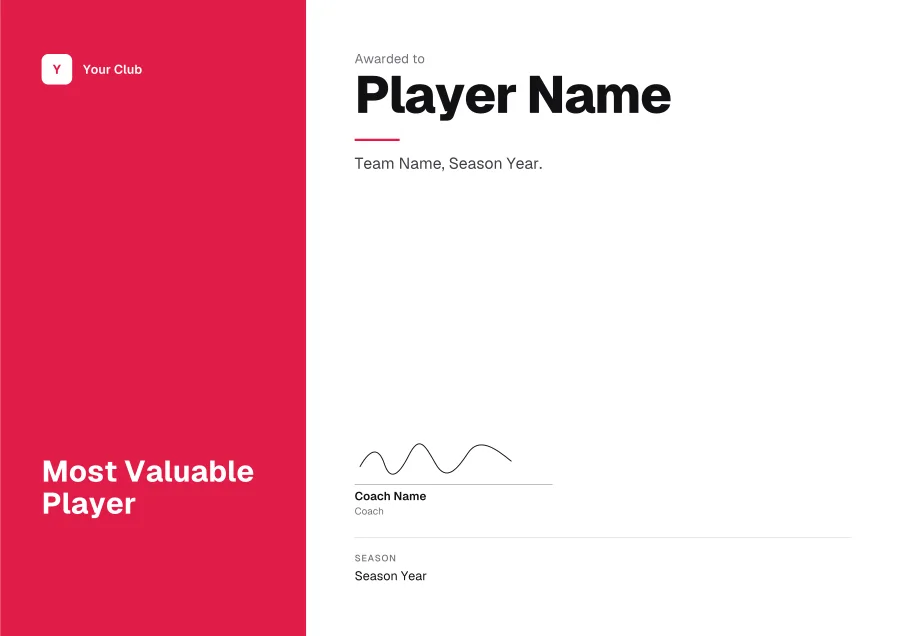
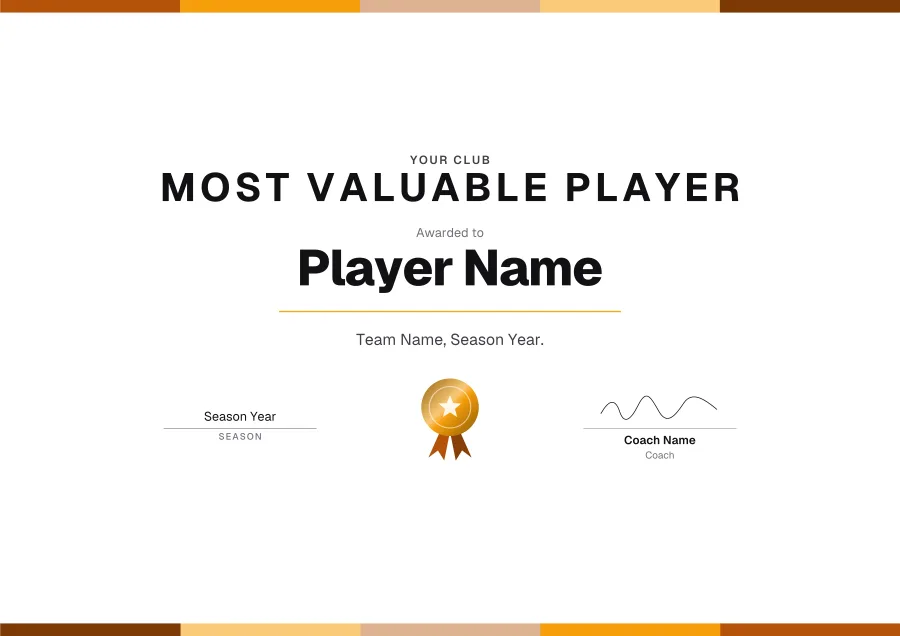
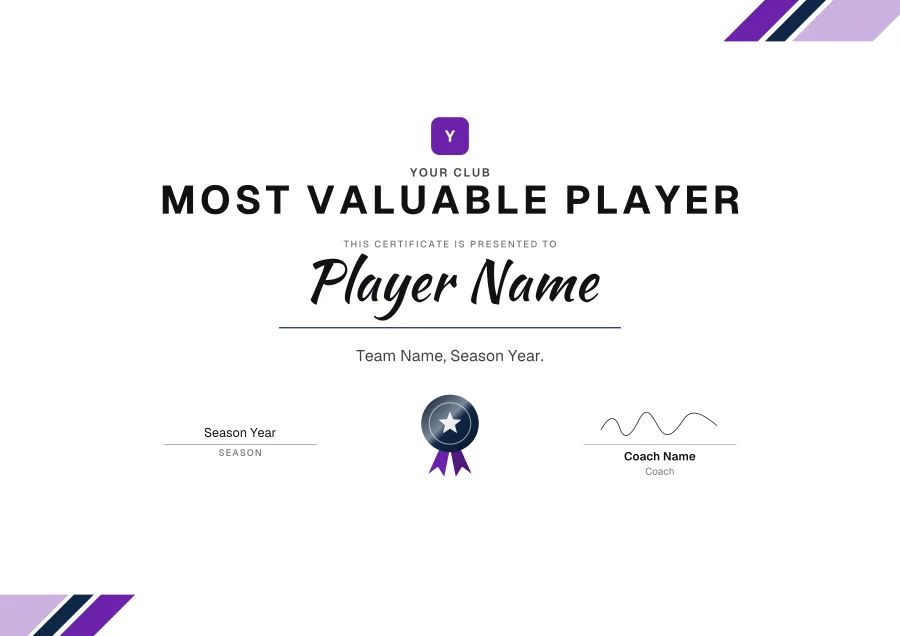
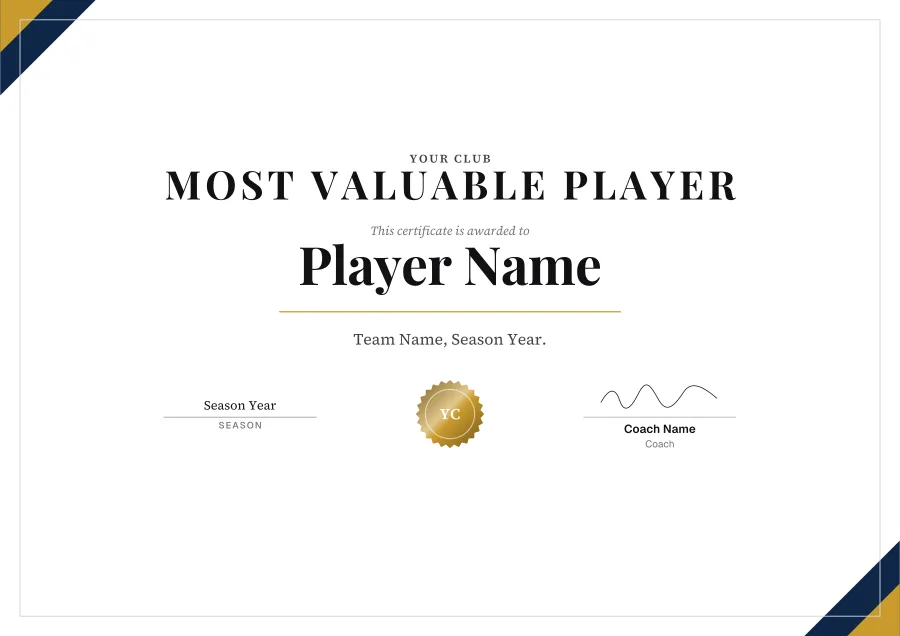
For the season’s end, sports day or the club awards: MVP, most improved, players’ player. 12 templates, every line editable in Word.
Want your logo, colour or signature on it? Press Customise to open any template in the free certificate maker.
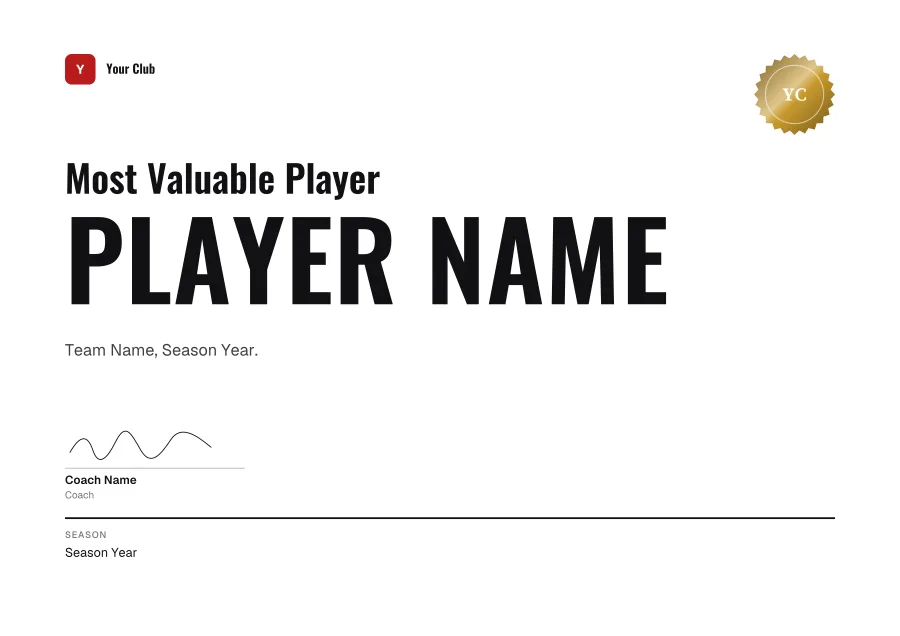
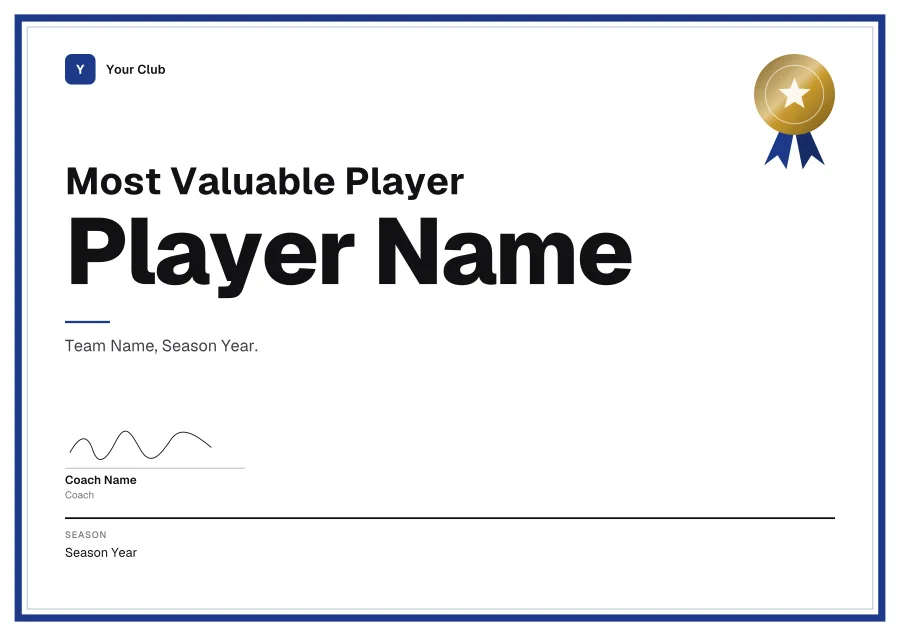
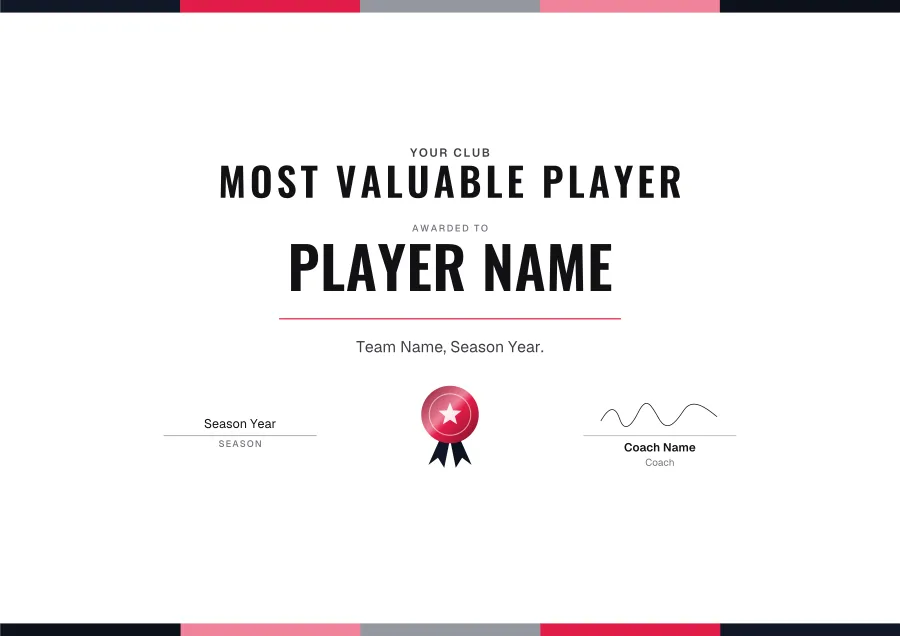
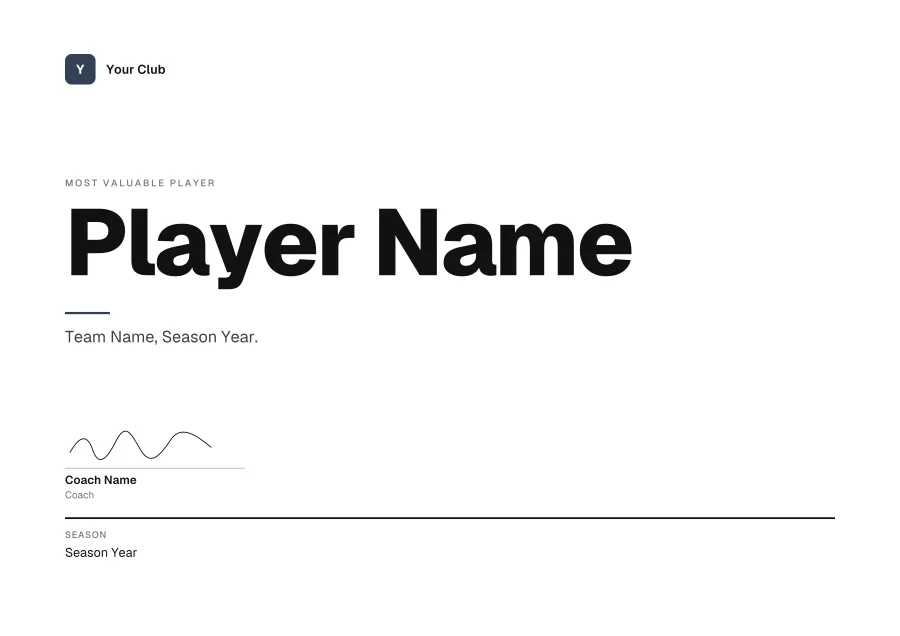
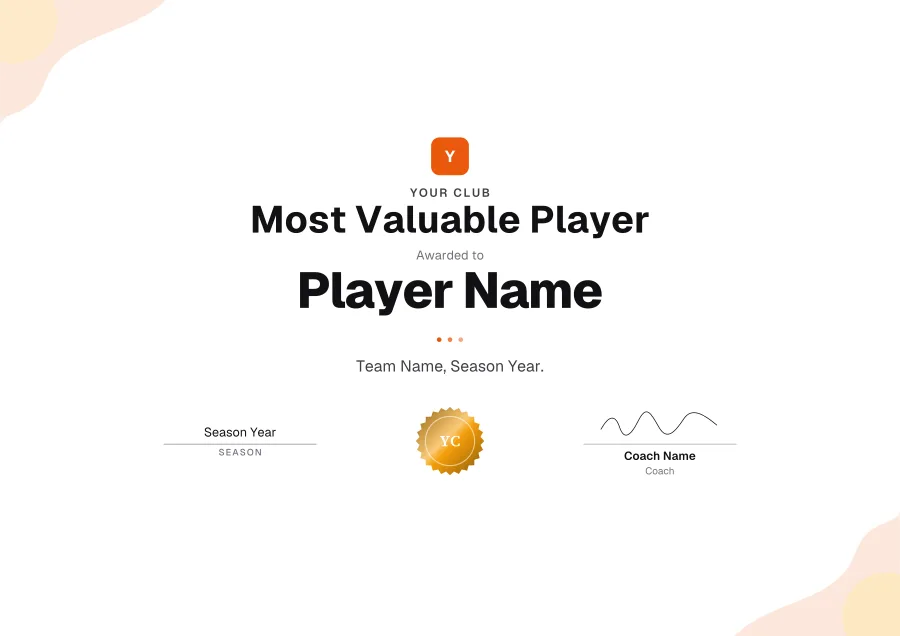
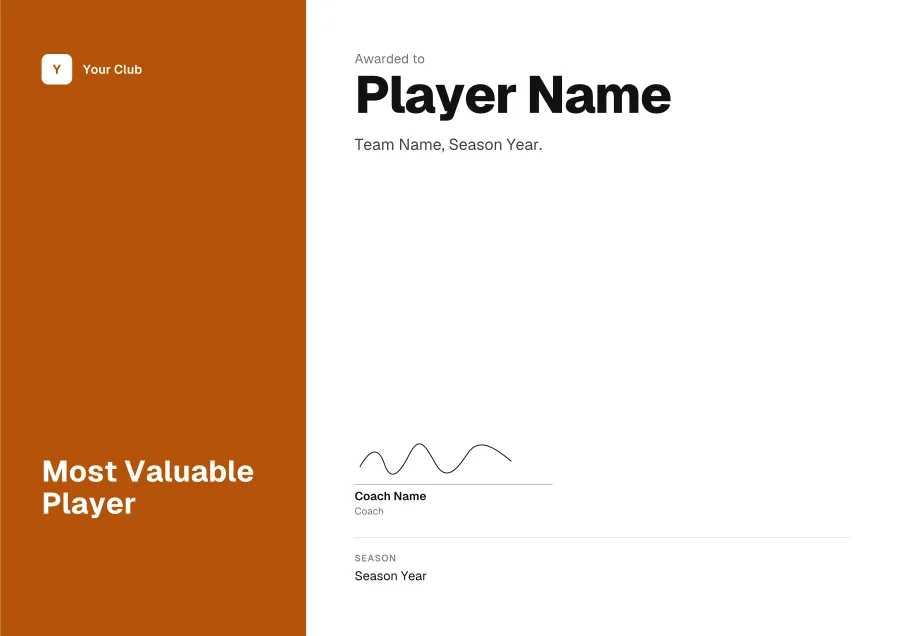
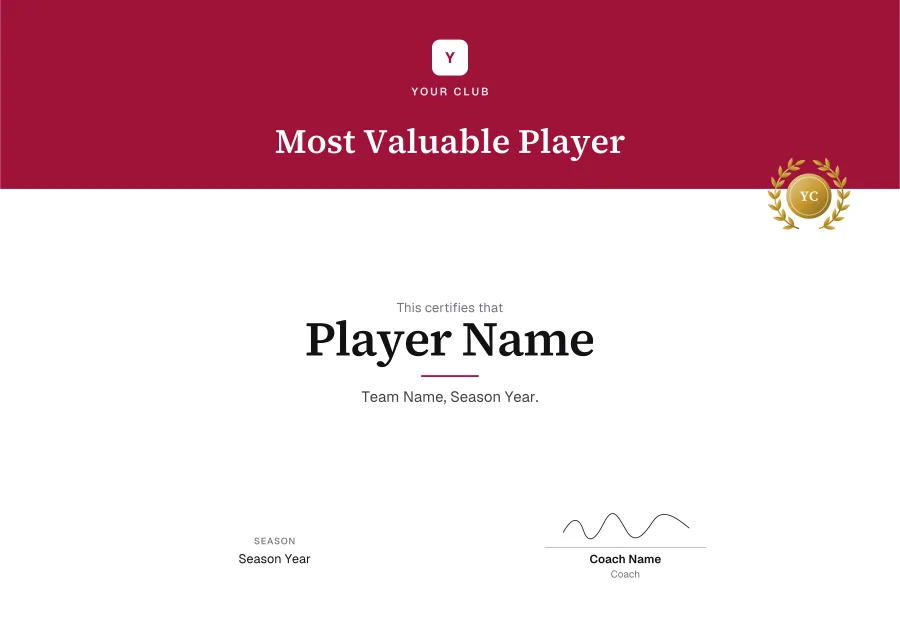
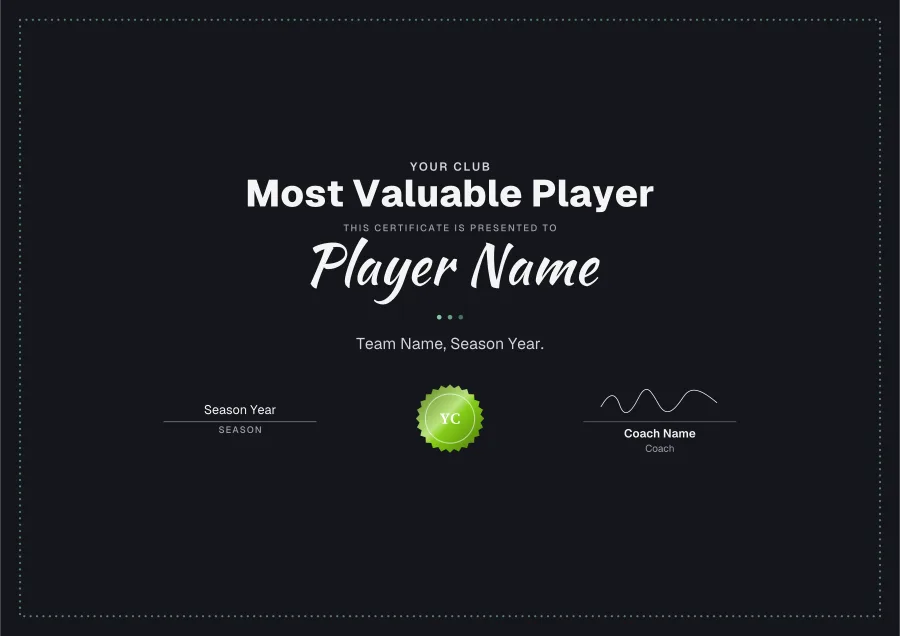
Wording for a sports certificate
Lines for under the name. Copy one, then paste it over the placeholder in Word.
What to put on it
- The award (MVP, Most Improved, Players’ Player)
- The team and the season
- A stat if there is one: goals, points, a time
- The coach’s signature
How to edit a sports certificate in Word
- 01Download the Word filePress Word on any template. It’s a .docx, A4 landscape, with its fonts inside.
- 02Enable editingWord may open it in Protected View first, as it does any download. Click Enable Editing.
- 03Type over the placeholdersEvery line is its own text box. The logo, seal and signature are pictures: delete them, or right-click ▸ Change Picture.
- 04Print it or save a PDFFile ▸ Print on card, or File ▸ Save As ▸ PDF to email it. Change the name and save again for the next person.
Questions
- Can I make one for every player?
- Yes: keep the Word file, change the name and the award, and save a copy each. Twelve players take about ten minutes.
- Are these certificate templates free?
- Yes. Download as many as you like as Word or PDF: no sign-up, no watermark.
- Can I edit them in Word?
- Yes. The design is the page’s background and every line of text is a text box you can retype, in the template’s own font (the fonts are inside the file). The logo, seal and signature are pictures you can delete or change.
- Will they open in Google Docs?
- They’re made for Microsoft Word. Google Docs can open a .docx but may move the text boxes and swap the fonts, so for Google Drive, customise the template in the maker and download a PDF.
More certificate templates
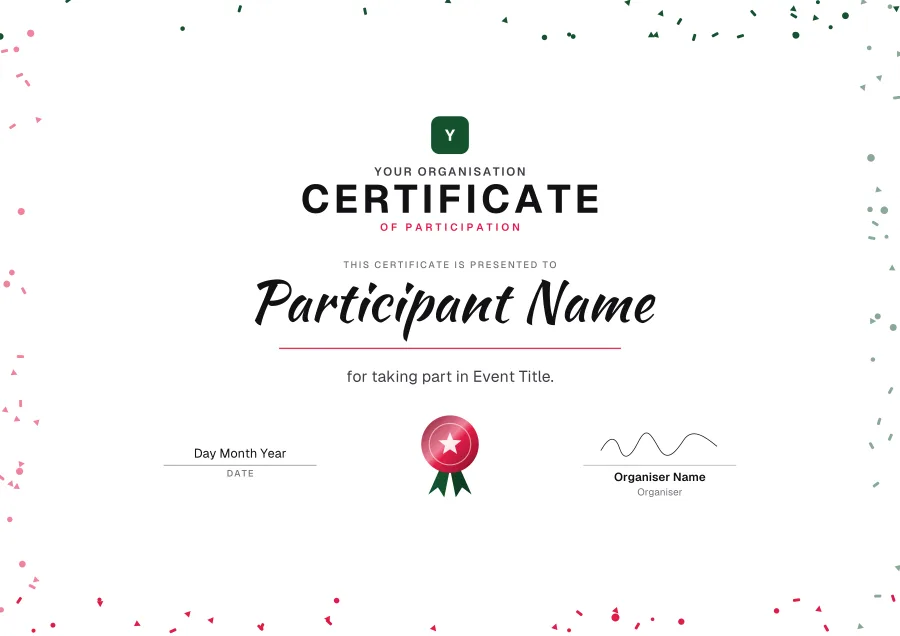
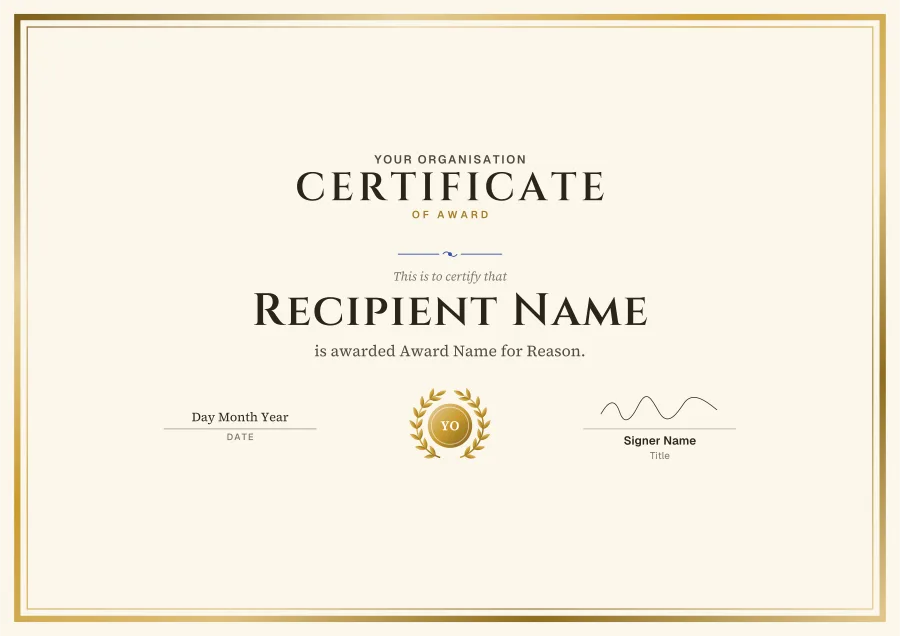
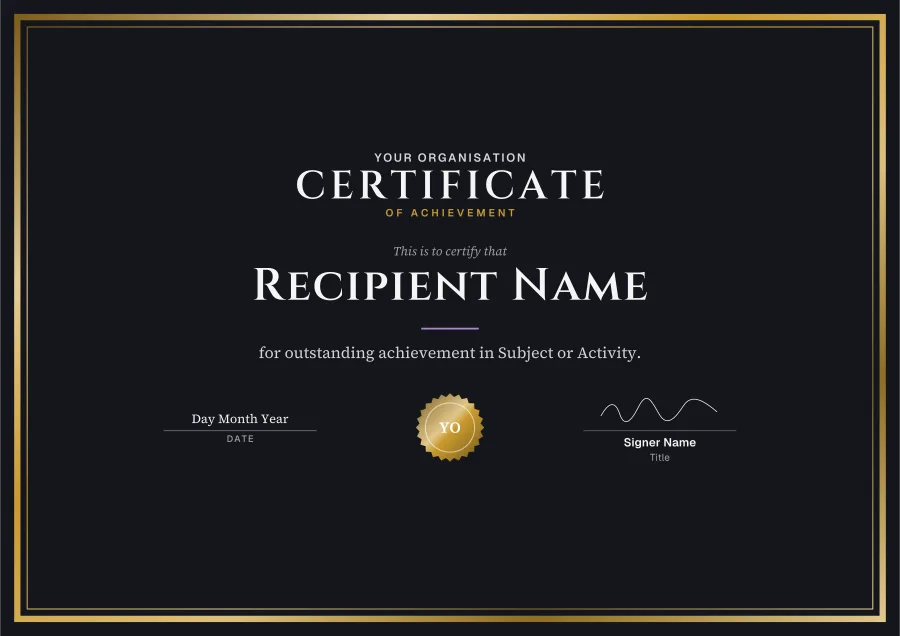
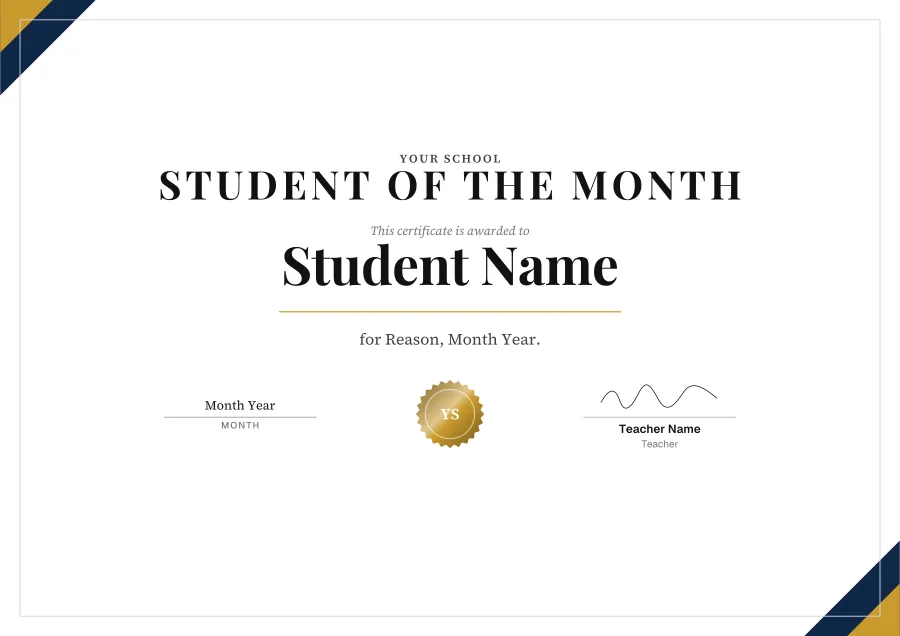
Teach online too?
Knola runs your courses and gives every student who finishes a certificate, filled in and emailed, with a number anyone can check. Free on every plan.