

Free · Word and PDFMost improved certificate templates
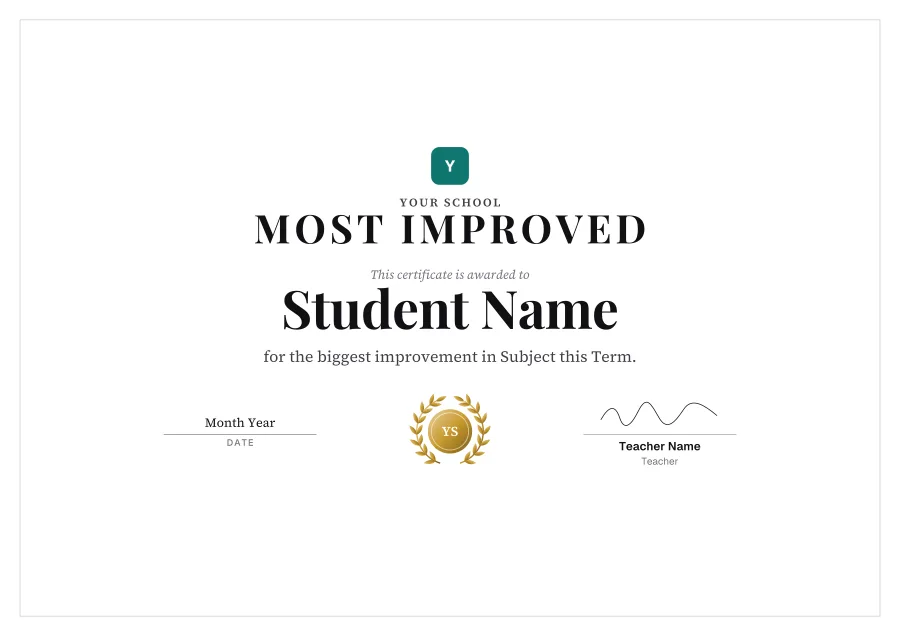
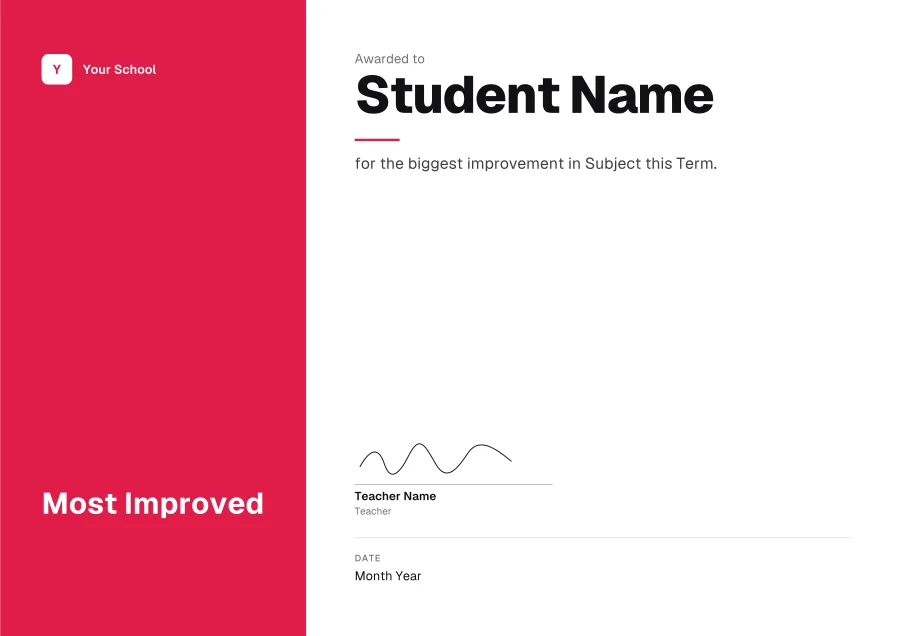
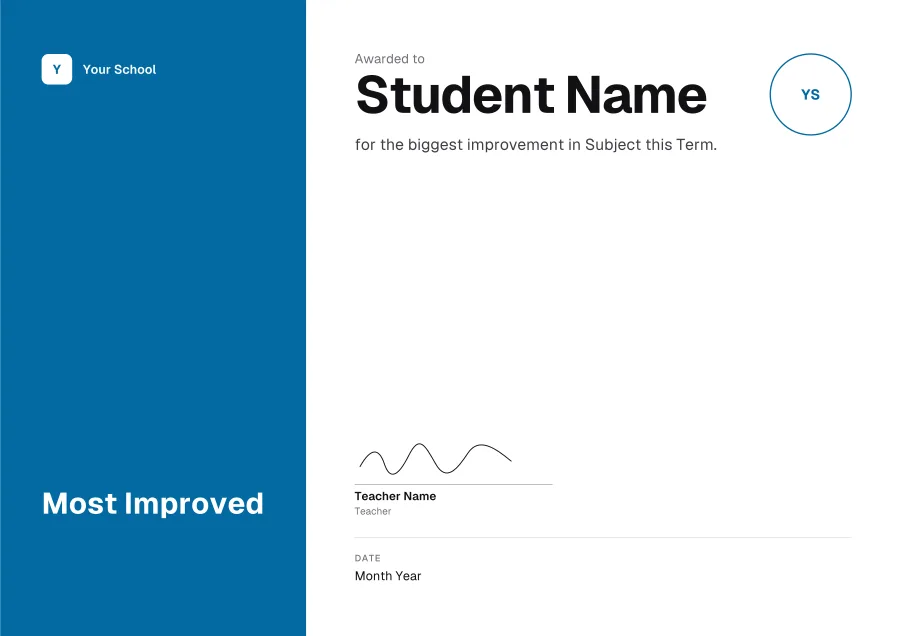
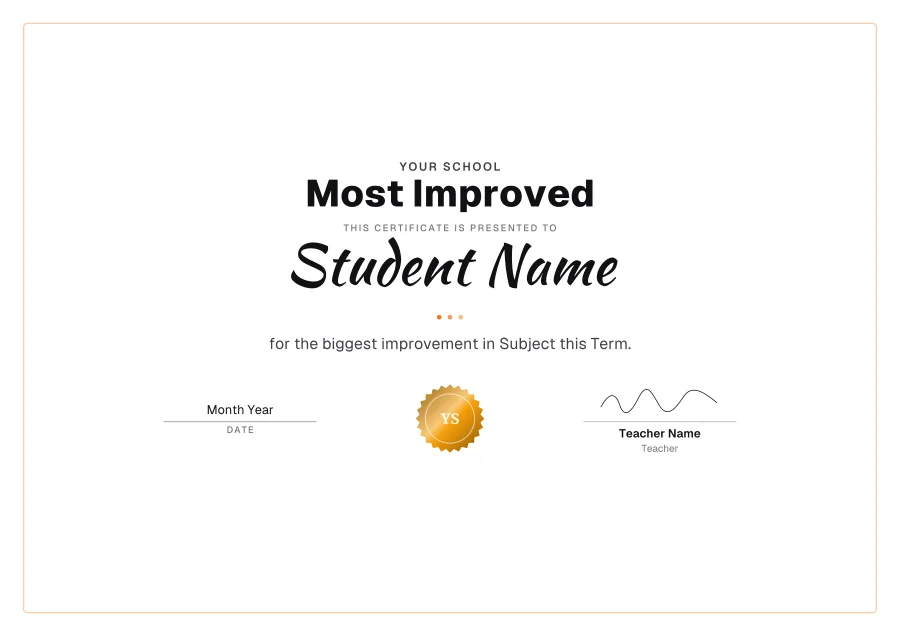
For effort and progress, not just results: in a subject, a sport or a skill. 12 templates, every line editable in Word.
Want your logo, colour or signature on it? Press Customise to open any template in the free certificate maker.
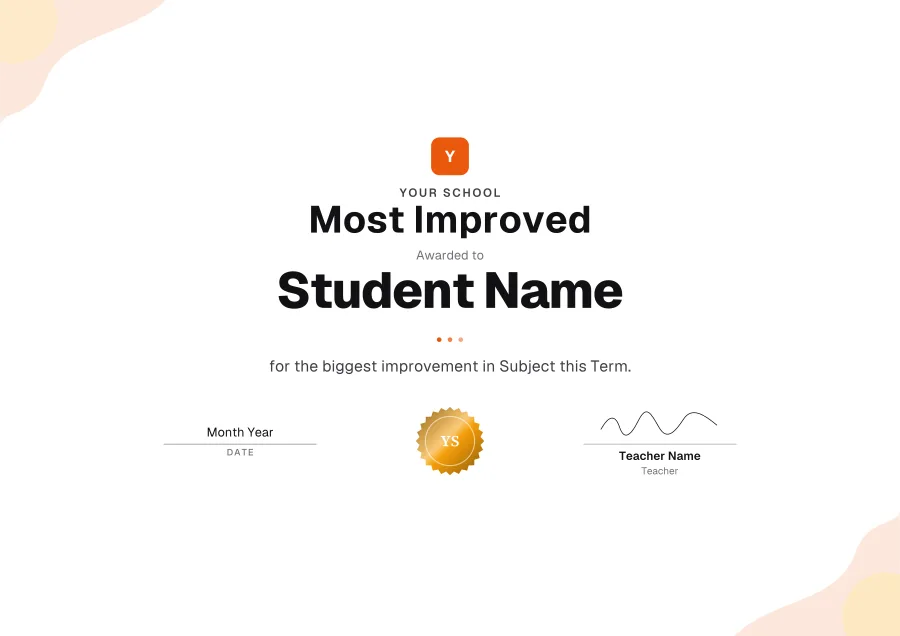
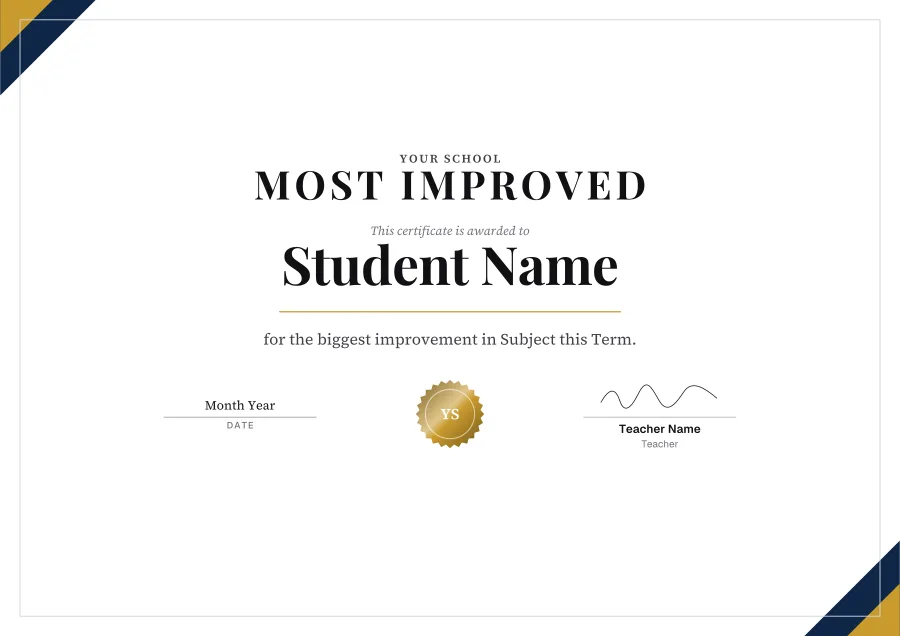
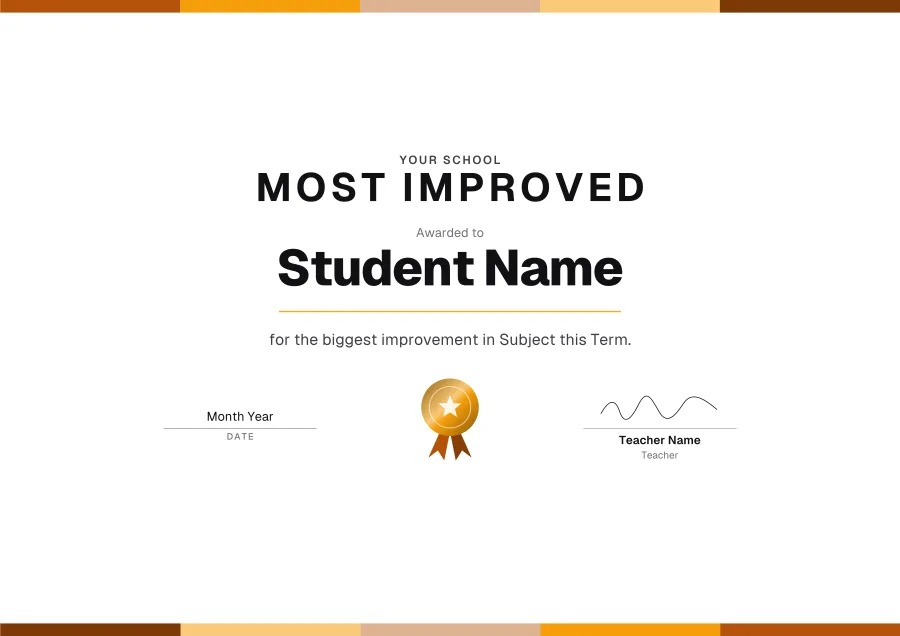
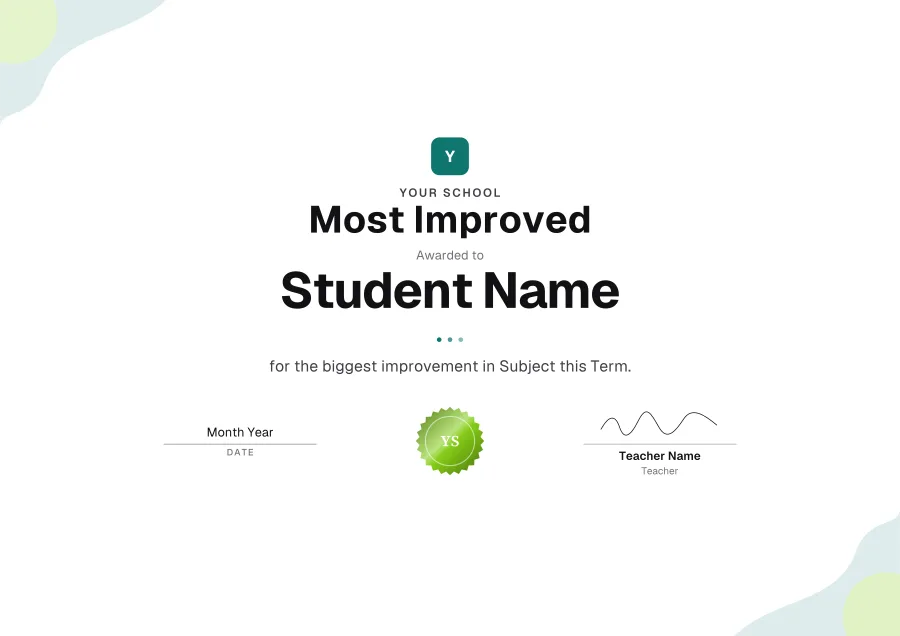
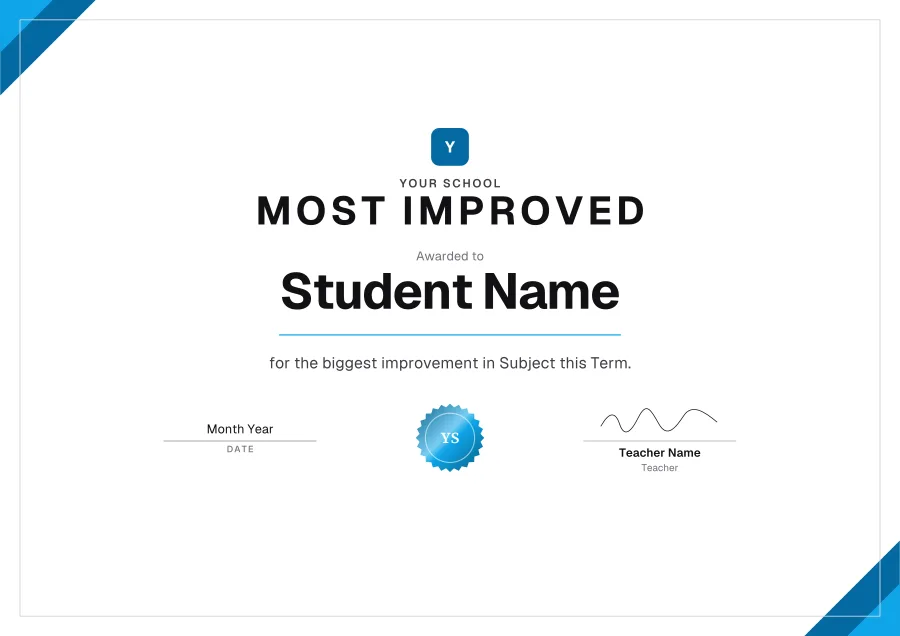
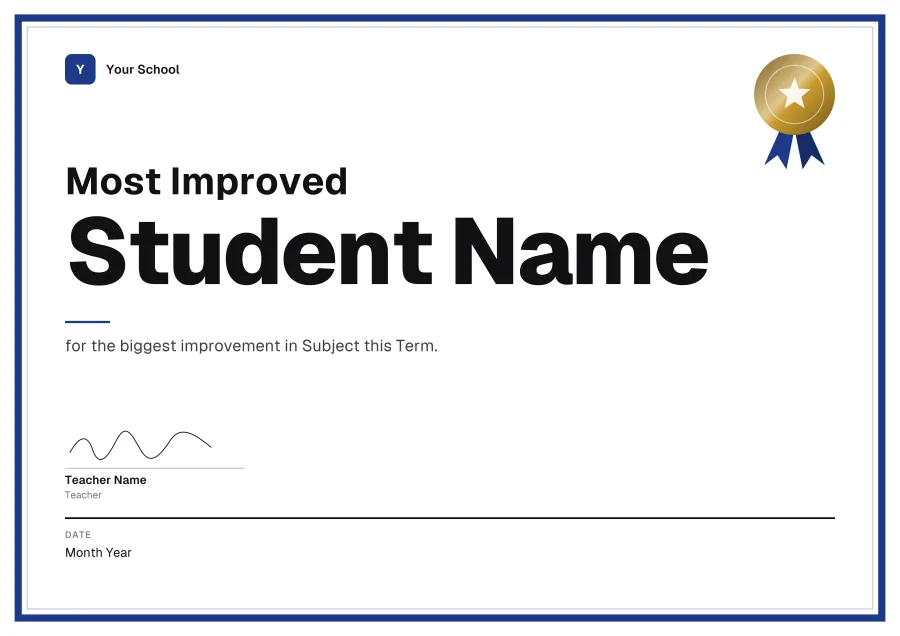
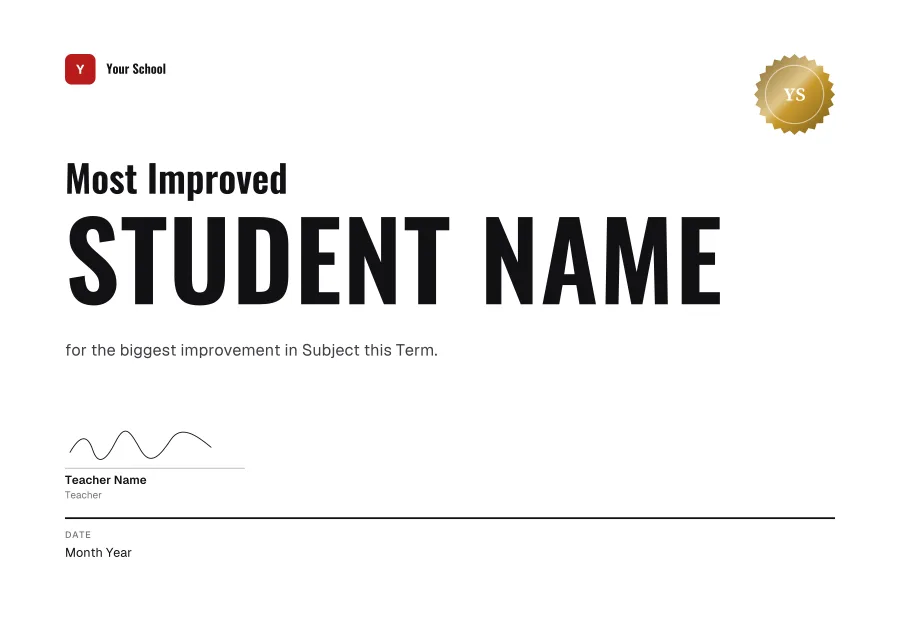
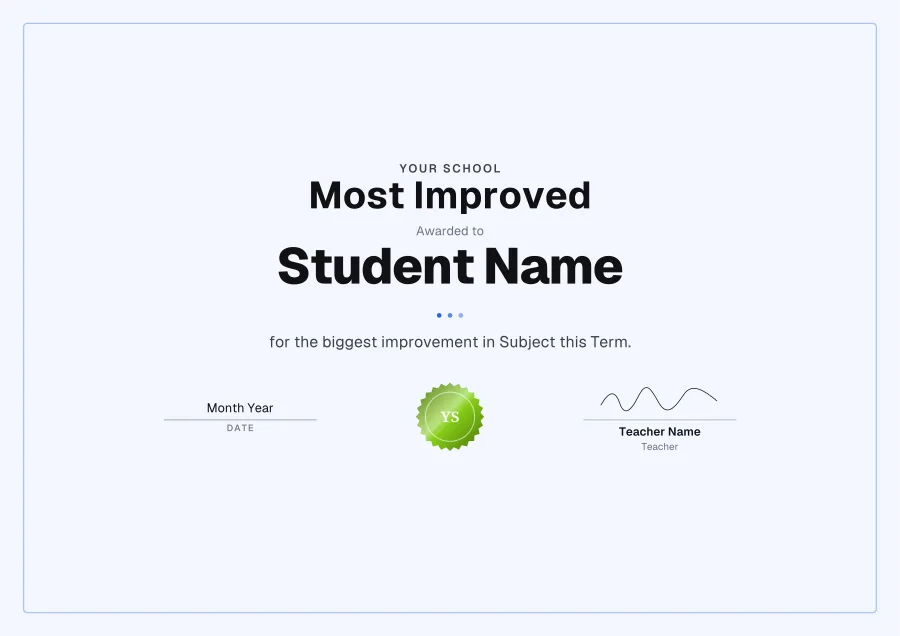
Wording for a most improved certificate
Lines for under the name. Copy one, then paste it over the placeholder in Word.
What to put on it
- What improved
- Over what period
- A number, if there is one (from 40% to 85%)
How to edit a most improved certificate in Word
- 01Download the Word filePress Word on any template. It’s a .docx, A4 landscape, with its fonts inside.
- 02Enable editingWord may open it in Protected View first, as it does any download. Click Enable Editing.
- 03Type over the placeholdersEvery line is its own text box. The logo, seal and signature are pictures: delete them, or right-click ▸ Change Picture.
- 04Print it or save a PDFFile ▸ Print on card, or File ▸ Save As ▸ PDF to email it. Change the name and save again for the next person.
Questions
- Why give a most improved award?
- It rewards effort, which is in every student’s control, not just talent. Often it means more to the person than a first place.
- Are these certificate templates free?
- Yes. Download as many as you like as Word or PDF: no sign-up, no watermark.
- Can I edit them in Word?
- Yes. The design is the page’s background and every line of text is a text box you can retype, in the template’s own font (the fonts are inside the file). The logo, seal and signature are pictures you can delete or change.
- Will they open in Google Docs?
- They’re made for Microsoft Word. Google Docs can open a .docx but may move the text boxes and swap the fonts, so for Google Drive, customise the template in the maker and download a PDF.
More certificate templates
Teach online too?
Knola runs your courses and gives every student who finishes a certificate, filled in and emailed, with a number anyone can check. Free on every plan.