Getting started
How Knola is organised, what each admin screen does, building your first course, and what every plan includes.
4 guides · 1 video
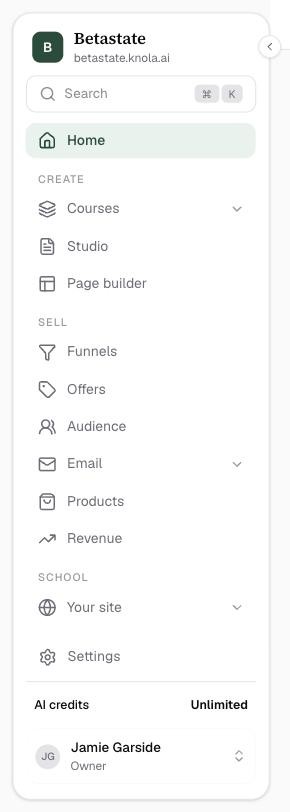 Here's how Knola is organised: schools, admin and studentsUnderstand how Knola fits together: your school on its own subdomain, the admin and student views, and one account that works across every school.4 min read
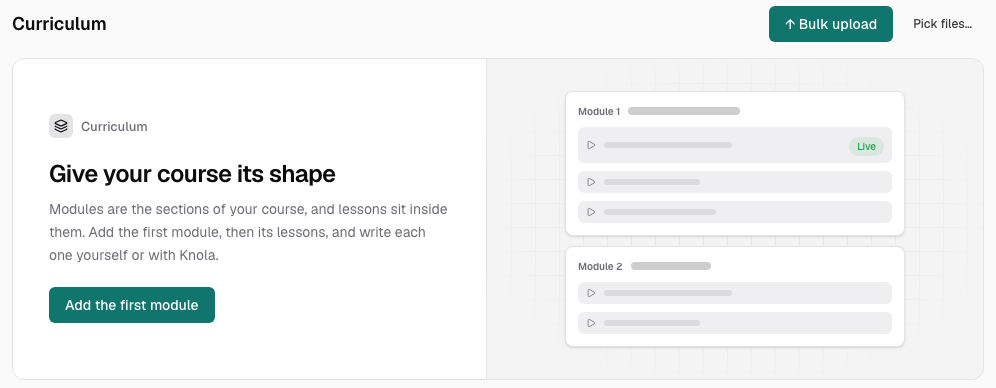 How to build your first course, end to endThe whole journey on one page: create the course, fill the lessons, set the price, publish, and put it in front of students, with a deeper guide at every step. Video4 min read
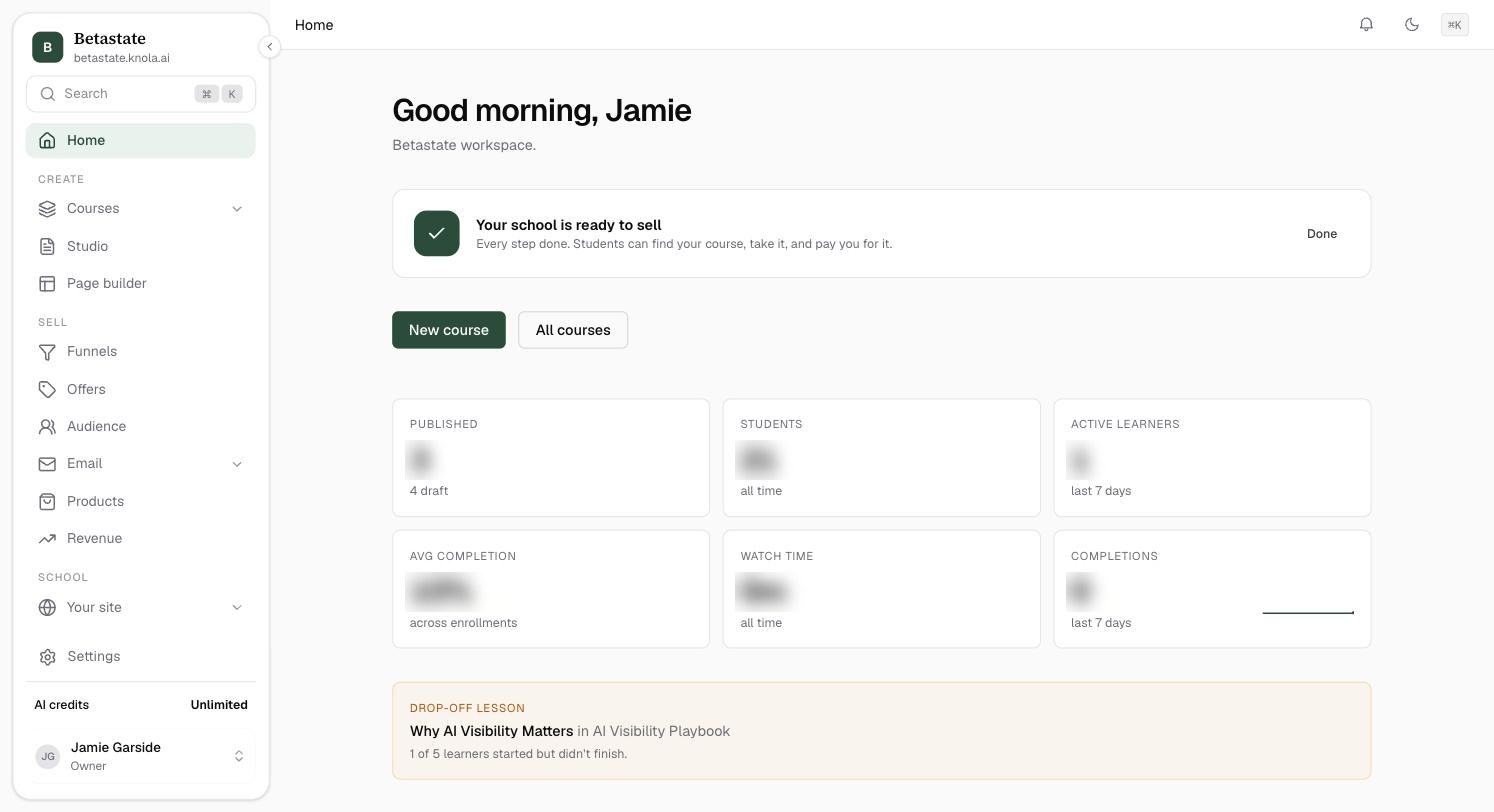 Here's your admin home: KPIs, activity and setupRead your dashboard at a glance: what each of the six KPI cards measures, what the drop-off lesson is telling you, and how the setup checklist ticks itself.5 min readPlans & pricingSolo $97 or Studio $197, paid once. What each includes, the AI credits that come with it, the 7.5% fee and how to pay 0%, and what Knola Pro adds.4 min read