Students & access
Who gets in and how: enrolment, invite links, access control, progress, questions and certificates.
7 guides · 2 videos
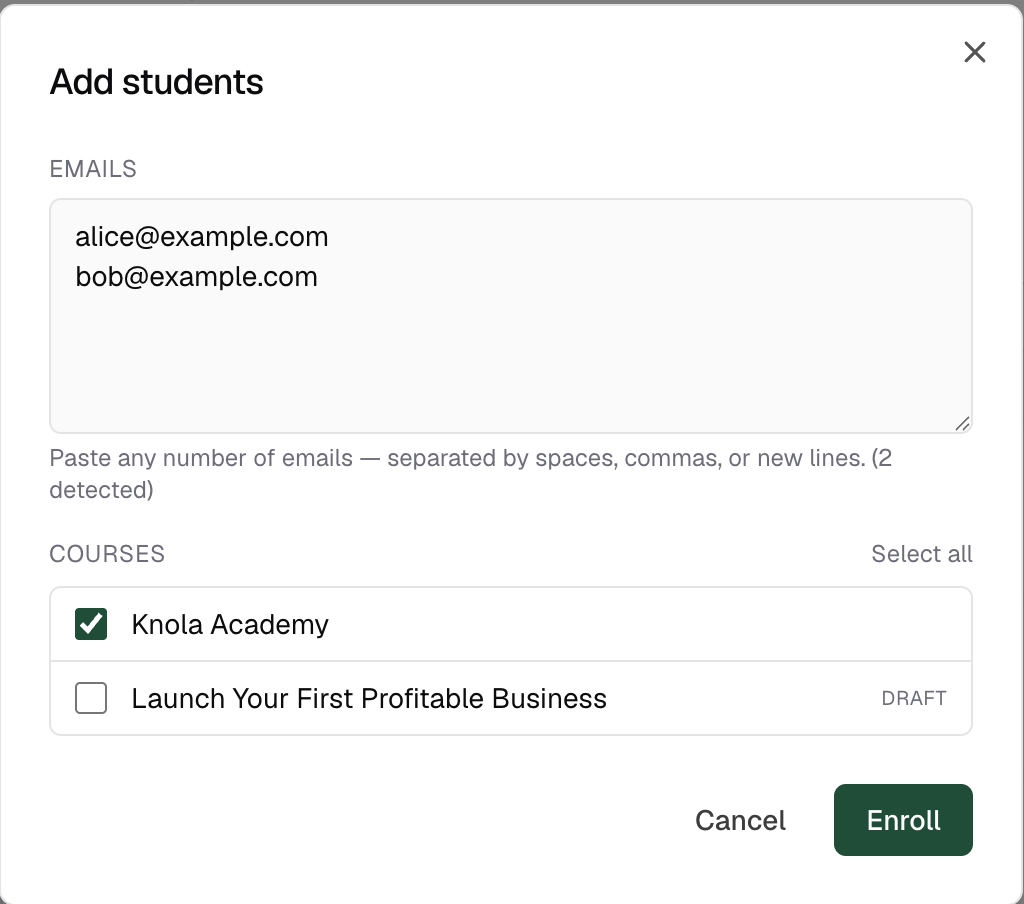 How to add students by emailPaste any number of email addresses, tick the courses, and every student is enrolled and emailed, whether or not they have an account yet.4 min read
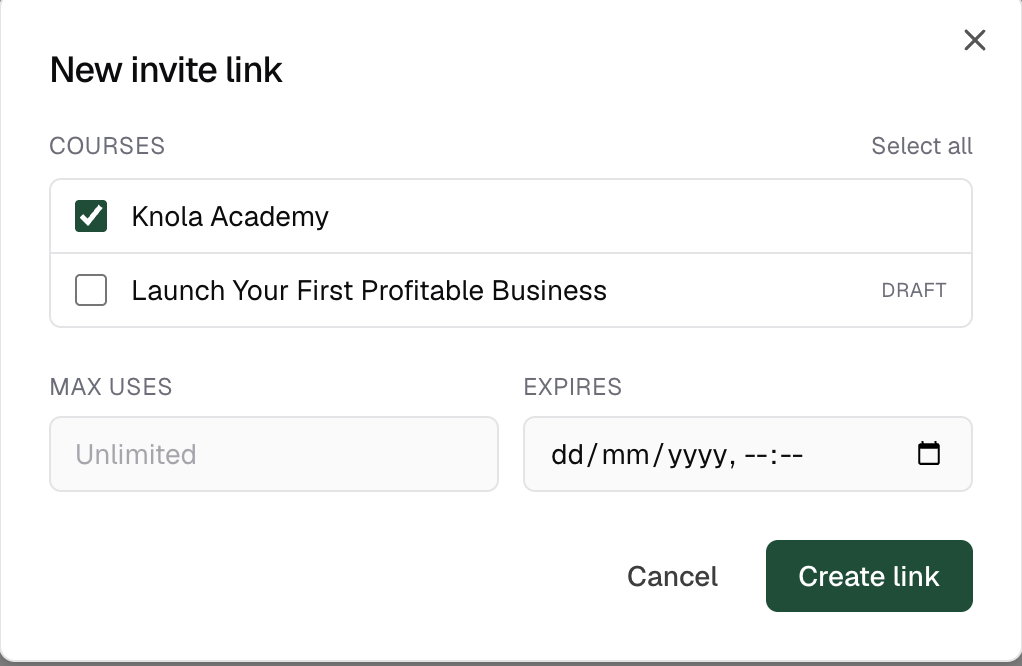 How to create invite linksCreate a shareable link that auto-enrols anyone who opens it (with optional max uses and expiry) and revoke it the moment it has done its job.4 min read
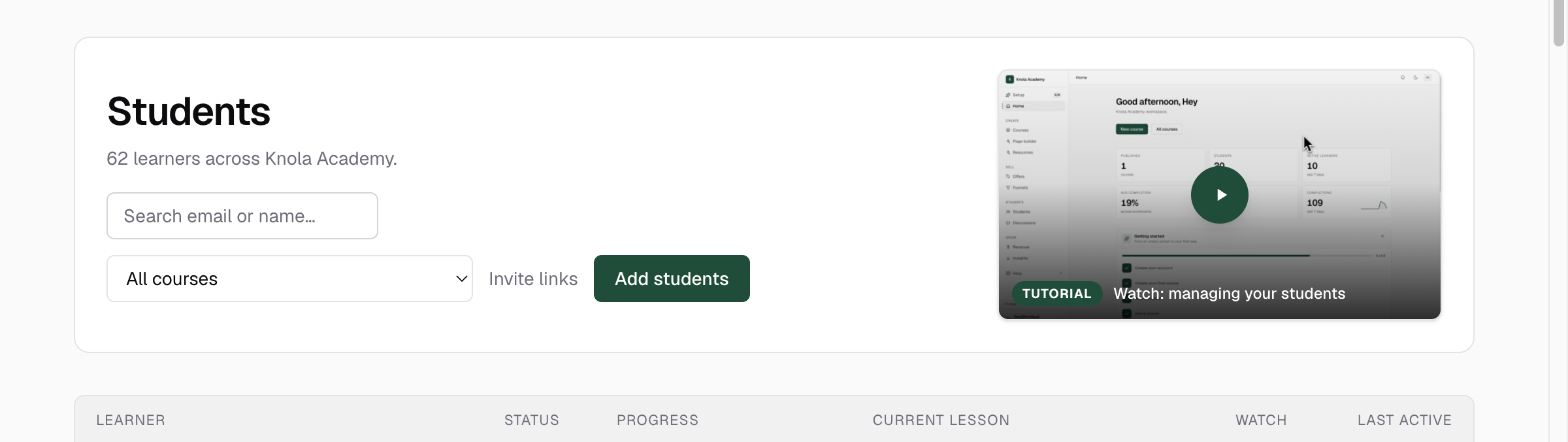 How to track your students & their progressRead the student list at a glance (who is active, stuck, or done) and drill into any learner for lesson-by-lesson progress and access controls. Video5 min read
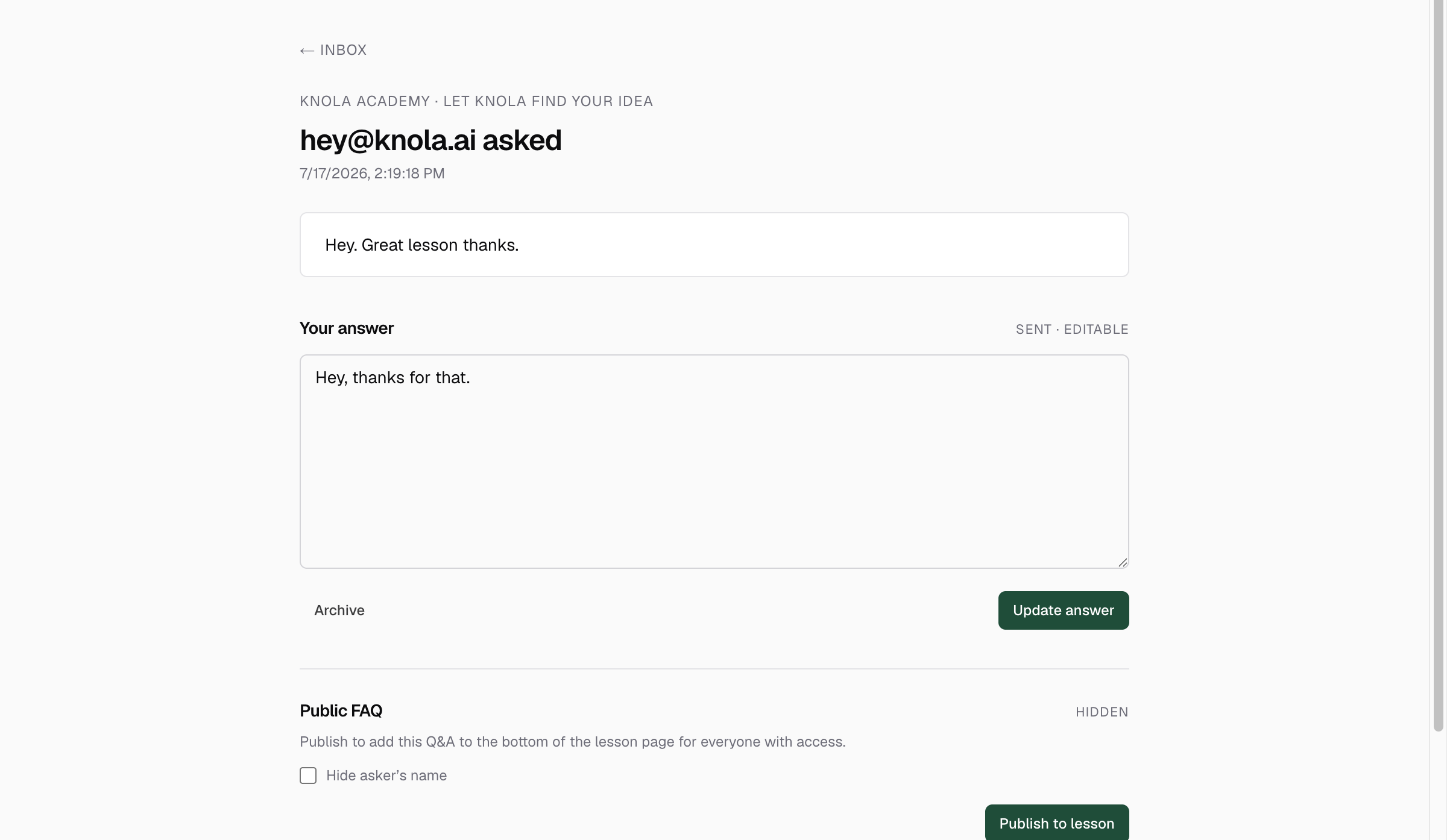 How to answer questions & publish FAQsWork the Q&A inbox: answer student questions privately, then publish the best answers as a public FAQ on the lesson so you never answer twice. Video4 min read
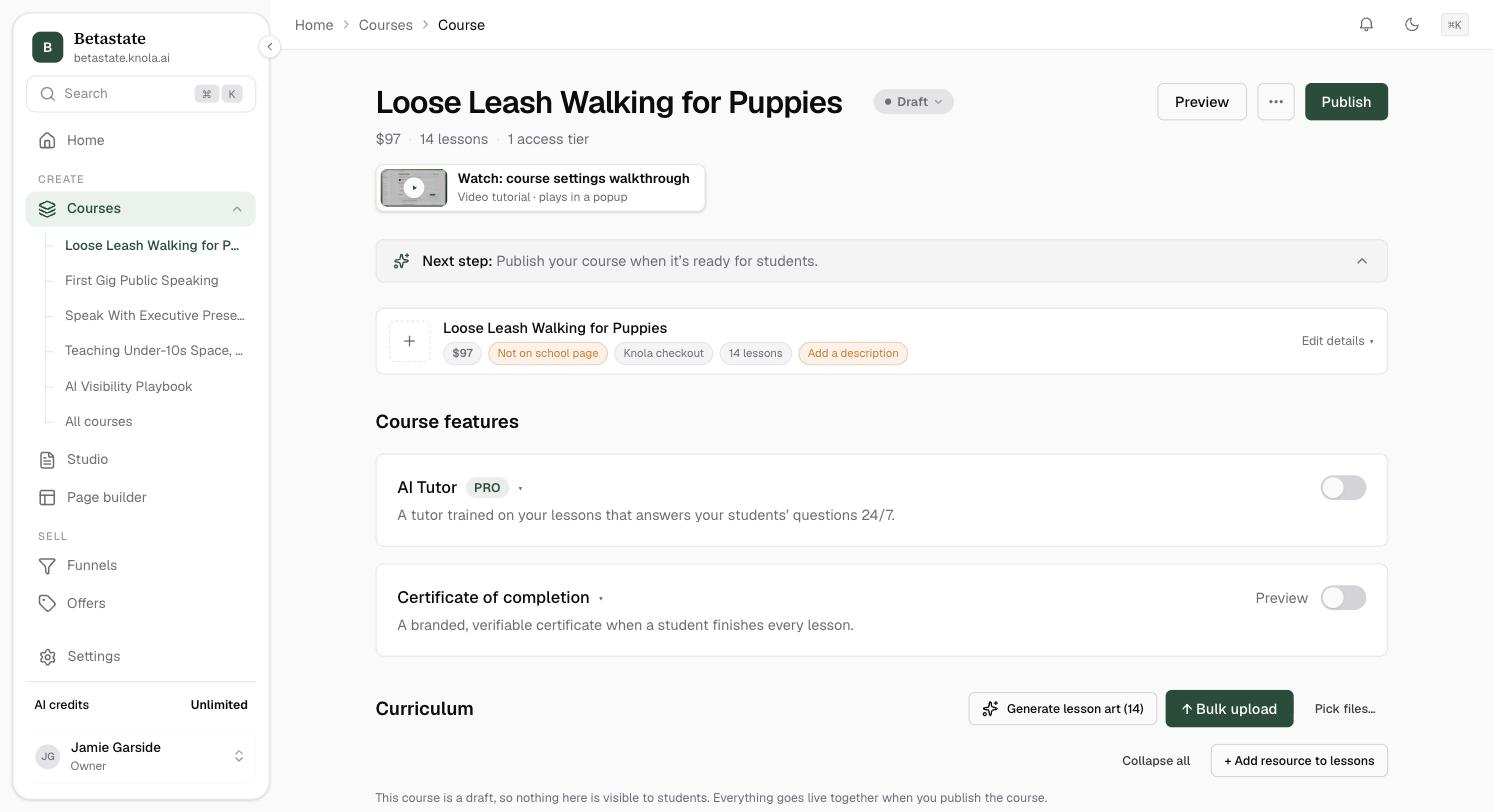 How to enable completion certificatesSwitch on a branded certificate of completion, preview the exact artwork students receive, and let anyone verify it through its public link.5 min read
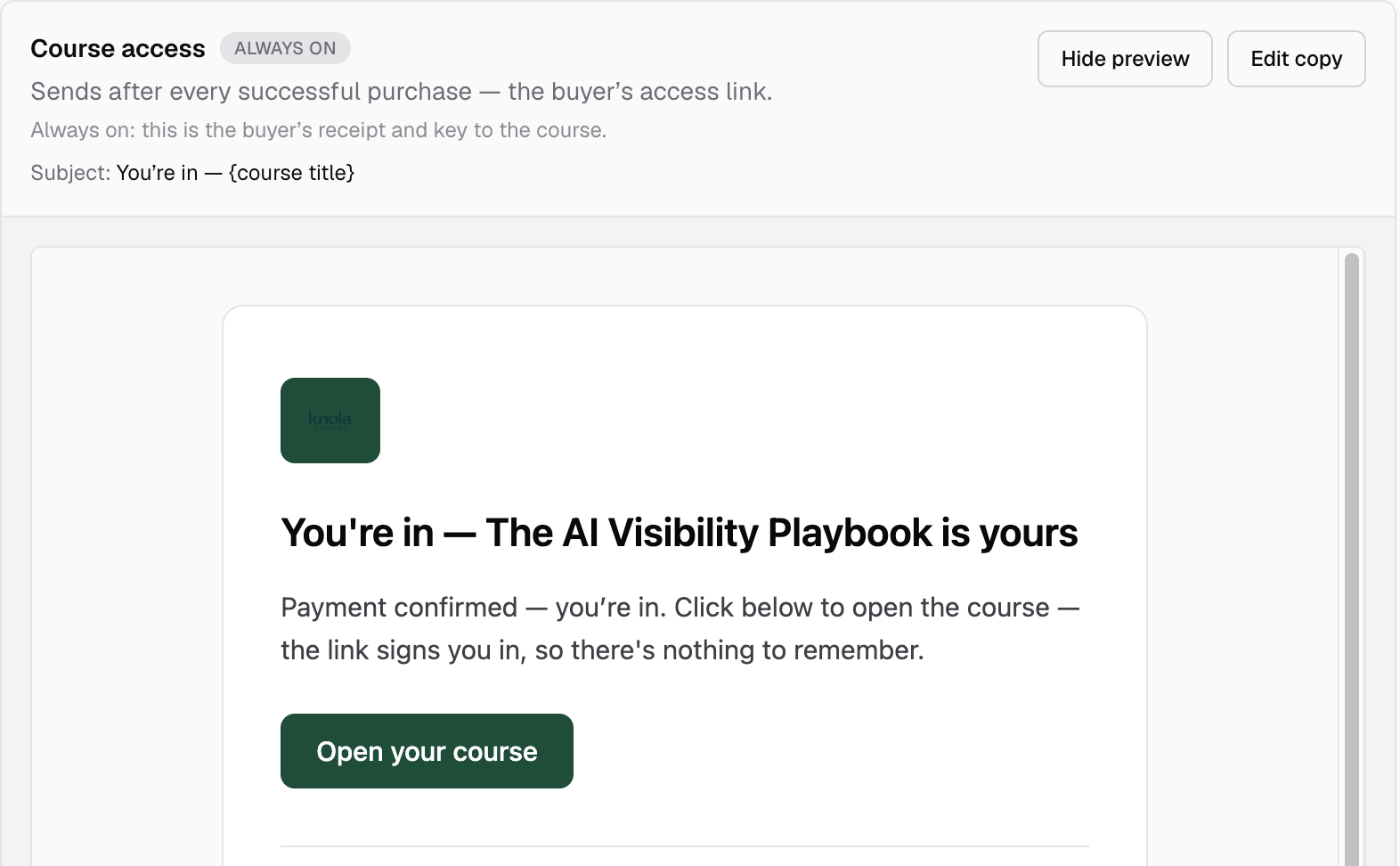 Here's how buyers get access to your courseFollow a purchase from payment to first lesson: the access email, the one sign-in, and how Knola holds a sale safe for buyers who take their time.5 min read
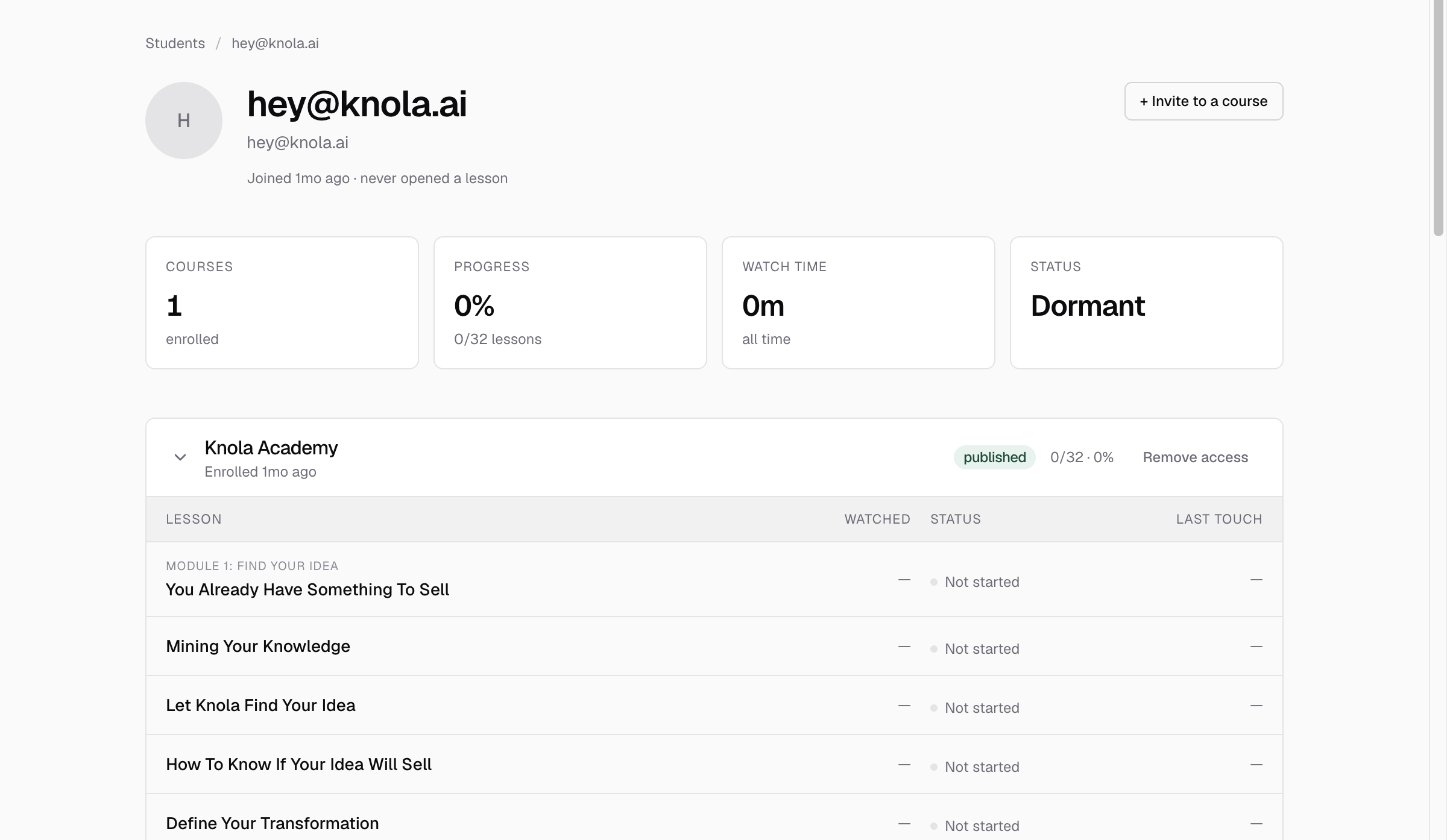 How to remove, restore and add course accessTake one course away from a student without touching the rest, give it back in a click, and enrol an existing student into another course.5 min read