

Pages
The page builder: AI generation, themes, blocks, SEO settings and publishing.
4 guides · 1 video
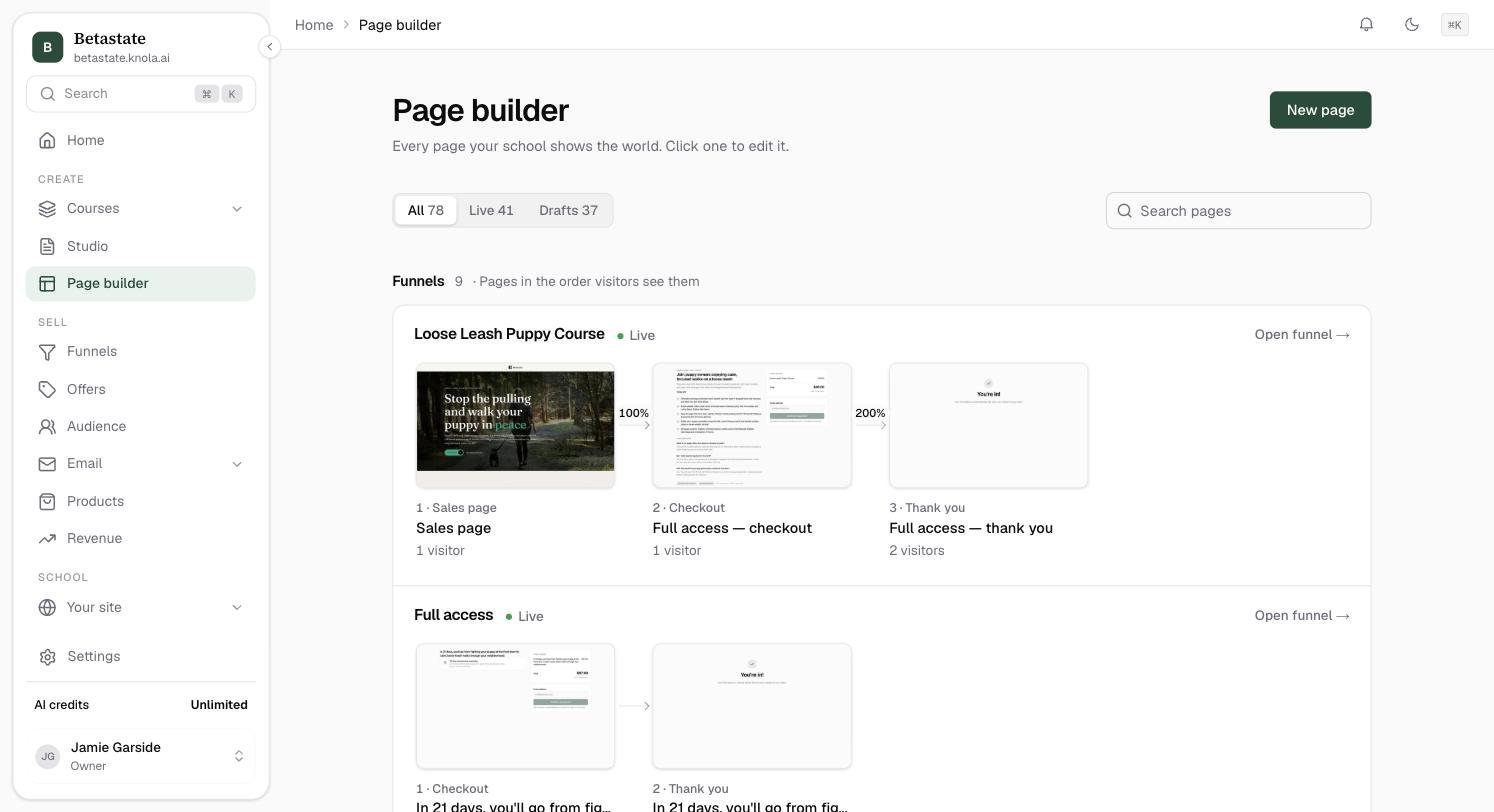 How to create a page with KnolaSay what the page is for and Knola builds it: a sales page written from your course, a free giveaway, your homepage, or a page from your own description.4 min read
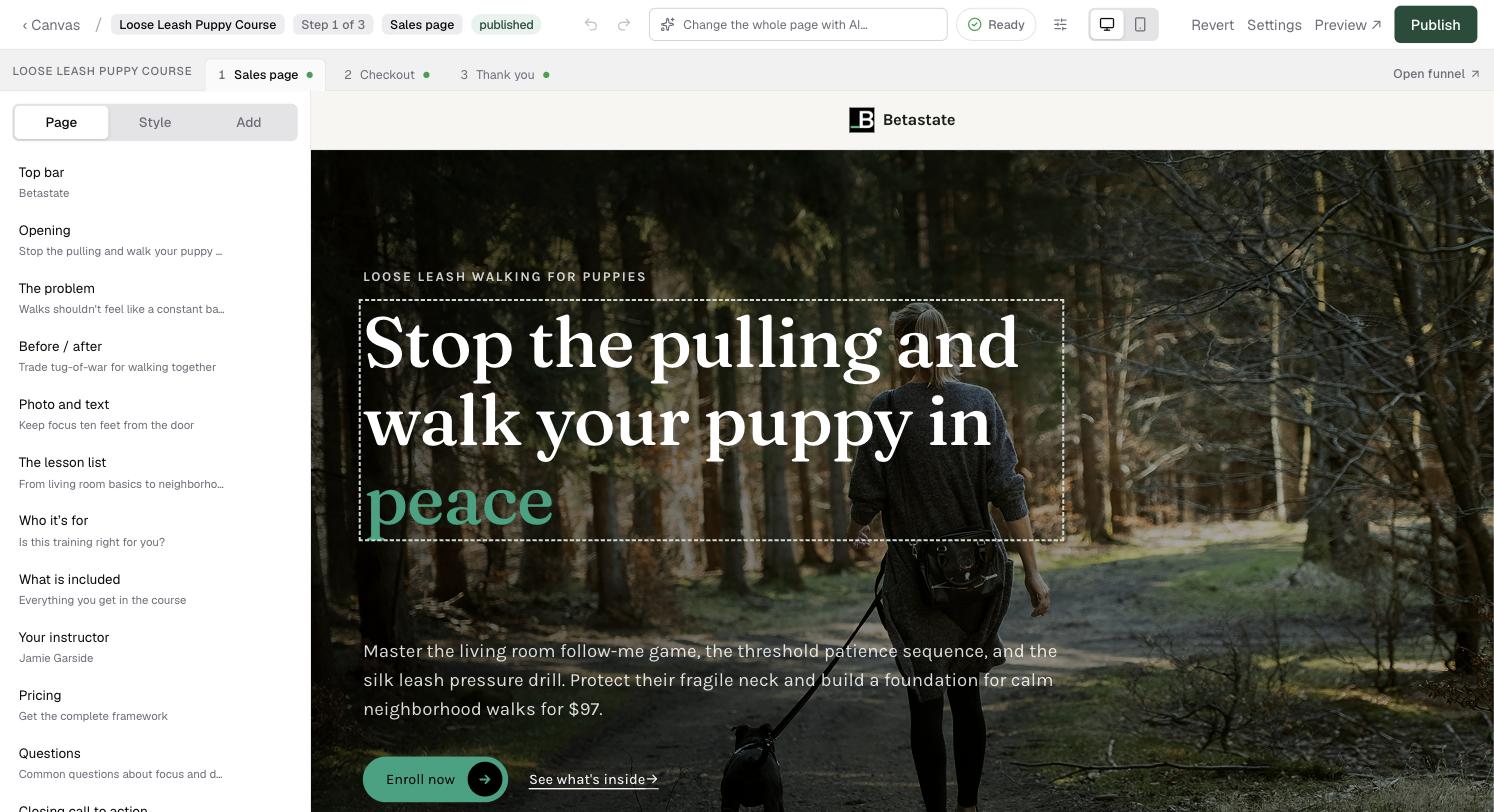 Here's how the page editor worksFind your way around Knola's page editor: the header, the Page, Style and Add tabs, AI edits by prompt, inline formatting, section spacing, autosave and undo.5 min read
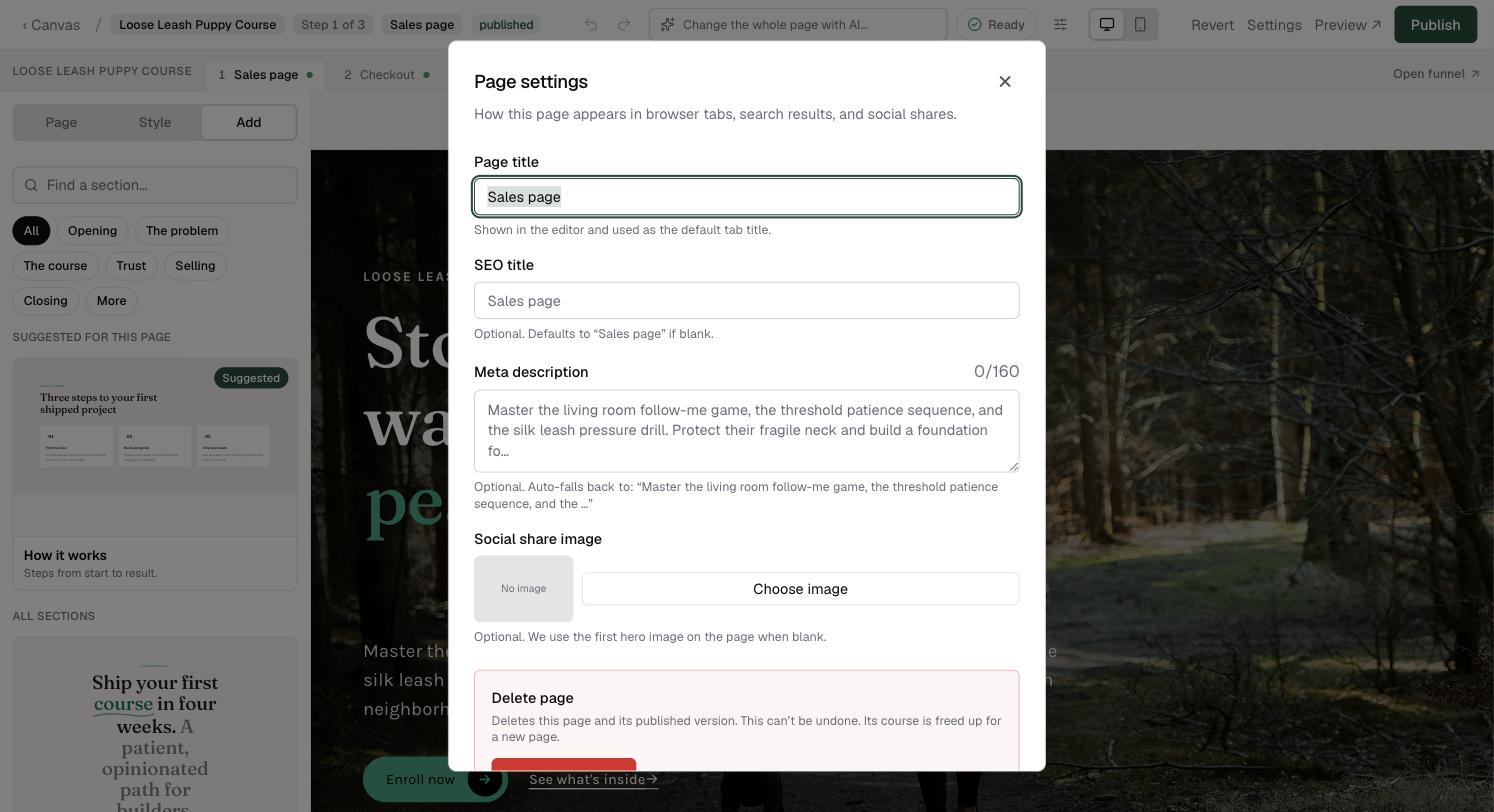 How to publish a page: preview, SEO and revertSet the SEO title, description and share image, preview your draft, publish to /p/your-slug on your school, and revert to the live version if needed.3 min read
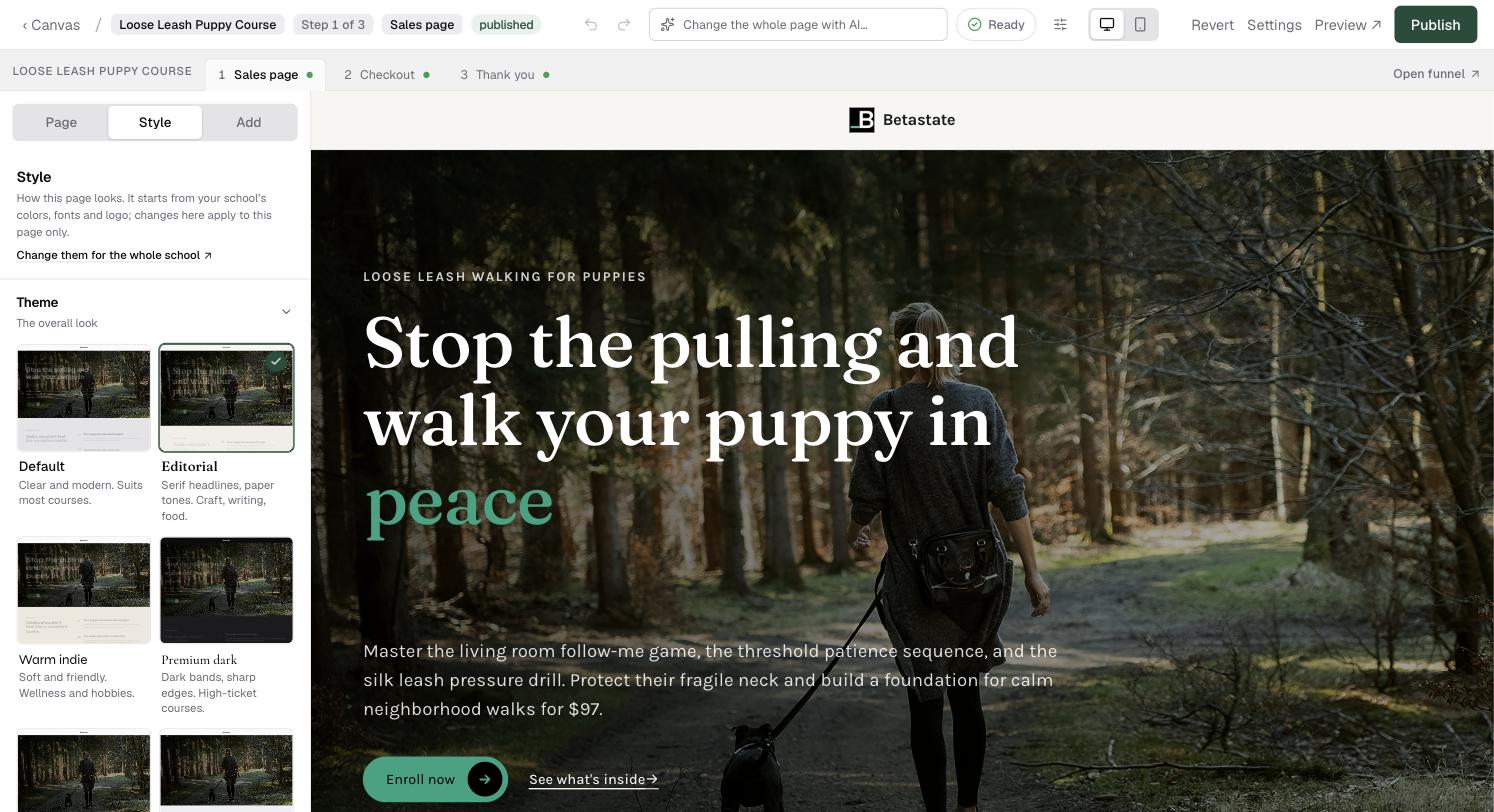 How to restyle a page: themes, colours and fontsChange how one page looks without touching your school: pick a theme, choose a colour from your brand, and set the two fonts, all previewed live.6 min read
Related areas:Your site & branding