

Your site & branding
Your school home page, branding, subdomain, and what buyers see after purchase.
5 guides
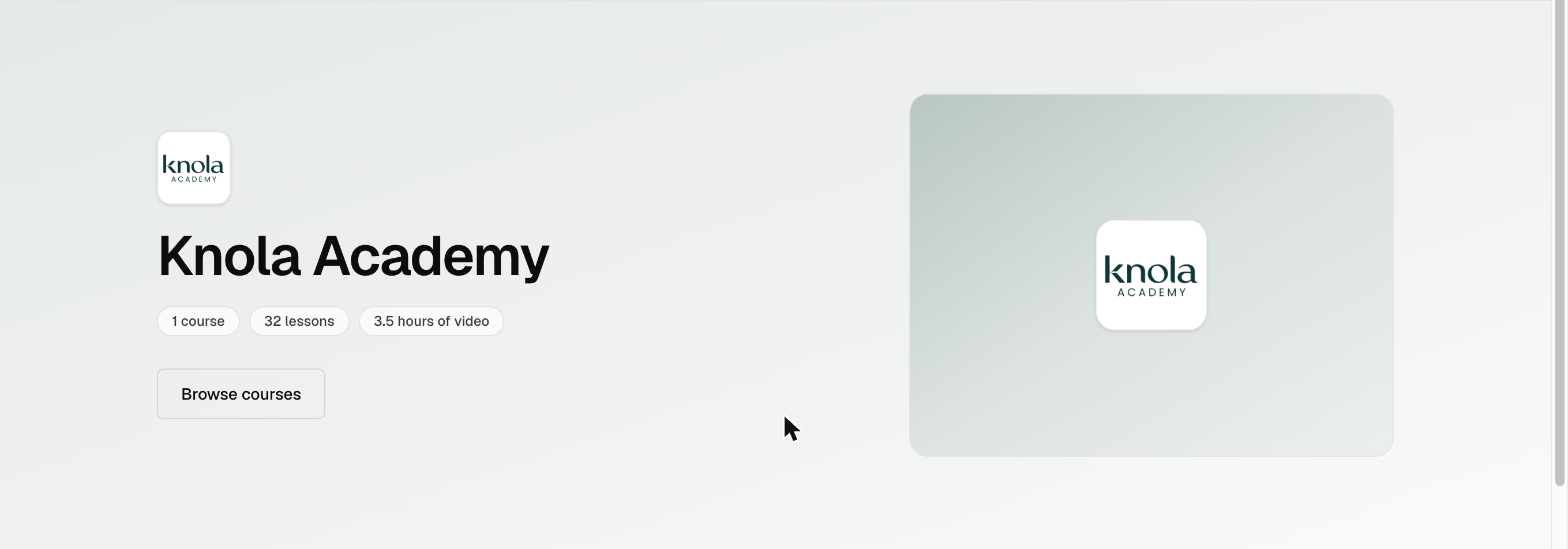 Here's what visitors see on your school home pageUnderstand every section of your school home page (hero, courses, testimonials, instructor) and where each one is controlled in your admin.5 min read
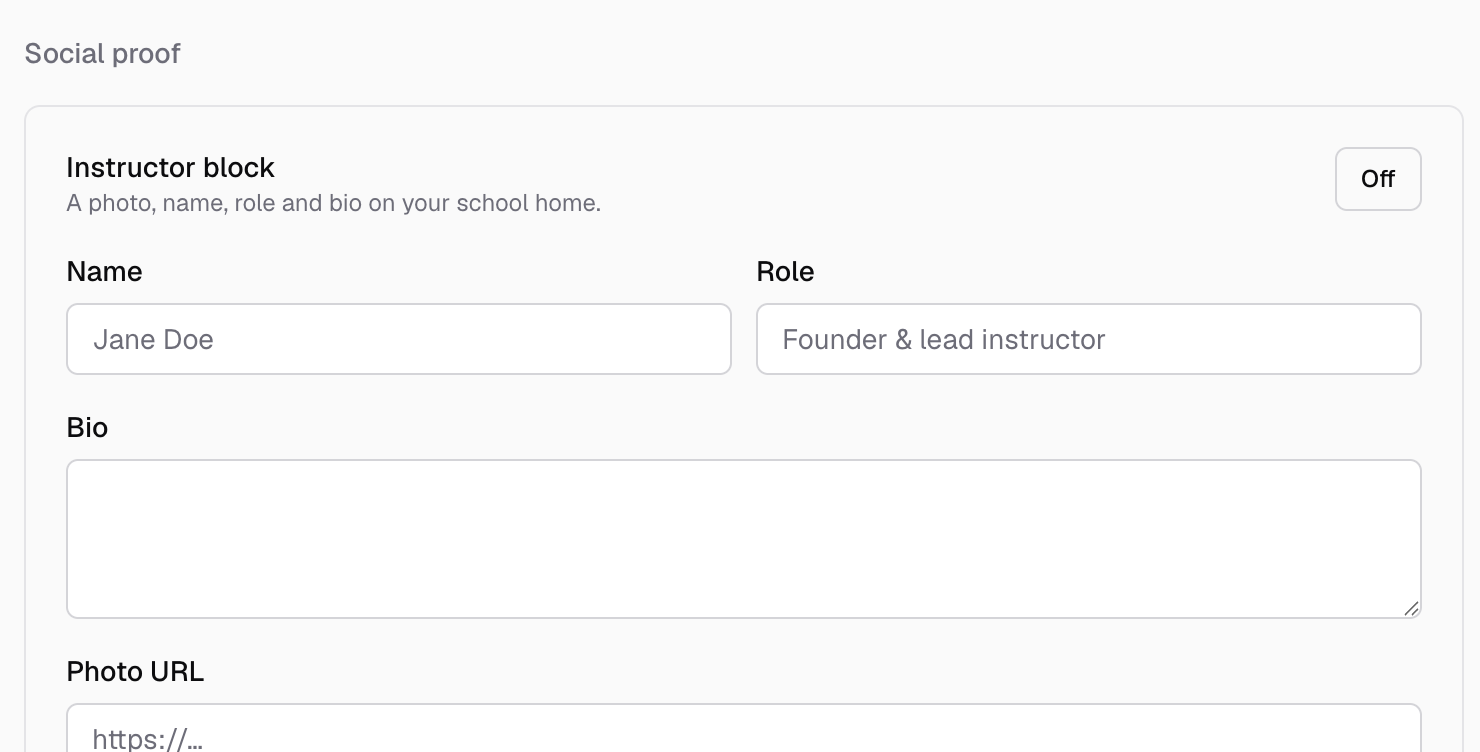 How to edit your school page: instructor, testimonials, social proofSet your tagline and hero image, choose which courses list on your home, and switch on the instructor block, testimonials and learner count.4 min read
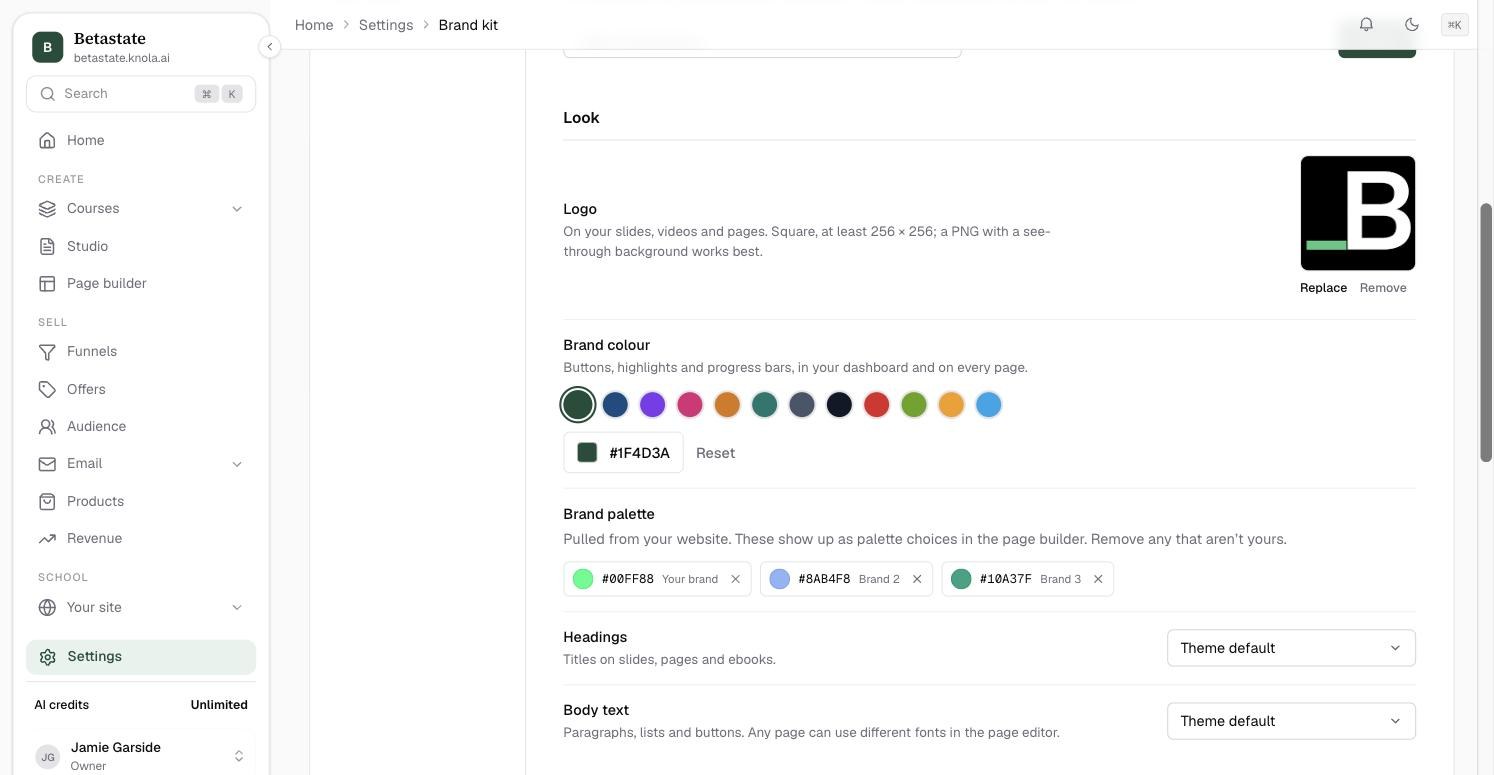 How to brand your school: logo, colours and fontsSet your logo, brand colour, fonts, hero banner and gallery once, and Knola carries them through your school page, checkouts, emails and course player.4 min read
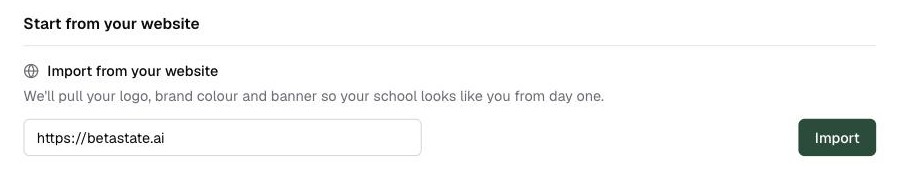 How to import your brand from a website URLEnter your website address and Knola pulls your logo, brand colour and colour palette from the site itself. Review the result and fix anything in one click.3 min read
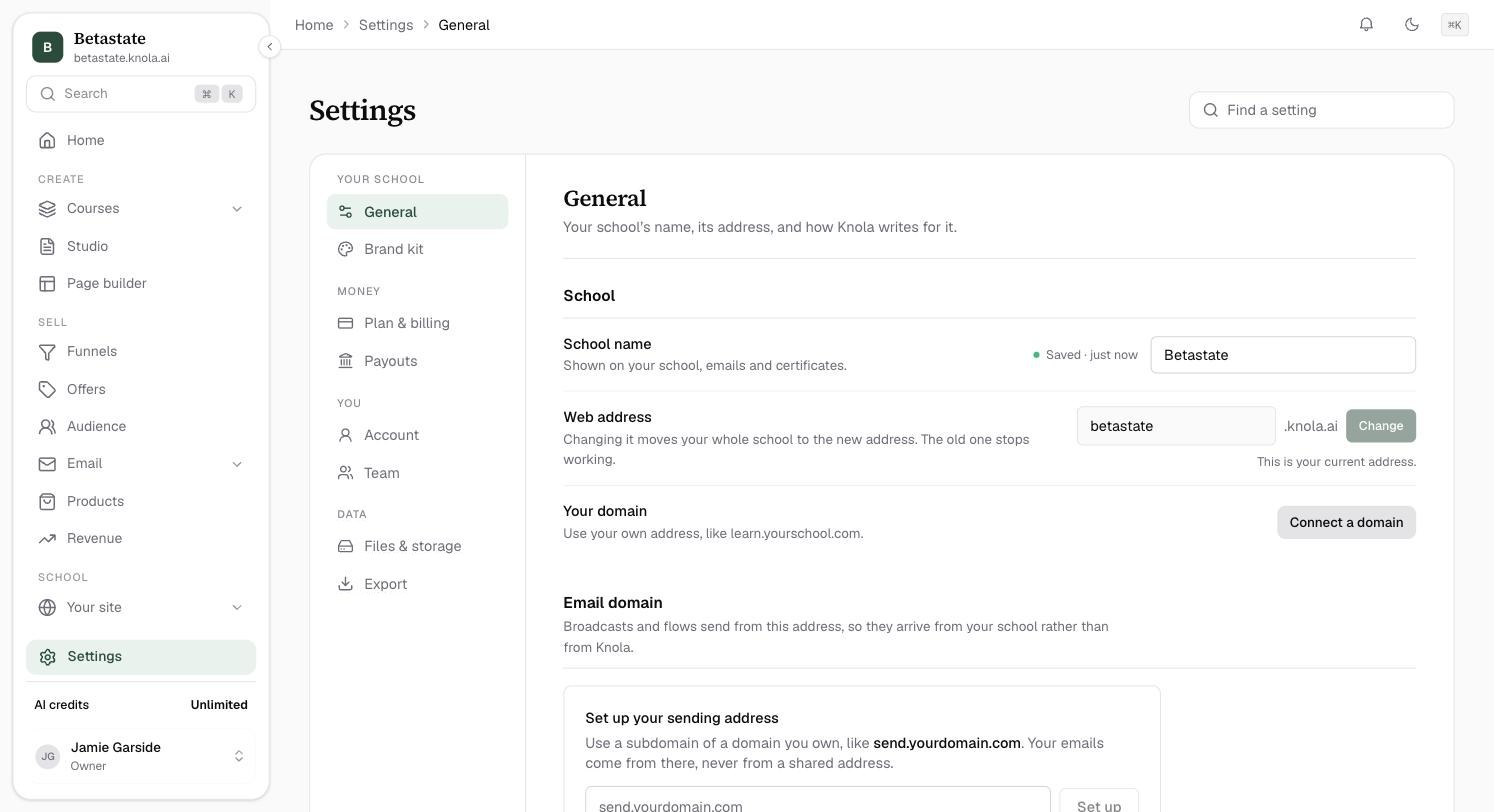 How to change your school web addressMove your school to a new knola.ai address, know exactly which links keep working, and pick a name that will not be refused.4 min read
Related areas:Pages