
Narrated videos
Turn your slides into a narrated video, pick the voice, publish it to students and share it.
6 guides · 4 videos
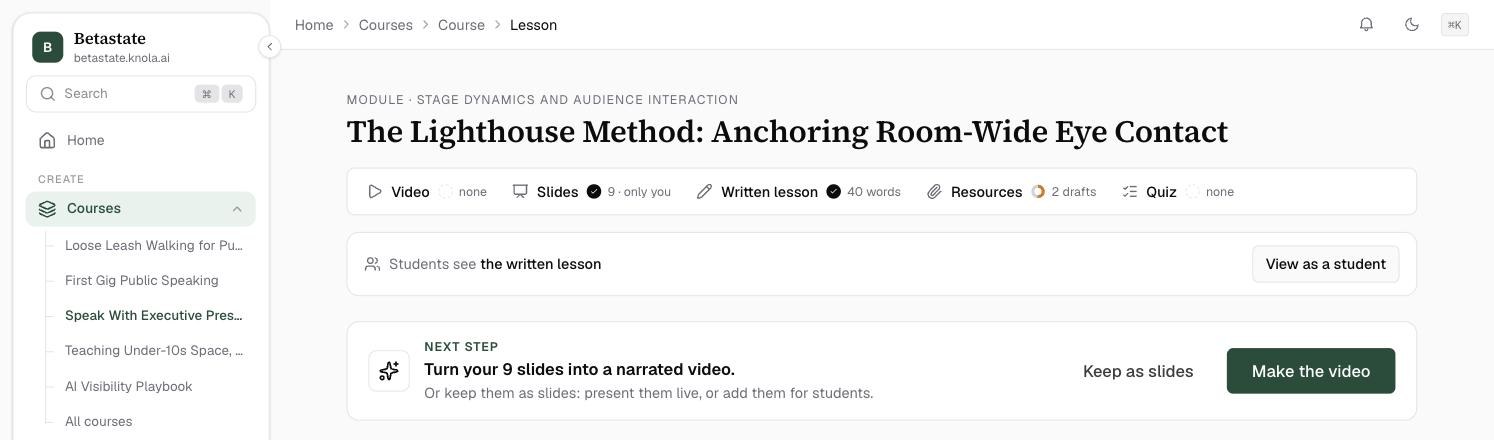 How to make a narrated video from your lesson with AITurn a lesson's slides into a narrated video: read the whole script, listen to each slide, preview it for free, then let Knola make the video. Video5 min read
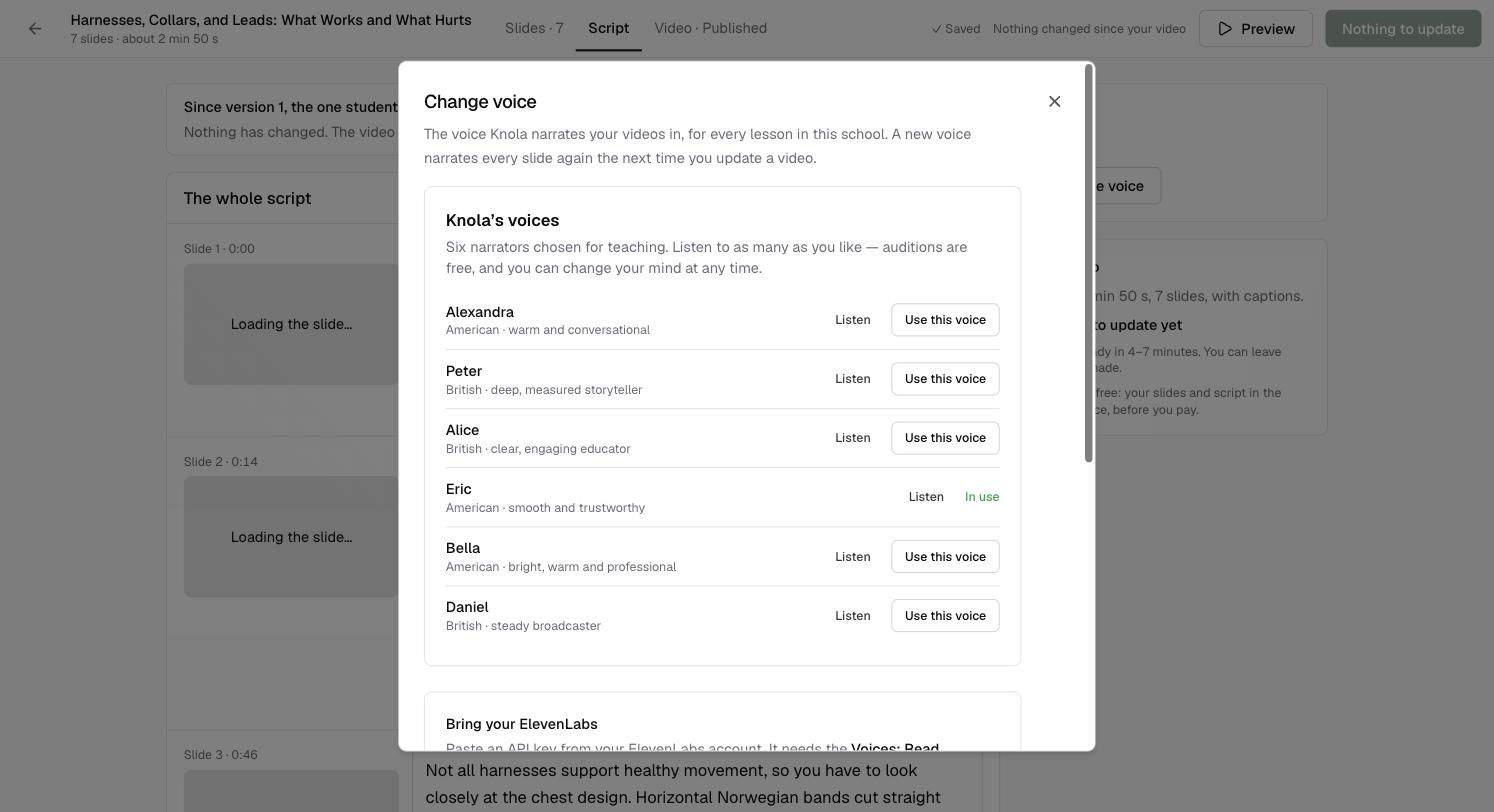 How to choose the voice that narrates your videosPick the narrator for every video in your school from six voices made for teaching. Listen first, switch any time, from Settings or straight from a video. Video3 min read
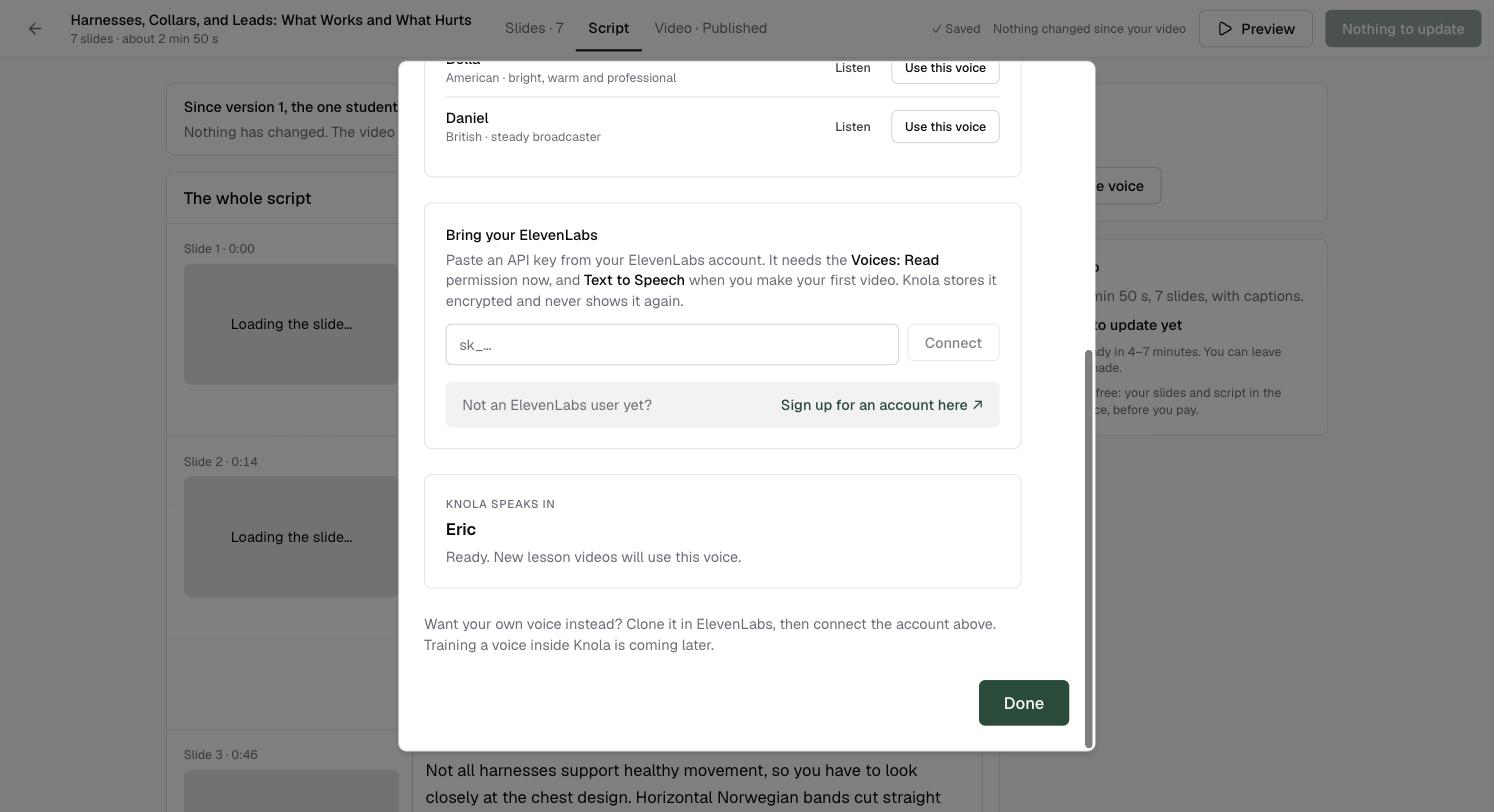 How to narrate your videos in your own voice with ElevenLabsConnect your ElevenLabs account and every narrated video speaks in your cloned voice. Paste one key, pick your voice, and new lesson videos use it. Video4 min read
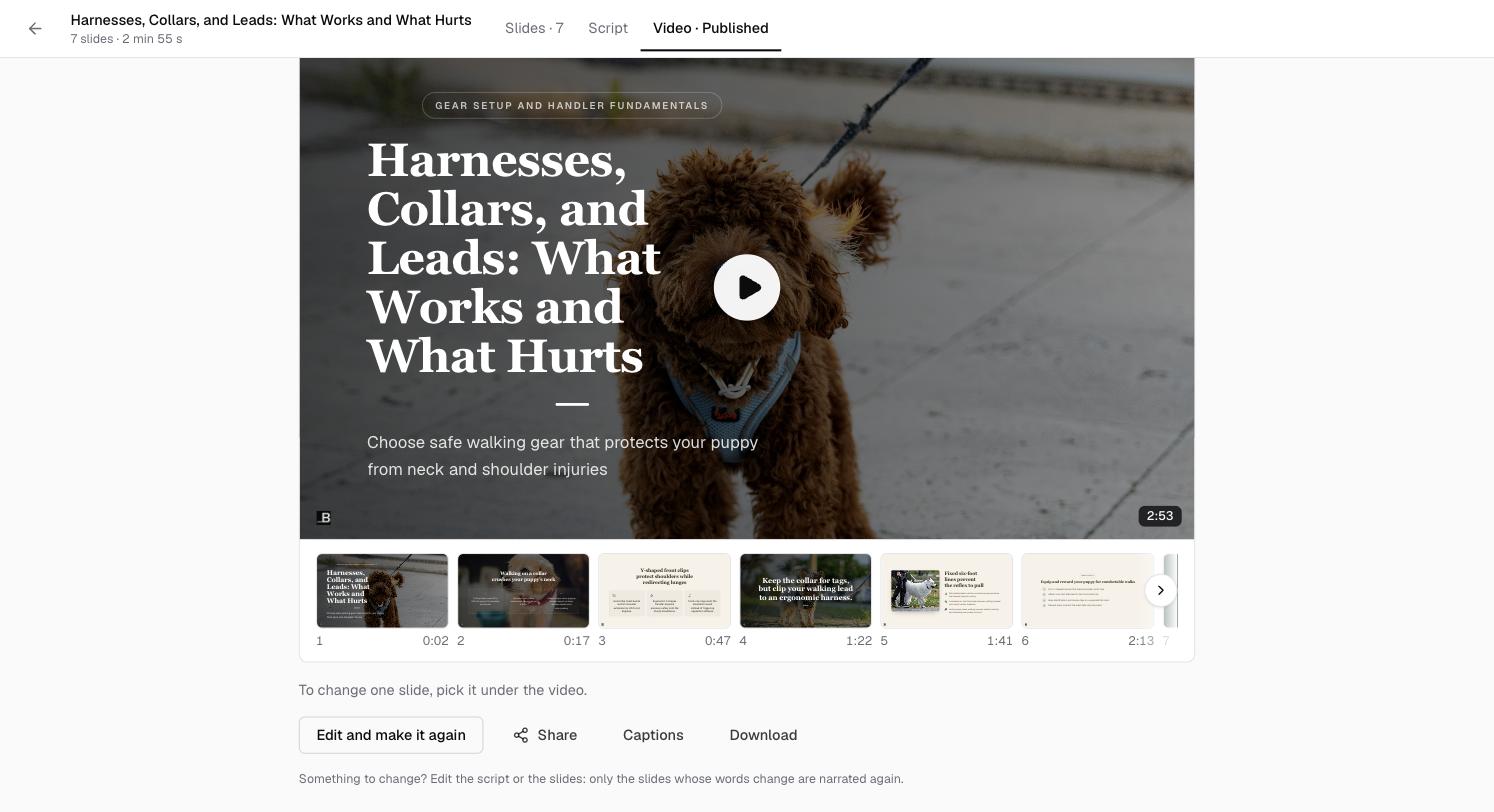 How to edit a narrated video and make it againChange the words or the slides of a finished video and make a new version. Only the slides that changed are narrated again, and every version is kept. Video4 min read
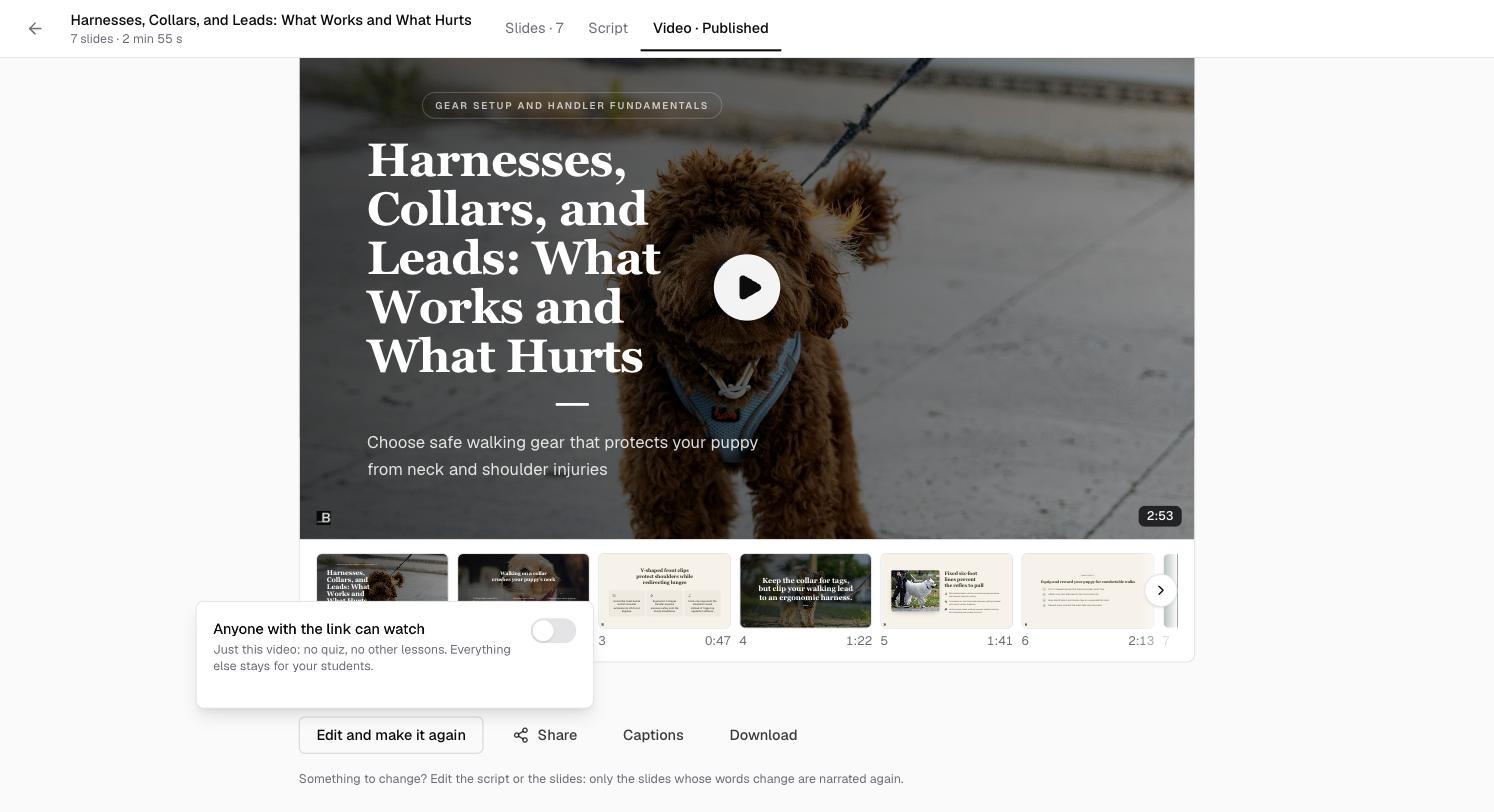 How to publish, share and download a lesson videoShow a finished video to your students when you are ready, share it with anyone through a link or an embed, and download the video file.4 min read
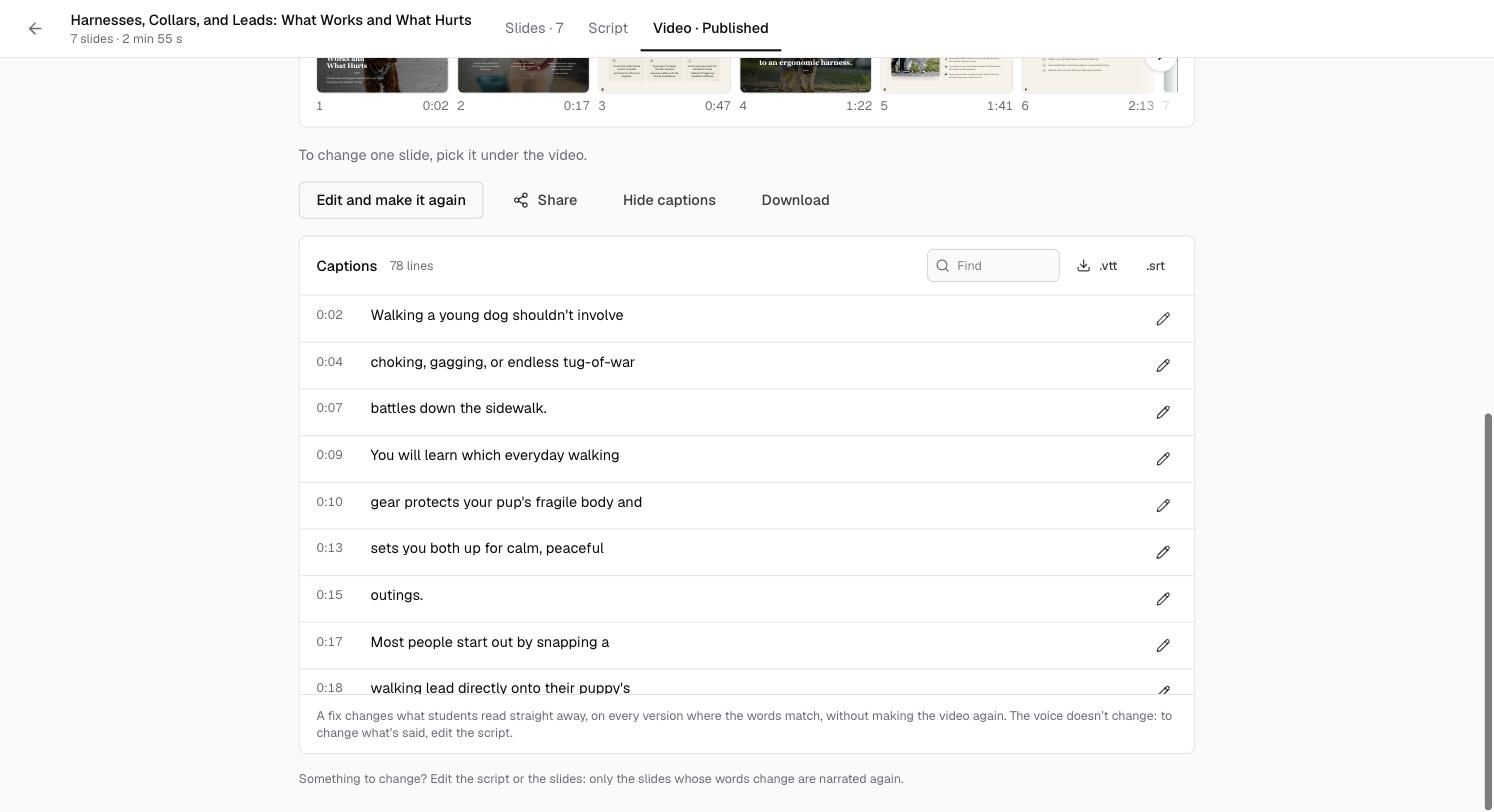 How to check and fix the captions on a videoEvery narrated video comes with captions. Read them, fix a misheard word in one line or everywhere it appears, and download them as a file.3 min read
Related areas:Slides & presentations