Live session
40 lead magnet ideas to build an audience for your course
Start your list before your course is ready. Get 40 lead magnet ideas with real examples, watch a prompt pick the best one, and see it become a sign-up page in Knola, live.
- 49 min session
- Recorded live
- Free guide: 40 ideas
- No course needed
Recorded live
Watch the session
49:28 · 36 chapters · click any chapter or line to jump
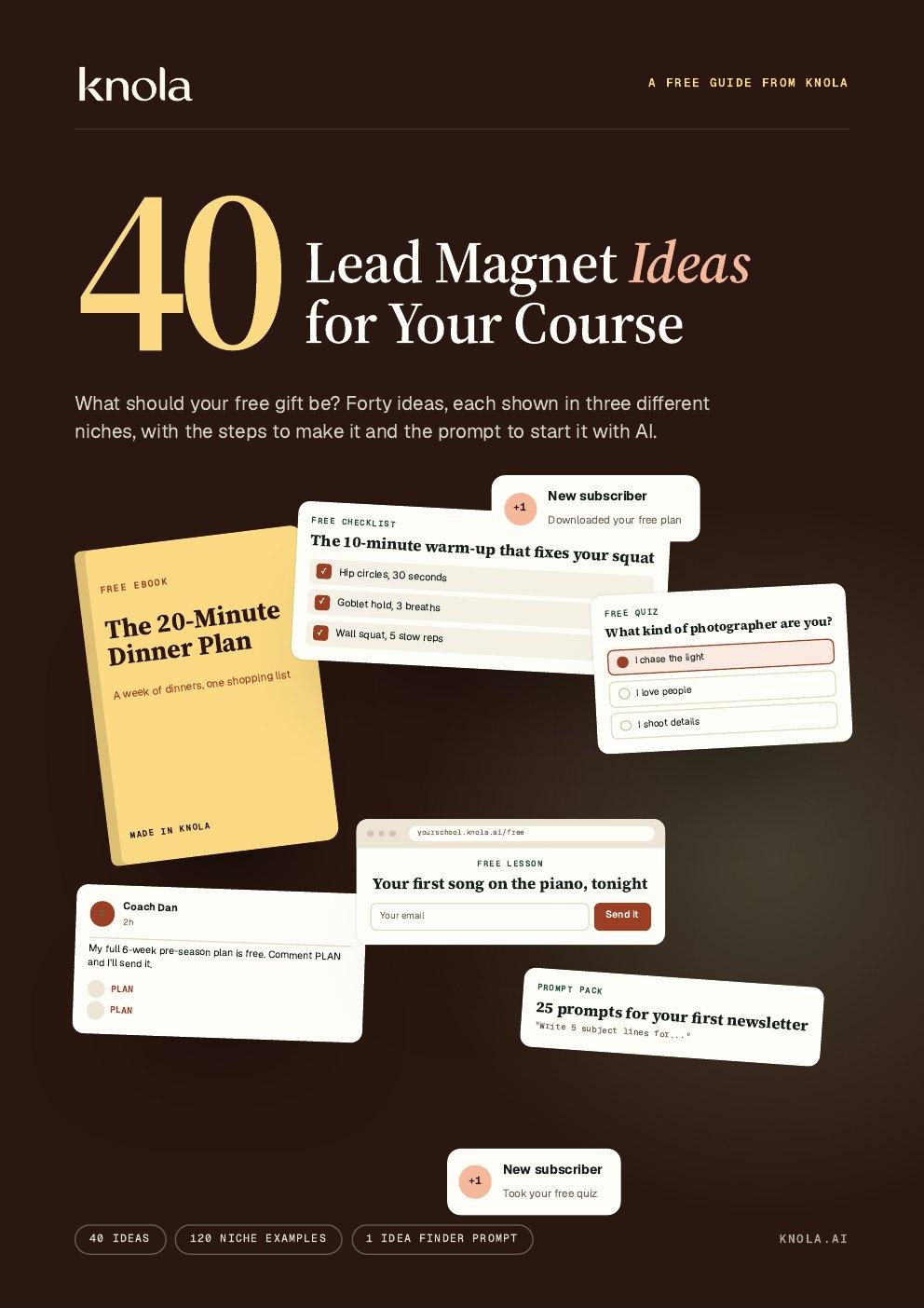
Free guide from the session
40 Lead Magnet Ideas for Your Course
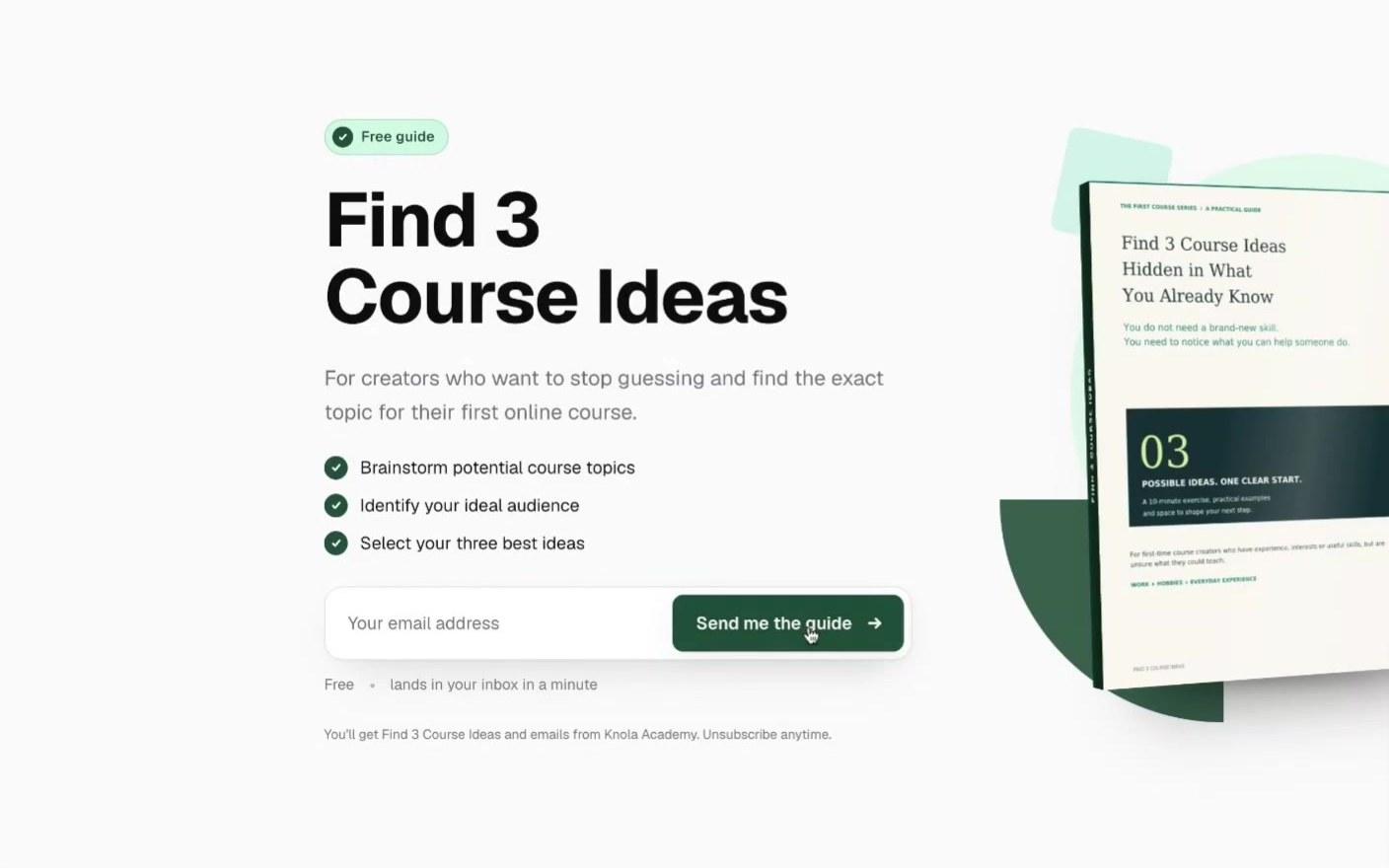
The guide from the session: one idea per page, each shown in three niches, with a real creator who did it, the steps to make it and a prompt to start it. The idea finder prompt is at the back.
Knola fits that need: it turns notes, recordings, or rough ideas into structured, editable courses with modules, lessons, slides, and narrated video.
 Doc PalmereSpace Voyage
- courses built on Knola
- 1,400+
- lessons planned
- 27,600+
Live from Knola · updated daily
You watched it. Now build your free gift.
Upload your guide or make one from your course, and Knola writes the sign-up page, delivers the gift and sends the emails that follow up.
What we built, live
From no list to a free gift that collects emails
Each moment from the session. Click one to watch that part.
- Step 1
One idea, with a real example
Every idea in the guide has three versions for different niches, the steps and a prompt. A knitwear designer gave away one free pattern and had 500+ new subscribers by the end of day one.
- Step 2
The idea finder interviews you
Paste the prompt from the back of the guide into any AI tool. It asks six questions about your course, your buyer and the first problem they hit.
- Step 3
Ten ideas, scored out of 20
Each idea gets a score for quick win, specific, leads to the course and easy to make. Find 3 Course Ideas scored 20 of 20.
- Step 4
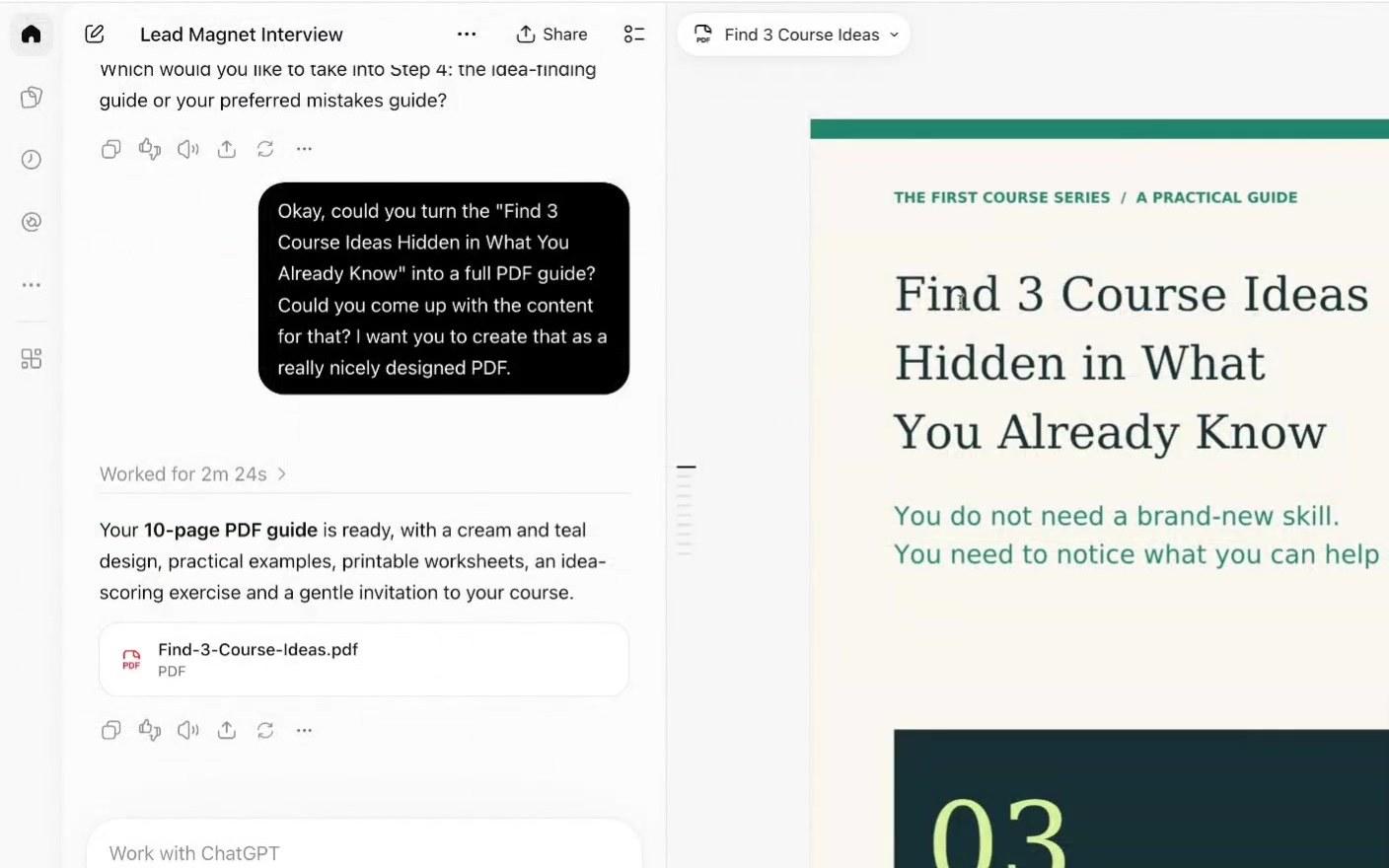
A 10-page PDF guide from one prompt
The winner becomes a designed PDF with worksheets to fill in. Add your own experience before you ask for it, so the guide is yours.
- Step 5
Upload it as your free gift
In Funnels ▸ New funnel ▸ Lead magnet, drop in the PDF. Have a course in Knola? Pick an ebook, checklist or worksheet you made in Studio instead.
- Step 6
A sign-up page in seconds
Knola writes the page from the PDF and uses the guide’s own cover design. Change any line, then publish. The thank-you page delivers the guide.
- Step 7
Emails that follow up by themselves
Jamie’s own guide, 97 ways to sell your course, sends five emails over six days to everyone who signs up, with 21% clicking.
- Step 8
Get it seen: a freebie for every post
A content upgrade is a gift made for one post or video. Others in the guide: comment to get it, one freebie per episode, and your gift in other people’s newsletters.
No course yet? Build the audience now, so you have people to launch to.
Worth remembering
What to take from the session
Ask the golden question: what must my buyer understand or believe before they want my course? Your free gift answers it.
A useful gift that doesn’t lead to your course is the most common mistake. Each sign-up should be one step closer to buying.
You don’t need a course to start. Build the list while you build the course, so you have people to launch to.
Before the AI writes your guide, give it your own notes and experience. Then it is your knowledge, not a generic one.
“Comment to get it” posts spread because every comment boosts the post. Send each person the link to your sign-up page.
Search your topic on social media and look at what others give away. Most of it leads to a free gift.
Start your audience this week.
Knola is the course platform with email built in: sign-up pages, broadcasts and flows that keep selling while you sleep. One payment, no monthly fee.
From the live chat
What people asked
What is a lead magnet?
A free gift people get for their email: a checklist, a guide, a free lesson, a quiz. Make it close to what your course teaches, so the people who want it are the people who will buy.
Do I need a course before I build an audience?
No. In the session the free guide came from a prompt, with no course at all. Start the list now, and you have people to launch to when the course is ready.
Can I use Gemini or Claude instead of ChatGPT?
Yes. The idea finder prompt works in any AI tool. Copy it from the back of the guide and paste it in.
I already have a course. Do I need an AI tool?
No. Open Studio in Knola, pick an ebook, checklist, mini guide or worksheet, and make it from your course or one lesson. Even an outline works.
Can I move my list from another email tool into Knola?
Yes. Export your contacts as a CSV, then go to Audience ▸ Import contacts. Knola matches the columns, keeps unsubscribes unsubscribed and shows you everything before it adds anyone.
How do people get the free gift?
Automatically. They download it on the thank-you page, and Knola emails them a copy from your school. You set up nothing else.
Is email included in Knola?
Yes. Every licence includes sign-up pages, broadcasts and flows, with sends that never expire: 1,000 on Solo and 5,000 on Studio. You can buy 50,000 more for $25, and Knola Pro includes 25,000 a month.
Do you give support?
Yes. Email [email protected] and the team answers.
Not ready to buy yet?
See your course first. Free.
Type what you do or know. Knola shows you a course you could sell, with its full outline. No card, no account.
Knola Live
Watch the other live sessions
More real jobs done in Knola from start to finish, each with chapters and the full transcript.
 Knola Live #23 Nov 2026 · 31 minHow to sell an online course with a lead magnetA course becomes a free ebook, a sign-up page and a flow of emails that sells it.Watch the session
 Knola Live #128 Oct 2026 · 44 minHow to turn your book into an online courseA 369-page book becomes 83 lessons, a narrated video lesson, a price and a sales page.Watch the session