Live session
How to sell an online course with a lead magnet
We turned a course into a free ebook, gave it away on a sign-up page Knola wrote, and set up emails that sell the course by themselves. It works for any course or digital product.
- 31 min session
- Recorded live
- Free ebook from a course
- Emails written with AI
Recorded live
Watch the session
31:05 · 21 chapters · click any chapter or line to jump
Knola fits that need: it turns notes, recordings, or rough ideas into structured, editable courses with modules, lessons, slides, and narrated video.
 Doc PalmereSpace Voyage
- courses built on Knola
- 1,400+
- lessons planned
- 27,600+
Live from Knola · updated daily
You watched it. Now do it with your course.
Make a free gift from your course, give it away on a page Knola writes, and let the emails sell for you, the same as in the session.
What we built, live
From a free gift to course sales
Each moment from the session. Click one to watch that part.
- Step 1
A real lead magnet, already working
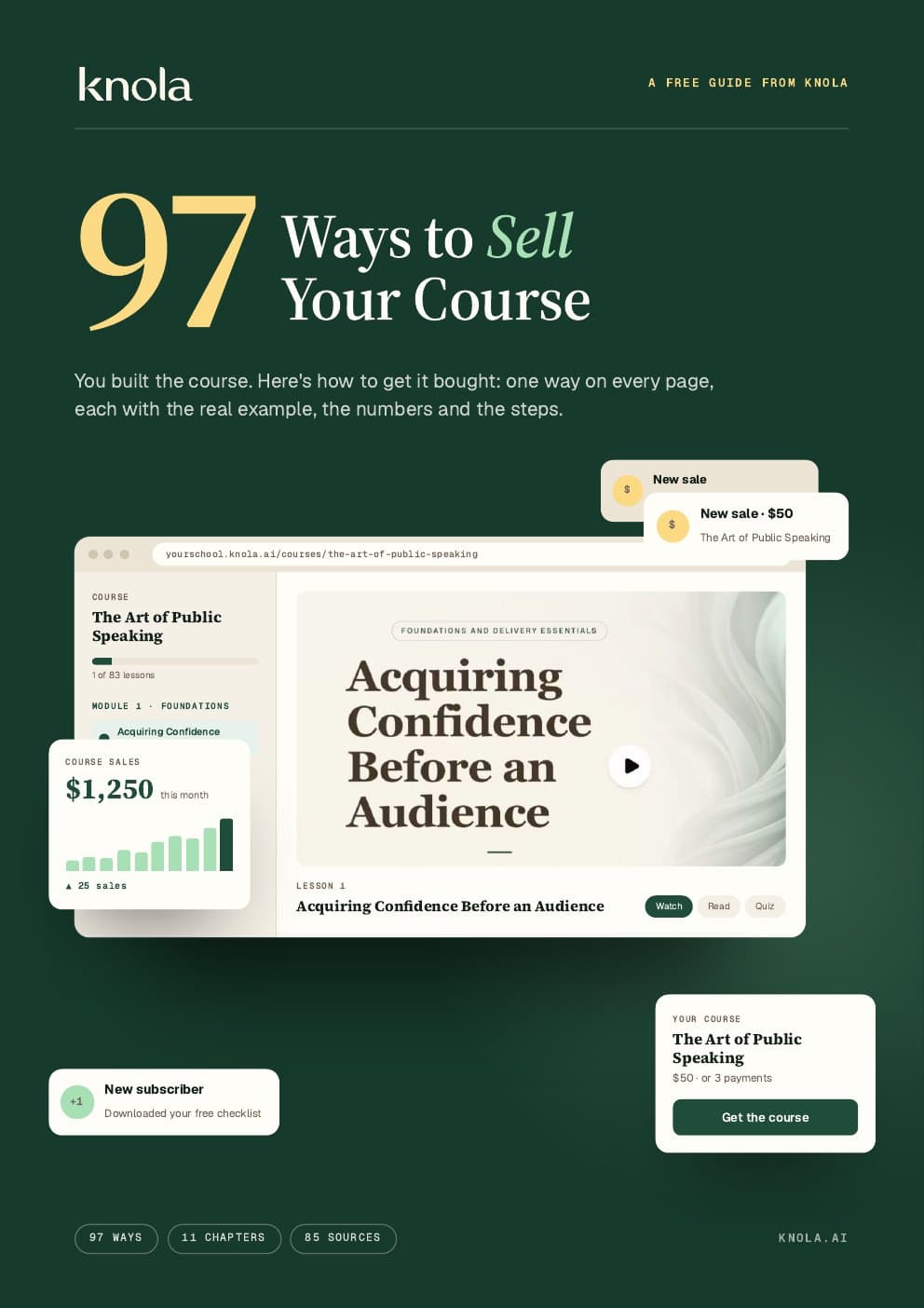
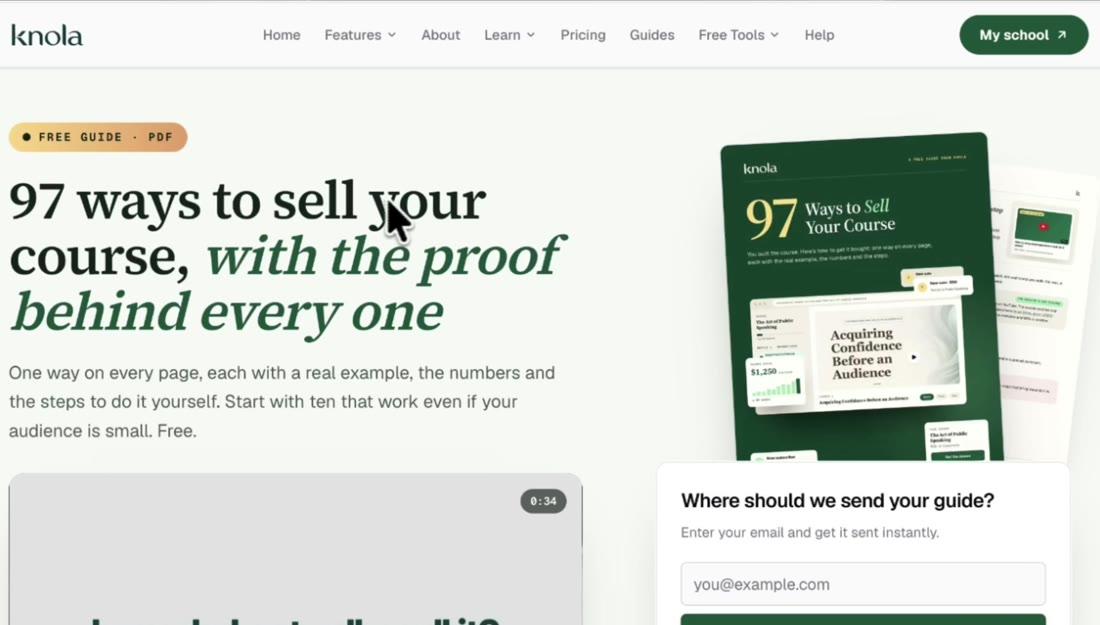
Jamie’s own free guide, 97 ways to sell your course, sits on a Knola sign-up page. Within days, 32 people were in its flow and 35% had clicked, with no email sent by hand.
- Step 2
A 32-page ebook from the course
Studio writes the ebook only from what the course teaches. This course was 15 lessons and still mostly an outline.
- Step 3
Give away a file, or something you made
Upload what you already have (a PDF, workbook, slides, audio or images) or pick an ebook you made in Studio.
- Step 4
A sign-up page, written for you
Knola writes the page from the ebook and connects the email form. Change any section or the style, or tell AI what to rewrite.
- Step 5
The thank-you page delivers the gift
People download it there, and Knola emails them a copy. Add your course under it: everyone on this page just showed interest.
- Step 6
Email your whole list at any time
A broadcast goes to everyone, or only to people with a tag, a course or a webinar, or people who went quiet. AI can write it for you.
- Step 7
A follow-up flow that Knola wrote
Start it when someone joins from the sign-up page, say what you want, and Knola writes the emails and the waits between them.
- Step 8
Stop the sales emails when they buy
An exit rule takes buyers out of the flow. They stay on your list for everything you send later.
Have a course, or only an outline? It’s already your free gift.
Worth remembering
What to take from the session
A lead magnet is a free gift good enough to get an email from someone who wants what your course teaches.
You don’t need a finished course. Build the list while you build the course, so you have people to launch to.
Put your course on the thank-you page. Everyone who lands there just asked for something close to it.
Let Knola write the first emails, then add your own experience to every one. You know your topic best.
Plain text emails work best. Images often get blocked. The Letter style adds only your logo.
Add an exit rule, so buyers stop getting sales emails but stay on your list.
Turn your course into a list that buys.
Knola is the course platform with email built in: sign-up pages, broadcasts and flows that sell your course while you sleep. One payment, no monthly fee.
Good to know
Common questions
What is a lead magnet?
A free gift that people get for their email: an ebook, a checklist, a video or audio. Make it close to what your course teaches, so the people who want it are the people who will buy.
Do I need a finished course first?
No. The ebook in this session came from a course that was mostly an outline. Start the list now and you have people to launch to when the course is ready.
Can I give away something I already have?
Yes. Upload a PDF, workbook, slides, audio or images, and Knola builds the sign-up page and the thank-you page around it.
How do people get the free gift?
Automatically. They download it on the thank-you page, and Knola sends them a copy by email from your school. You set up nothing else.
Can I import my email list from somewhere else?
Yes. Export your contacts as a CSV from your current email tool, then go to Audience ▸ Import contacts. Knola matches the columns, brings your tags across, keeps unsubscribes unsubscribed and shows you everything before it adds anyone.
Can AI write my emails?
Yes. A broadcast has Write it with AI, and a new flow has Write the emails for me. Every email also has Rewrite with AI. Then add your own experience to each one.
Can I stop the sales emails after someone buys?
Yes. Add an exit rule to the flow: Leave early when they buy. They leave the flow but stay in your audience, so you can still email them.
Is email included in Knola?
Yes. Every licence includes sign-up pages, broadcasts and flows, with sends that never expire: 1,000 on Solo and 5,000 on Studio. You can buy 50,000 more for $25, and Knola Pro includes 25,000 a month.
Can I send from my own domain?
Yes. Add your domain in Settings ▸ Email and put the records it shows in your DNS. Knola checks them every day, so your emails land in the inbox.
Do you give support?
Yes. Email [email protected] and the team answers.
Not ready to buy yet?
See your course first. Free.
Type what you do or know. Knola shows you a course you could sell, with its full outline. No card, no account.
Knola Live
Watch the other live sessions
More real jobs done in Knola from start to finish, each with chapters and the full transcript.
 Knola Live #3New6 Nov 2026 · 49 min40 lead magnet ideas to build an audience for your courseA prompt picks the best free gift for a course, and Knola turns it into a sign-up page.Watch the session
 Knola Live #128 Oct 2026 · 44 minHow to turn your book into an online courseA 369-page book becomes 83 lessons, a narrated video lesson, a price and a sales page.Watch the session