Live session
How to create an online course with AI, by talking to ChatGPT
Talk to ChatGPT for 10 minutes, out loud. Watch it put a 16-lesson course into Knola, then a narrated video, a sales page and a checkout at $97, live.
- 56 min session
- Recorded live
- ChatGPT voice + Knola
- From nothing to a checkout
Recorded live
Watch the session
55:45 · 49 chapters · click any chapter or line to jump
I’d been sitting on my course idea for nearly two years, convinced I’d get around to it one day… I wish I had found it sooner.
- courses built on Knola
- 1,400+
- lessons planned
- 27,800+
Live from Knola · updated daily
You watched it. Now talk your course into Knola.
Connect ChatGPT or Claude to Knola, let it interview you, and watch your course, slides, videos and sales page appear in your school.
What we built, live
From a 10-minute conversation to a course with a buy button
Each moment from the session. Click one to watch that part.
- Step 1
ChatGPT interviews you, out loud
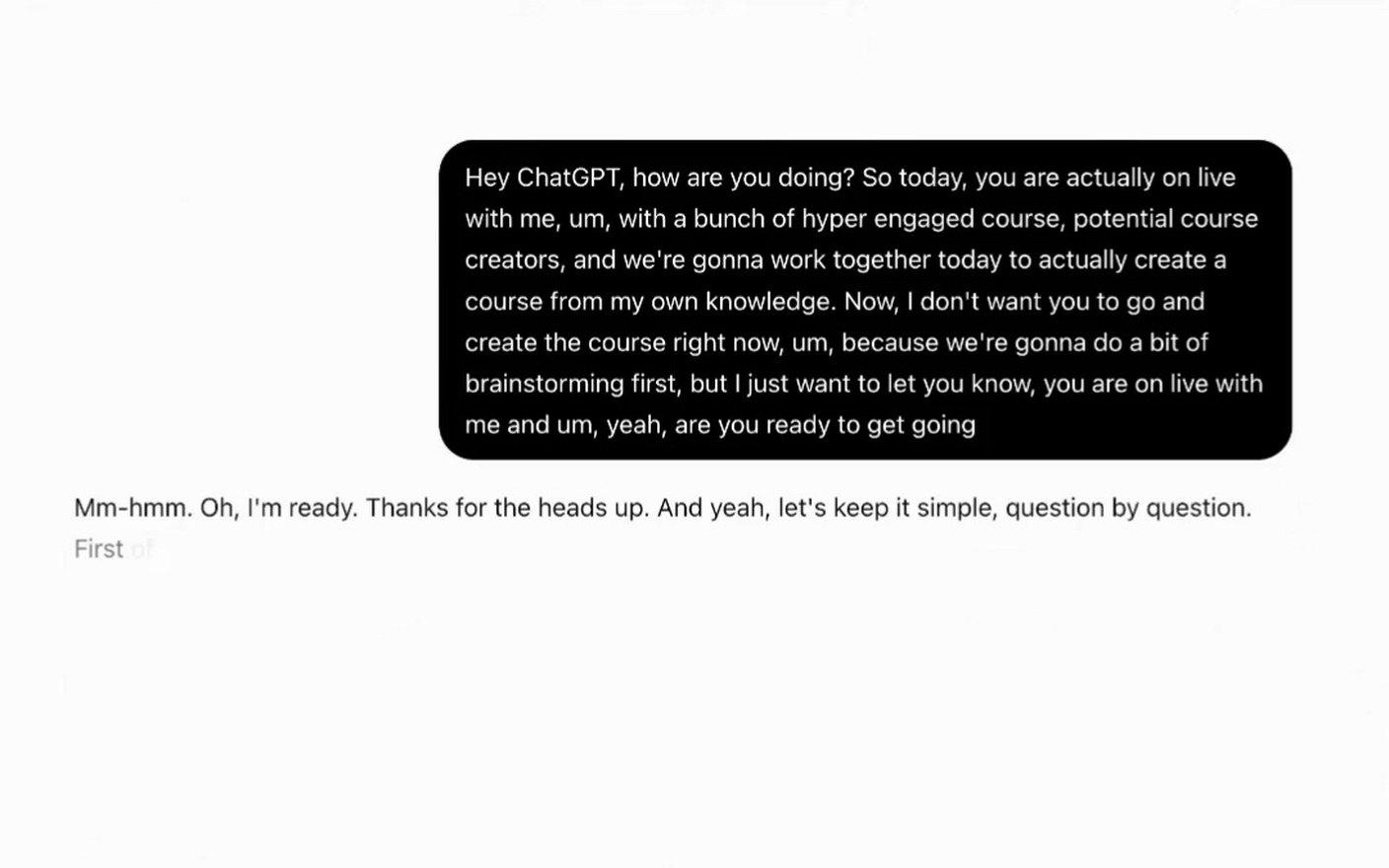
Jamie turned on voice and told ChatGPT not to build anything yet. It asked six questions, one at a time: the result, the mistakes, the first win, the audience, the big shifts and the fears.
- Step 2
An outline built from your answers
After about ten minutes of talking, ChatGPT wrote From Email List to Sales Campaign: five modules for people who already have a list, with a goal for day 7 and day 14.
- Step 3
One prompt, and the course is in Knola
ChatGPT, connected to Knola, built the draft course in 2 minutes 39 seconds: 5 modules and 16 lessons, each with an outline, a worked example and an exercise.
- Step 4
Slides for a lesson, from the chat
ChatGPT asked Knola to make the slides for lesson 1, and asked Jamie before it used credits. Knola wrote each slide and its script in the school’s brand colours.
- Step 5
Narrated in your own voice
With ElevenLabs connected, a clone of Jamie’s voice reads the script. Listen to each slide first, and change any word before you make the video.
- Step 6
A finished video lesson
Knola matched the narration to each slide and brought in the points as they are spoken. Nobody recorded anything.
- Step 7
Research with sources you can check
Before Knola builds slides, Research looks up facts, numbers and examples for the lesson, with links. Turn off anything you don’t want used.
- Step 8
A sales page written from the course
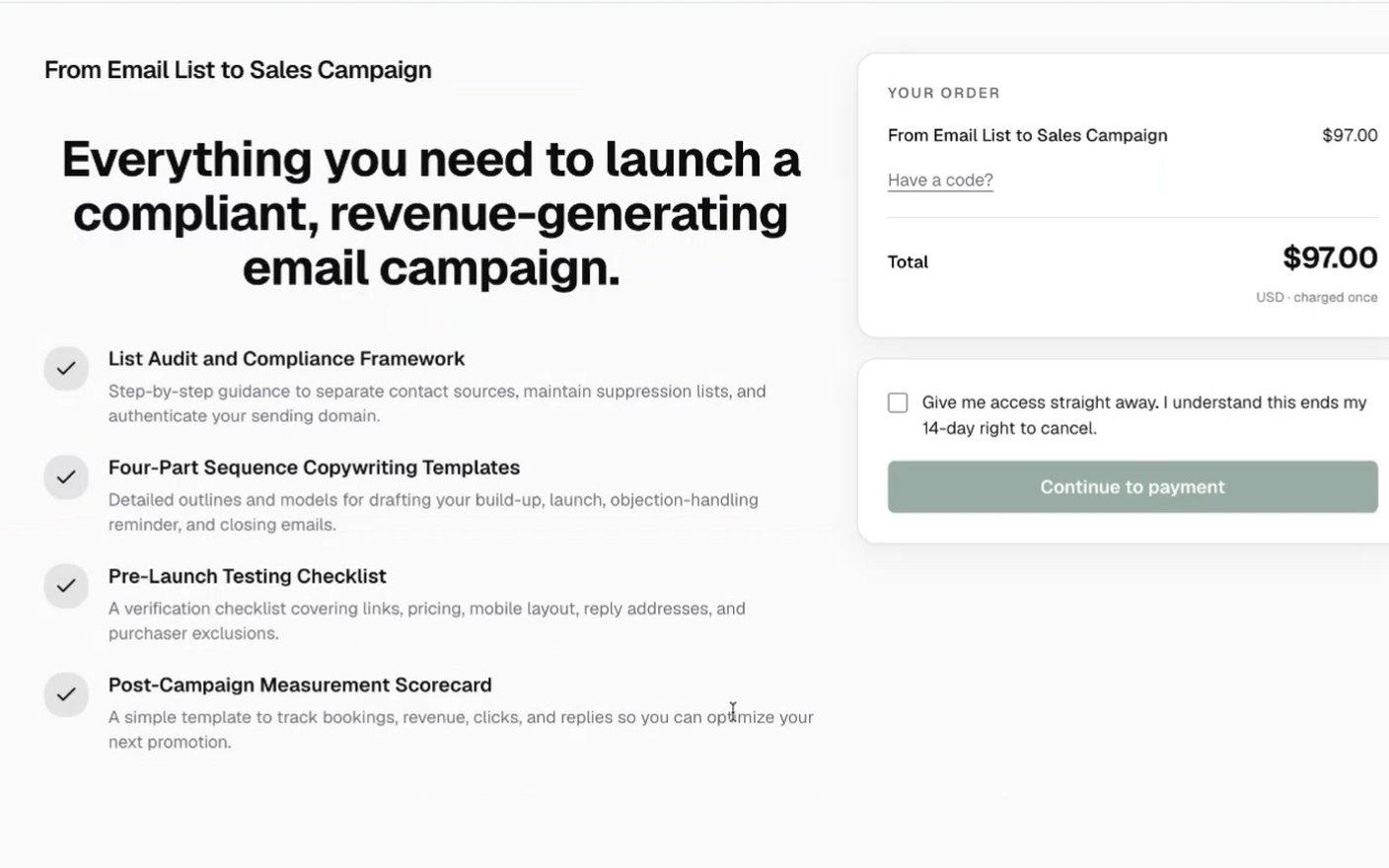
In Funnels ▸ New funnel ▸ Buy something, Knola wrote the sales page from the modules and lessons, with a checkout at $97 and a thank-you page.
Your course is already in your head. Talk it out, and Knola builds it and sells it.
Worth remembering
What to take from the session
Don’t ask AI to write your course. Let it interview you, so the course holds your knowledge and your way of doing things.
Tell your AI not to build yet, and to ask one question at a time. Then answer like you would explain it to a client.
Not happy with the outline? Keep talking. Go deeper on each lesson before anything is built.
Slides and videos in Knola use AI credits, and your AI asks before it uses them.
While your AI makes slides for the rest of the course, you can work on something else.
Before you build slides, add your own notes or files to the lesson. That is where your knowledge goes in.
Publish the course before you sell it. A buyer can pay for a draft, but there is nothing to watch yet.
Talk your course out this week.
Knola is the course platform your AI can build in: courses, narrated videos, sales pages, checkout and email. One payment, no monthly fee.
Good to know
Common questions
Does this work with Claude or Gemini?
Yes. Any AI that can connect to apps can build in Knola: ChatGPT, Claude, Gemini and coding tools such as Codex and Cursor. The setup for each one is in Settings ▸ Connected apps and on Connect your AI.
Do I need a paid Knola plan to connect my AI?
No. Connecting your AI comes with every Knola plan, and you can try it on a free account.
Can my AI do anything it wants in my school?
No. When you connect it, you choose what it may do: Look only, Draft for me, Build with me or Run it. You can change it or remove the AI at any time in Settings ▸ Connected apps.
Will the course sound like me?
It uses your answers, your examples and your stories. Read each lesson before you publish, and add the notes, files and stories that only you have.
How do I know the information in my course is right?
It is your knowledge: what you put in is what the course teaches. When Knola researches a lesson, every fact comes with a link you can check, and you can turn off anything you don’t want used.
Does it cost credits?
Slides Knola makes and narrated videos use AI credits, and your AI asks before it uses them. A licence comes with 200 credits on Solo and 1,000 on Studio, and you can set a monthly credit limit for each AI you connect.
Can I use my own voice for the videos?
Yes. Connect your ElevenLabs account and use a clone of your voice, or pick one of Knola’s built-in voices.
Does ChatGPT publish the course?
In the session, everything ChatGPT built was a draft. Jamie checked it and pressed publish in Knola. With Draft for me, nothing your students or buyers see changes until you publish.
Do I need ChatGPT to build a course in Knola?
No. In Knola you can start a course from an idea, from your own videos or from your materials, and Knola builds the outline, slides, videos and sales page.
Can I send email from Knola?
Yes. Every licence includes sign-up pages, broadcasts and flows, with sends that never expire: 1,000 on Solo and 5,000 on Studio.
Do you give support?
Yes. Email [email protected] and the team answers.
Not ready to buy yet?
See your course first. Free.
Type what you do or know. Knola shows you a course you could sell, with its full outline. No card, no account.
Knola Live
Watch the other live sessions
More real jobs done in Knola from start to finish, each with chapters and the full transcript.
 Knola Live #36 Nov 2026 · 49 min40 lead magnet ideas to build an audience for your courseA prompt picks the best free gift for a course, and Knola turns it into a sign-up page.Watch the session
 Knola Live #23 Nov 2026 · 31 minHow to sell an online course with a lead magnetA course becomes a free ebook, a sign-up page and a flow of emails that sells it.Watch the session
 Knola Live #128 Oct 2026 · 44 minHow to turn your book into an online courseA 369-page book becomes 83 lessons, a narrated video lesson, a price and a sales page.Watch the session