

How to manage your account and sign-in
Change your name, set a new password, sign in with Google, and sign out of every device at once.

 By Knola2 min read
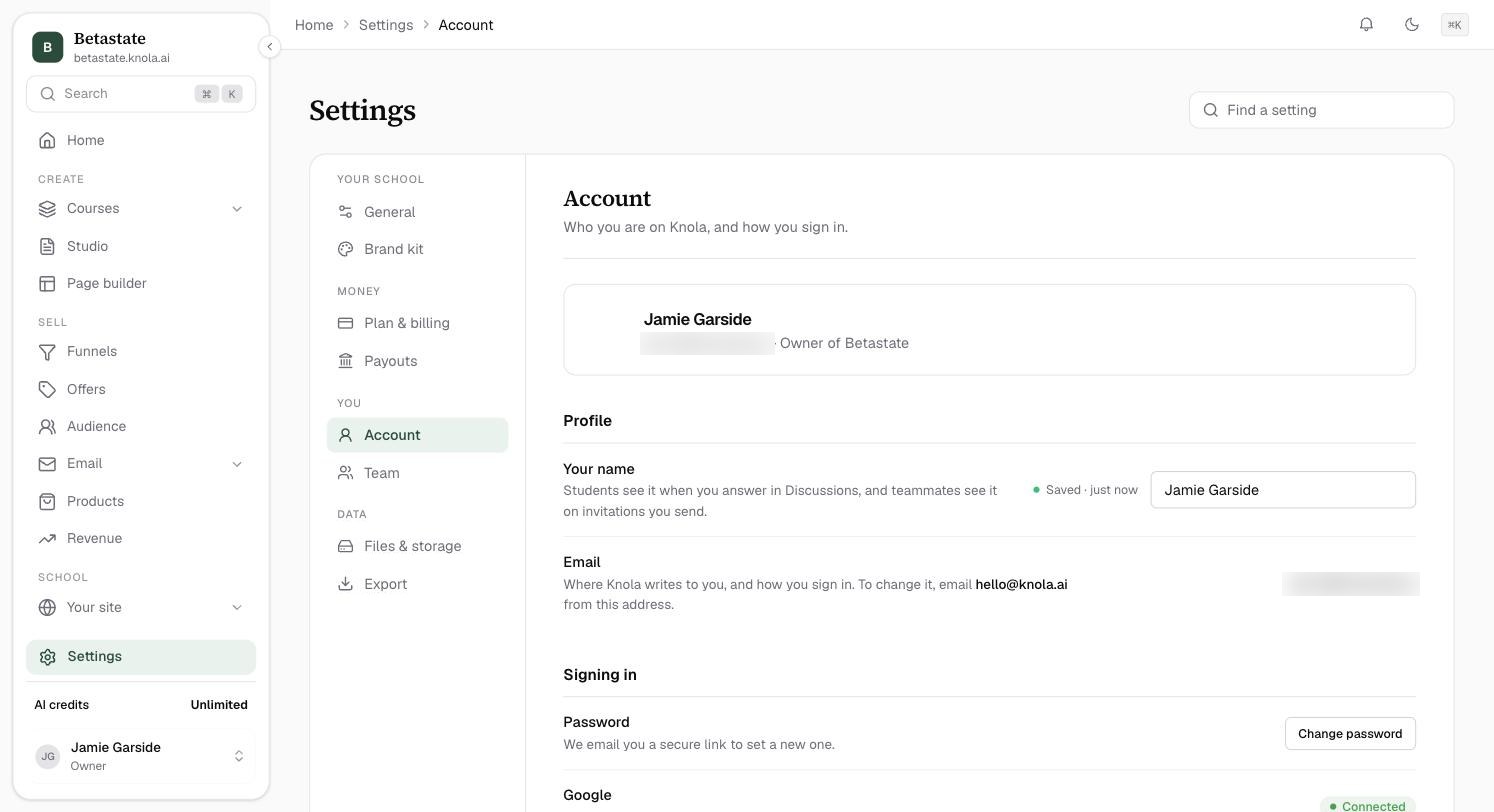
Account is about you, not your school: "Who you are on Knola, and how you sign in." Every teammate has their own.
Your name and email
Open Settings, then Account. Under Profile, Your name is what students see when you answer in Discussions, and what teammates see on invitations you send. It saves as you type.
Email is where Knola writes to you and how you sign in. To change it, email [email protected] from your current address.
Signing in
- Password: click Change password and Knola emails you a secure link to set a new one.
- Google: you can sign in with Google instead of a password. Choose "Continue with Google" on the sign-in page, with the same email. The row shows Connected once you have.
- Sign out everywhere: signs you out of every browser and device, this one included. Use it if you have lost a laptop or phone.
I run more than one school. Do I need more than one account?
No. One account opens every school you belong to. Switch between them from Your schools in the account menu at the bottom of the sidebar.
Was this guide useful?Still stuck? Contact support