
Send broadcasts and email sequences from your own domain, and see what happens after you press send.
7 guides
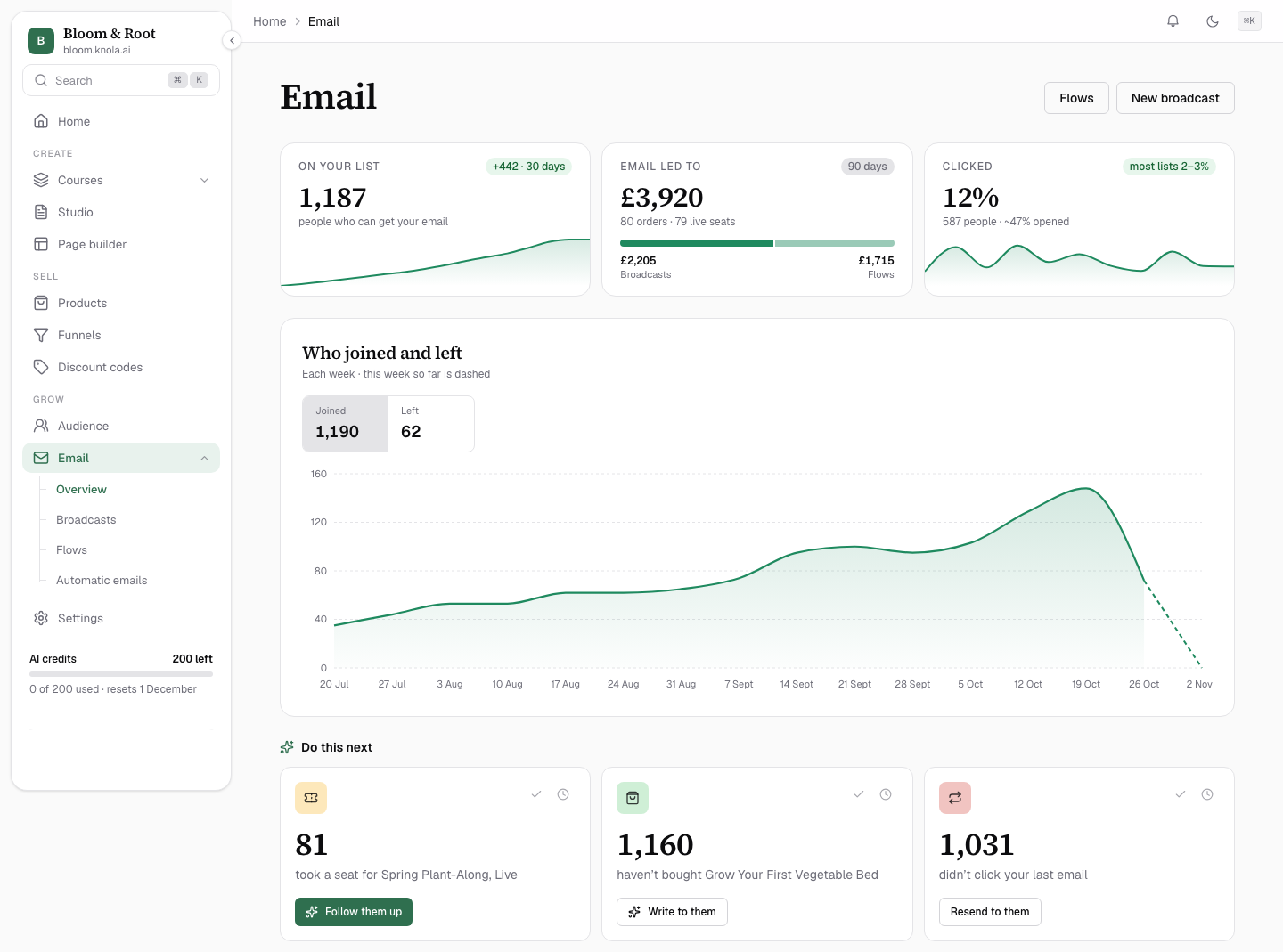 What you can send with Email in KnolaSee everything Email in Knola does, from one-off broadcasts to flows that send themselves, AI that writes them and the numbers that show what worked.7 min read
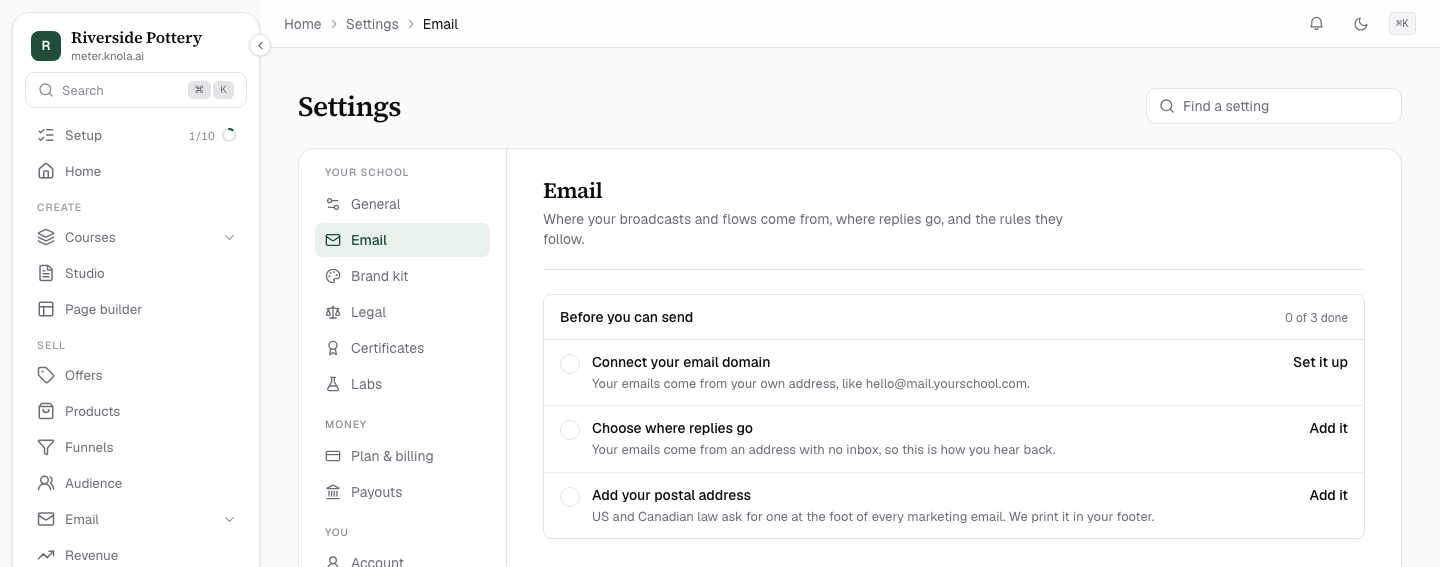 Set up your email domainConnect your own email domain, add its records in one click or by hand, and fill in your sender details so your broadcasts and flows can send.10 min read
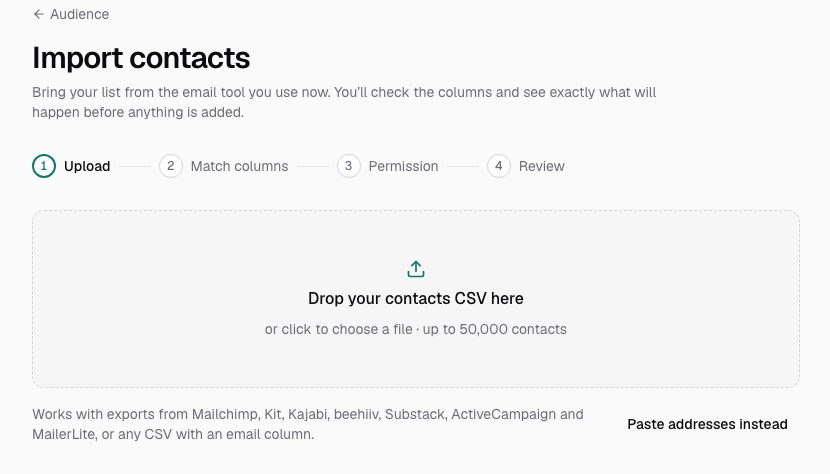 Import your email list from Mailchimp, Kit or a CSVBring the list you built in another email tool into Knola, with unsubscribes kept, tags carried across and a clear review before anything is added.8 min read
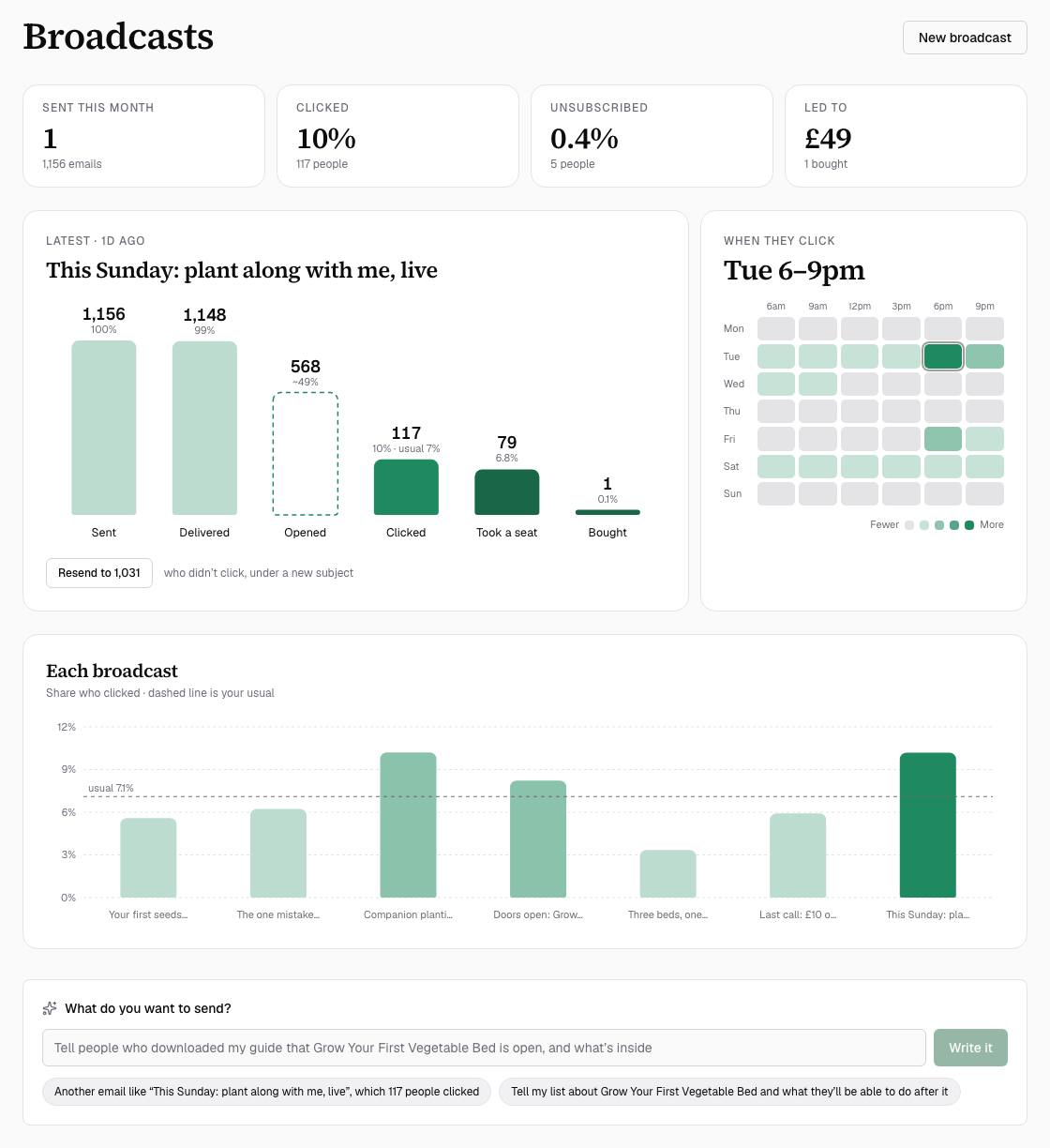 Send a broadcast to your listWrite a one-off email, choose who gets it, send yourself a test, then send it now or schedule it and see who clicked and what it led to.9 min read
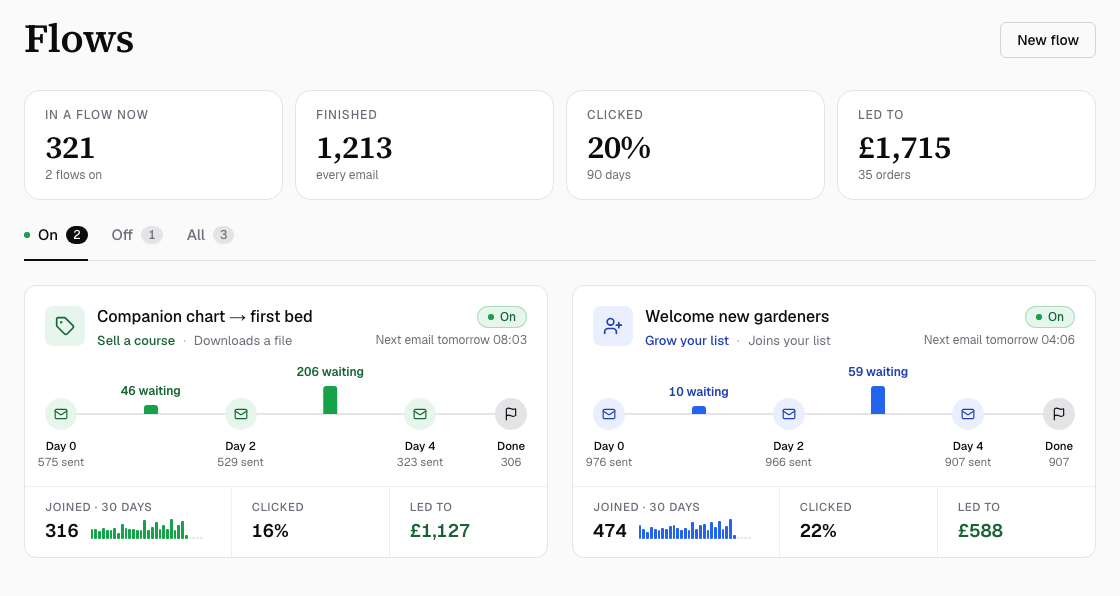 How to build an email flow that sends by itselfSet up an automated email sequence that starts when someone joins your list, buys, leaves a checkout or finishes a course, then sends on your schedule.9 min read
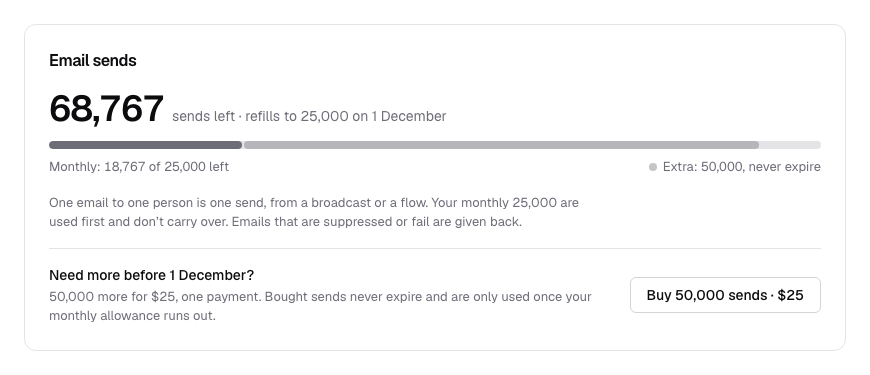 How your email sends are countedLearn what counts as an email send, where to see how many you have left, what happens if you run out, and how to top up with a send pack that never expires.5 min read
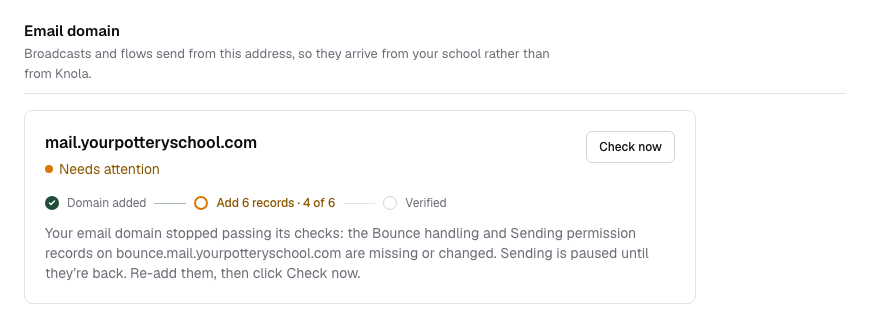 Keep your emails out of spamSee what Knola does to get your broadcasts and flows into the inbox, and the few habits on your side that keep them landing there.10 min read