How to drip-release modules and lessons over time
Release modules and lessons on a schedule: each module unlocks a set number of days after a student enrols, shown with its unlock date.

 By Knola3 min read
Drip scheduling stops a new student binge-skipping to week six on day one. Each module, and every lesson inside it, can unlock a set number of days after enrolment. The clock is personal to every student, and the lock is enforced by Knola itself, not just hidden on the page.
Find the drip pill on a module
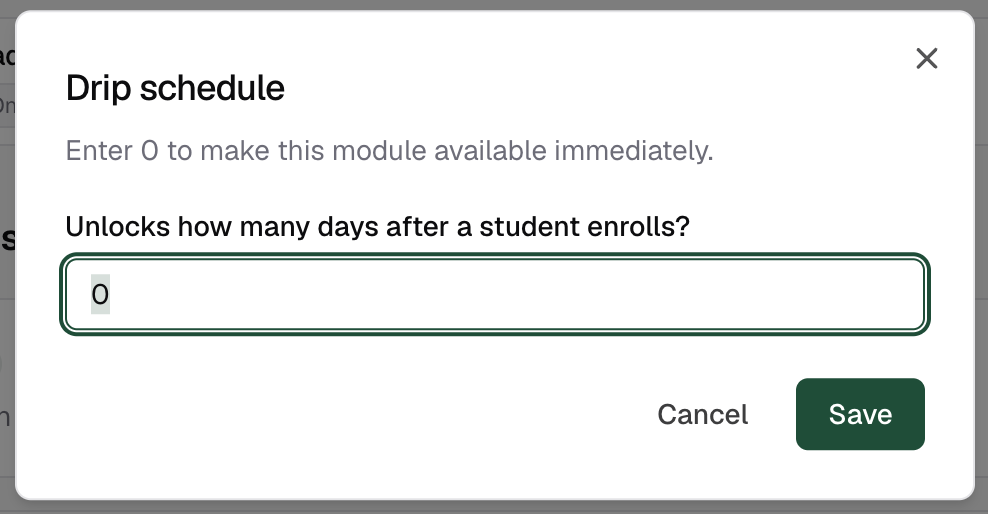
Open your course and look at any module header in the Curriculum section. Next to the title sits a small clock pill reading Drip: off, or Unlocks day 7 once a schedule is set. Click it.
Set how many days after enrolment it unlocks
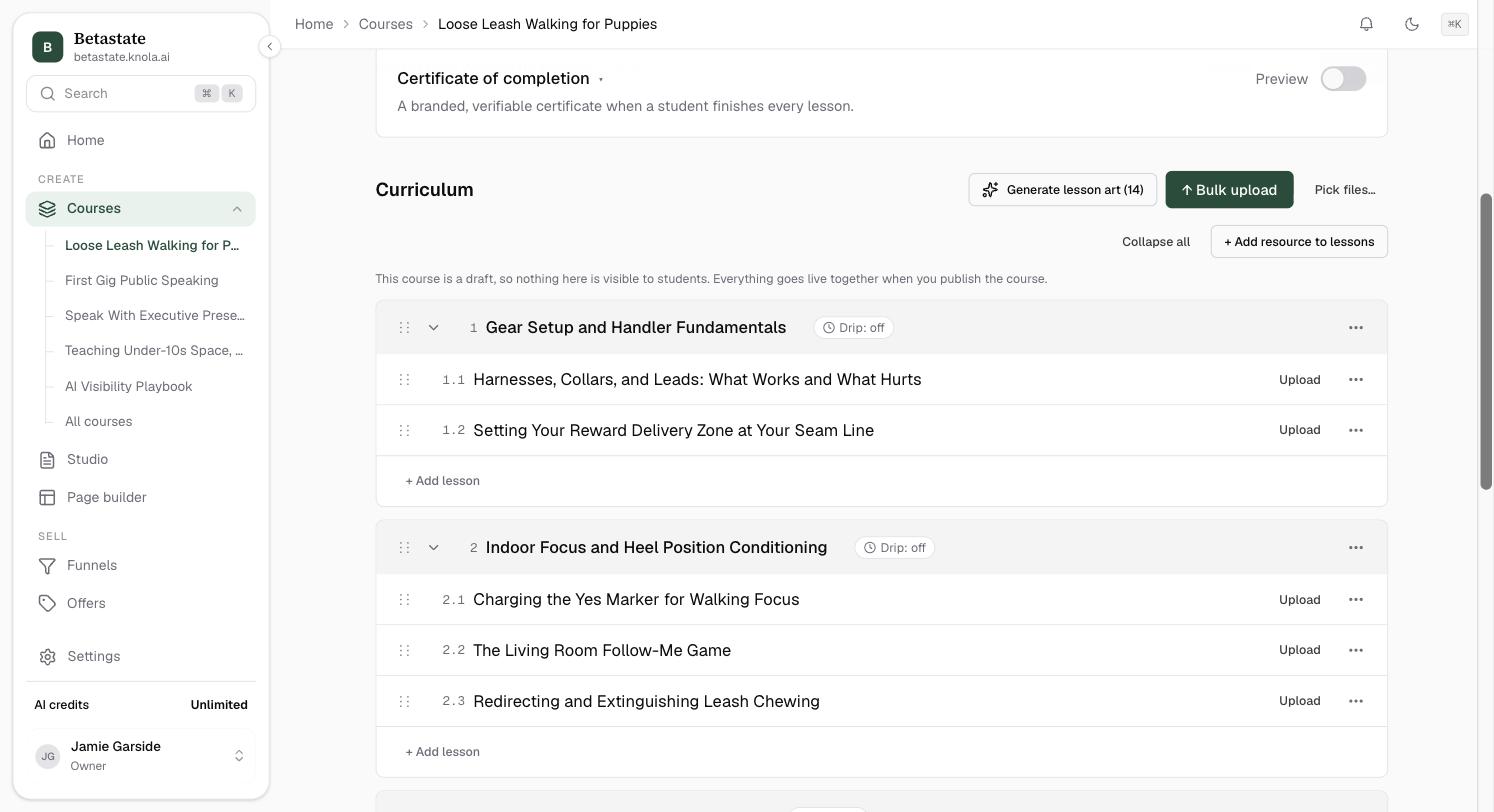
The Drip schedule dialog asks one question: "Unlocks how many days after a student enrolls?". Enter a whole number of days from 1 to 730, or enter 0 (or leave it blank) to make the module and its lessons available immediately, then click Save.
What does a locked module look like?
On the course outline, a locked module is still listed (anticipation sells) but greyed out, with a pill showing its unlock date (for example "Unlocks Sep 12"). Its lessons aren't clickable until that date. Because you're staff, you see everything unlocked; the lock only applies to enrolled students.
Trust the lock: Knola enforces it
The unlock date comes from two facts: the student's enrolment date and the module's day number. Every screen (the outline, the lesson page, completion) works it out the same way, and a link straight to a locked lesson simply takes the student back to the course outline. Sharing a direct link doesn't bypass the schedule.
When does the drip clock start?
At each student's own enrolment. "Unlocks day 7" means seven days after that student enrolled. Every student runs on their own schedule, whenever they join.
Can I drip individual lessons instead of modules?
Drip is set per module, and every lesson inside the module unlocks with it. If two lessons need different unlock dates, put them in separate modules with their own day numbers.
What happens to students who enrolled before I set the drip?
The unlock is always worked out from their enrolment date. A student who enrolled longer ago than the day number sees the module immediately; more recent students wait out the remainder.