Lessons
The lesson editor, video uploads, transcripts, quizzes, resources and AI drafting.
11 guides · 3 videos
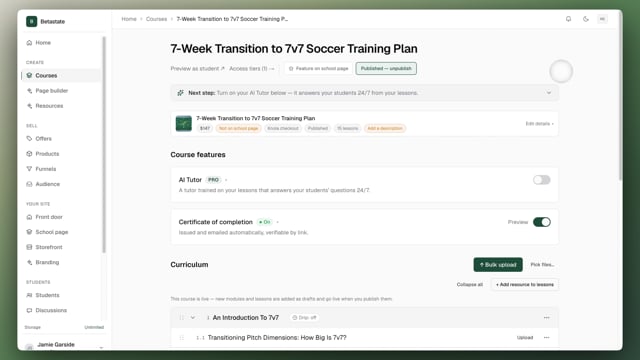 Here's how the lesson page worksA tour of the lesson page: what students get, the Watch, Slides and Read sections, the three ways to start a lesson, and the extras underneath. Video5 min read
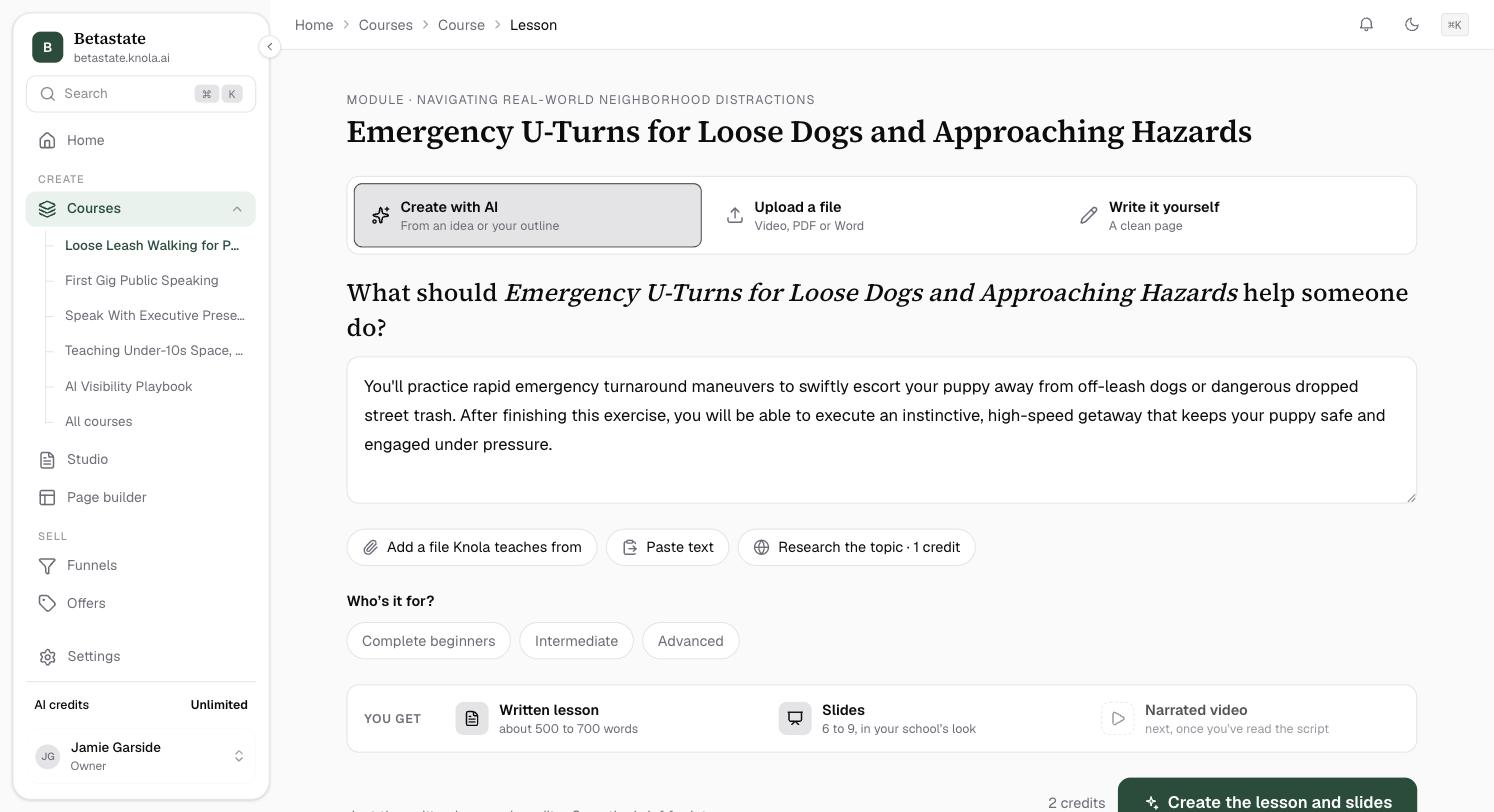 How to create a lesson with AI from an idea, a file or researchDescribe what a lesson should help someone do, add your own notes or let Knola research the topic, and get a written lesson and designed slides. Video5 min read
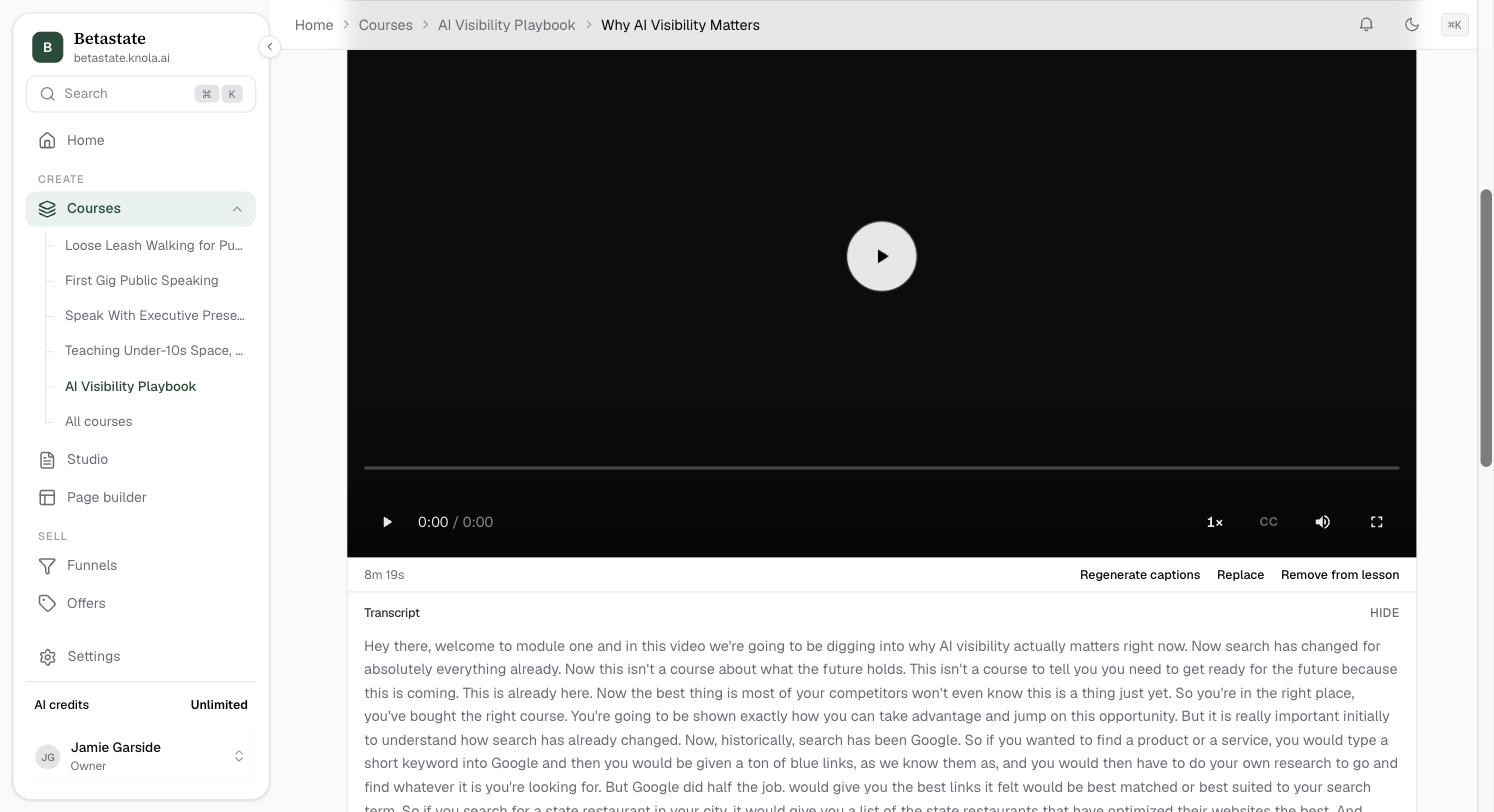 How to upload a lesson videoDrop a video on a lesson and keep working while it uploads. A shaky connection won't lose it, and you always see where processing is up to.4 min read
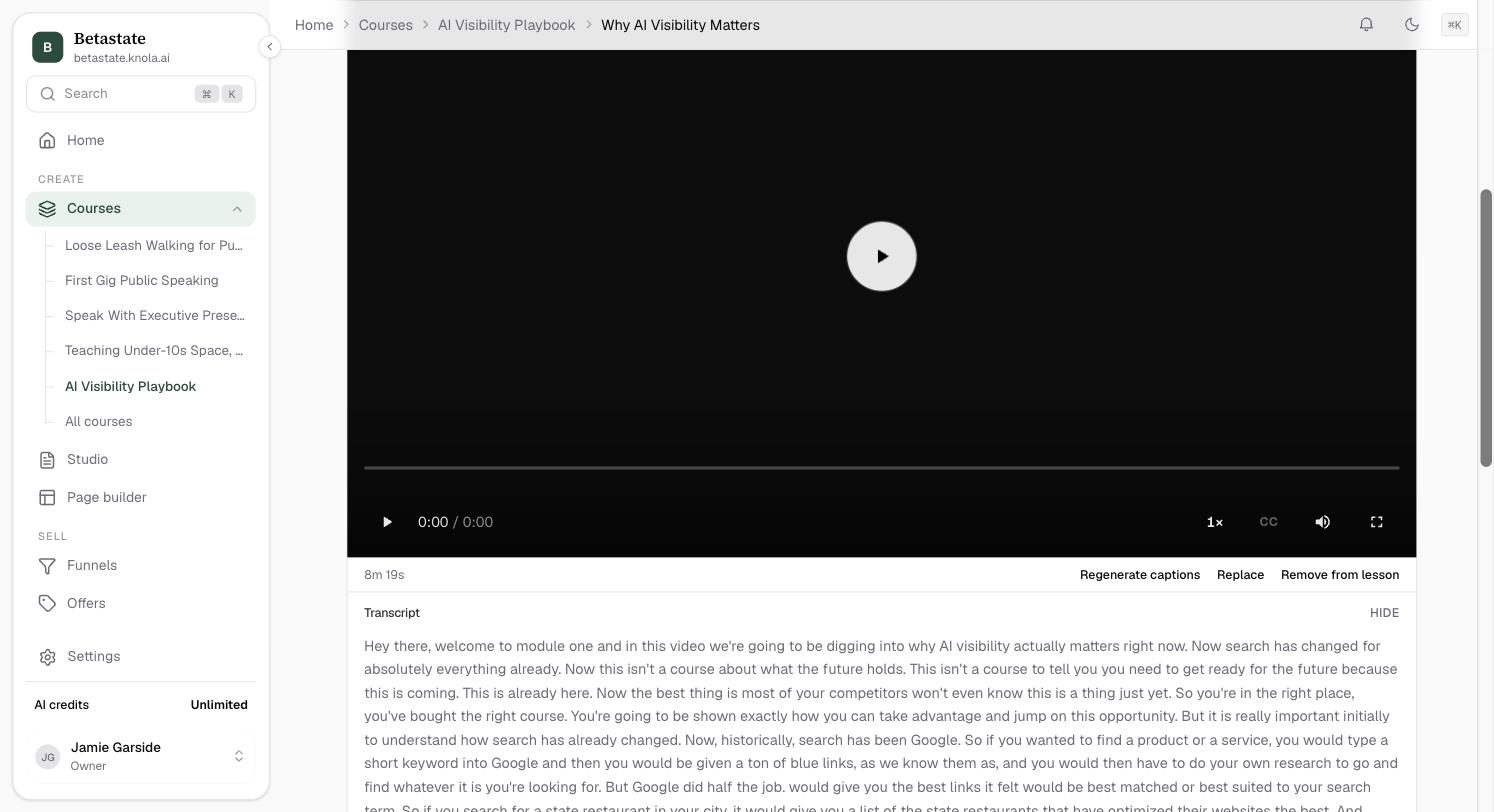 How to get transcripts & captions on every videoEvery lesson video is transcribed automatically. Read the transcript in the editor, regenerate captions, and give students a clickable transcript.3 min read
 How to let Knola write your lesson from the videoGive a video lesson a written version for students who prefer reading. Knola writes it from your video, in your words, and you edit it. Video3 min read
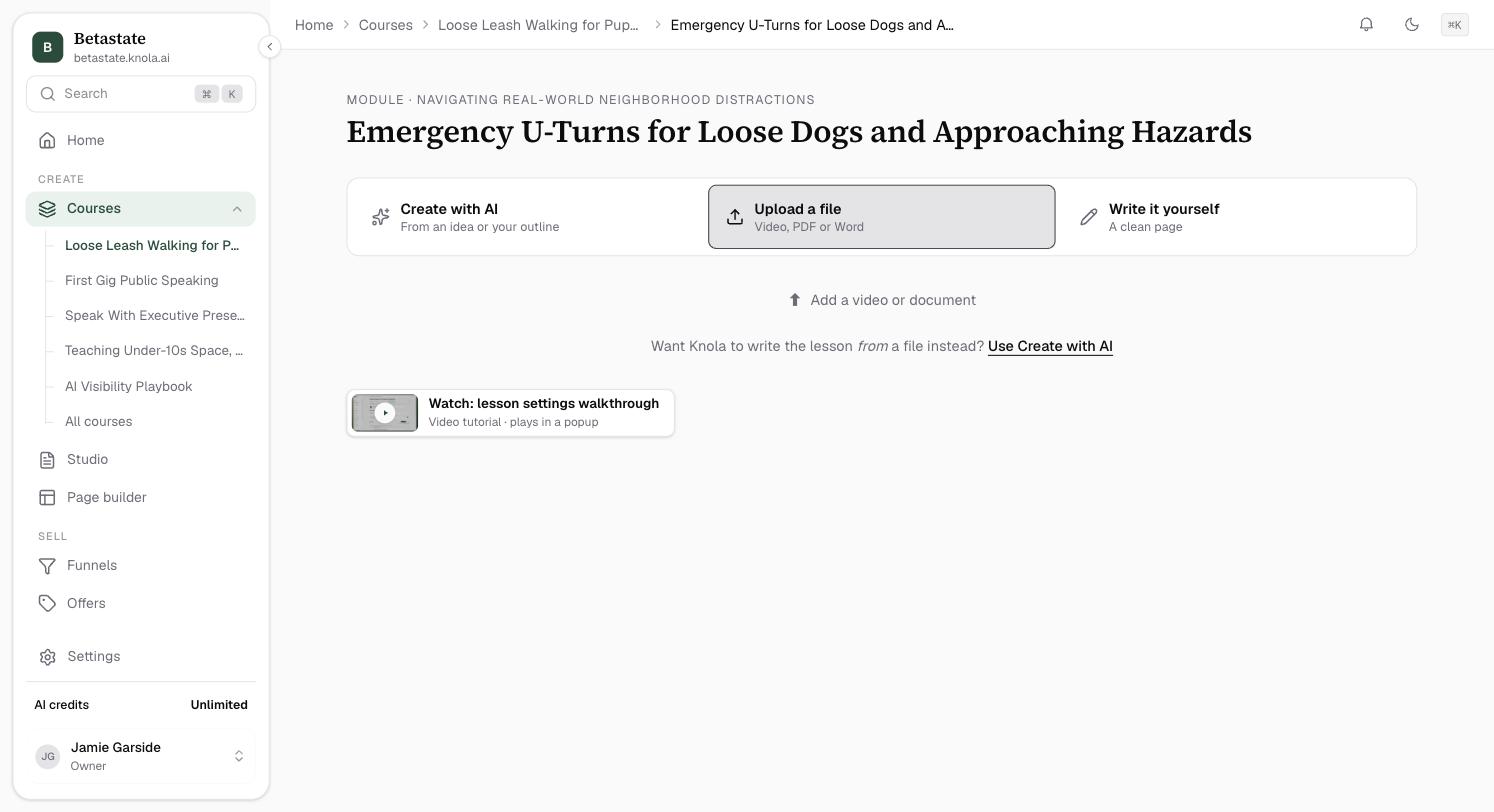 How to create document lessons from PDF and WordA lesson doesn’t need a video. Show a PDF inline as the lesson itself, turn a Word doc into editable blocks, or let AI draft the lesson from your document.4 min read
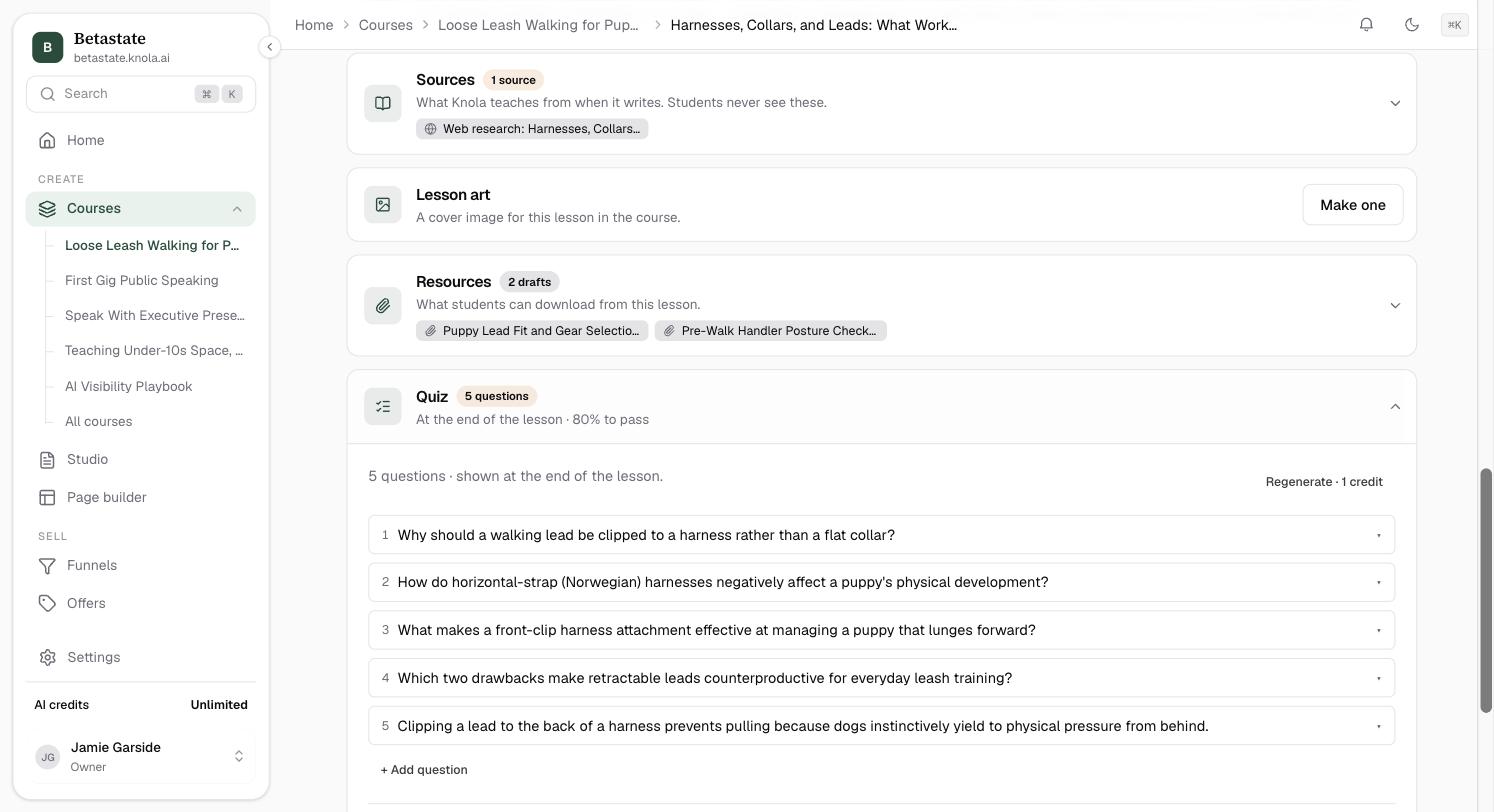 How to add quizzes that gate progressionAdd a quiz to any lesson. AI writes questions from your content, you edit everything, set a pass mark, and read per-question results.5 min read
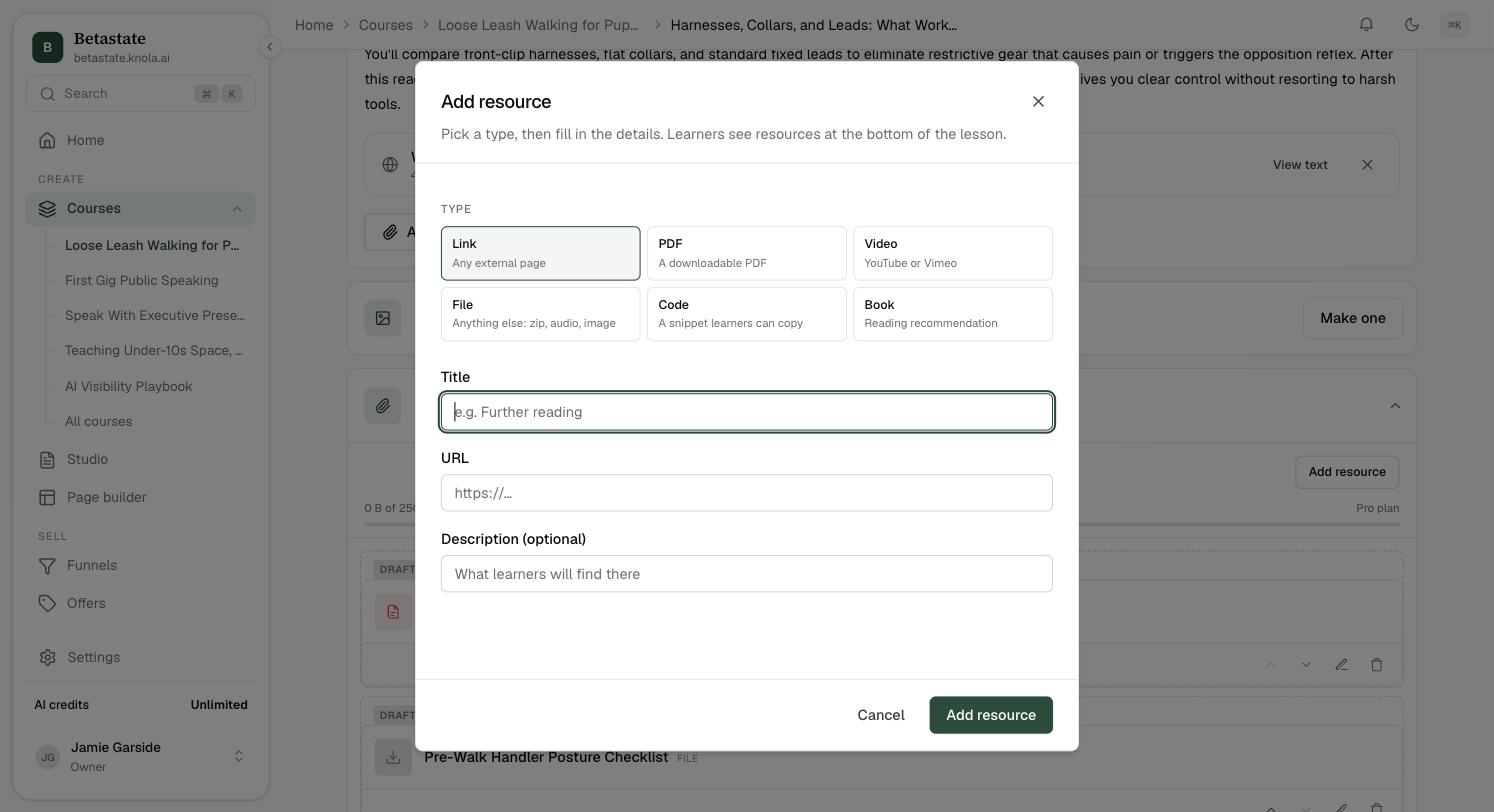 How to attach lesson resources: downloads, links, code and booksAttach the extras to any lesson: downloadable files, external links, embedded videos, copyable code and book recommendations, in the order you choose.4 min read
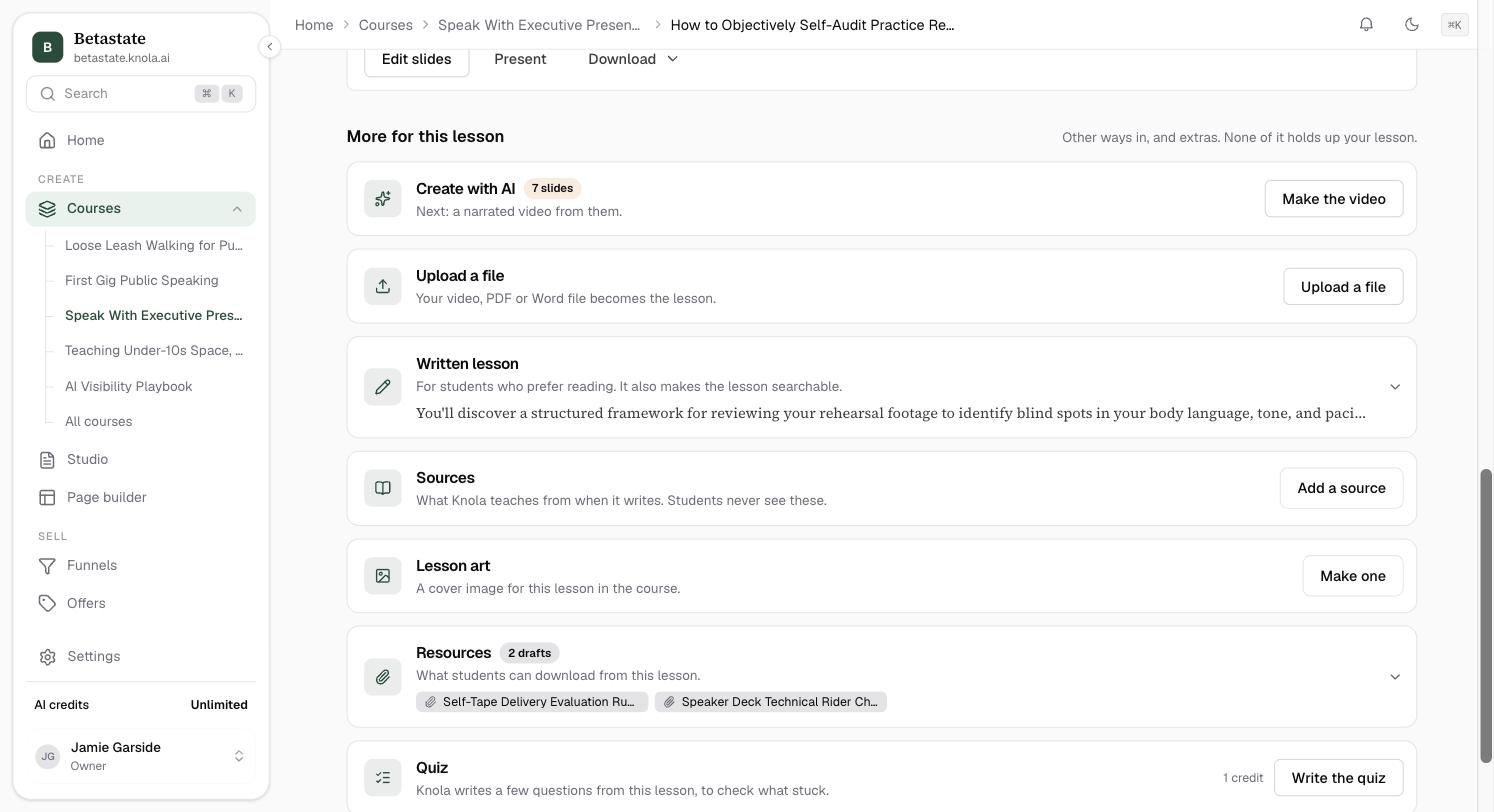 How to set the artwork on a single lessonUpload or generate the thumbnail for one lesson, swap art you have outgrown, and keep a renamed lesson from carrying its old title in the picture.3 min read
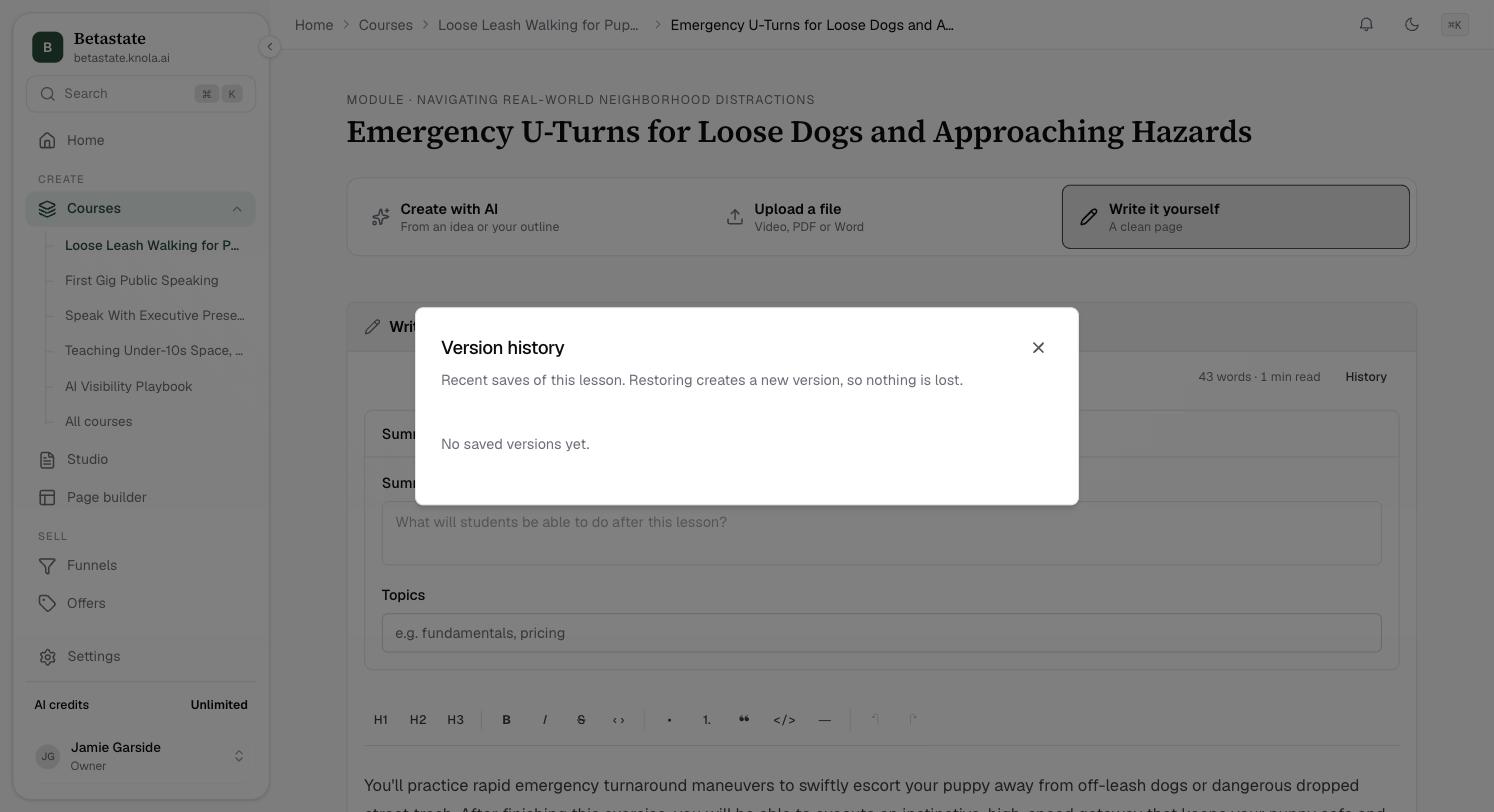 How to go back to an earlier version of a lessonRecover a lesson or slides you changed and regret: open the history, read the copies Knola kept, and restore any one without losing what you have now.4 min read
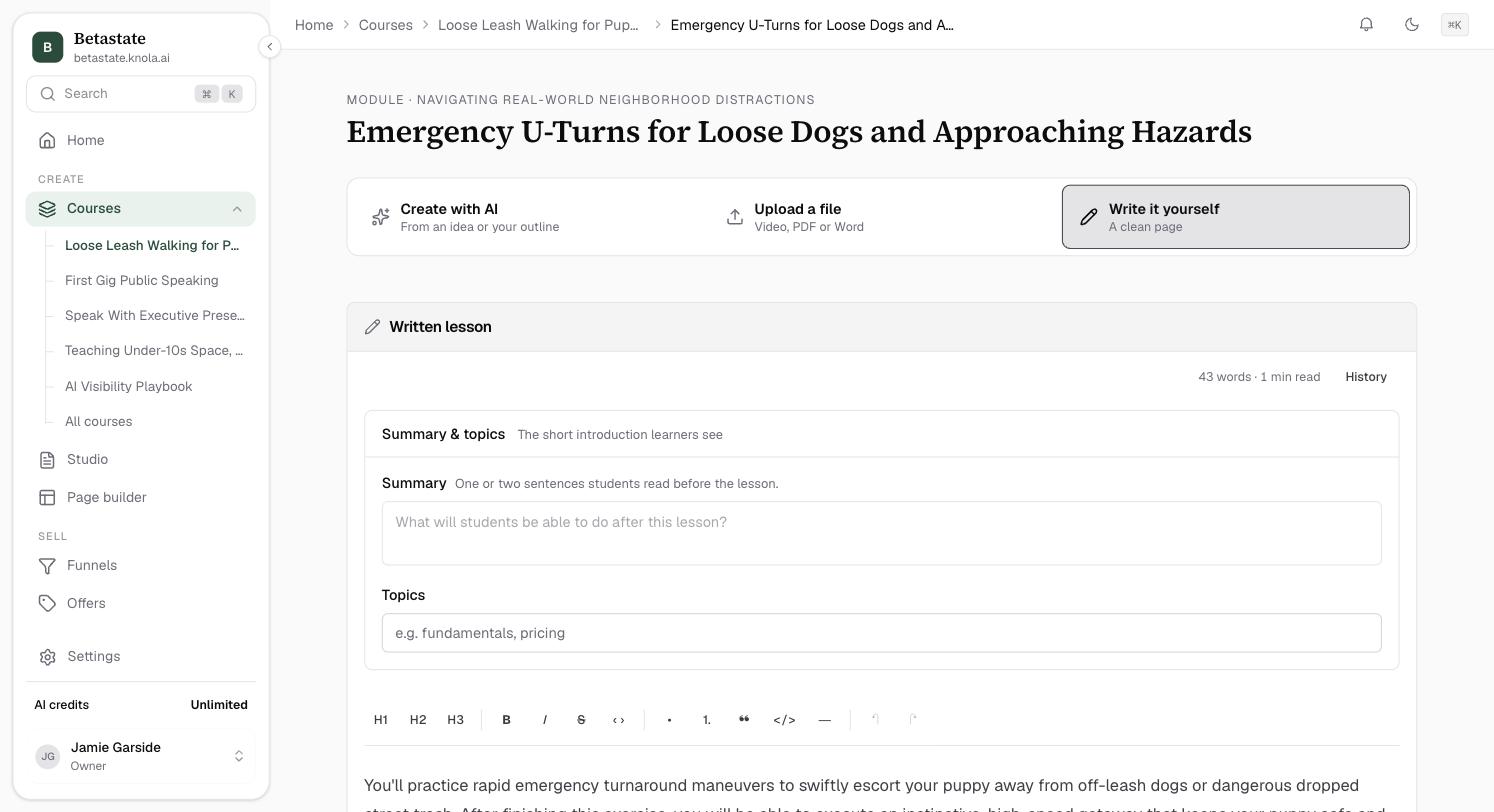 How to add a summary, topics and learning objectivesTell students what a lesson is for: a one-line summary above the body, topic tags they can browse by, and learning objectives in the lesson.5 min read
Related areas:Studio