Studio
Checklists, worksheets, swipe files, glossaries and ebooks, written from your lessons, in your brand.
10 guides · 10 videos
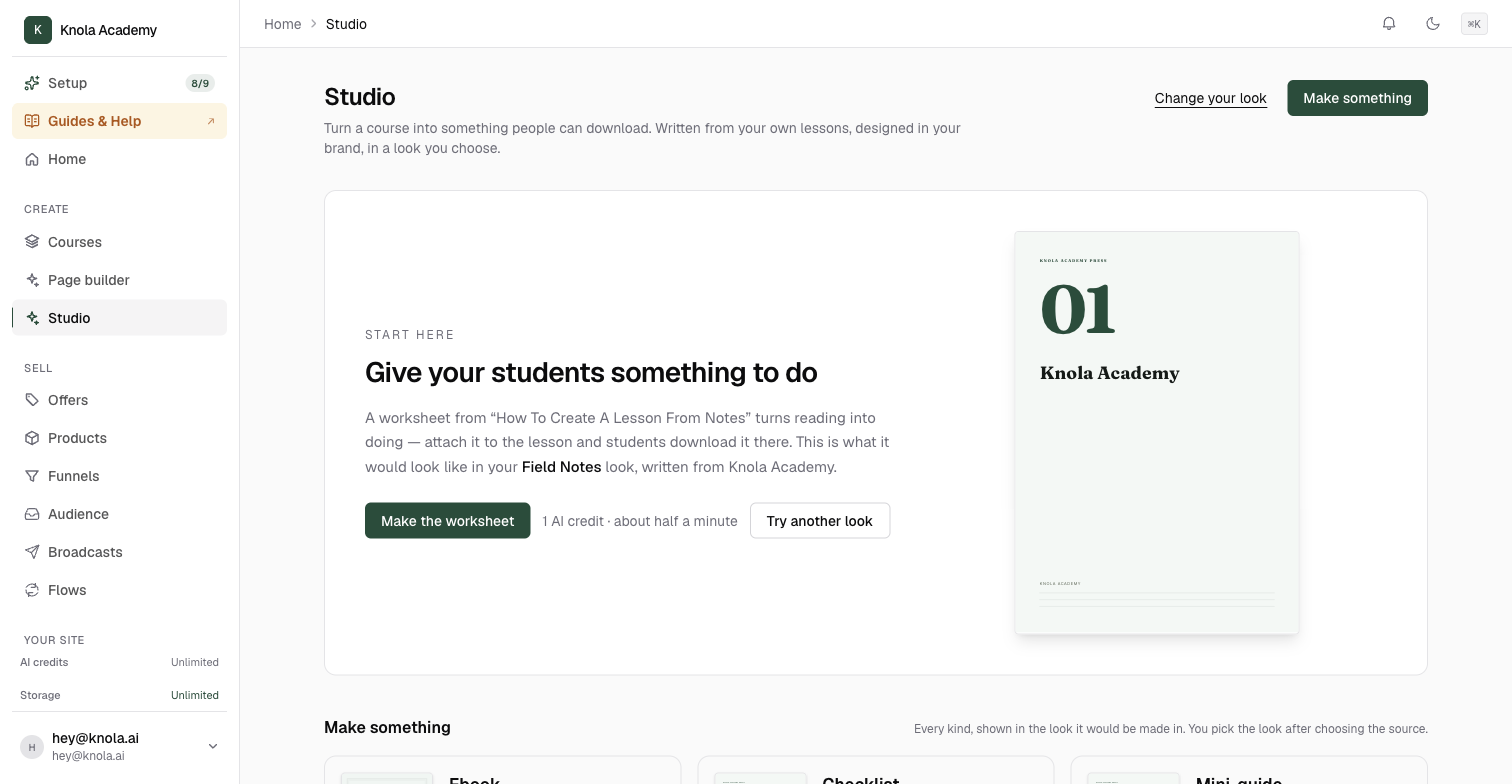 Here's what the Studio makes: ebooks, guides and checklists from your lessonsKnola turns any lesson into a designed download with AI: an ebook, checklist, mini-guide, worksheet, swipe file or glossary, all in your brand. Video5 min read
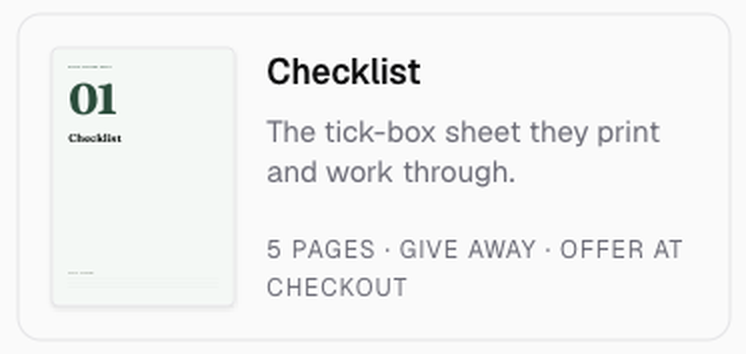 How to create a checklist with AI from a video or lessonTurn one lesson into a printable tick-box checklist in about half a minute: pick the lesson, pick a look, and add it under the video as a download. Video4 min read
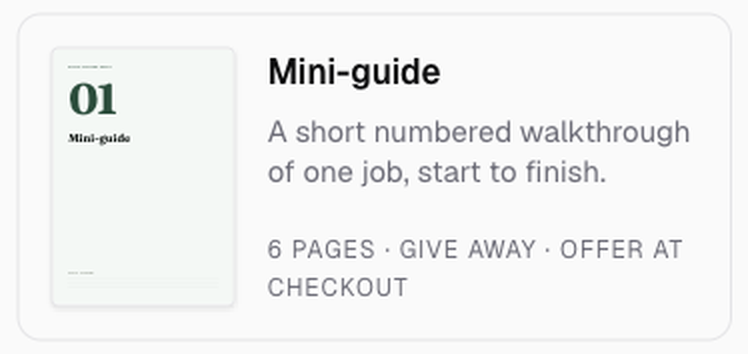 How to create a mini-guide with AI from a videoMake a six-page numbered walkthrough from one lesson with Knola AI, choose a look, and give it away as a lead magnet or add it under the video. Video4 min read
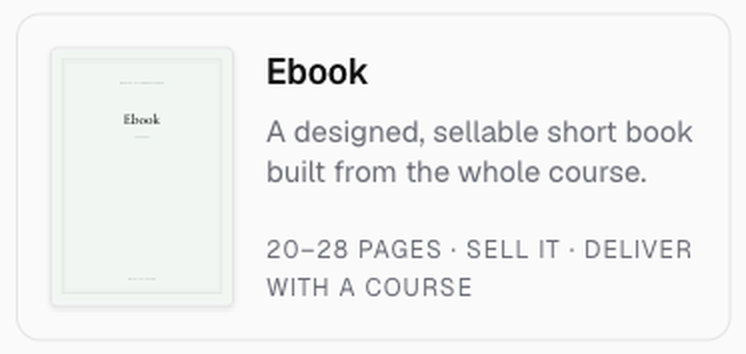 How to create an ebook with AI from a video or courseTurn a course, or even one recorded lesson, into a designed ebook with Knola AI: chapters, checklists, pictures if you want them, all in your brand. Video5 min read
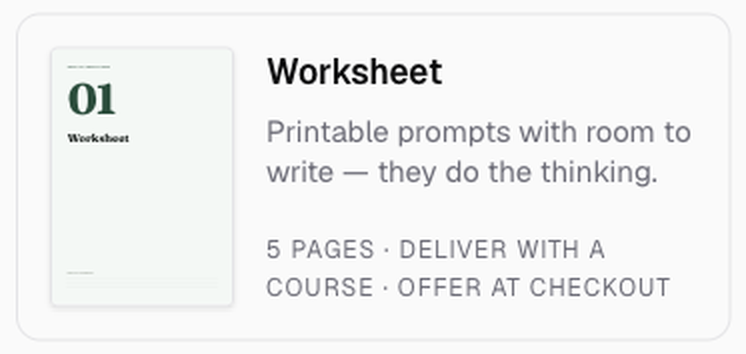 How to create a worksheet with AI from your lessonsMake a printable worksheet from one lesson with Knola AI: prompts with room to write, so students do the thinking themselves. Deliver it with the course. Video3 min read
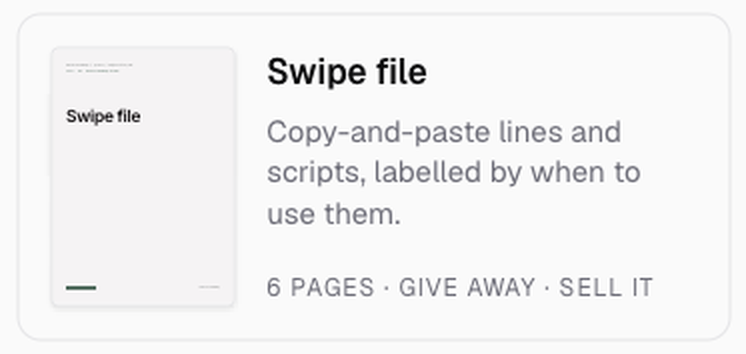 How to create a swipe file with AI from your lessonsTurn a lesson into a swipe file with Knola AI: ready-to-paste lines and scripts, each labelled by the moment to use it. A strong giveaway, and easy to sell. Video3 min read
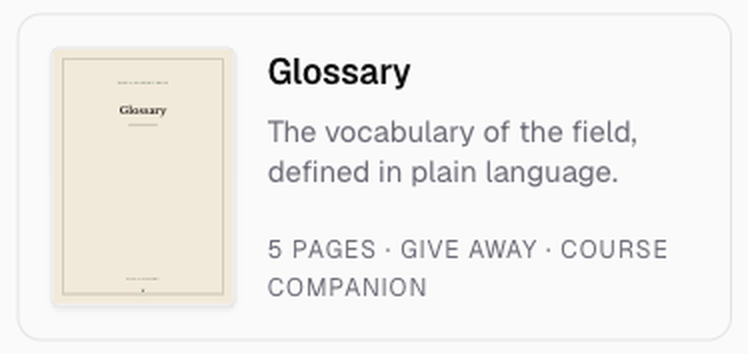 How to create a glossary with AI from your courseMake a plain-language glossary of your field from your whole course with Knola AI, and attach it as the companion every beginner wants on day one. Video3 min read
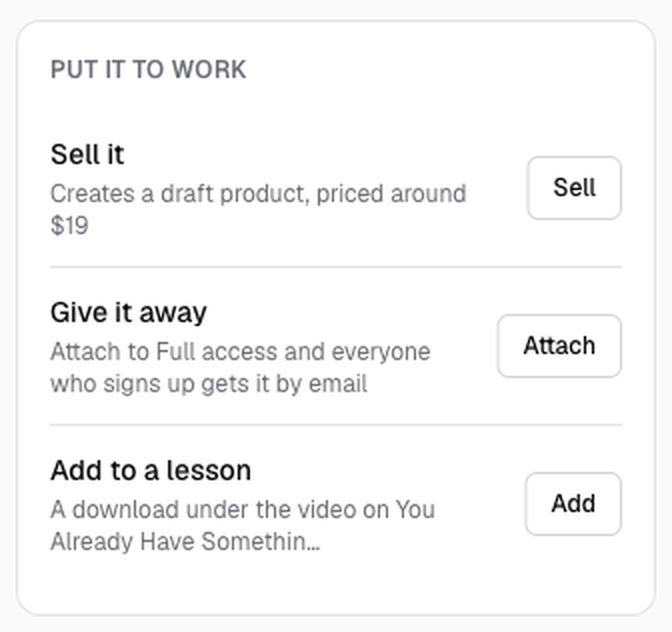 How to add a Studio document to a lesson or give it away for an emailA finished Studio document can sit under a lesson as a download, or be the giveaway on an opt-in funnel that collects emails. Both take one click. Video5 min read
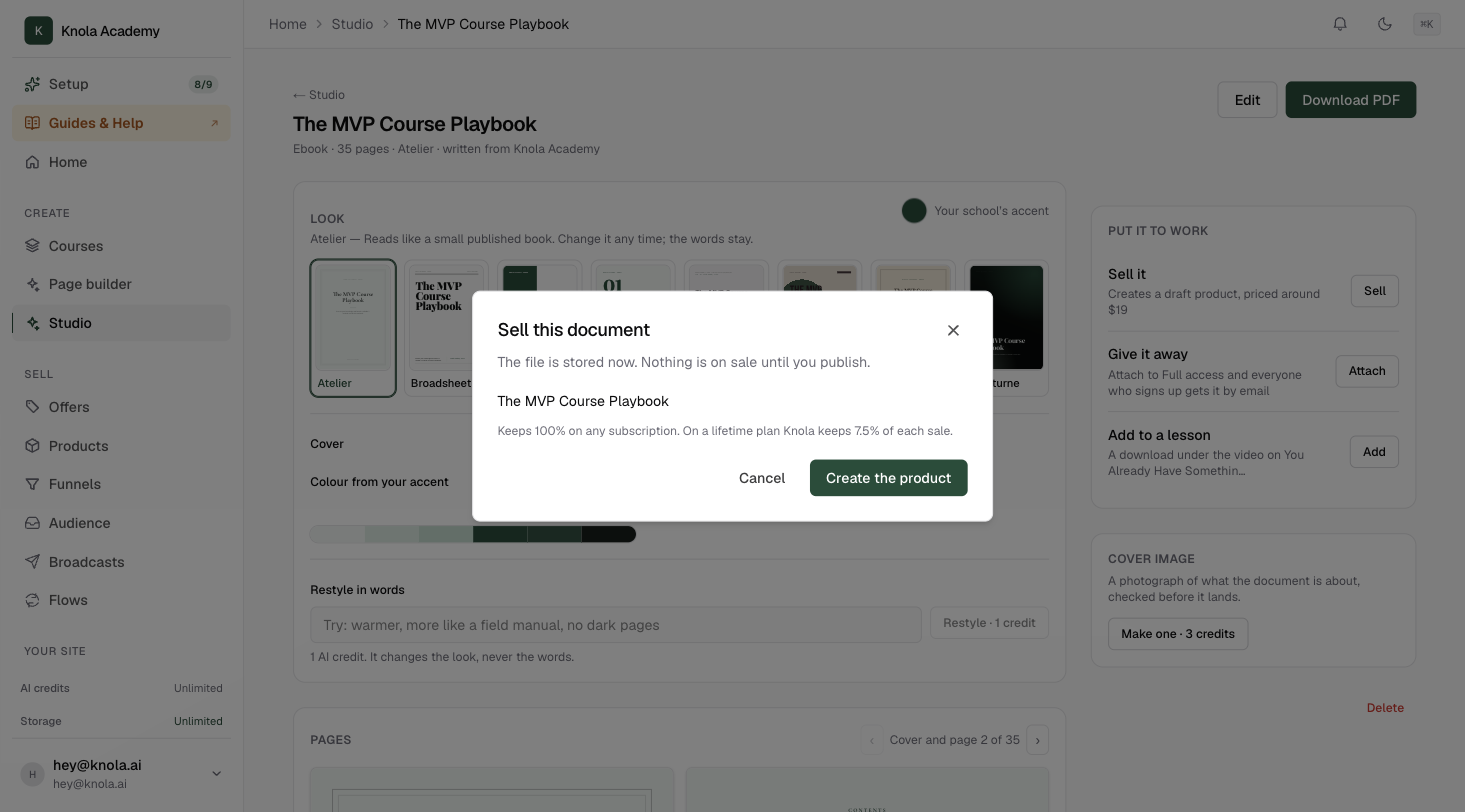 How to sell an ebook, guide or checklist you made in the StudioTurn any Studio document into a product with a price and a buy link in a few clicks. Knola stores the file, builds the offer and delivers it to every buyer. Video5 min read
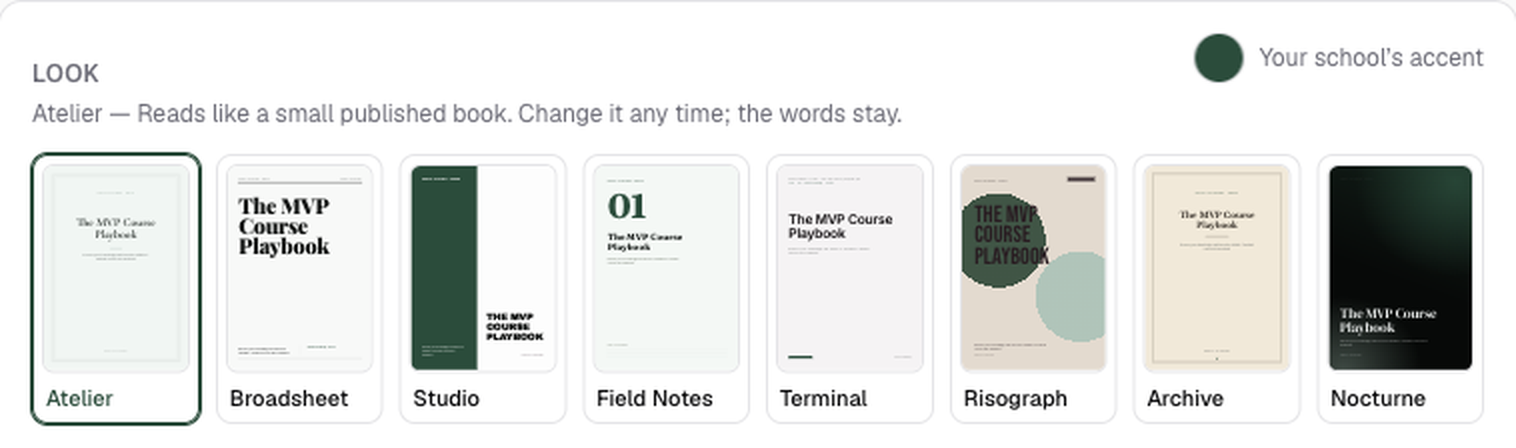 How to change the look of a Studio documentRestyle any finished ebook, checklist or guide without touching a word: swap the look, change the cover, adjust your brand colour, or describe the change. Video4 min read
Related areas:Lessons