How to create a mini-guide with AI from a video
Make a six-page numbered walkthrough from one lesson with Knola AI, choose a look, and give it away as a lead magnet or add it under the video.

 By Knola4 min read
A mini-guide takes one job and walks the reader through it from start to finish, in numbered steps, in about six pages. It is the document to give away: link it from a YouTube description or a page on your site, collect the email, then sell the course. That is the exact use we describe at 06:59 in the video walkthrough, where we make one from a single recording in the Nocturne look.
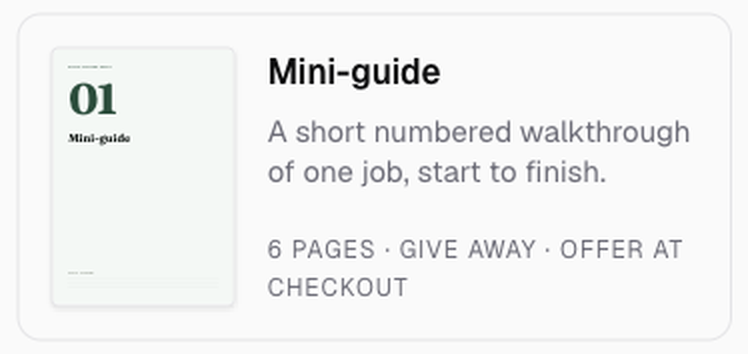
Open the Studio and choose Mini-guide
Click Studio in the sidebar, then the Mini-guide tile in the Make something grid.
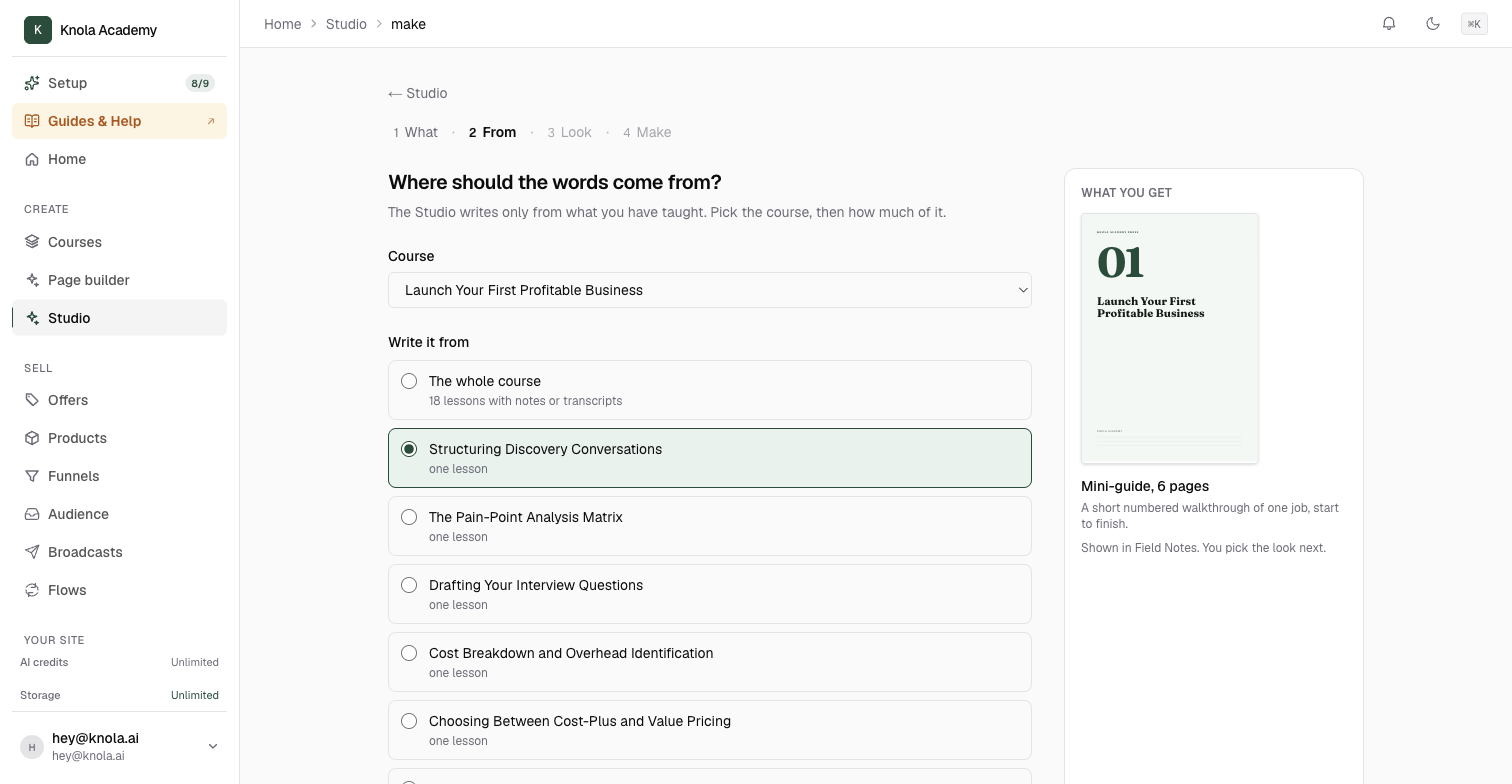
Choose the lesson it should teach
Under Where should the words come from?, pick the Course and then, under Write it from, the one lesson that teaches the job. A mini-guide is a walkthrough of one thing, so the whole course is usually too broad for it.
If the lesson covers more than one job, say which one in Anything to add or leave out?.
Click Next: pick a look.
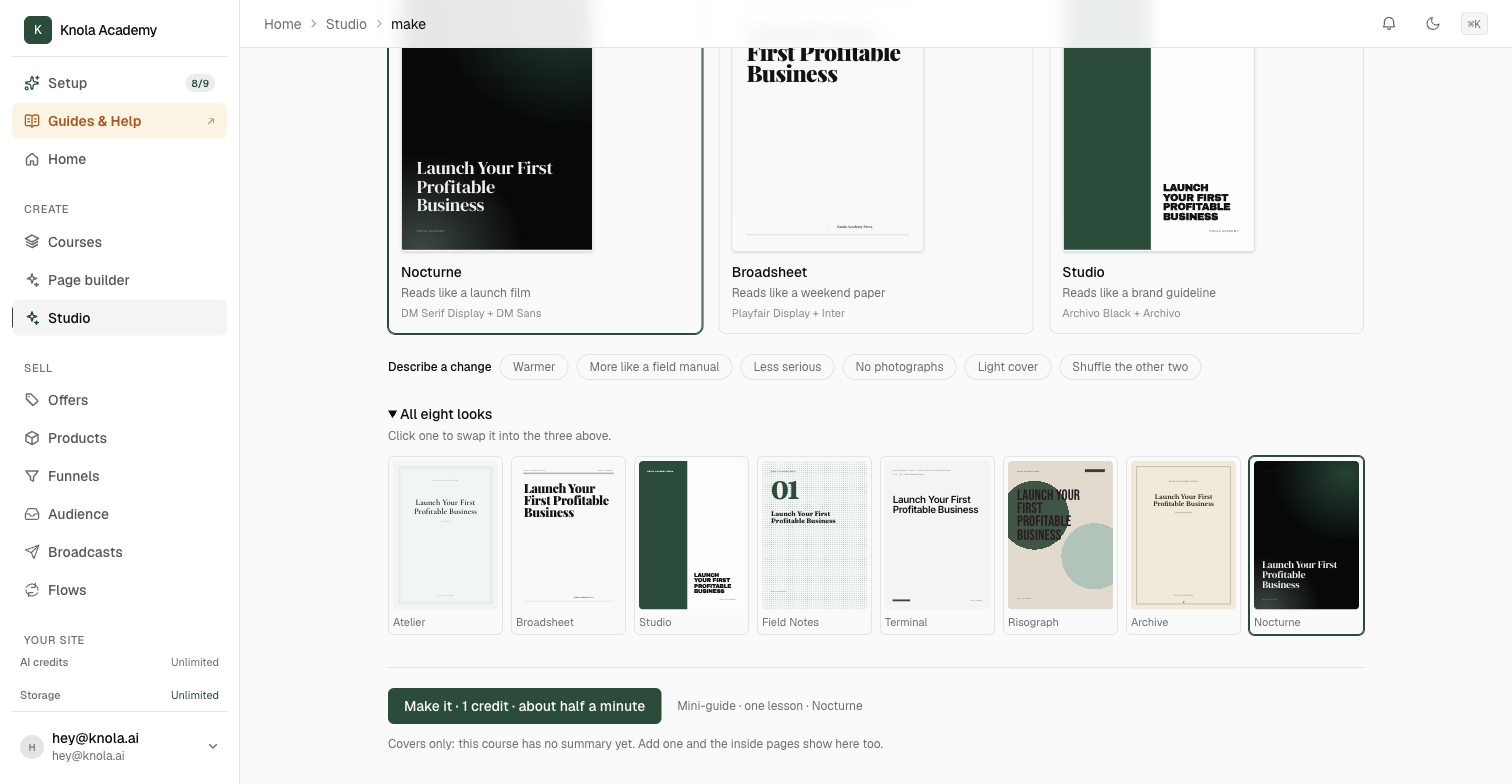
Pick a look
Three looks appear with your course title in each. Click the one you want, or open All eight looks to see everything. In the video we pick Nocturne, which "reads like a launch film", for a darker, more designed feel than the checklist made a moment earlier. Field Notes is the default and works well for anything practical.
Click Make it. A mini-guide takes about half a minute.
Read it, then decide what it is for
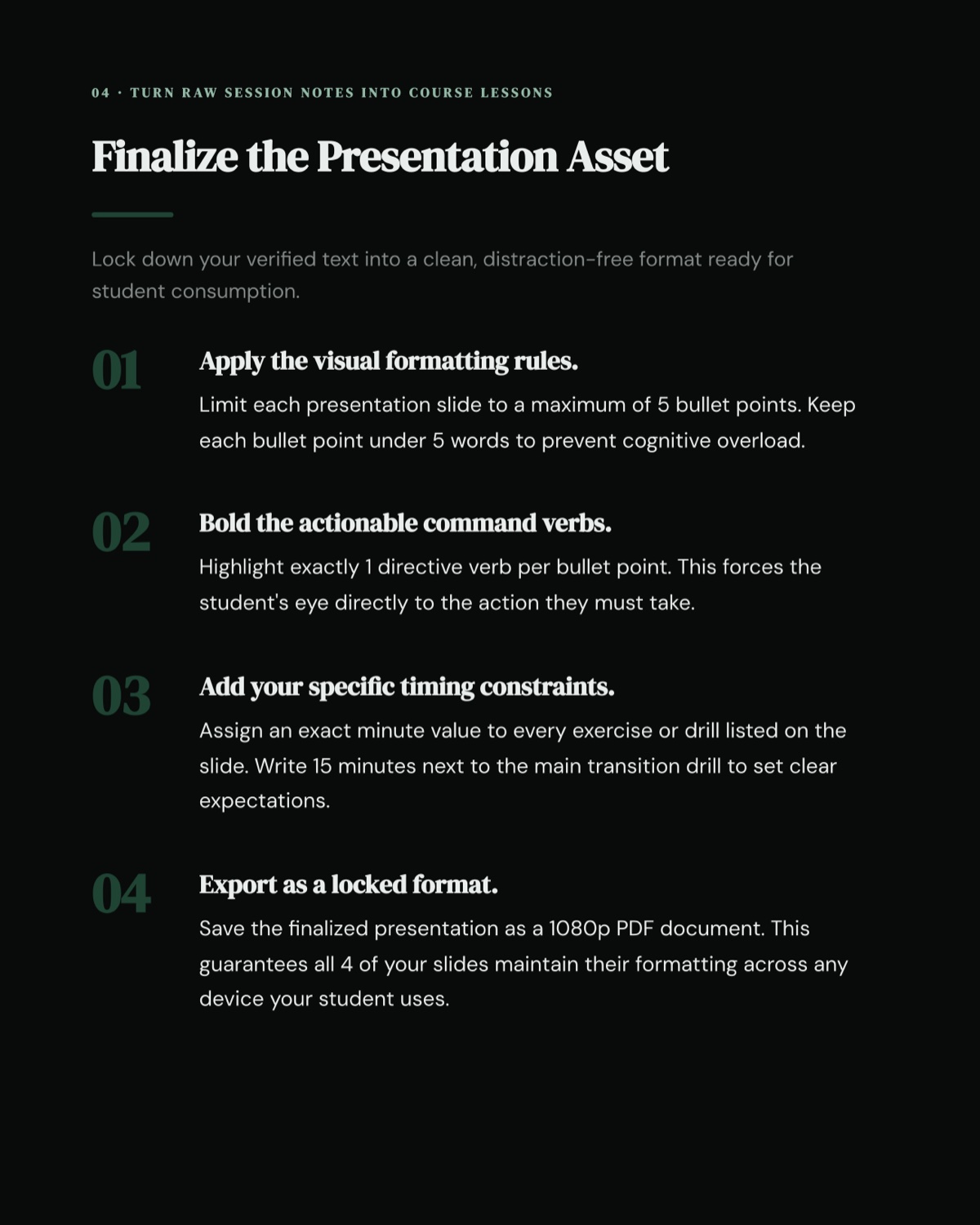
The finished guide opens on its own page. Check three things: that the steps are in the order someone would actually do them, that a reader who does all of them has finished the job, and that each step says how to know it worked. Knola writes the mini-guide about the reader's craft, not about which buttons to press in any tool, so it stays useful even to people who never join your course.
Then choose the job for it in the Put it to work panel:
- Give it away turns it into a lead magnet. Attach it to a funnel, or build a sign-up page for it, and everyone who signs up gets it by email. Put that link in your YouTube description or on your site, and you are collecting emails from content you already made.
- Add to a lesson puts it under the video for students who are already in.
- Download PDF, at the top, for using it anywhere else.
Both moves are walked through in How to add a Studio document to a lesson or give it away.
What is the difference between a mini-guide and a checklist?
A checklist is a list of actions to tick off, one short line each. A mini-guide explains each step in two or three sentences, so it teaches as well as reminds. We make both from the same lesson in the video: the checklist goes under the lesson, the mini-guide is for giving away.
Can I use a mini-guide to collect emails?
Yes, that is what it is best at. Open the finished guide, choose Give it away, and either attach it to a funnel you already have or let Knola Build a sign-up page for it. See How to add a Studio document to a lesson or give it away.
Can I make one mini-guide per lesson?
Yes. Make one, go back to Studio, and make the next from a different lesson.