

How to create a worksheet with AI from your lessons
Make a printable worksheet from one lesson with Knola AI: prompts with room to write, so students do the thinking themselves. Deliver it with the course.

 By Knola3 min read
A worksheet makes the student produce something. Every prompt has a blank under it that only they can fill, so it is the document that turns watching into doing. It is the natural companion for a lesson that asks people to apply an idea to their own situation. Knola makes one in about half a minute from a single lesson, using the same four steps we walk through in the video.
Open the Studio and choose Worksheet
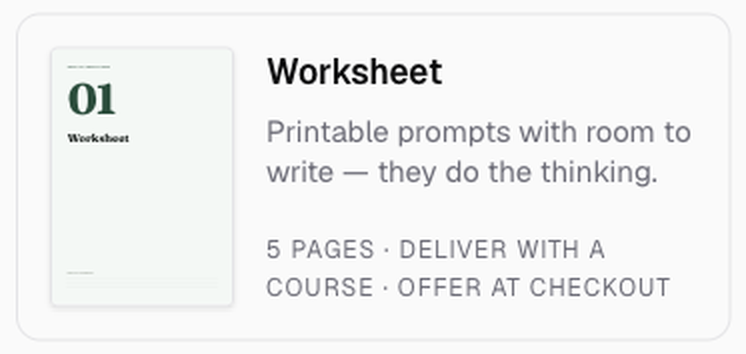
Click Studio in the sidebar, then the Worksheet tile in the Make something grid.
Choose the lesson
Under Where should the words come from?, pick the Course and then one lesson under Write it from. A worksheet works best from the lesson that asks students to apply something: the one where you say "now try this with your own…".
Tell it what to focus on in Anything to add or leave out? if the lesson covers several things. Click Next: pick a look.
Pick a look and make it
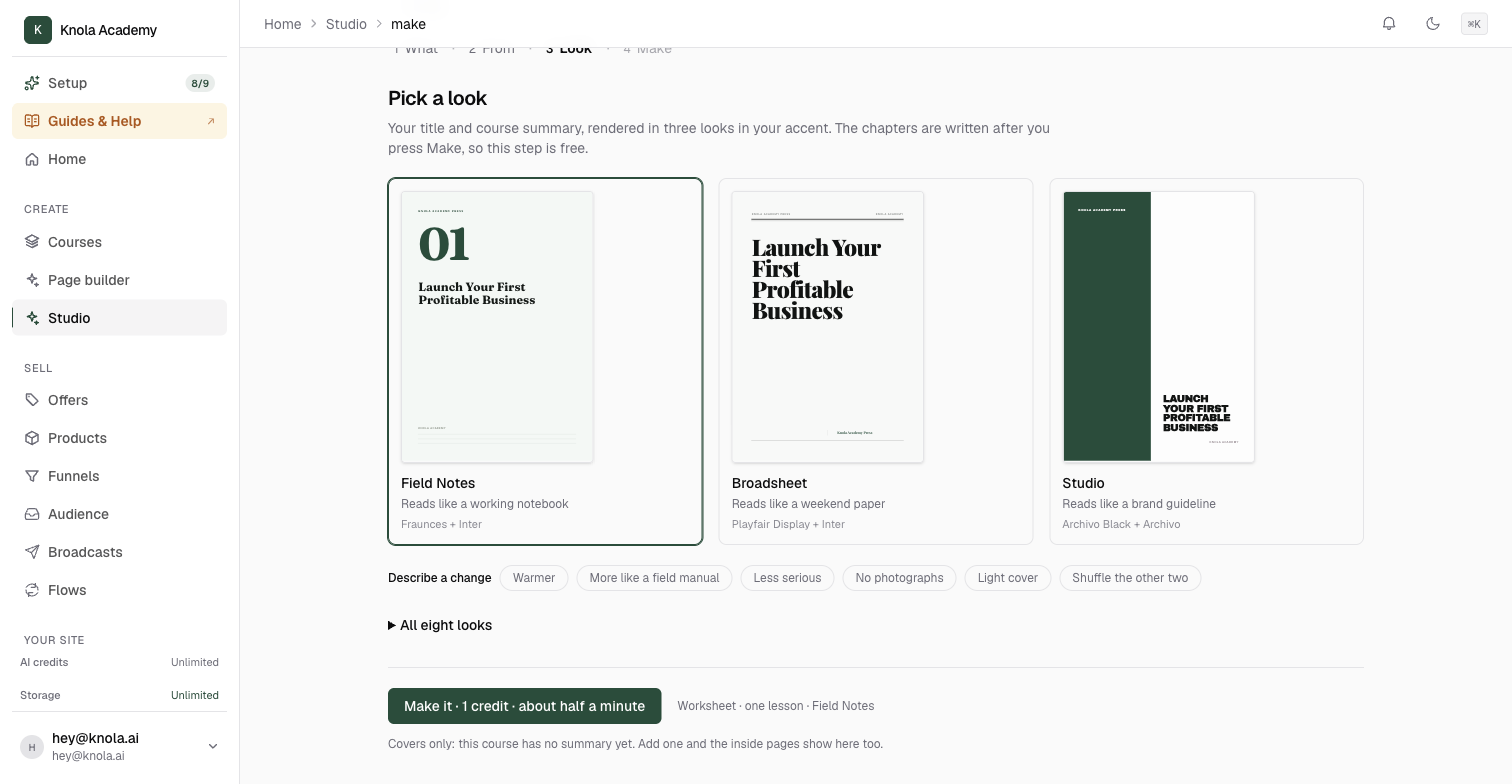
Three looks appear with your title in each. Worksheets default to Field Notes, which suits something people will write on. Something plainer prints better in black and white, so Terminal ("reads like a reference manual") or Archive are worth a look if students will print it at home. Open All eight looks to compare.
Click Make it. About half a minute later the worksheet opens on its own page.
Read it, then deliver it
A good worksheet has three sections that move from diagnosis to decision to action, and every prompt is addressed to the reader as "you", specific to their situation rather than the topic in general. Each prompt carries a one-line hint showing the shape of a good answer, so nobody stares at a blank line. Check that each prompt can be answered in a line or three of handwriting; if one needs an essay, Edit it down.
Then Add to a lesson from the Put it to work panel, so it sits under the lesson it belongs to as a download. The full walkthrough is in How to add a Studio document to a lesson or give it away. Download PDF if you want to hand it out in a live session instead.
Is a worksheet the same as a quiz?
No. A quiz has right answers and is marked; see How to add quizzes that gate progression. A worksheet has prompts with space to write, and the only person who can answer them is the student. Use a quiz to check understanding and a worksheet to make them apply it.
Can students fill it in on screen?
It is a PDF designed for A4, so most people print it or write their answers elsewhere. There is no form-filling inside the document itself.
Can I make one worksheet for the whole course?
Yes, by choosing The whole course as the source. It will be broader and more general. One worksheet per lesson, attached to that lesson, usually serves students better.