
How to go live, and take an offer offline
One click puts an offer and everything it sells live. One click takes it offline again, without locking out anyone who already paid.

 By Knola3 min read
An offer sells through its funnel, its pages and the courses buyers get. Instead of publishing each one by hand, Go live on the offer page does it all at once, and Take offline undoes it.
Check Ready to sell?
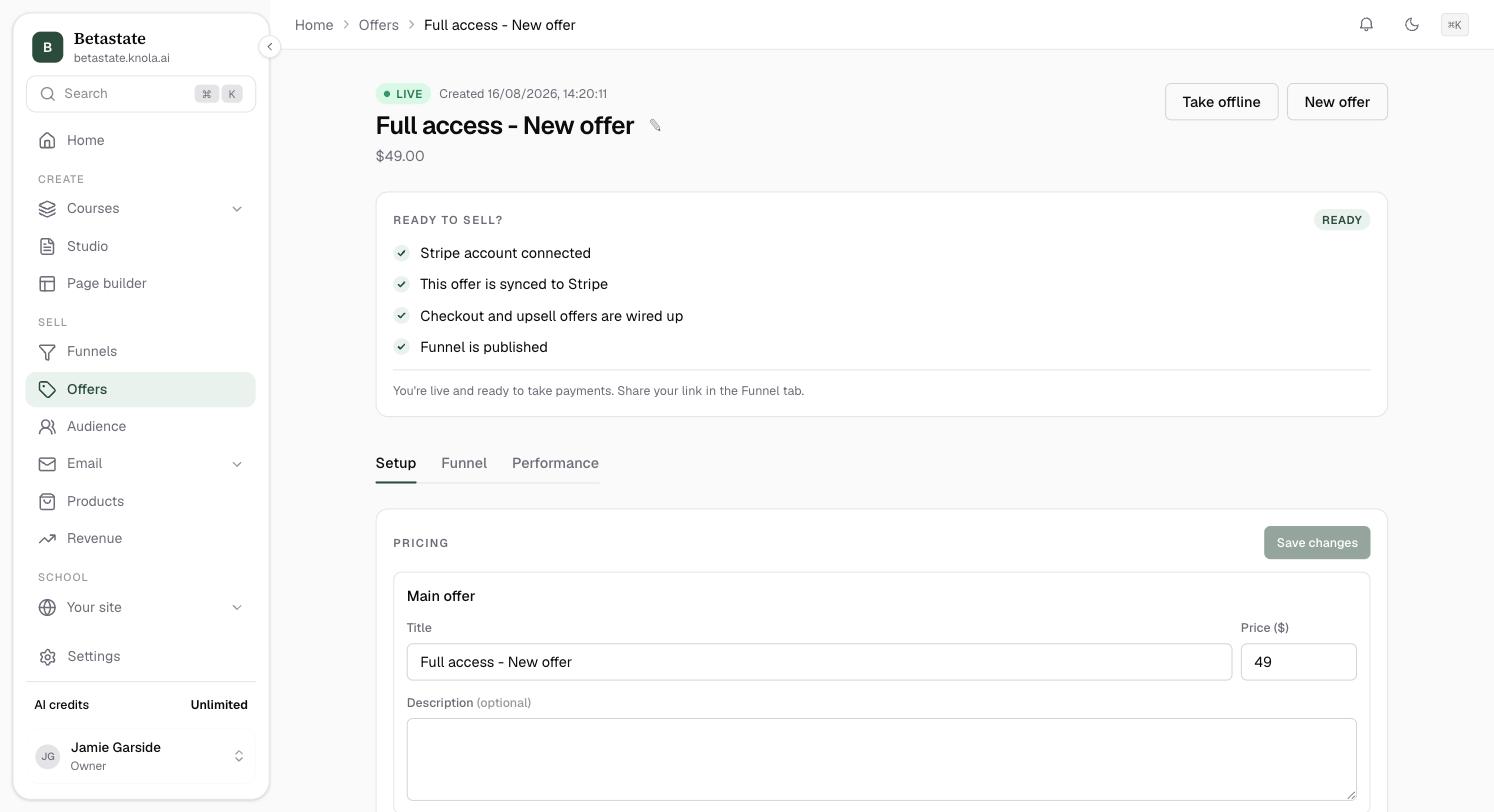
Open the offer from Offers. The Ready to sell? checklist shows the four things that must be true: your Stripe account is connected, the offer is synced to Stripe, the checkout and upsell offers are wired up, and the funnel is published. Until Stripe is connected, the button reads Connect Stripe to go live. See How to connect Stripe.
Go live
Click Go live. Knola asks Go live? and lists exactly what it will do: publish the funnel and your latest page edits, publish the courses buyers get, and put lesson videos and slides live for students. Anything it cannot include is listed too. Confirm, and you see "Everything in this funnel is published and taking payment."
If something blocks it, Knola tells you what instead: Not ready to go live yet, with the reason.
Take it offline
Click Take offline. Knola asks Take offline? and lists what it will do: unpublish the funnel so its link stops selling, unpublish its pages, and put courses back to draft. A course that another offer still sells stays published. Confirm, and nothing in the funnel can be bought. Go live puts it all back.
Remove an offer you no longer need
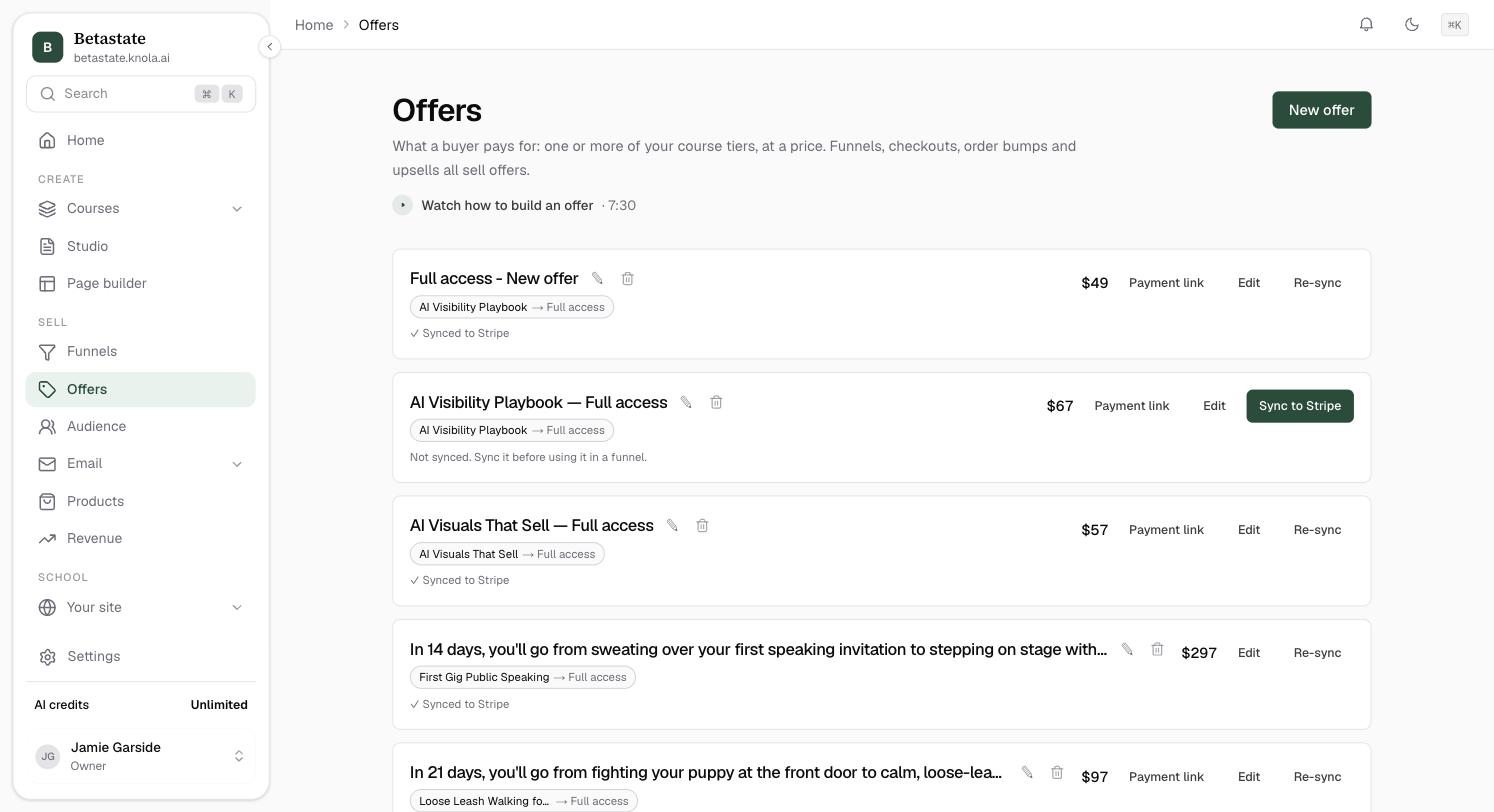
On the Offers list, the bin icon beside an offer's name removes it. If no one has bought it and nothing uses it, you can Delete offer for good. If it has sales, you can Archive offer instead: it stops selling and moves to the Archived list, while its orders and buyers stay exactly as they are. You can restore it any time.
Does taking an offer offline refund anyone?
No. It only stops new sales. And if anyone has already bought, Knola keeps the offer live so they keep their access.
Can I go live without a funnel?
An offer created in Knola comes with its funnel, which is what Go live publishes. You can also sell a course from its own sales page or a payment link.