

How to charge for a live session
Sell seats to a live workshop or masterclass: set the price, limit the places, connect Stripe, and know when ticket sales stop.

 By Knola4 min read
A paid session is a ticket. People pay before the call, Knola sends each buyer their way in, and the money goes to your own Stripe account.
Start a paid session
Click Live in the sidebar, then Create, then Paid session. Give it a title, a date, a time and a length, as in how to create a live session.
Set the price
Type the amount in Price. It is in your school's currency, and the lowest price is 0.50. For a series, the field is the price for all of its calls: one payment covers every call.
Limit the places
Open People under Set up for you. A paid session has 50 places, one for each booking, which is how many people the room holds. Switch on Fewer places to sell fewer. When the last place goes, the page says Sold out.
Buy and join until halfway keeps a single call on sale after it starts, until halfway through. Switch it off and sales stop when the call starts. A series has Join after it starts instead: on, it sells until the last call is over.
Put it on sale
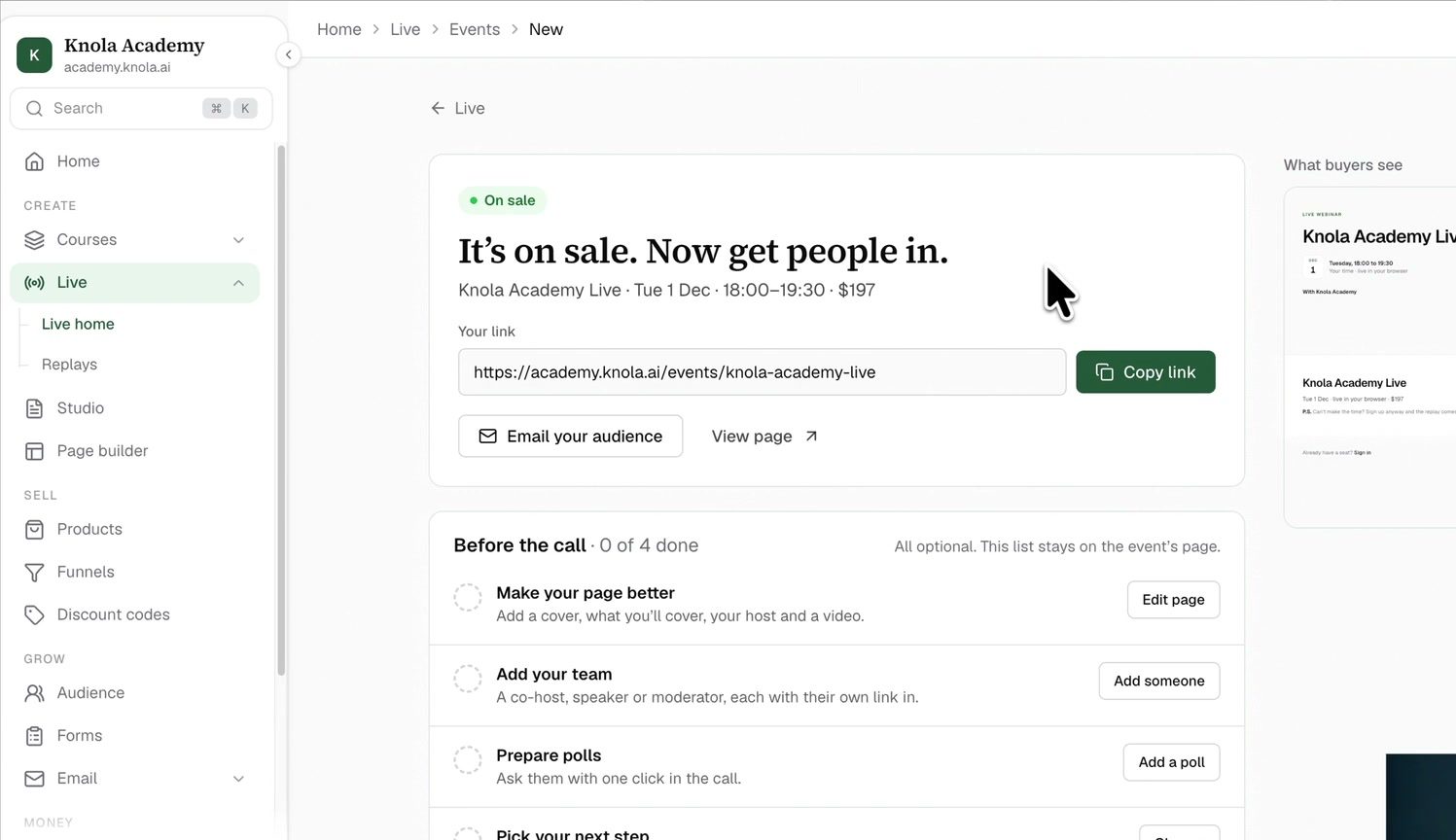
Click Put it on sale. The page is live at once and you get Your link to share.
Check that you can take payments
Buyers pay by card through your Stripe account. If Stripe is not connected yet, the event's screen shows Payments with the line "Connect Stripe so buyers can pay. Until then the ticket can't be bought." and a Connect Stripe button. See how to connect Stripe.
Change the price later
On the event's screen, open Settings, then Price and people, and click Price and ways to pay. The price is one of your prices, so it opens in the same editor as the rest of what you sell.
What the buyer gets
A ticket is a seat: it opens the room for every call of the event, and every recording you publish for it. While someone is at the checkout, their place is held for 35 minutes. If a payment arrives after the last place has gone, Knola refunds it and tells the buyer.
Can I sell tickets to a webinar with Knola?
Yes. Choose Paid session, set a price, and Knola makes the ticket page and the checkout. Payments go to your own Stripe account.
Can I limit how many people can buy a ticket?
Yes. A paid session has 50 places, and Fewer places lowers that. The page shows Sold out when they are gone.
How do I refund a paid live session?
Cancel the event and choose to refund everyone in full. Only the school's owner can refund. See how to cancel or change a live session.